

Tables
Introduction
Section titled “Introduction”TableWidget wraps a configured Table so recent records, queues, or mini indexes can sit beside stats and charts on the Dashboard.
from almasix.orbit.tables import Table, TextColumn, BadgeColumnfrom almasix.orbit.widgets import TableWidget
TableWidget.make("recent_posts")    .heading("Recent posts")    .description("Latest five drafts and publications")    .column_span("full")    .table(        Table.make()        .columns([            TextColumn.make("title").label("Title"),            BadgeColumn.make("status").label("Status"),        ])        .records([            {"title": "Launch Orbit", "status": "published"},            {"title": "Conduit hosts", "status": "draft"},        ])        .paginated(False)    )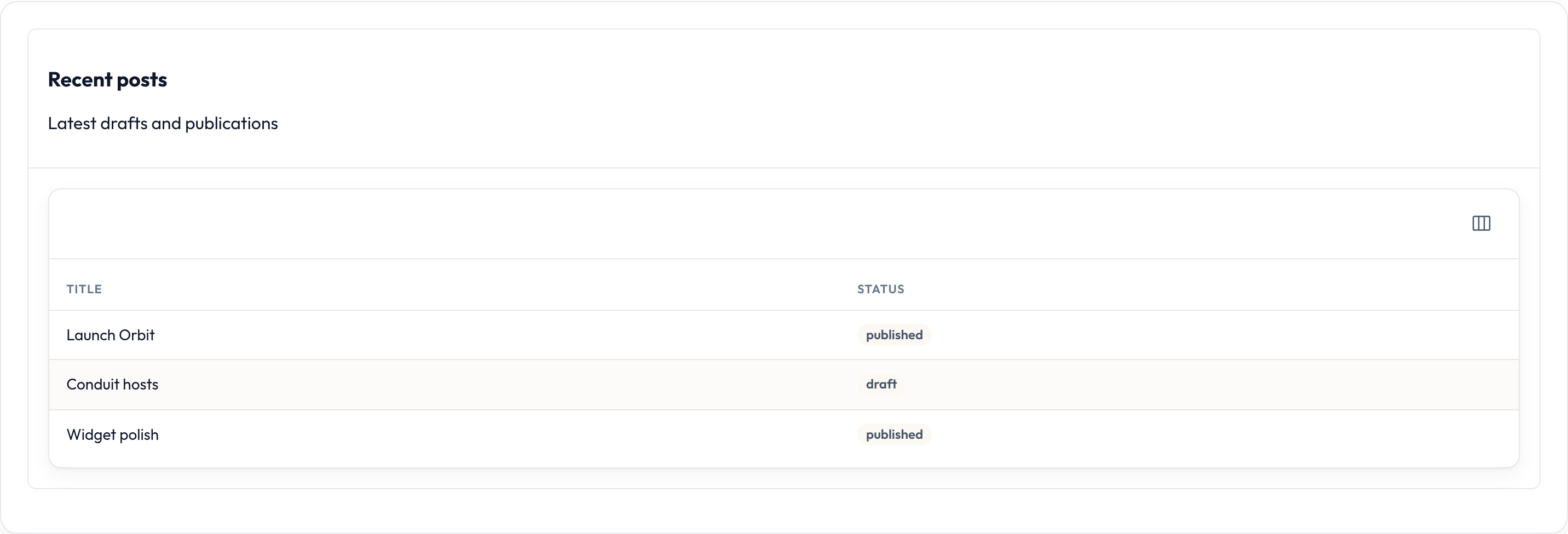
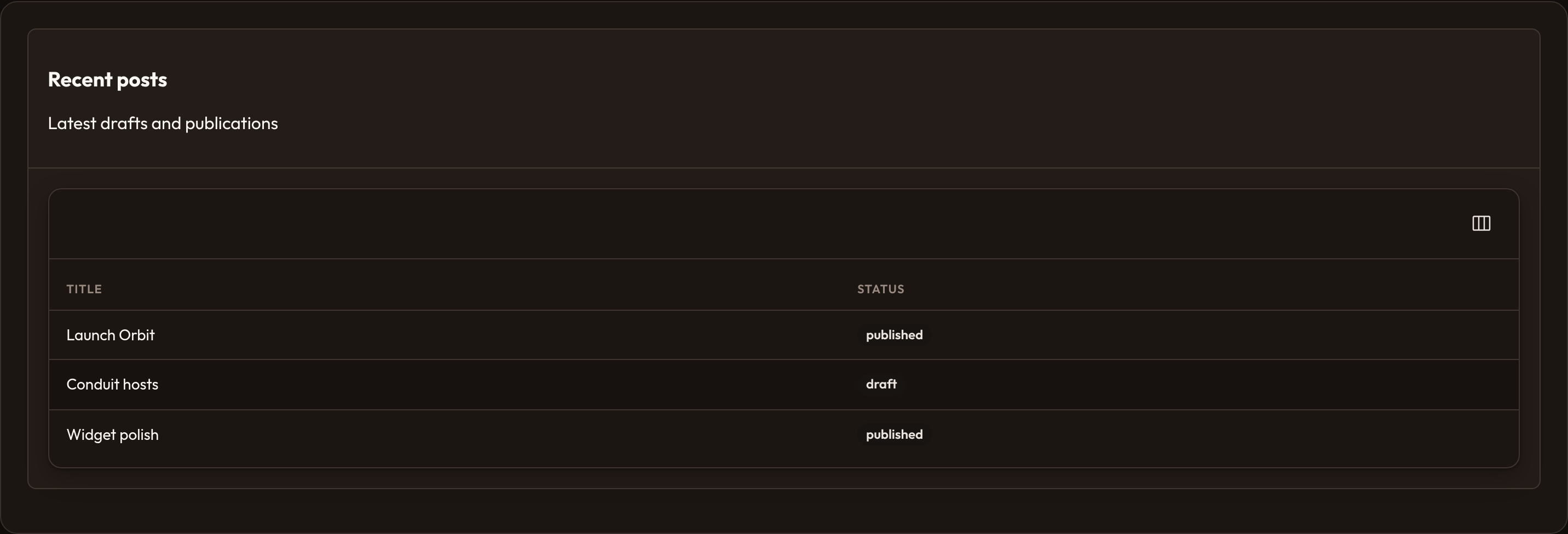
The widget body is the table’s own render() output — same chrome as resource list tables (columns, empty state, optional actions).
Configure the table
Section titled “Configure the table”Build the table with the usual fluent API, then pass it to .table(...). Call .get_table() when you need the instance later.
from almasix.orbit.tables import Table, TextColumnfrom almasix.orbit.widgets import TableWidget
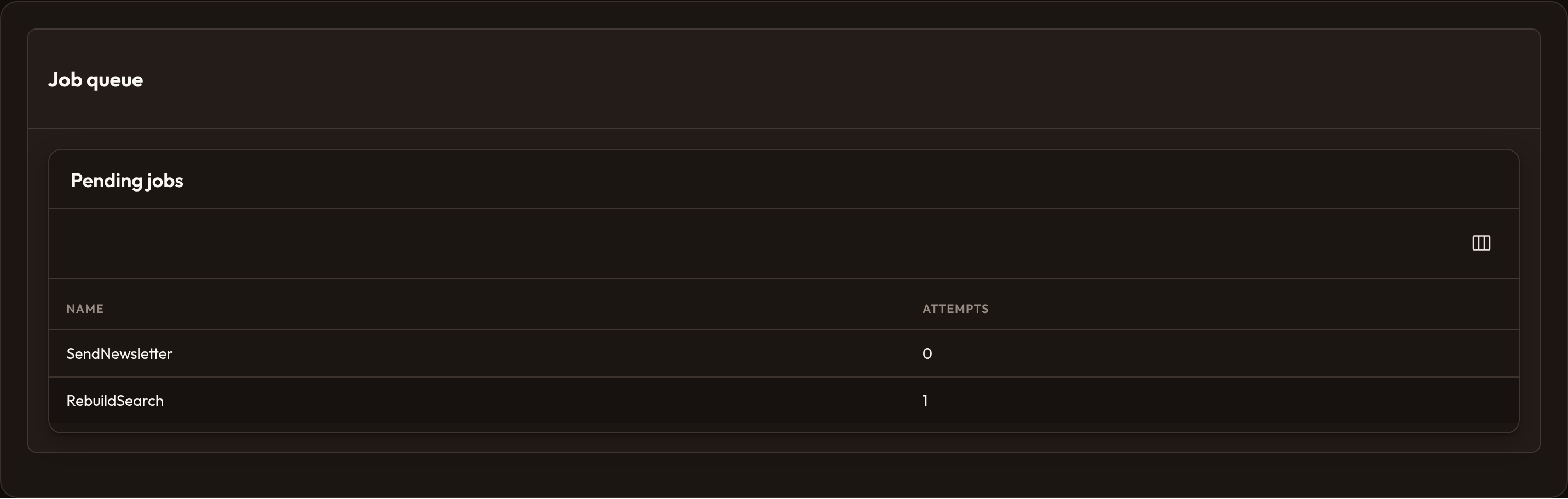
widget = (    TableWidget.make("queue")    .heading("Job queue")    .table(        Table.make()        .heading("Pending jobs")        .columns([            TextColumn.make("name"),            TextColumn.make("attempts"),        ])        .records(pending_jobs)        .paginated(False)    ))
assert widget.get_table() is not None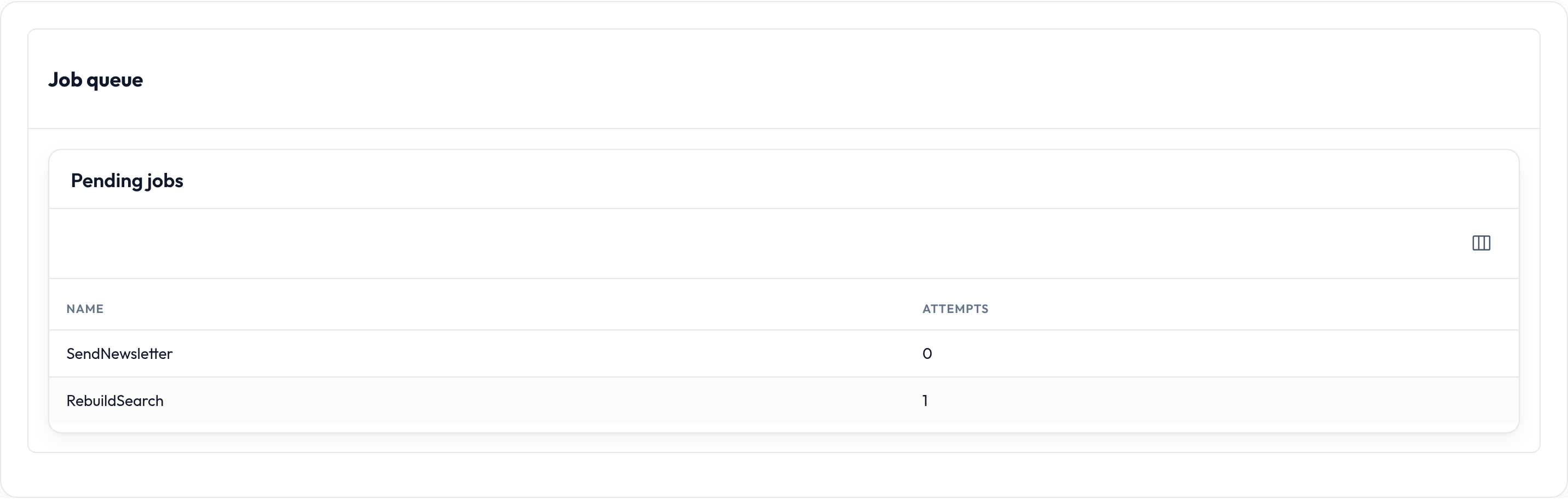
Layout on the dashboard
Section titled “Layout on the dashboard”Use base widget layout helpers so tables don’t squeeze beside narrow charts:
from almasix.orbit.widgets import TableWidget
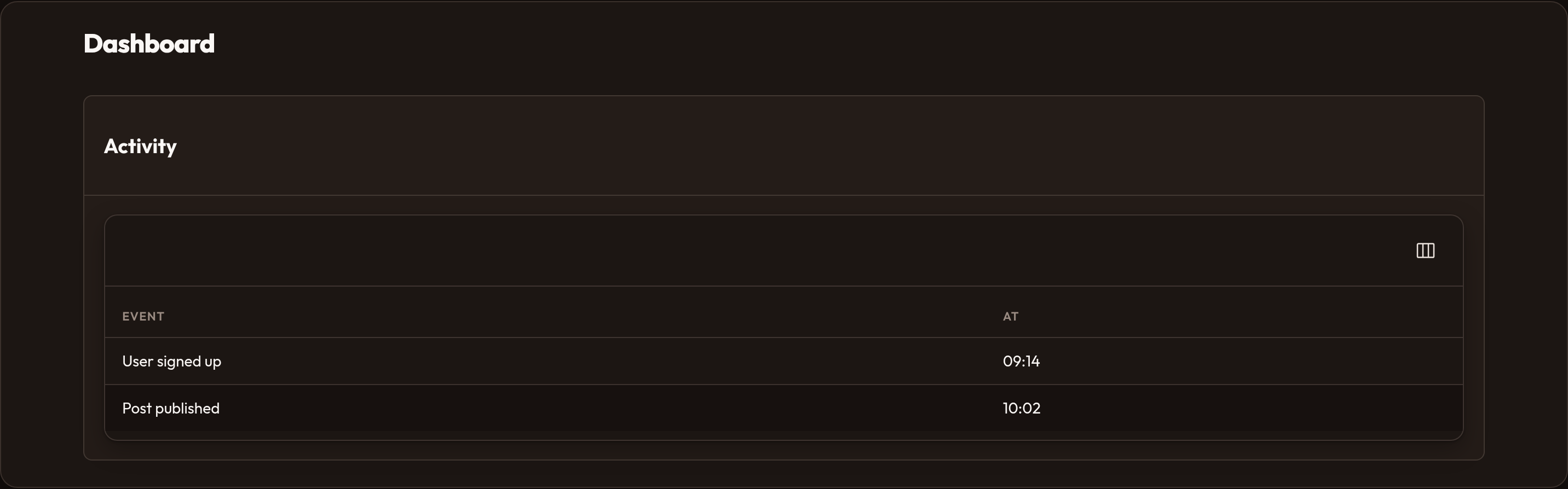
TableWidget.make("full_width")    .heading("Activity")    .column_span_full()    .table(activity_table)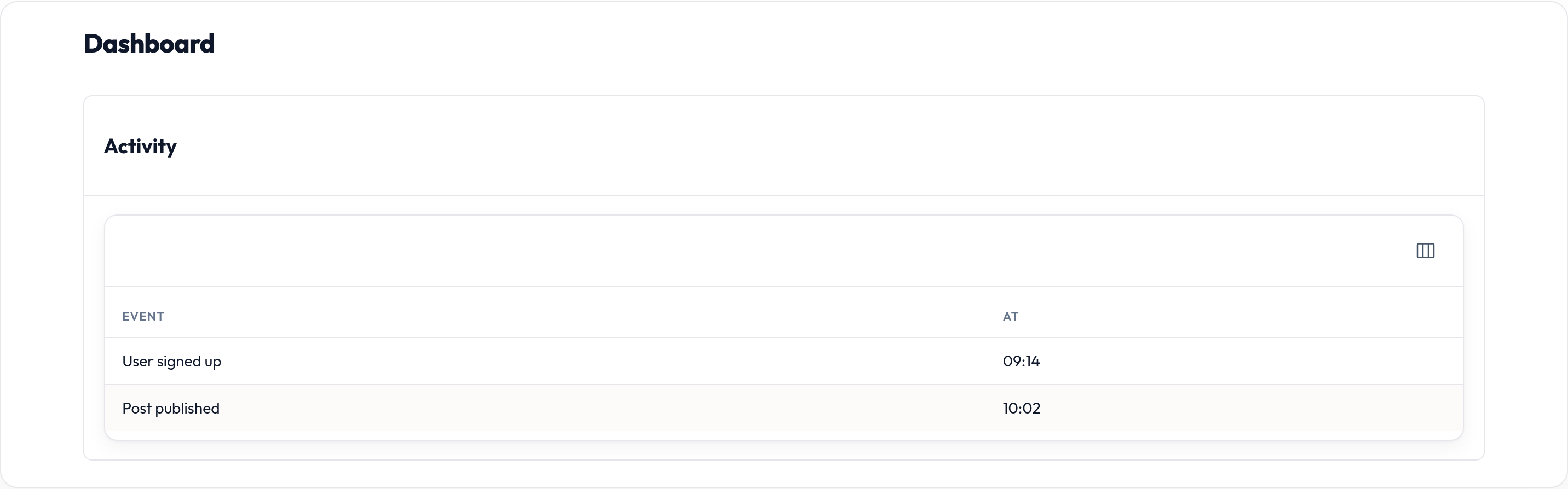
Empty table
Section titled “Empty table”An unset table renders an empty body. Prefer configuring columns + records (even an empty list) so the table empty state can show:
from almasix.orbit.tables import Table, TextColumnfrom almasix.orbit.widgets import TableWidget
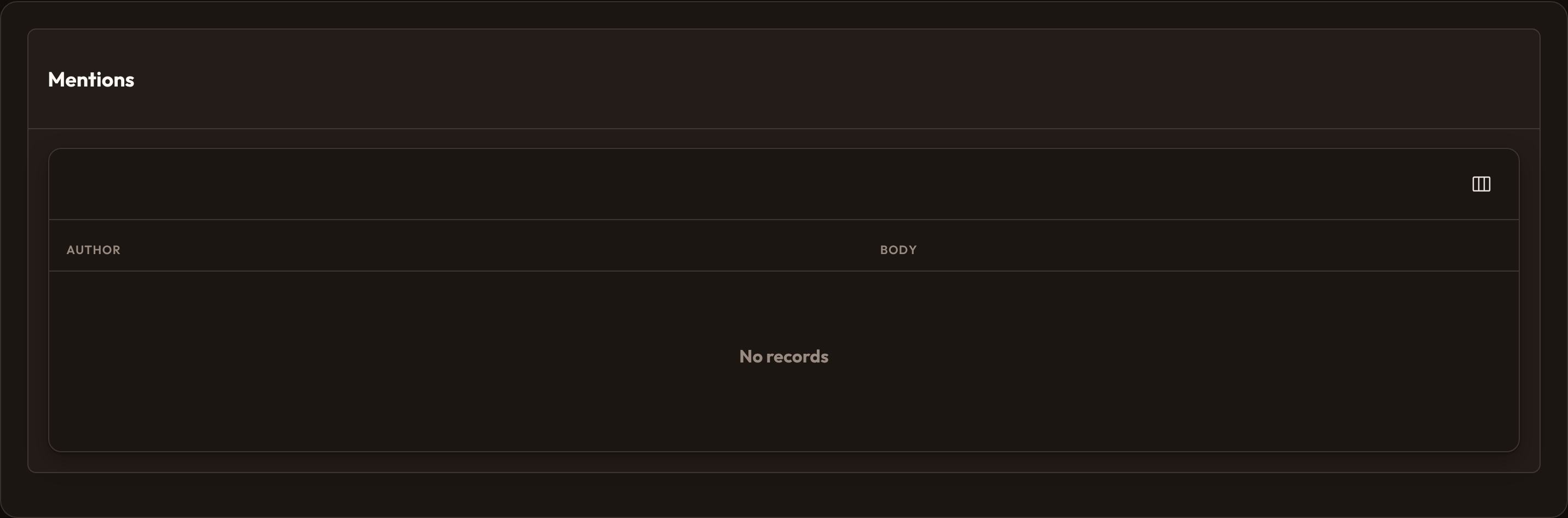
TableWidget.make("empty")    .heading("Mentions")    .table(        Table.make()        .columns([TextColumn.make("author"), TextColumn.make("body")])        .records([])        .paginated(False)    )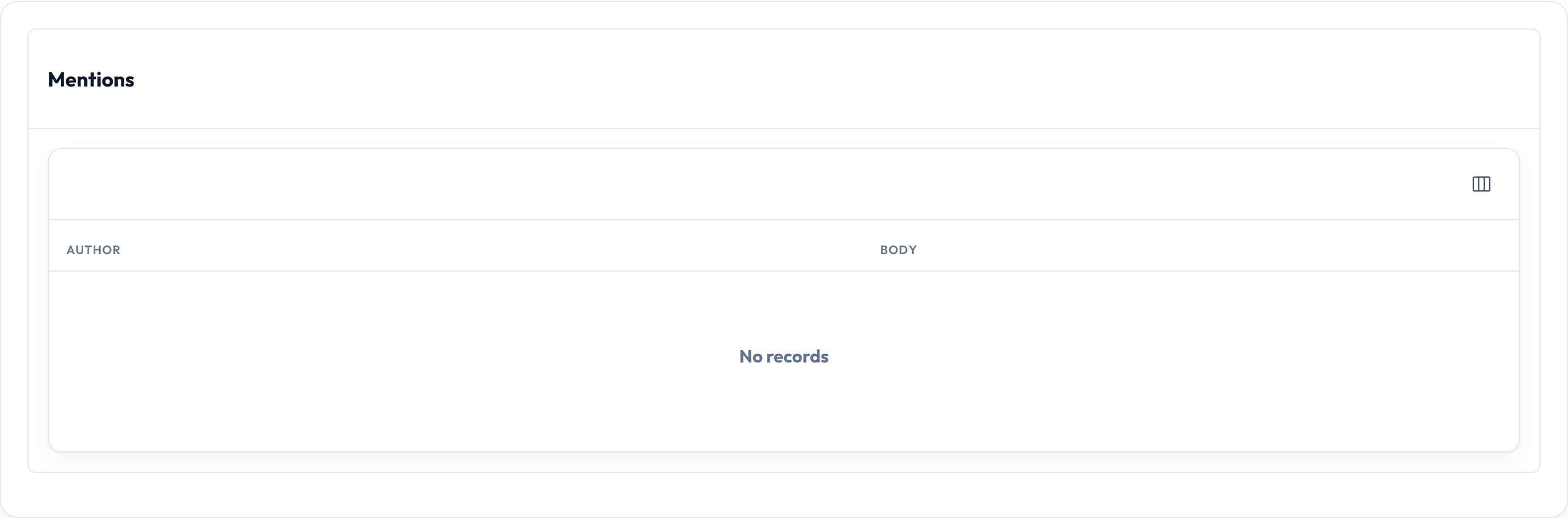
On the dashboard
Section titled “On the dashboard”Subclass TableWidget, build the table in __init__ (or a helper), set sort, and register the class on the panel. Keep dashboard tables small — disable pagination or limit records so the home page stays scannable.