

Split
Introduction
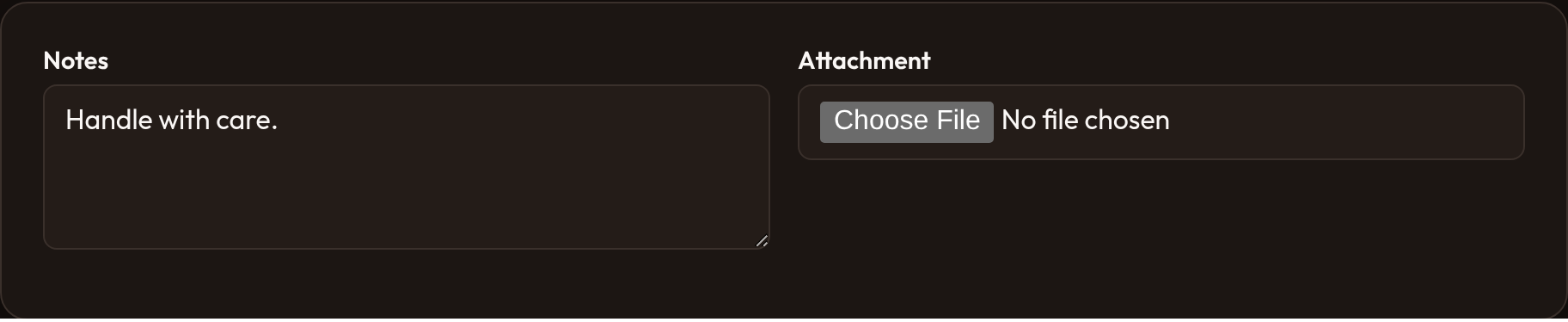
Section titled “Introduction”Split renders children as side-by-side panes that stack below a breakpoint. Ideal for notes beside uploads, a preview beside an editor, or any two (or more) schema columns that should share a row on large screens. Each child is wrapped in or-schema-split-item.
from almasix.orbit.schemas import Splitfrom almasix.orbit.forms import Textarea, FileUpload
Split.make()    .from_breakpoint("md")    .schema([        Textarea.make("notes"),        FileUpload.make("attachment"),    ])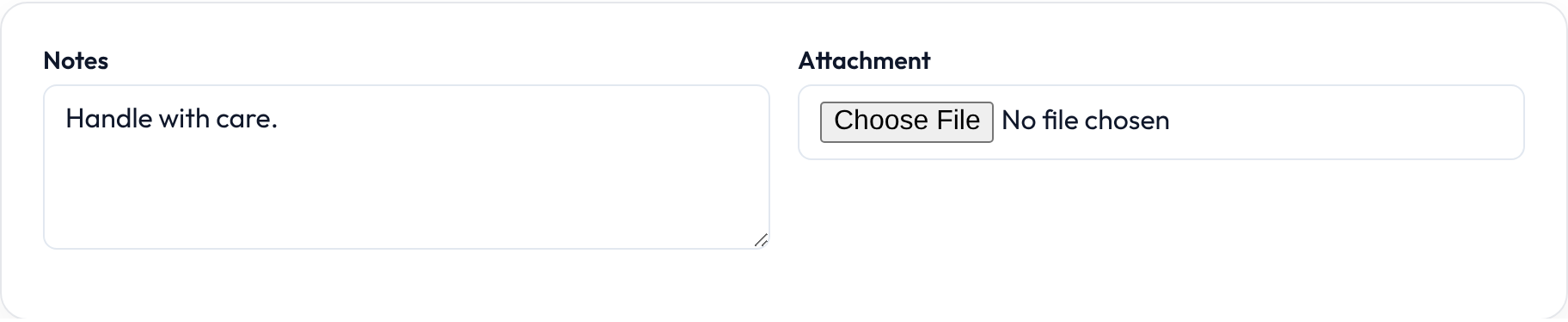
Breakpoint helpers
Section titled “Breakpoint helpers”.from_breakpoint("md") and .from_("md") are equivalent — use whichever reads better in your chain. The modifier class is or-schema-split-from-{breakpoint}:
Split.make().from_("lg").schema([...])Split.make().from_breakpoint("sm").schema([...])Without a breakpoint, the split stays in its default side-by-side class set (no or-schema-split-from-* modifier).
Split vs Flex vs Group
Section titled “Split vs Flex vs Group”| Component | Best for |
|---|---|
| Split | Distinct panes (editor | preview) that stack |
| Flex | Field rows that grow and share one flex line |
| Group | Fusing related fields with optional columns, no panes |
from almasix.orbit.schemas import Split, Fieldsetfrom almasix.orbit.forms import TextInput
Split.make().from_("lg").schema([    Fieldset.make().label("Contact").schema([TextInput.make("email")]),    Fieldset.make().label("Notes").schema([TextInput.make("notes")]),])

Dense and gap
Section titled “Dense and gap”Split.make().dense().gap("sm").from_breakpoint("md").schema([...])API reference
Section titled “API reference”| Method | Role |
|---|---|
.from_breakpoint / .from_ |
Stack below this breakpoint |
.schema |
Child panes |
.dense / .gap / .defer_loading |
Shared layout helpers |
See Layouts for full composition examples.