

Wizards
Introduction
Section titled “Introduction”Wizard guides users through sequential steps with back / continue navigation and an optional skip control. Each step is a labeled schema chunk — ideal for onboarding or multi-page creates without changing routes.
from almasix.orbit.schemas import Wizardfrom almasix.orbit.forms import TextInput, Textarea
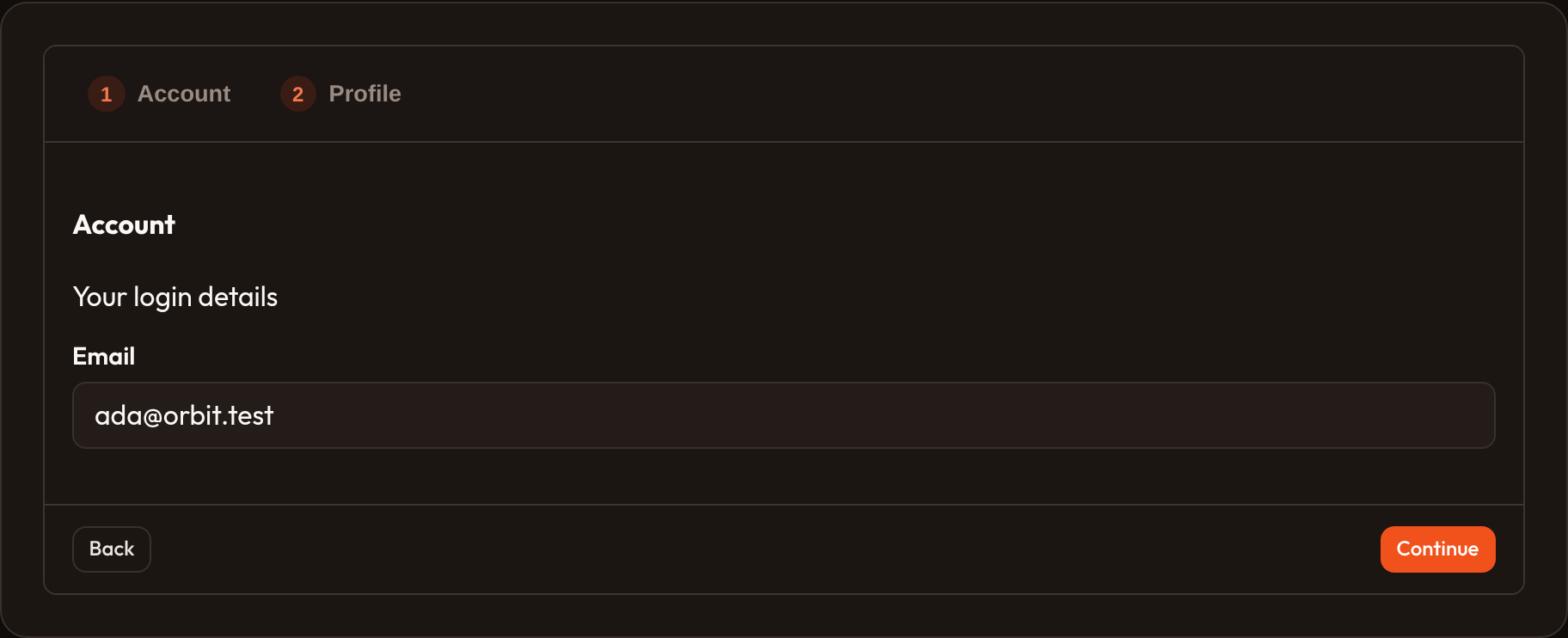
Wizard.make("onboard")    .steps(        {"label": "Account", "schema": [TextInput.make("email")]},        {            "label": "Profile",            "description": "Tell us a little about yourself.",            "schema": [Textarea.make("bio")],        },    )    .start_step(0)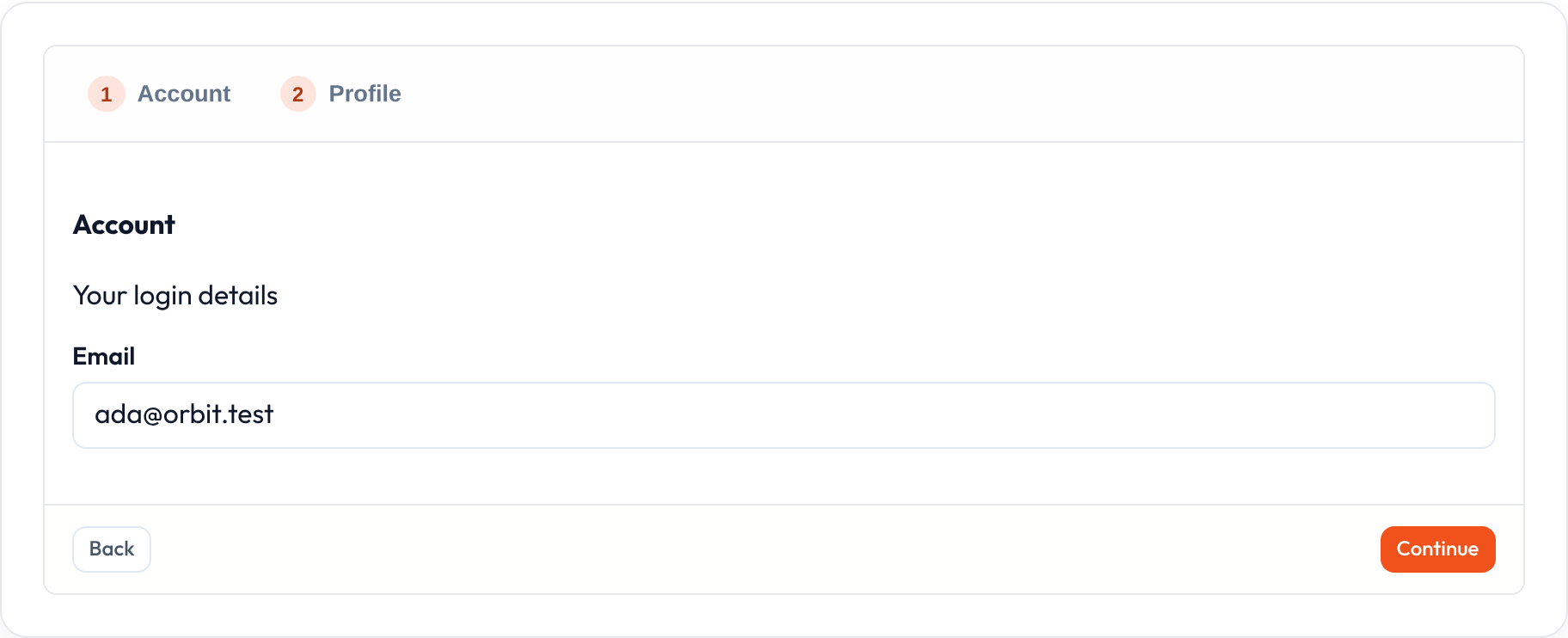
Defining steps
Section titled “Defining steps”.steps(...) accepts dicts or (label, components) tuples. Dict keys: label (or id), schema / components, optional description.
Wizard.make("onboard").steps( ("Account", [TextInput.make("email")]), ("Profile", [TextInput.make("display_name")]),)Skippable and start step
Section titled “Skippable and start step”Wizard.make("onboard") .steps(...) .skippable() # show a Skip control in the footer .start_step(1) # zero-based initial step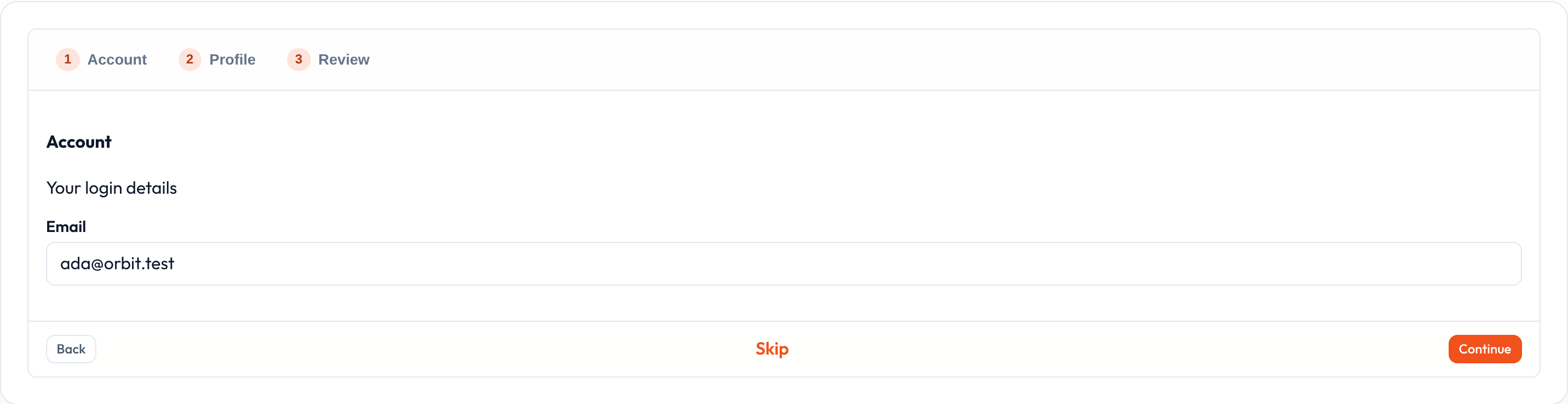
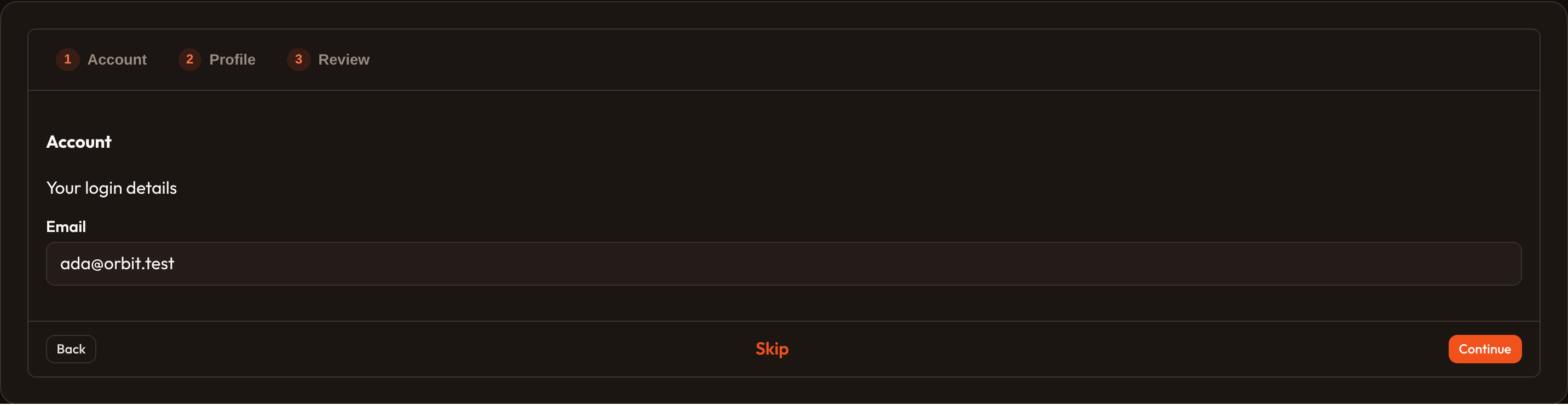
The footer always includes Back and Continue; Alpine keeps step in sync with the nav strip.
API reference
Section titled “API reference”| Method | Role |
|---|---|
.steps |
One or more step defs |
.skippable |
Show Skip in the footer |
.start_step |
Zero-based initial step |
.schema |
Extra children outside step defs (rare) |
For non-linear panels, prefer Tabs.