

Database notifications
Introduction
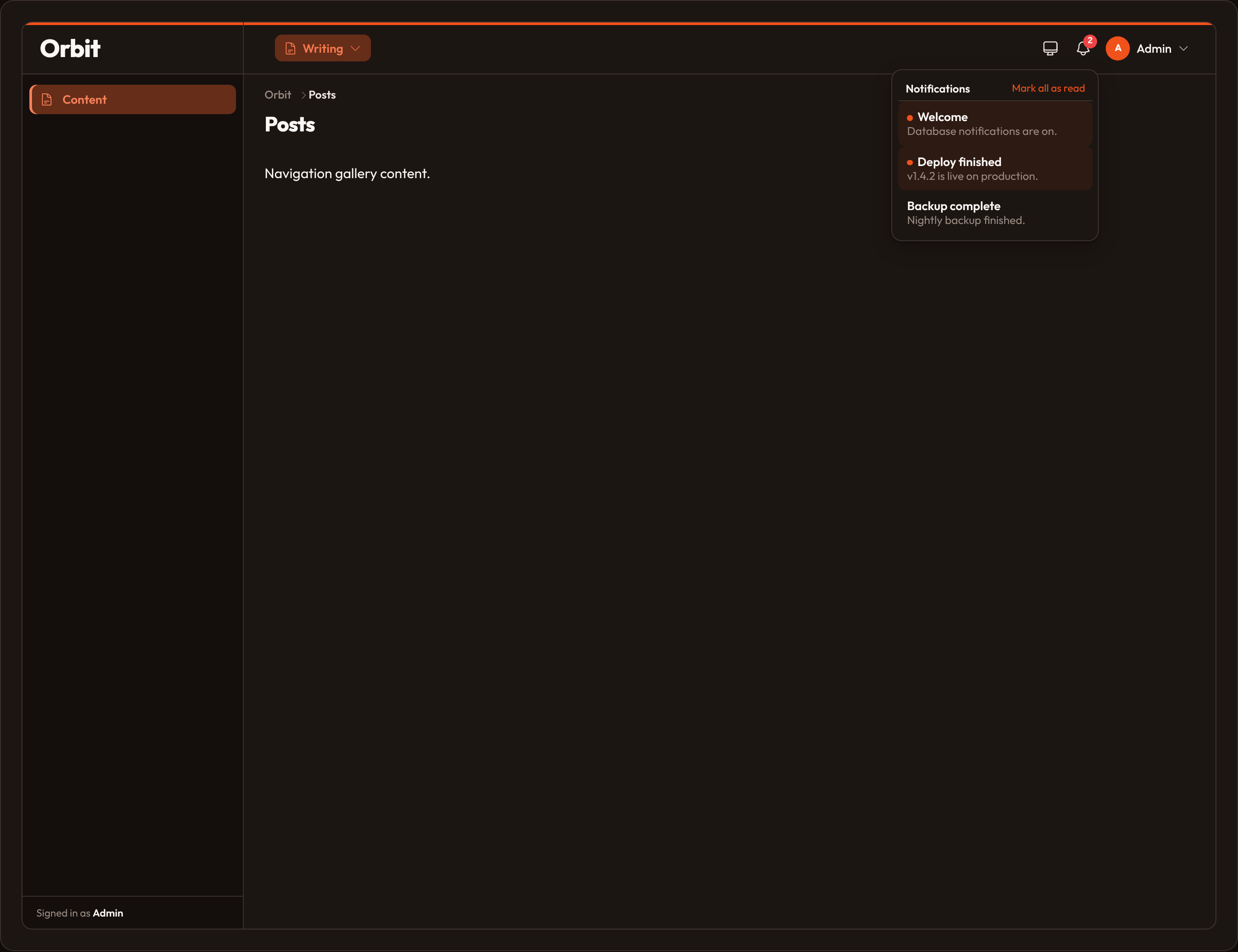
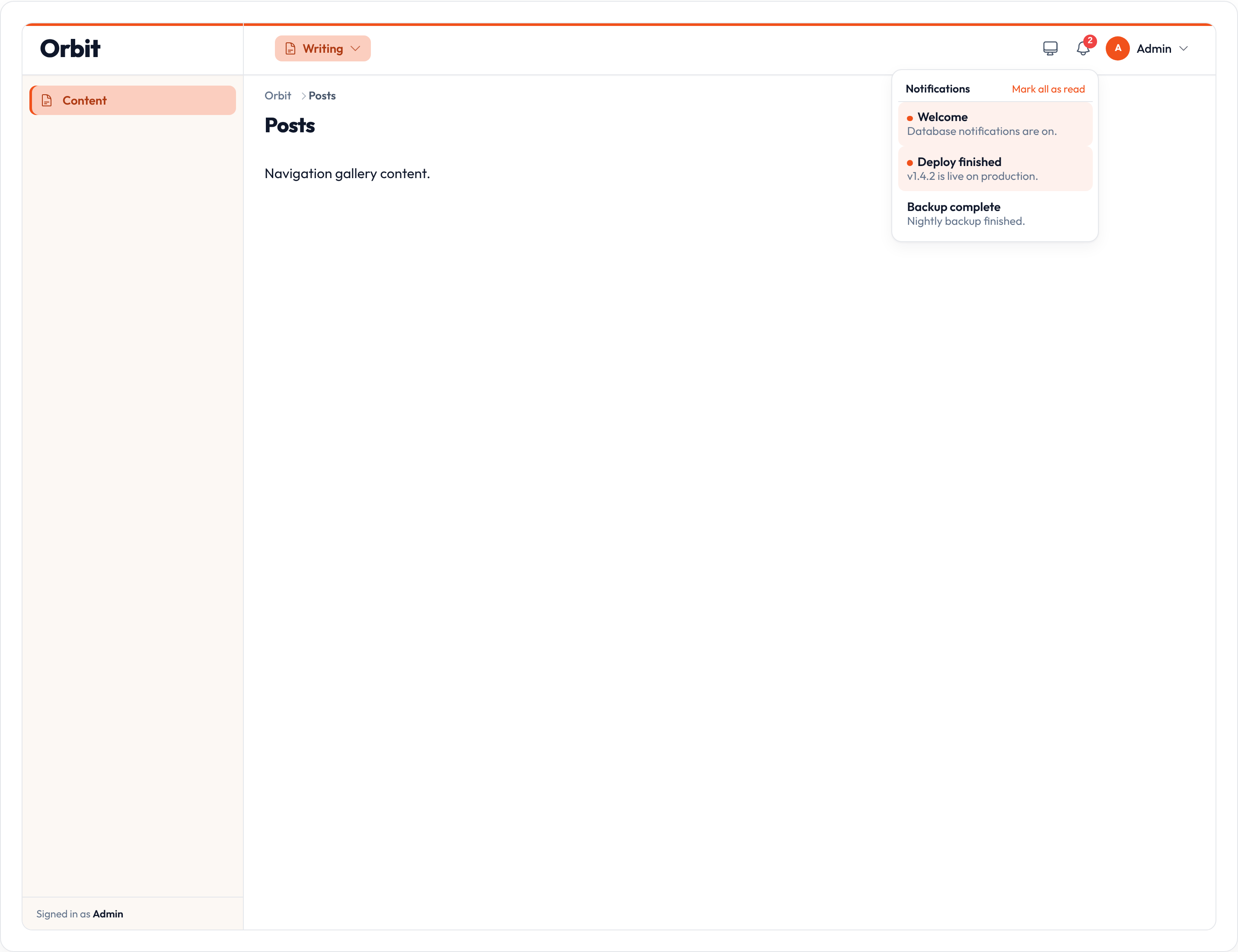
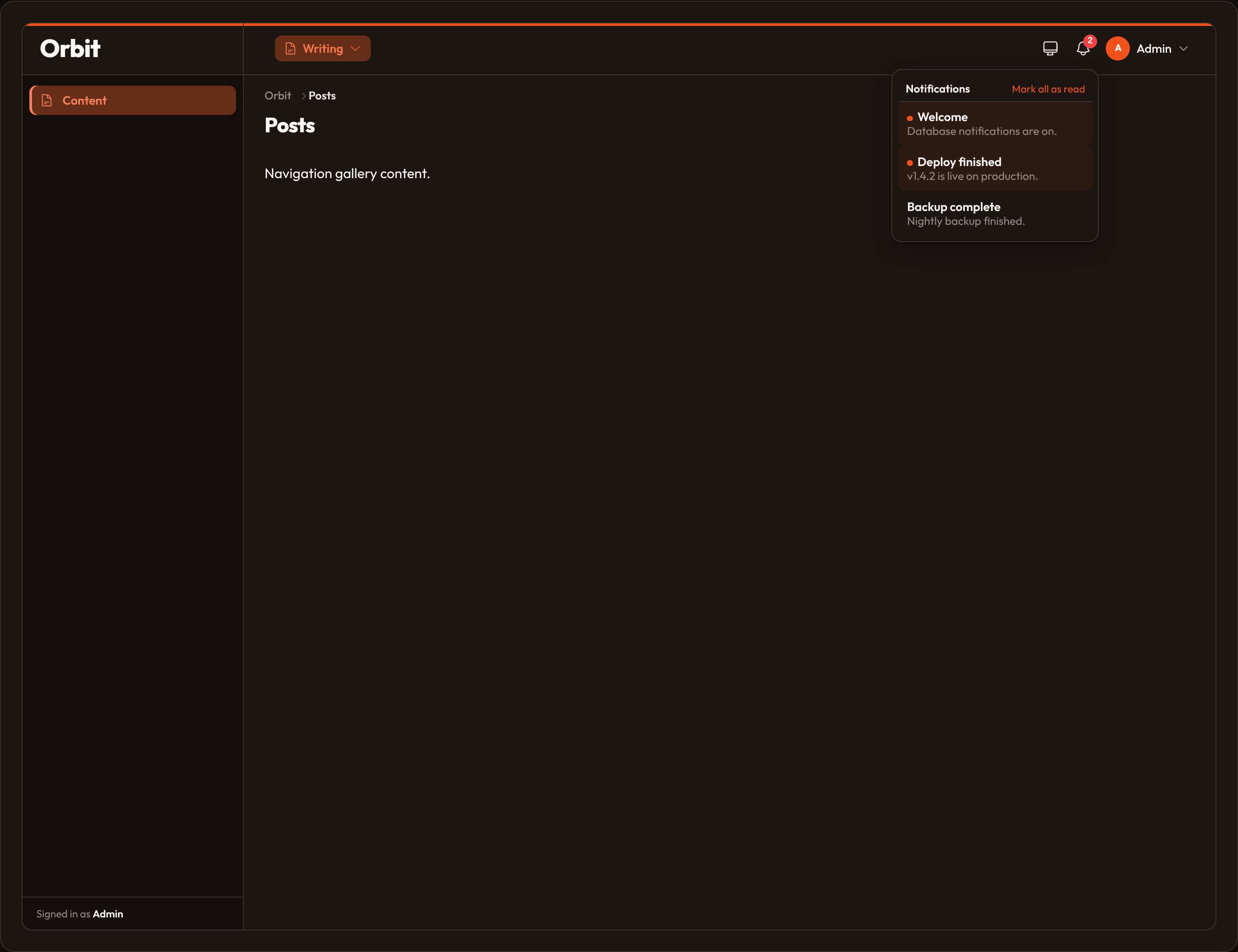
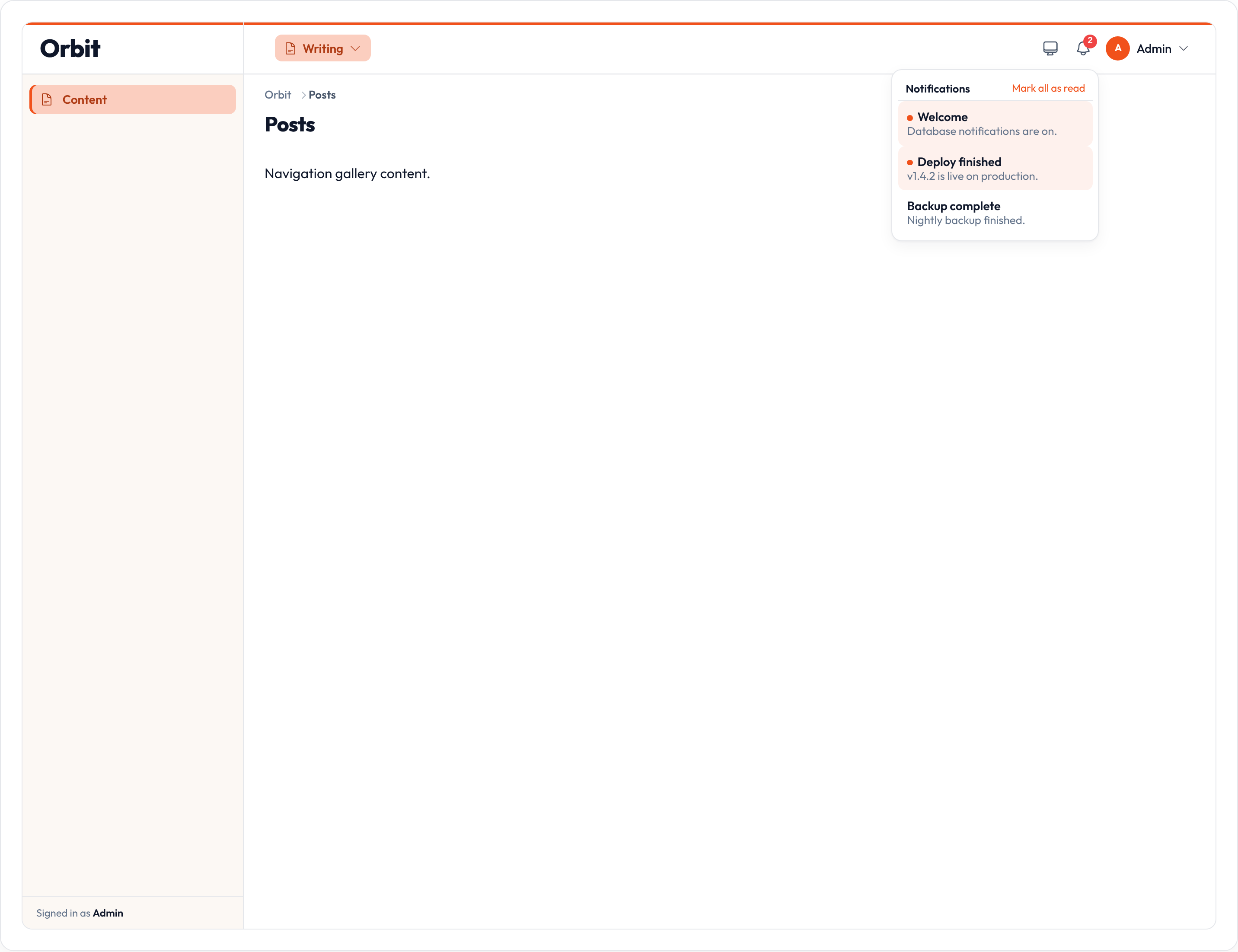
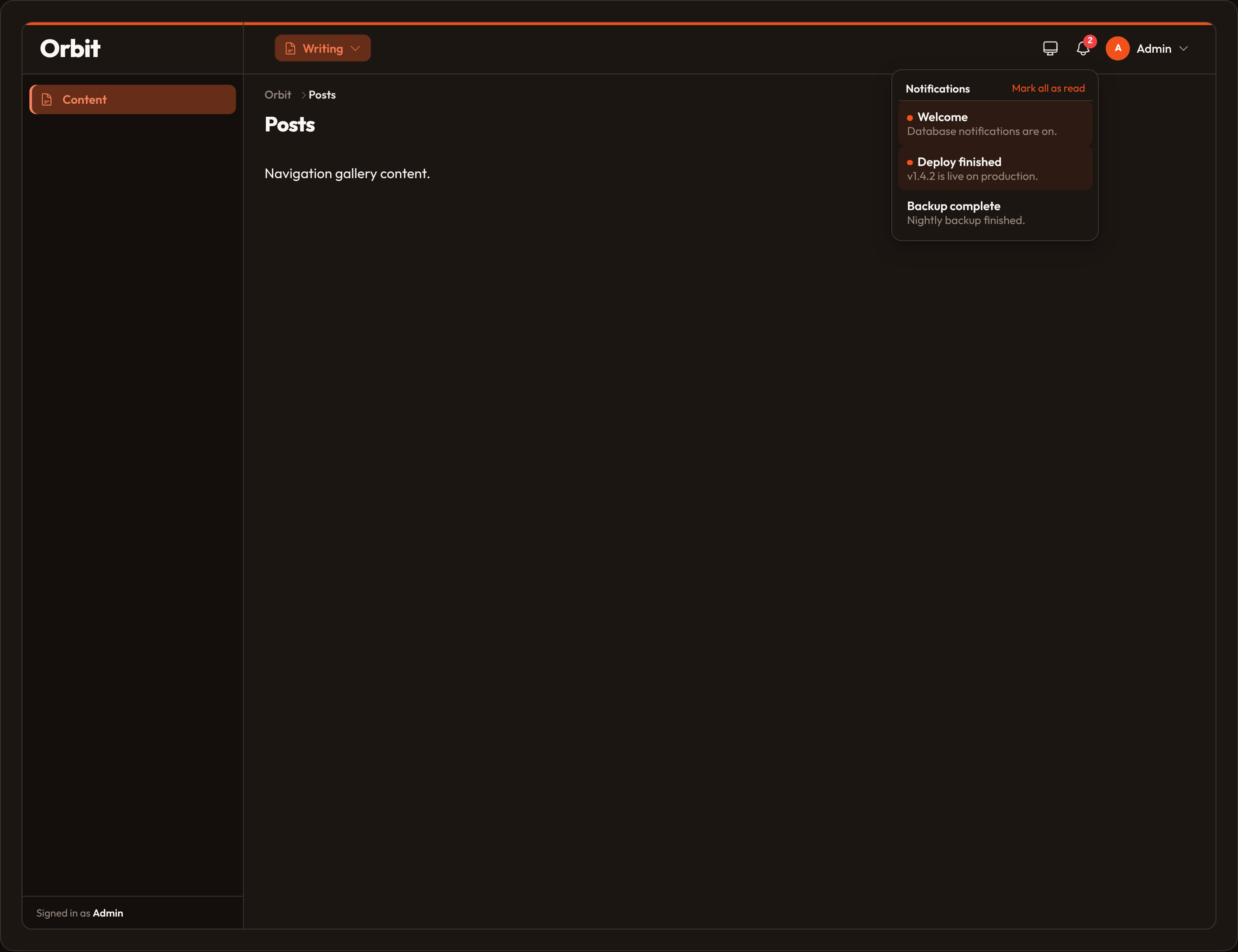
Section titled “Introduction”Database notifications stay in a panel bell until the user marks them read. Unlike flash toasts (which disappear after a few seconds), these messages accumulate so someone can catch up later.
Enable the feature on the panel, optionally seed demo rows, then send new items with .send_to_database(...). Orbit ships an in-memory store by default. For a process that restarts (or multiple workers sharing a file), call .sqlite_notifications(...) — that uses stdlib SQLite and implements the same DatabaseNotificationStore contract.
from almasix.orbit import Panelfrom almasix.orbit.panels.users import PanelNotification
Panel.make("admin")    .path("admin")    .database_notifications([        PanelNotification.make("Welcome")            .body("Database notifications are on.")            .status("success"),        PanelNotification.make("Deploy finished")            .body("v1.4.2 is live.")            .status("info")            .read(),    ])    .sqlite_notifications("orbit-notifications.sqlite")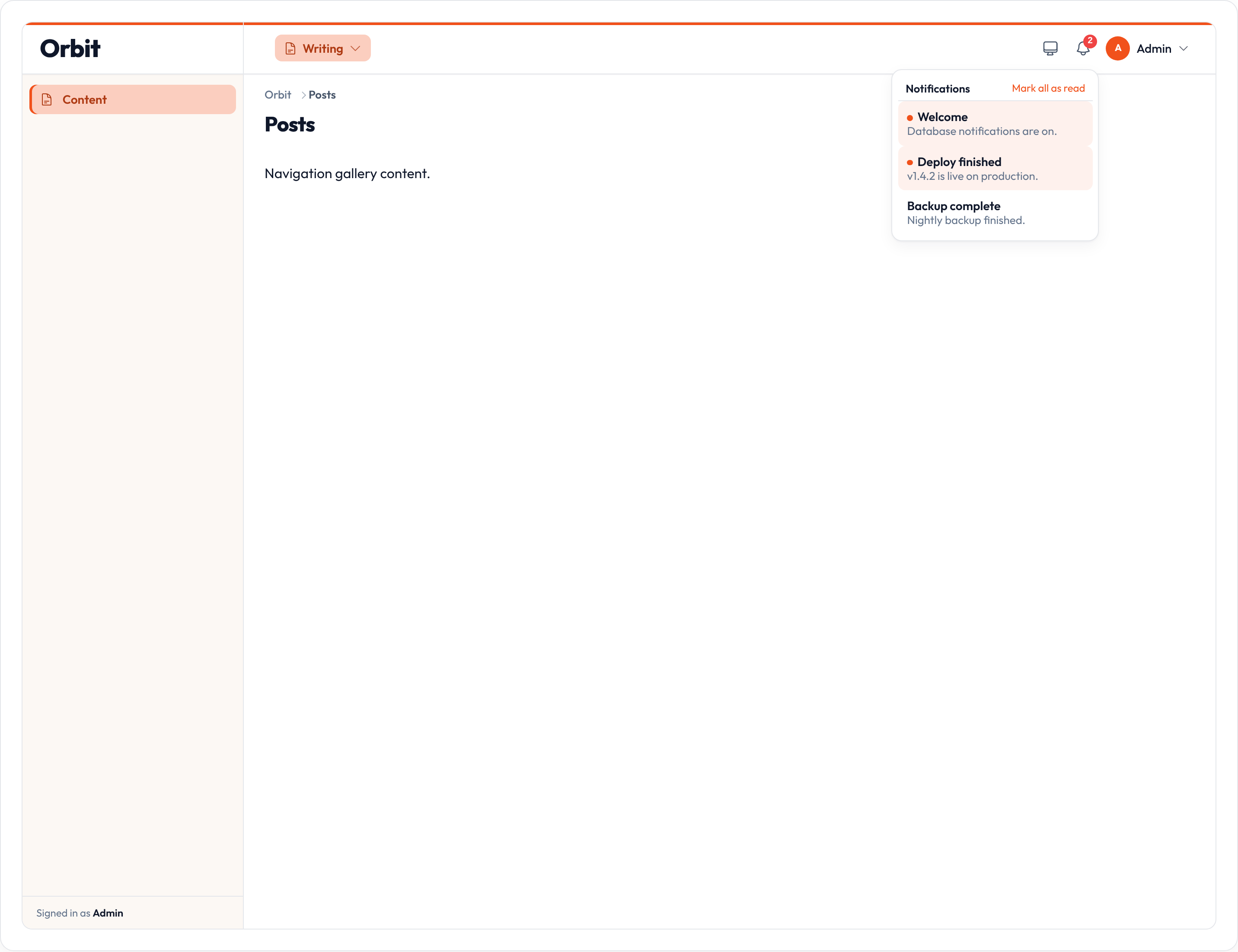
Enabling the bell
Section titled “Enabling the bell”Call .database_notifications(True) to enable an empty bell, or pass a sequence of PanelNotification / dict seeds (enables and registers items). Optional position moves the trigger.
from almasix.orbit import Panel
Panel.make("admin")    .path("admin")    .database_notifications(True)
Panel.make("admin") .path("admin") .database_notifications(True, position="sidebar")| Method | Notes |
|---|---|
.database_notifications |
True / False, or a sequence of seeds |
.database_notifications_position |
topbar (default) or sidebar |
.database_notifications_polling |
'30s', ms int, or None to disable |
.sqlite_notifications |
SQLite file path or ':memory:' (also enables the bell) |
.database_notifications_store |
Plug in any DatabaseNotificationStore |
.notification |
Append one seed (also enables the feature) |
Sending database notifications
Section titled “Sending database notifications”Use the fluent API’s .send_to_database(...) (or .to_database() then .send()). Pass a user/recipient when your store keys by principal. Set is_event_dispatched=True when you want an immediate refresh signal for the bell UI (for example after a live write).
from almasix.orbit.notifications import Notification
Notification.make()    .title("New comment")    .body("Alex replied on Launch Orbit.")    .info()    .send_to_database(user, is_event_dispatched=True)

The default InMemoryDatabaseNotificationStore is enough for demos and tests. .sqlite_notifications("orbit-notifications.sqlite") persists rows with stdlib SQLite (upsert on id). Swap in any DatabaseNotificationStore via .database_notifications_store(...) or Notifier.use_store(...) (save, mark_read, mark_unread, mark_all_read, get_for_user).
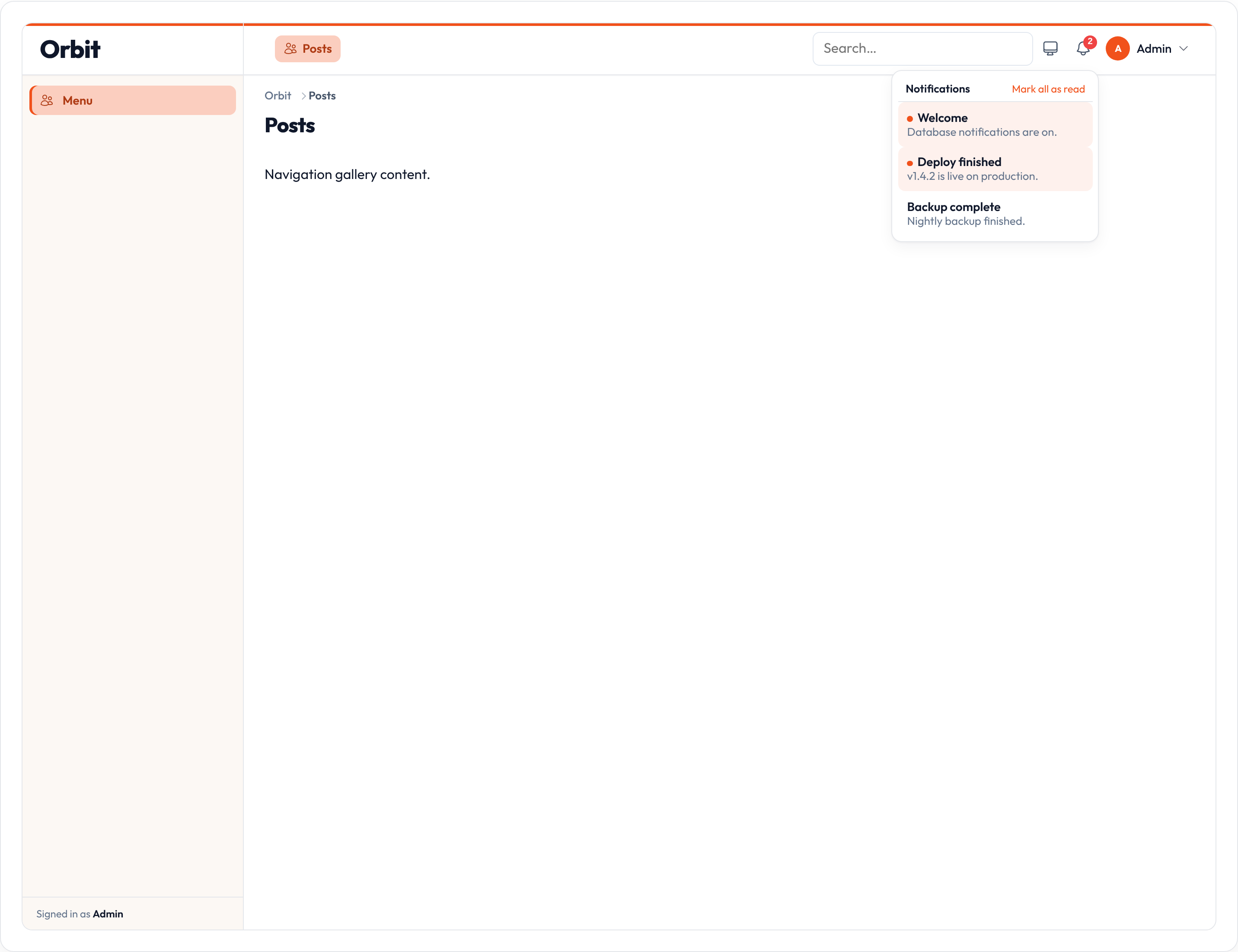
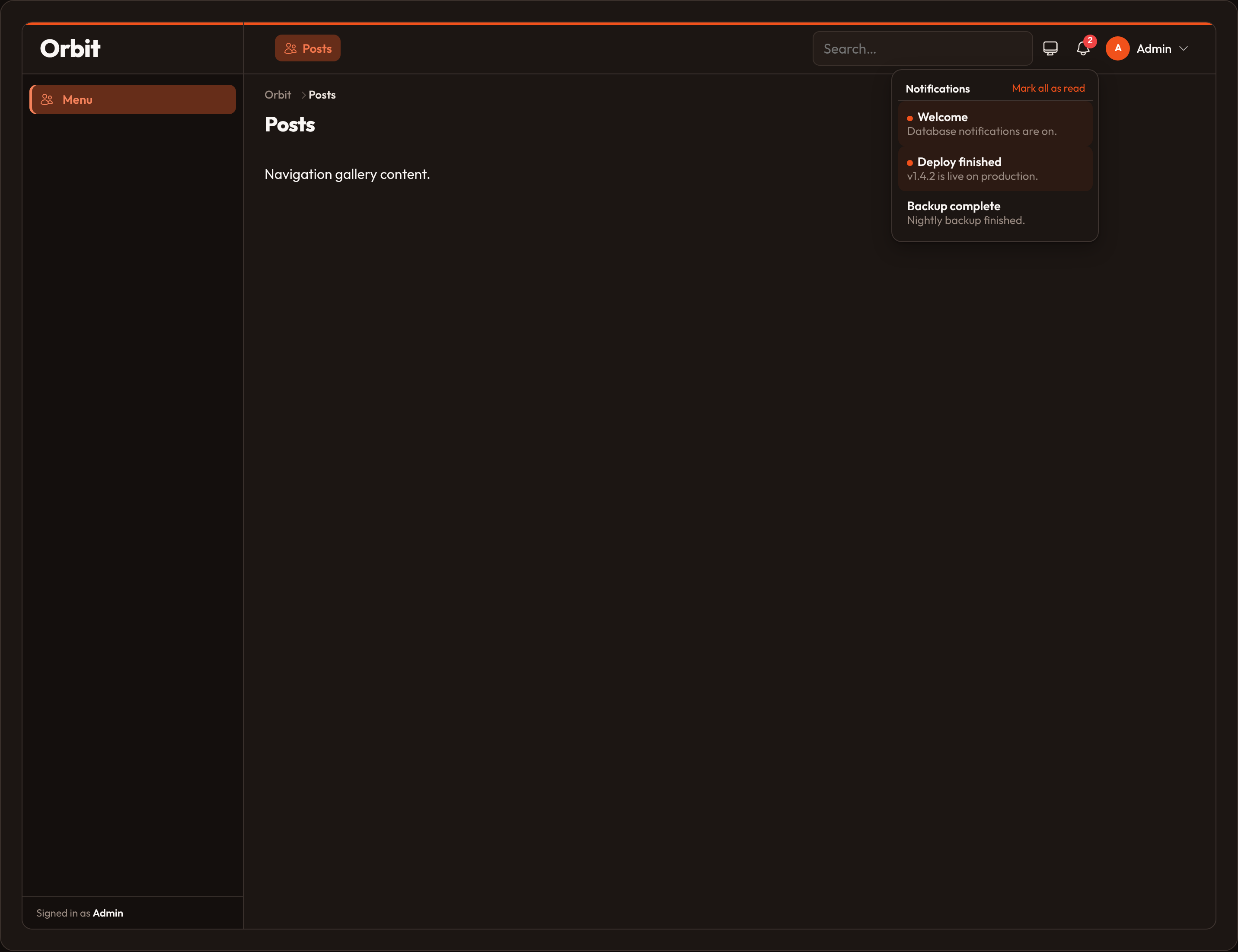
When the bell is enabled, Orbit also mounts GET/POST {panel}/orbit-notifications. The Alpine orbitDatabaseNotifications component polls that URL and posts mark-read updates so the store stays in sync without a full page reload.
Position
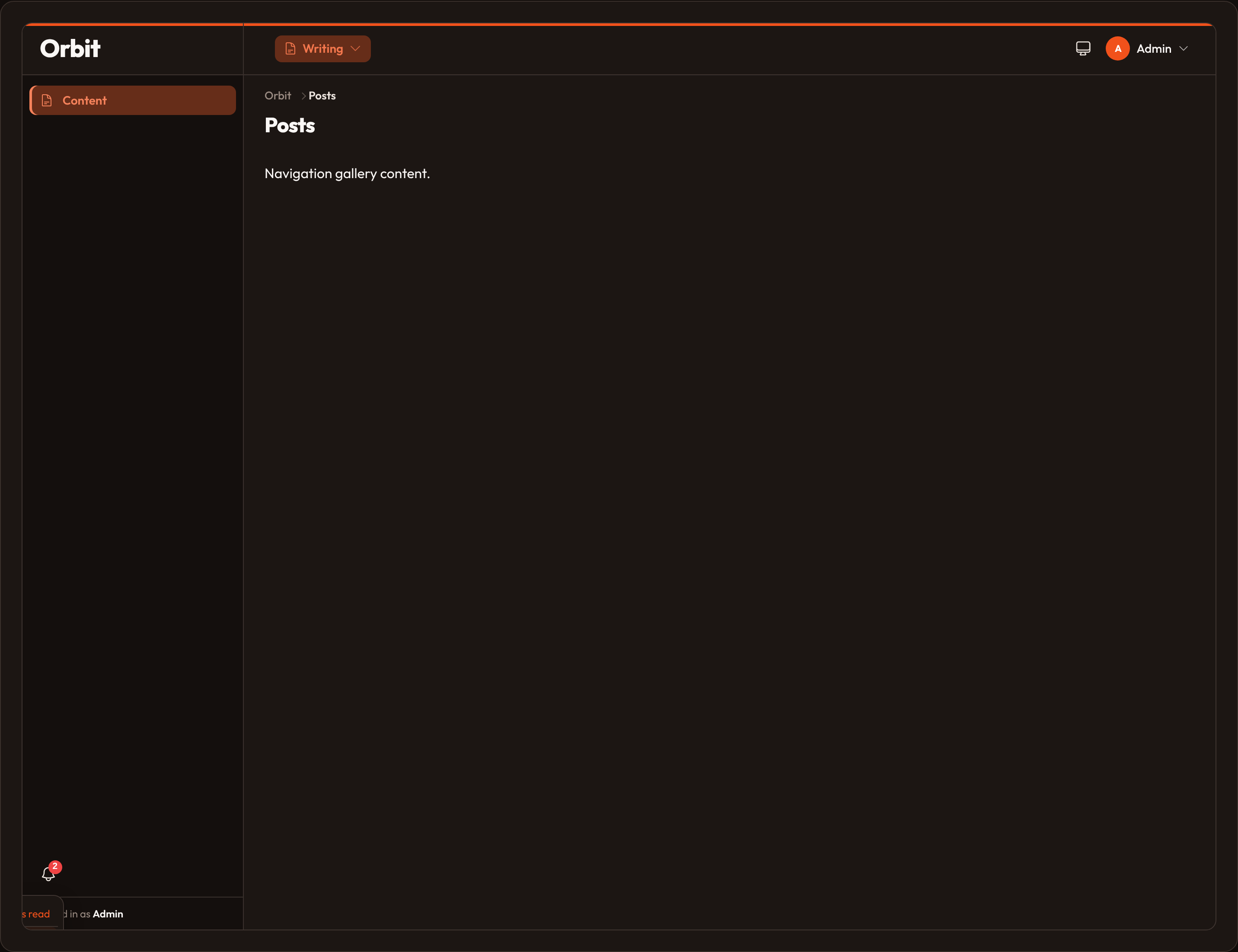
Section titled “Position”Top bar (default) places the bell next to theme / user chrome. Sidebar nests it above the nav list.
from almasix.orbit import Panel
Panel.make("admin")    .path("admin")    .database_notifications(True)    .database_notifications_position("sidebar")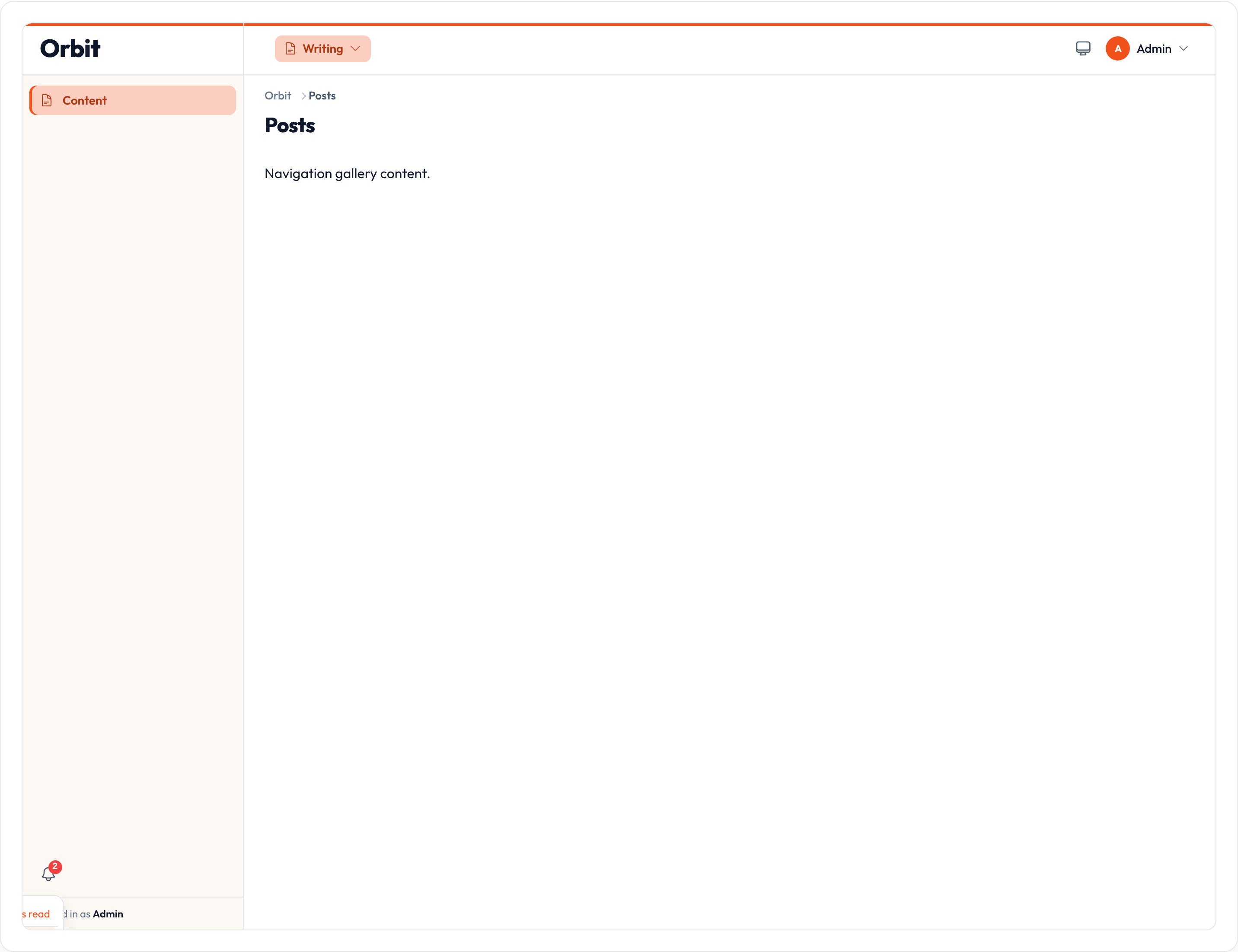
Polling
Section titled “Polling”The Alpine orbitDatabaseNotifications component polls on an interval (default 30s). Pass '15s', a millisecond int, or None. When the panel bell is on, each poll hits {panel}/orbit-notifications and replaces the list from the store.
from almasix.orbit import Panel
Panel.make("admin")    .path("admin")    .database_notifications(True)    .database_notifications_polling("15s")    .sqlite_notifications("orbit-notifications.sqlite")
Apps can still listen for orbit:database-notifications-poll / dispatch orbit:database-notifications-refresh to replace or refresh the list.
Marking as read
Section titled “Marking as read”The panel UI marks a row read on click and exposes Mark all as read. From Python, use the store:
from almasix.orbit.notifications import get_notifier
store = get_notifier().storestore.mark_read(notification_id, user=user)store.mark_all_read(user=user)
Notification actions can set .mark_as_read() / .mark_as_unread() for toast/database footers.
Related: Overview, Broadcast notifications.