

Query builder
Introduction
Section titled “Introduction”The query builder is the control for stacking several conditions on a list of records. Each condition is a constraint (which attribute, which operators, which value widget) plus a rule (the operator and value in force). Combine rules with all (AND, the default) or any (OR).
QueryBuilder.apply() walks an in-memory list of dicts or objects. Attach the same builder to a table with QueryBuilderFilter so the funnel panel shows the constraint rows instead of a single select.
from almasix.orbit.query_builder import (    BooleanConstraint,    DateConstraint,    NumberConstraint,    QueryBuilder,    SelectConstraint,    TextConstraint,)
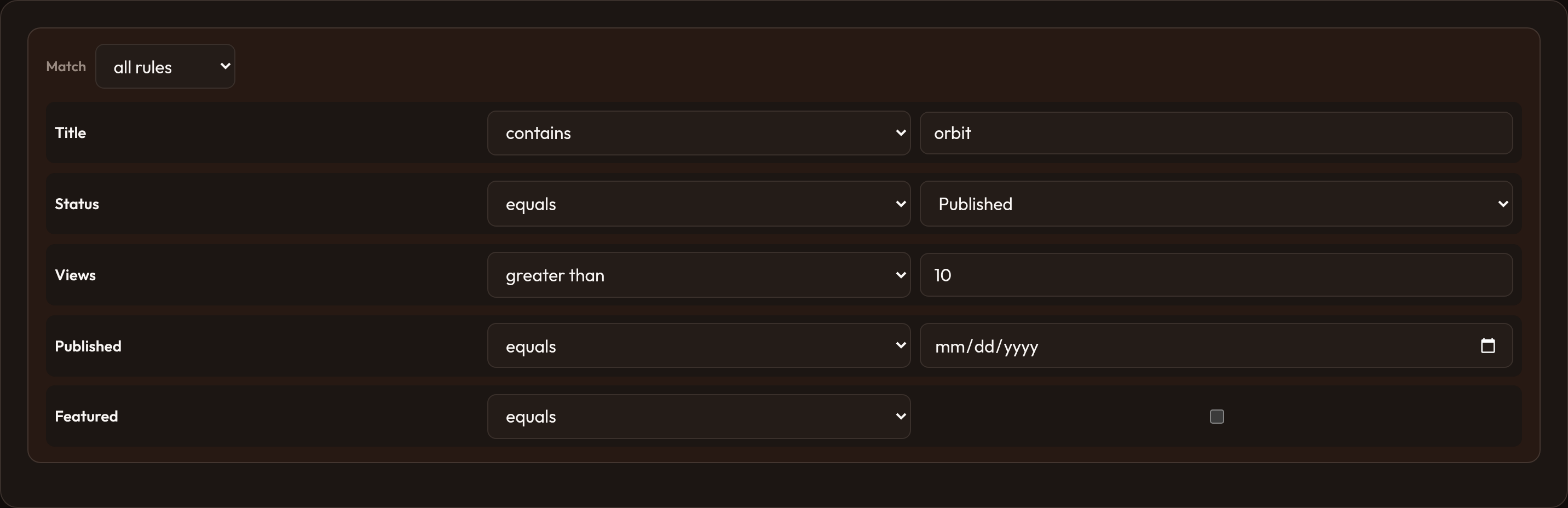
qb = (    QueryBuilder.make()    .constraints([        TextConstraint.make("title").label("Title"),        SelectConstraint.make("status").label("Status").options({            "draft": "Draft",            "published": "Published",        }),        NumberConstraint.make("views").label("Views"),        DateConstraint.make("published_at").label("Published"),        BooleanConstraint.make("featured").label("Featured"),    ])    .add_rule("title", "contains", "orbit")    .add_rule("status", "equals", "published"))
filtered = qb.apply(posts)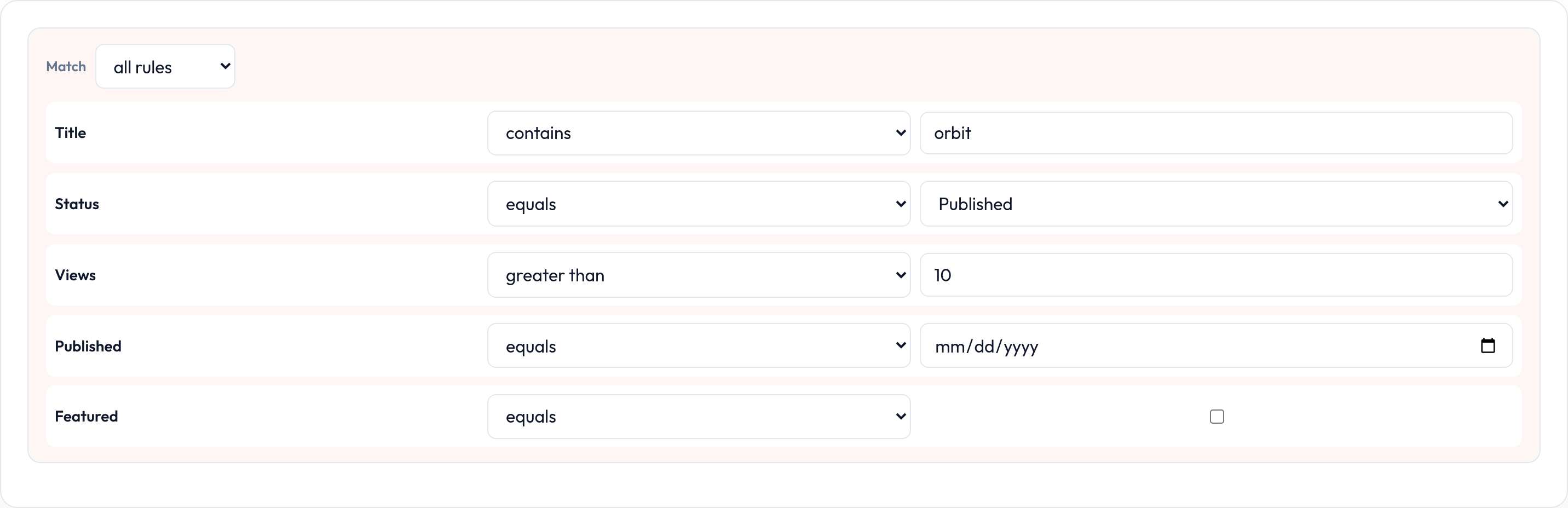
Constraints
Section titled “Constraints”Each constraint names an attribute and the operators that make sense for it. The render picks a matching input: text, number, date, checkbox, or select.
| Class | Typical use | Default operators |
|---|---|---|
TextConstraint |
Titles, bodies, free text | equals, not equals, contains, starts with, ends with, is set, is not set |
SelectConstraint |
Enumerated options | equals, not equals, in |
BooleanConstraint |
True / false flags | equals |
DateConstraint |
Dates | equals, greater than, less than, is set, is not set |
NumberConstraint |
Counts, amounts | equals, not equals, greater than, less than |
Constraint is the base if you need a custom operator list. .attribute("other") points the apply step at a different key than the constraint name. .options({...}) on SelectConstraint fills the value <select>.
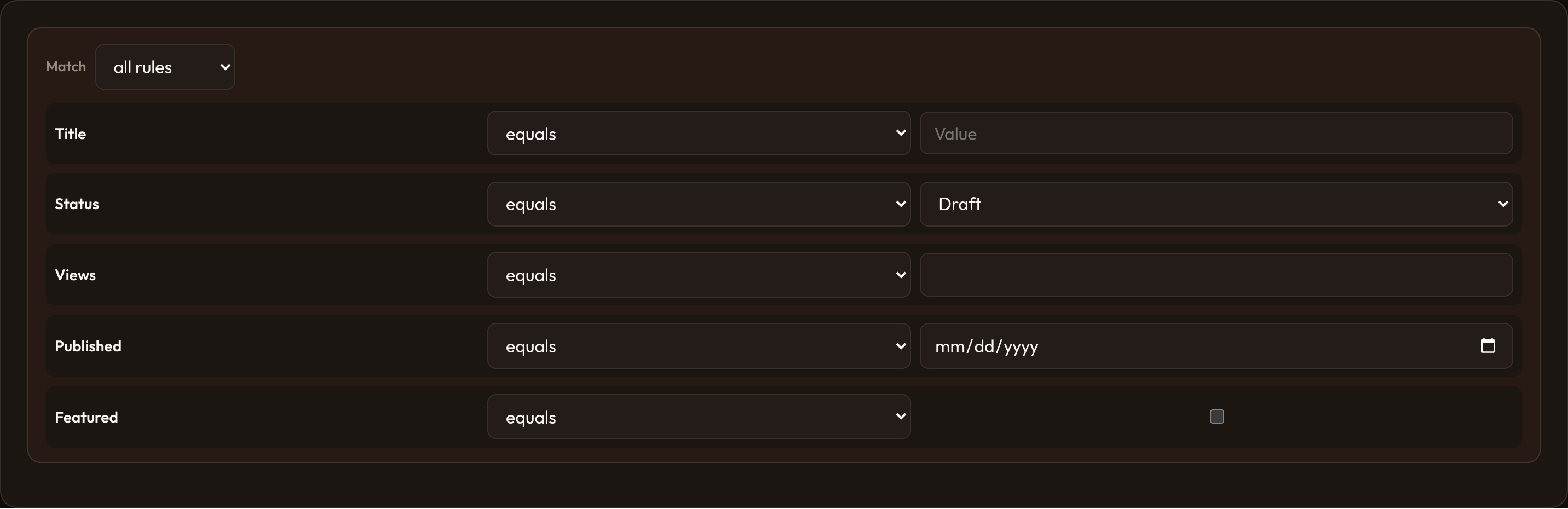
QueryBuilder.make().constraints([ TextConstraint.make("title").label("Title"), SelectConstraint.make("status").label("Status").options({ "draft": "Draft", "published": "Published", }), NumberConstraint.make("views").label("Views"), DateConstraint.make("published_at").label("Published"), BooleanConstraint.make("featured").label("Featured"),])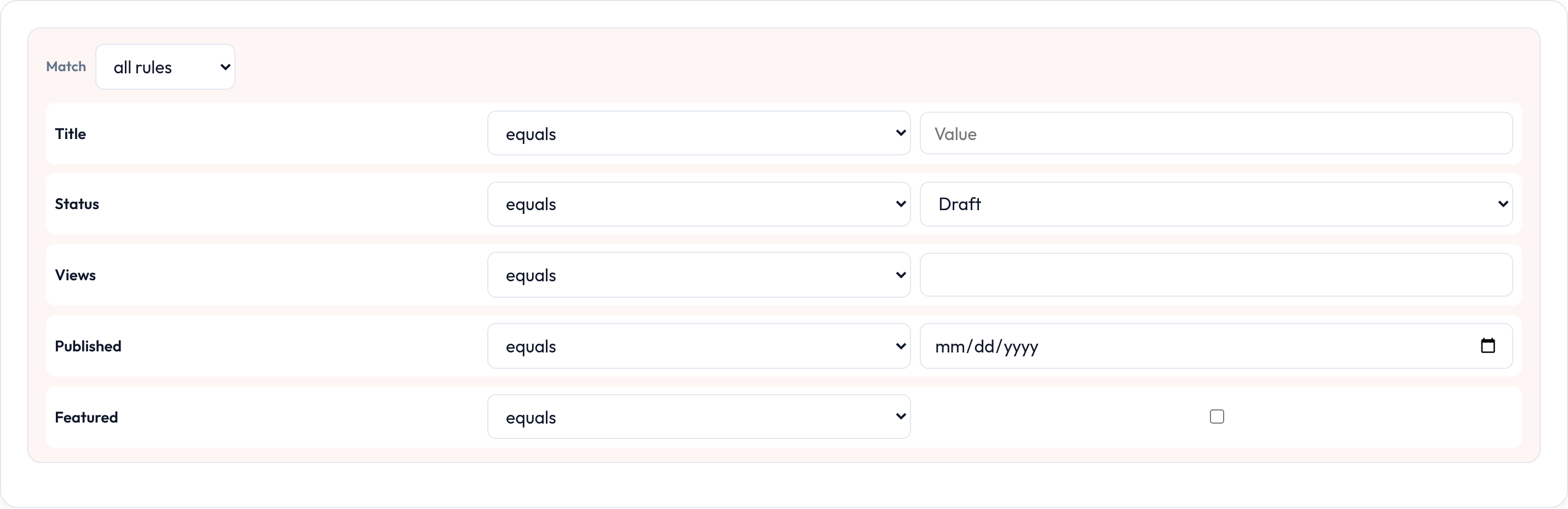
.rules([...]) replaces the whole list. .add_rule(name, operator, value) appends one. .clear_rules() empties them. Presence operators (is_set / is_not_set) hide the value widget because they only inspect whether the attribute is filled.
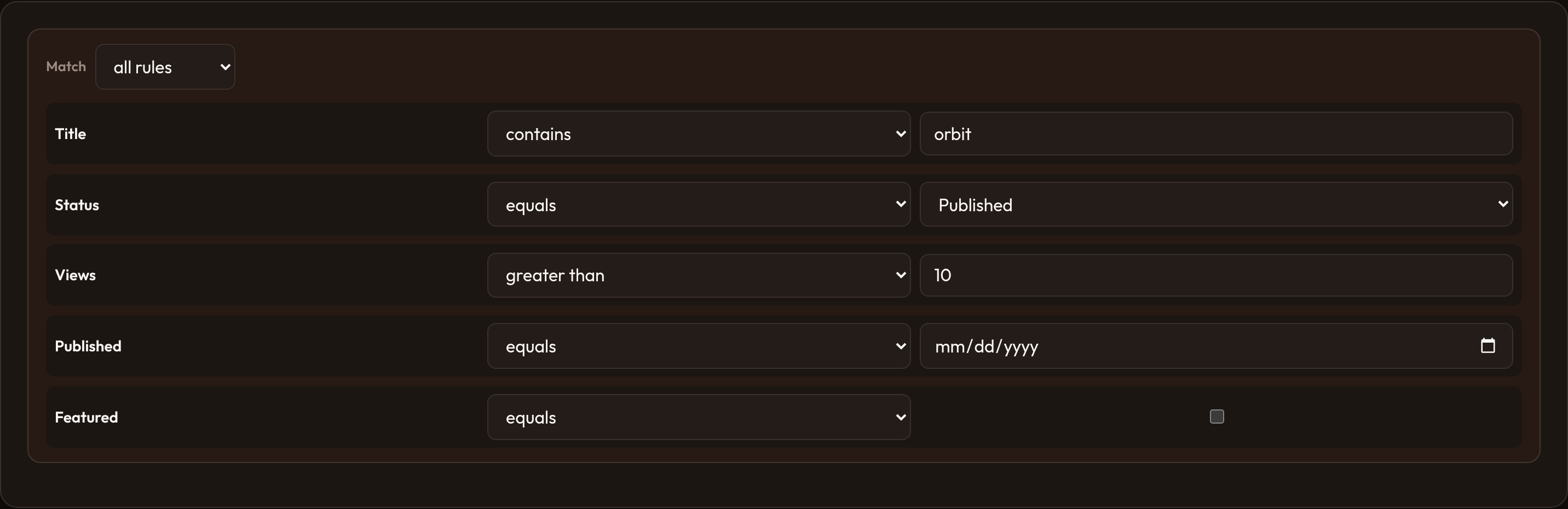
QueryBuilder.make() .constraints([...]) .add_rule("title", "contains", "orbit") .add_rule("status", "equals", "published") .add_rule("views", "greater_than", 10)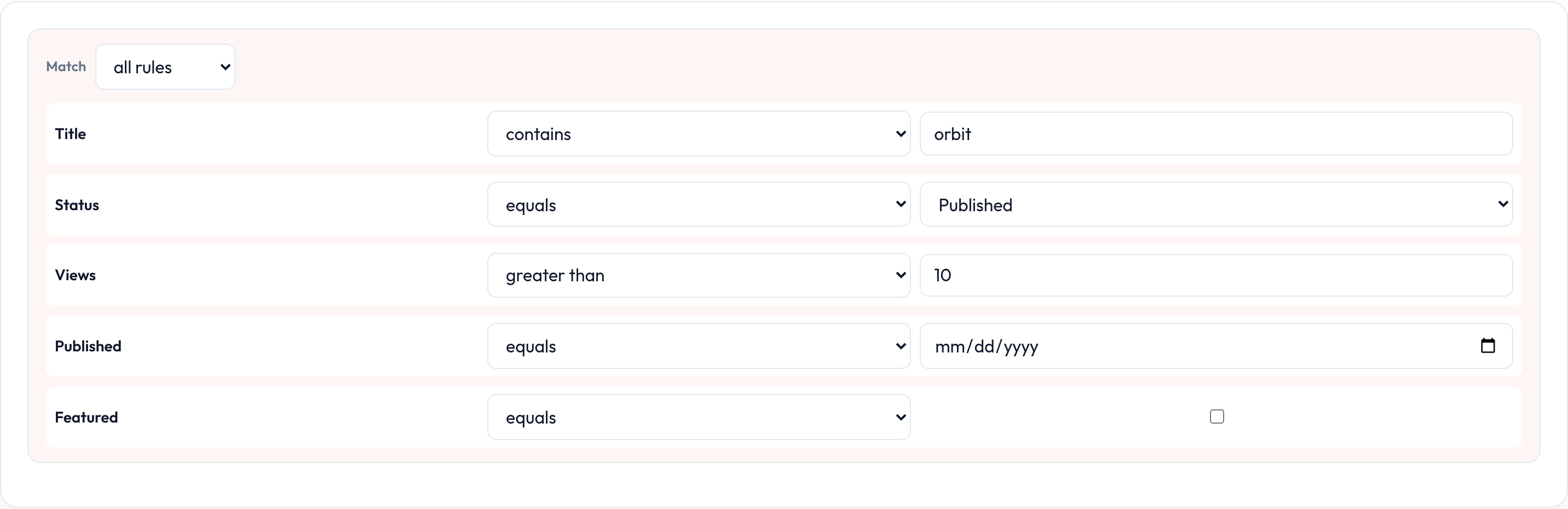
AND / OR logic
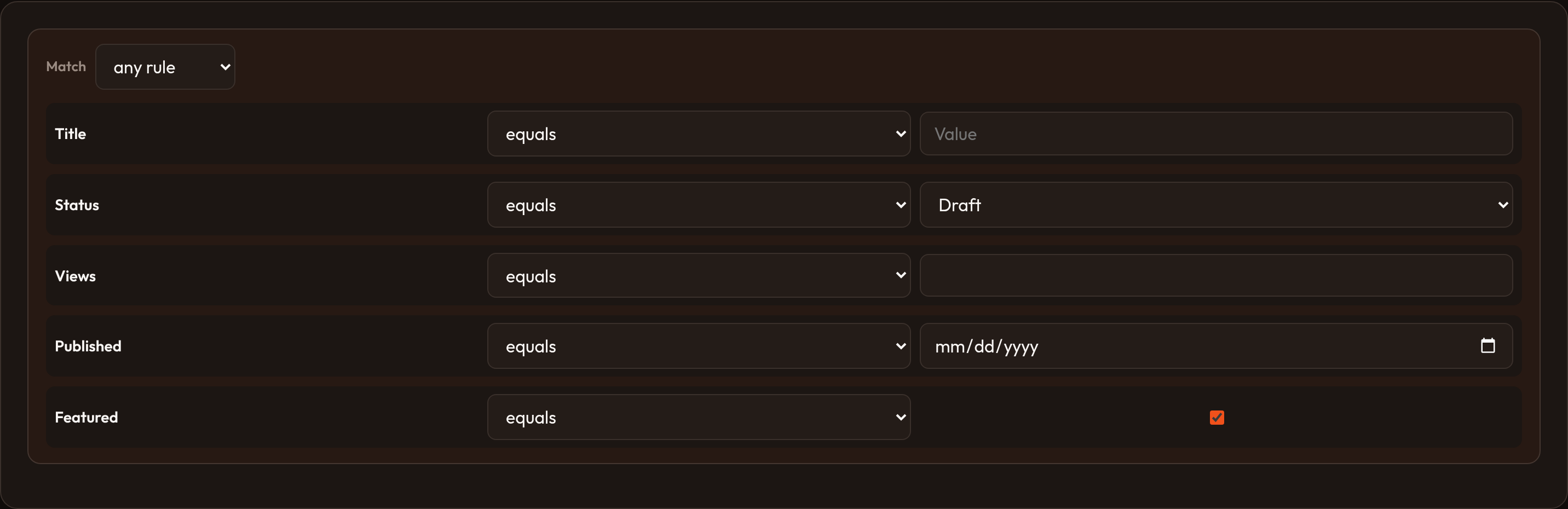
Section titled “AND / OR logic”.logic("and") (default) applies rules in order: each step narrows the previous result. .logic("or") unions matches and de-duplicates rows that hit more than one rule. The Match control in the UI writes query.logic.
QueryBuilder.make() .constraints([...]) .logic("or") .add_rule("status", "equals", "draft") .add_rule("featured", "equals", True)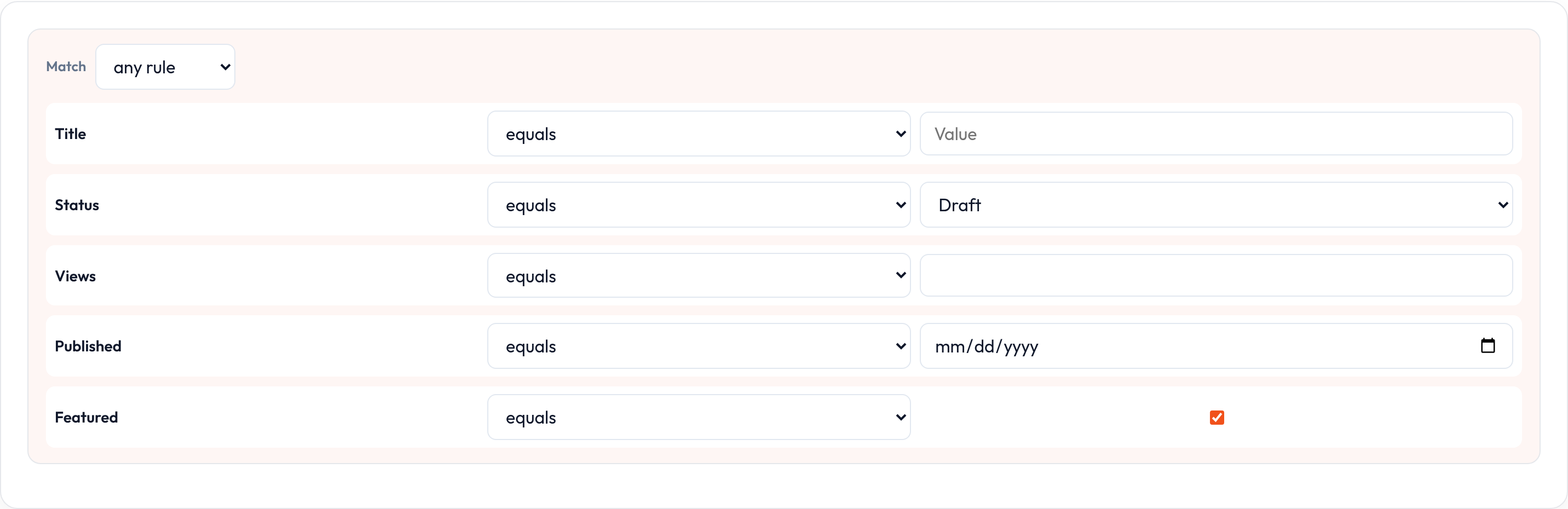
Operators
Section titled “Operators”| Operator | Meaning |
|---|---|
equals / not_equals |
Equality |
contains / starts_with / ends_with |
String matching (case-insensitive) |
greater_than / less_than |
Ordering |
is_set / is_not_set |
Presence (None or "" counts as empty) |
in |
Membership in a list |
Pass an Operator enum or the string value to .add_rule().
Table filter
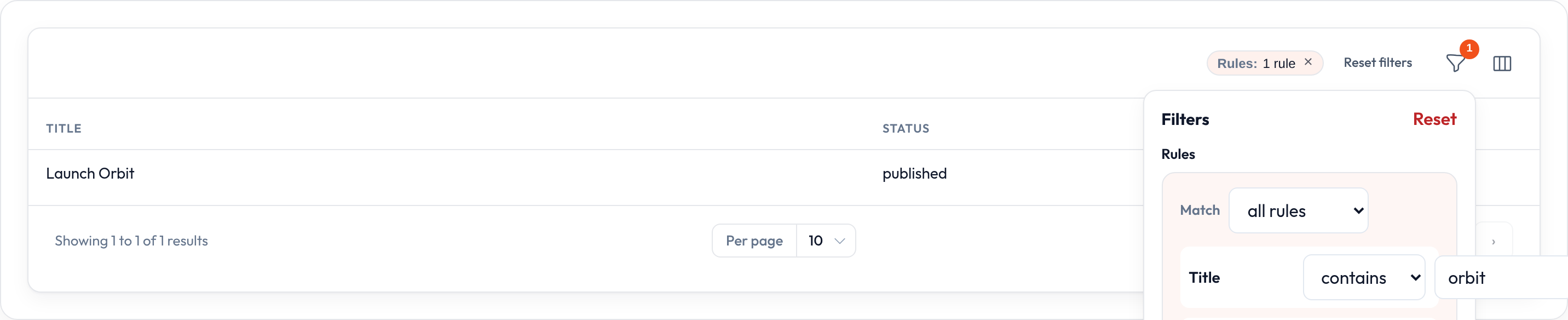
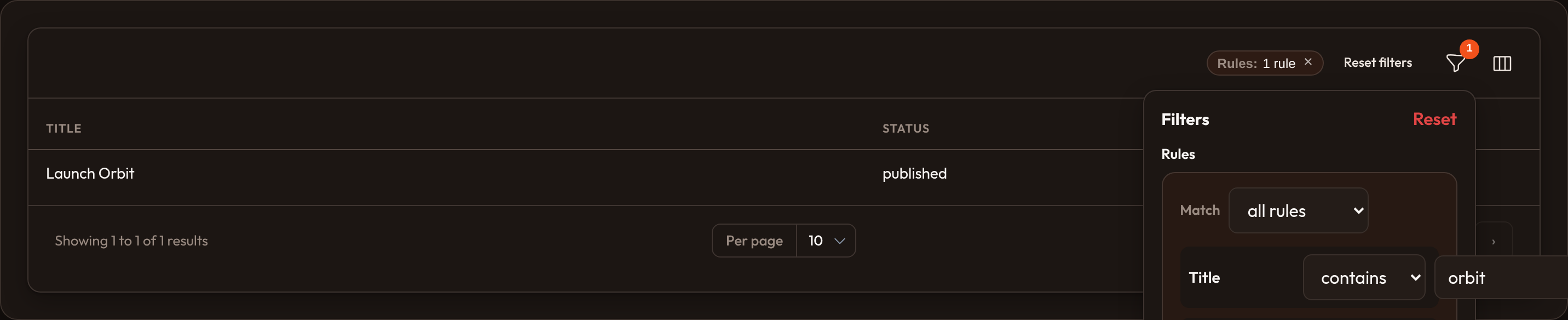
Section titled “Table filter”QueryBuilderFilter wraps a builder as a table filter. The funnel panel renders the constraint rows. Filter state may be a list of rules or { "logic": "or", "rules": [...] }. Active chips summarize how many rules are on.
from almasix.orbit.tables import QueryBuilderFilter, Table
table.filters([    QueryBuilderFilter.make("query")        .label("Rules")        .builder(            QueryBuilder.make().constraints([                TextConstraint.make("title").label("Title"),                SelectConstraint.make("status").label("Status").options({                    "draft": "Draft",                    "published": "Published",                }),            ])        ),])
You can also attach a builder with Table.query_builder(qb) so it sits in the same filter chrome without occupying a named filter slot.
apply() works on in-memory lists of dicts or objects — not ORM query objects. Translate the same rules into builder calls in your app layer when the database should do the heavy lifting, or filter the page of records you already loaded.
See also table filters.