

Rendering a table
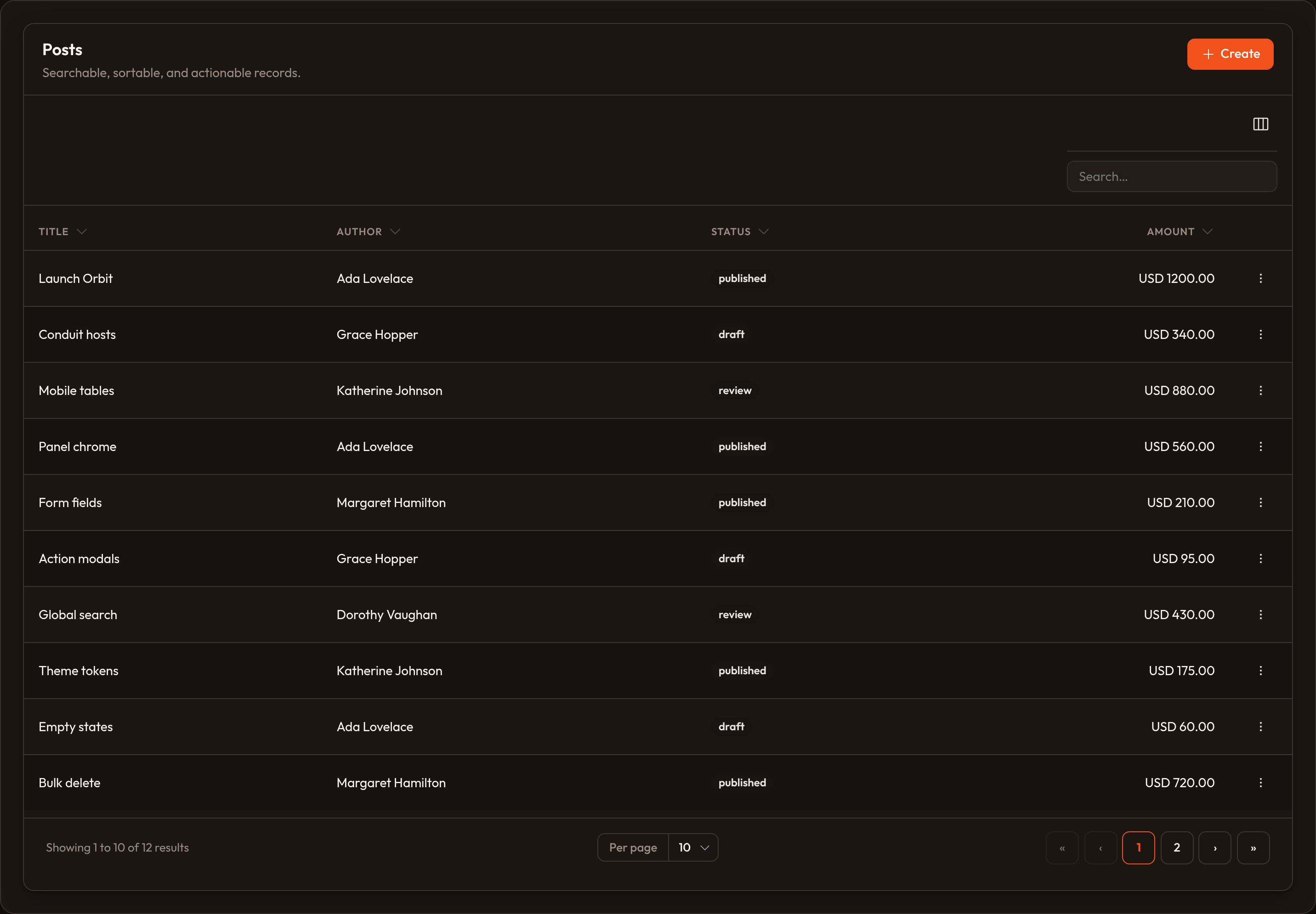
Tables don’t require a resource. Feed them records, columns, and optional actions — call .render() when you’re ready. The same column and filter kit that powers Listing records works here.
from almasix.orbit.tables import Table, TextColumn, BadgeColumn, SelectFilterfrom almasix.orbit.actions import EditAction, DeleteAction
table = (    Table.make("posts")    .columns([        TextColumn.make("title").searchable().sortable(),        BadgeColumn.make("status").color("primary"),    ])    .filters([        SelectFilter.make("status").options({            "draft": "Draft",            "published": "Published",        }),    ])    .records([        {"id": 1, "title": "Shipping Orbit docs", "status": "published"},        {"id": 2, "title": "Panel brand colors", "status": "draft"},    ])    .search("orbit")    .sort("title", "asc")    .paginate(page=1, per_page=15)    .striped()    .actions([EditAction.make(), DeleteAction.make()]))
html = table.render()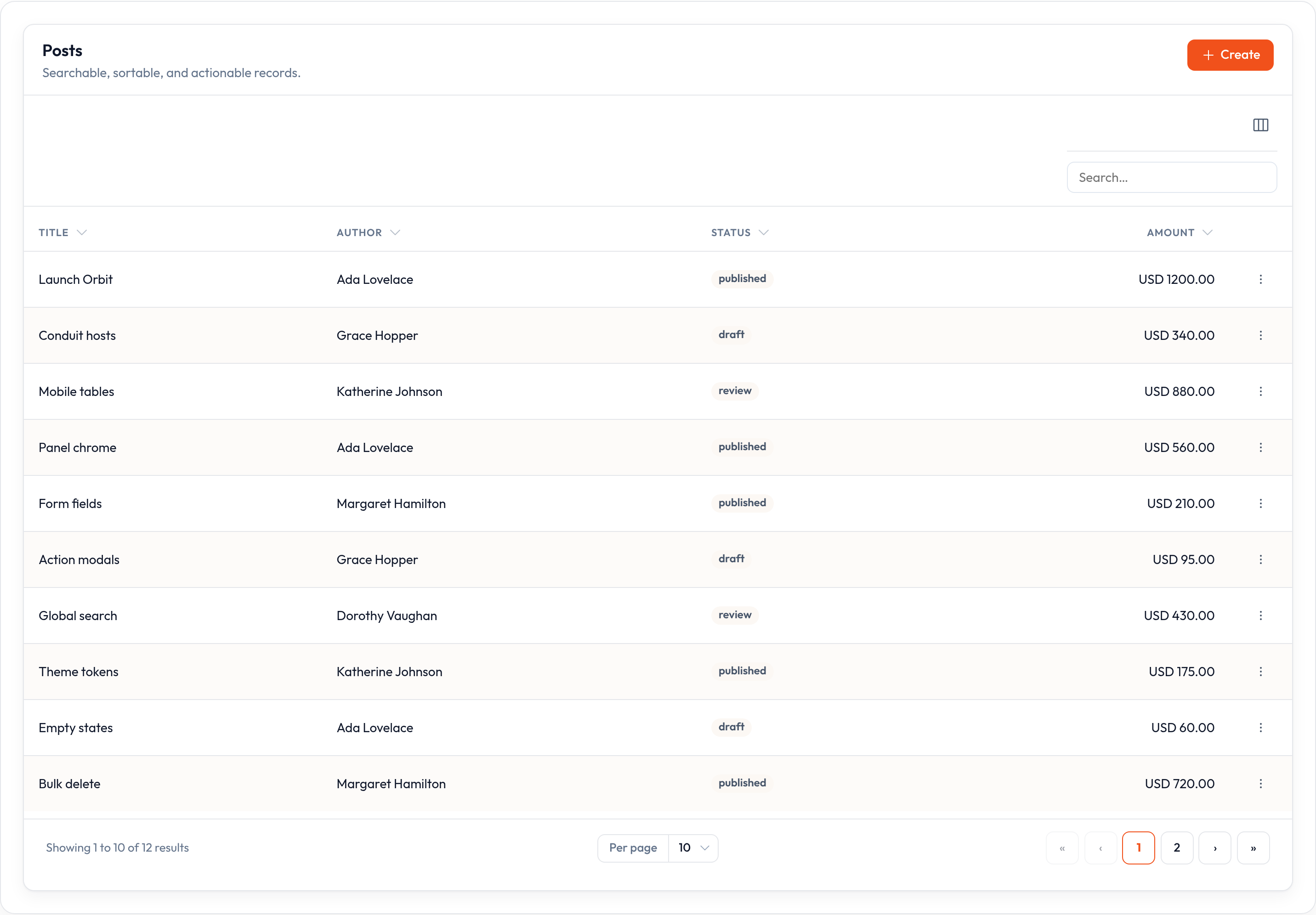
Lifecycle
Section titled “Lifecycle”| Step | Method |
|---|---|
| Shape | .columns([...]) |
| Narrow | .filters([...]), .search(...), .sort(...) |
| Feed | .records([...]) or .query(...) |
| Page | .paginate(page, per_page) |
| Chrome | .striped(), empty-state copy, action slots |
| Paint | .render() / .to_dict() |
In-memory search hits searchable columns; sort uses the column name as a key or attribute. Wire .query() (or the query builder) when the database should do the heavy lifting.
Empty state
Section titled “Empty state”With no matching rows the table paints an EmptyState in the body. Override the heading and description on the table when the copy should be domain-specific:
Table.make("posts").empty_state_heading("No posts yet").empty_state_description( "Create the first one from the header.")Actions and filters
Section titled “Actions and filters”Row, bulk, and header actions are the same Action objects a resource table uses. Filters apply through .apply on each filter — see Filters.
When you do have a model, prefer a resource so the list page, permissions, and record URLs stay in one place.
See column types for the rest of the kit.