

How the marketplace works
A plugin is a Python package that extends Orbit: a new form field, a table column, a dashboard widget, a theme, or a whole feature set such as a blog or a CRM. Because plugins are ordinary packages, anyone can publish one without asking permission.
The marketplace is the directory people use to find them. It lives at orbit.almasix.com/plugins and is built from a YAML registry inside this repository, so every listing is reviewed through a pull request and every change has an author and a history.
What a listing gives you
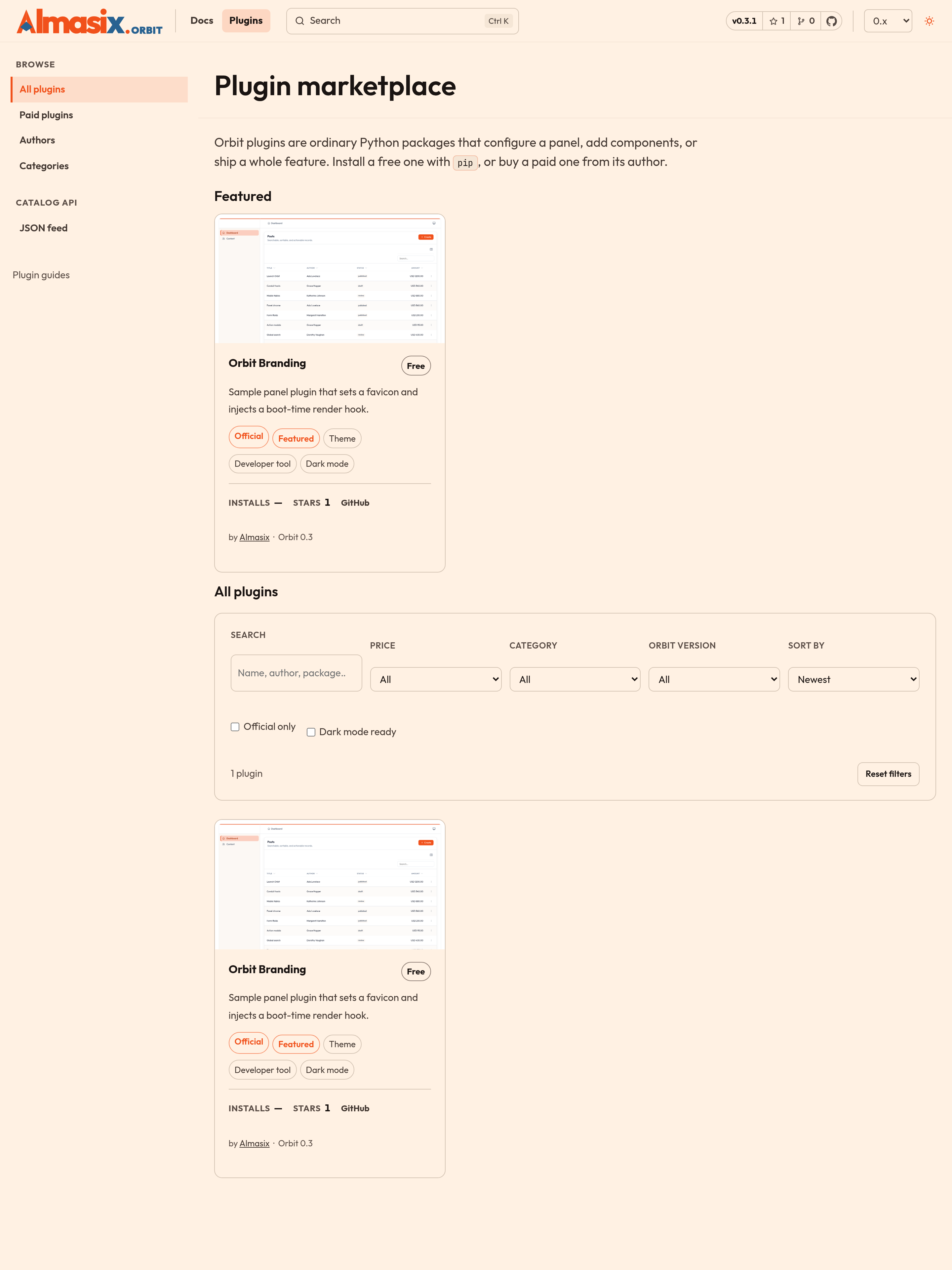
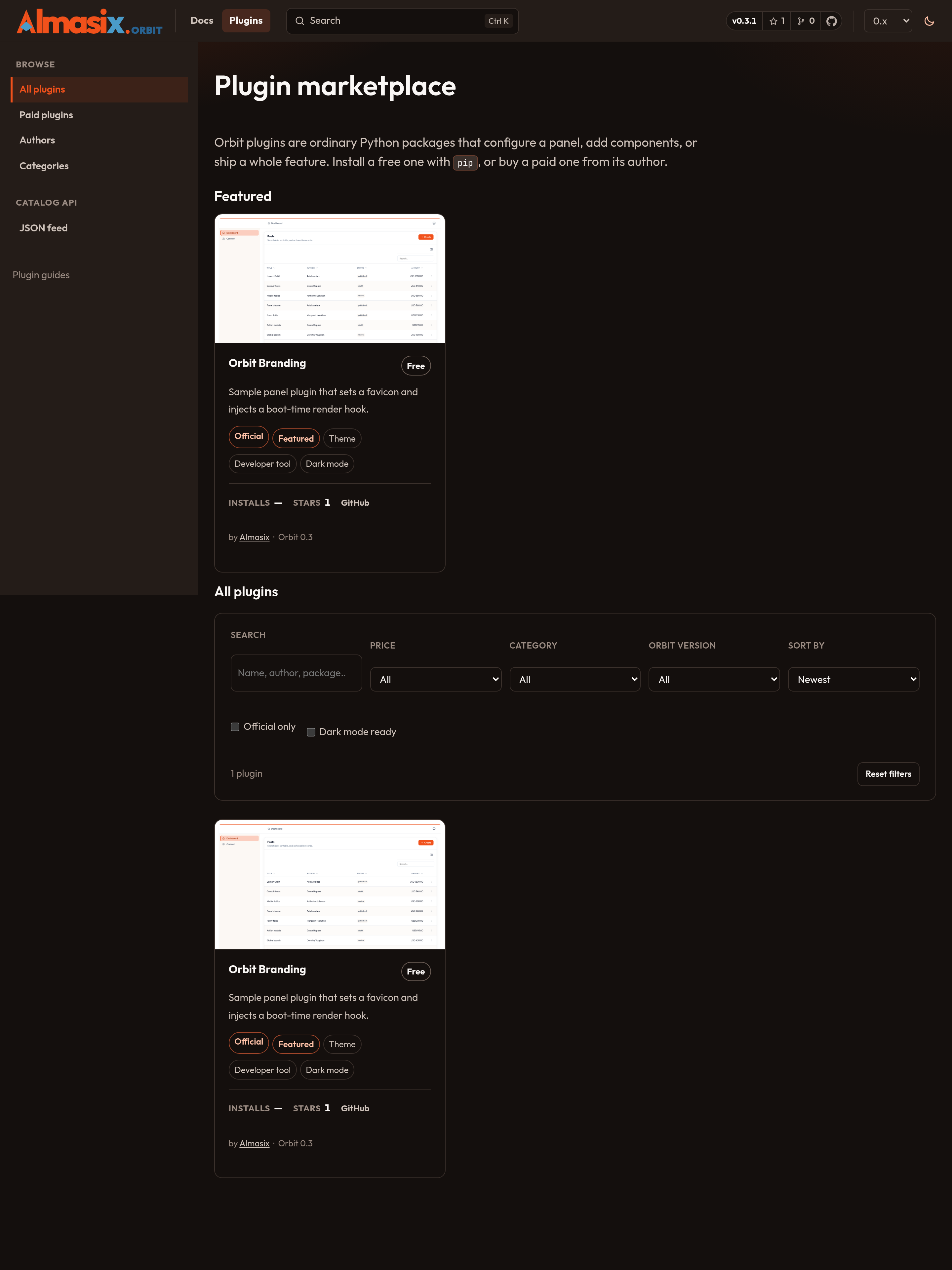
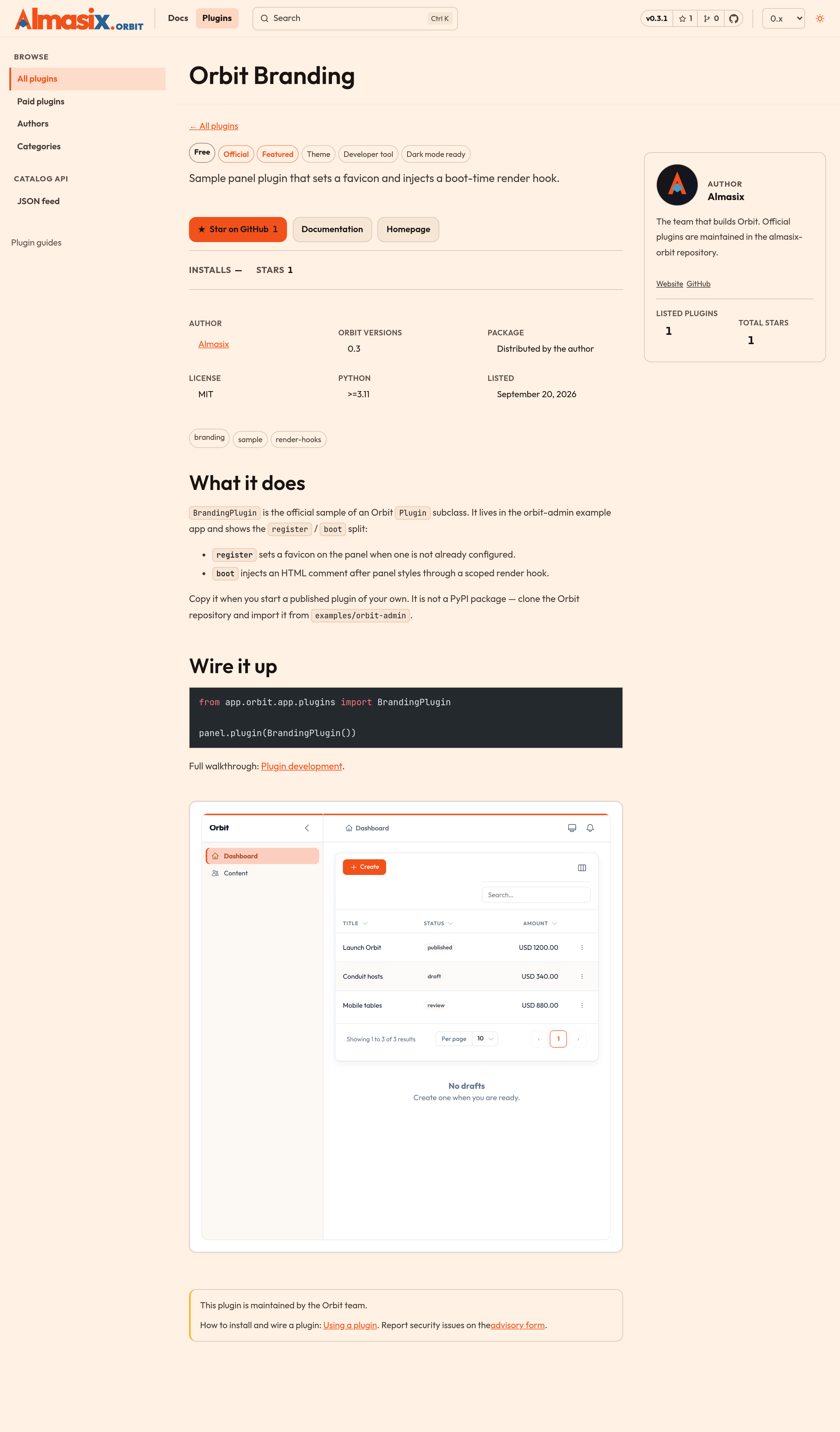
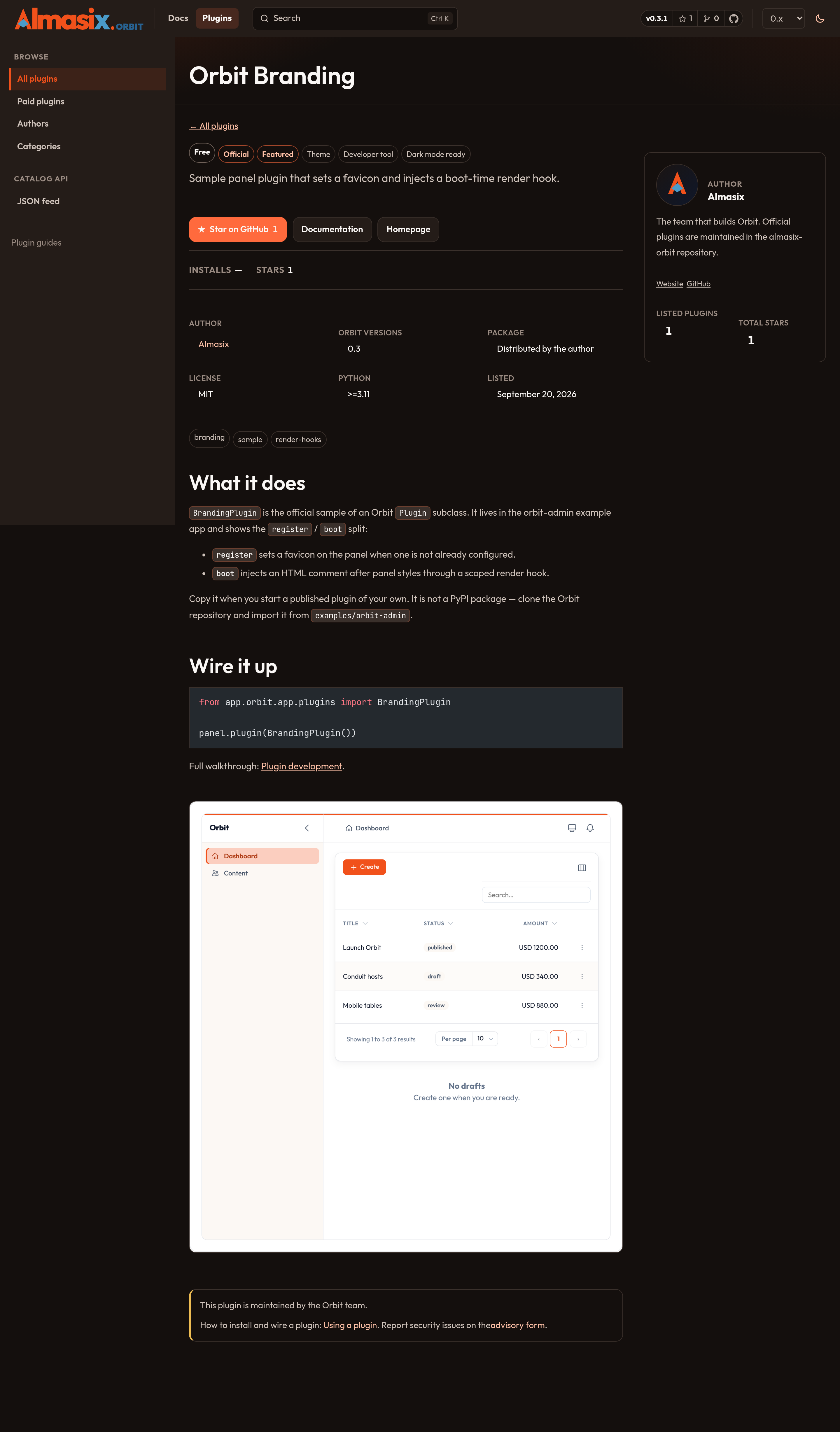
Section titled “What a listing gives you”Each listing renders a page with the plugin’s name, summary, price, supported Orbit versions, license, screenshots, install counts, GitHub stars, and a long description written by its author. The listing uses a wide catalog layout: author details, combined star totals, and the author’s other plugins sit in a right-hand aside; related plugins sit in the footer. Visitors can filter the directory by price, category, Orbit version, and whether a plugin is dark-mode ready, then jump to pip install for free plugins or to the author’s checkout for paid ones.
Star on GitHub on a listing stars that plugin’s repository as you, through GitHub’s API. The first click asks GitHub to authorize Orbit (a GitHub App with the Starring permission, or a classic OAuth app). After that, later clicks reuse a short-lived cookie and do not open a new tab. If the site is running without OAuth secrets — local astro preview, or production before secrets are set — the same button opens the repository on GitHub instead so you can star it there. The docs site never stars a repo with a shared bot token.
Filters are shareable: /plugins/?q=branding&category=theme&official=1.
| Piece | Who owns it |
|---|---|
| The code | The plugin author |
| The package on PyPI (or a private store) | The plugin author |
| Pricing, licensing, invoices, refunds | The plugin author |
| Support for the plugin | The plugin author |
| The listing page and its placement | Orbit maintainers |
Orbit never takes a cut and never processes a payment. A paid listing is a link to the author’s own store.
How the registry is built
Section titled “How the registry is built”docs/src/data/marketplace/ categories.yaml # maintainer-owned category list authors/*.yaml # one file per author, filename = slug plugins/*.yaml # one file per listing, filename = slugAstro content collections validate each file against a schema (paid listings need a checkout_url; free listings need a package or repository). npm run validate:marketplace then checks the things the schema cannot see: filename/slug agreement, reserved URLs, unknown categories or authors, features.official only on Almasix listings, and images that are missing from docs/public. That script runs in CI and as the docs prebuild step, so a bad entry fails the build instead of shipping a half-empty card.
Status values:
| Status | On /plugins |
|---|---|
published (default) |
Visible |
draft |
Hidden — use this to stage an entry |
archived |
Hidden — the plugin is no longer offered |
Draft templates (example-plugin, example-author) ship in the repo so you can copy them. They never appear on the site.
Official vs community
Section titled “Official vs community”Listings marked Official are built and maintained by Almasix. The author slug must be almasix; validators reject official: true on anyone else. Everything else is third-party: useful, often excellent, but not security-reviewed by the Orbit team. A plugin runs with the same privileges as the rest of your application — read the source before you deploy it.
If you find malware or a security problem an author will not fix, open a security advisory and we will unlist the plugin while we investigate.
Feeds and indexes
Section titled “Feeds and indexes”| URL | What it is |
|---|---|
/plugins/ |
Browse grid |
/plugins/paid/ |
Paid listings only |
/plugins/authors/ |
Authors with published listings |
/plugins/categories/ |
Category index |
/plugins/categories/<slug>/ |
One category |
/plugins/feed.json |
JSON catalog for tooling |
/plugins/develop/ |
Catalog API — feed shape, HTML routes, shareable filters |
The JSON feed includes slug, summary, author, categories, versions, price, package, repository, license, official/featured flags, stars, and installs. It is regenerated with the docs site. Field-level notes live on the Catalog API page next to the live feed.
The marketplace itself is a full-width listing UI with its own sidebar (browse, authors, categories, catalog API). These pages — overview, using, building, listing — stay in the Docs sidebar. The home page and the top bar Plugins menu both open /plugins/.
The path from idea to listing
Section titled “The path from idea to listing”flowchart LR build["Build a Plugin subclass"] --> publish["Publish to PyPI or your store"] publish --> entry["Add a registry YAML entry"] entry --> pr["Open a pull request"] pr --> review["Maintainer review"] review --> live["Listing goes live on /plugins"]- Build it. Plugin development covers the
Pluginclass, theregister/bootsplit, packaging, and asset publishing. - Publish it. Free plugins go to PyPI so people can
pip installthem. Paid plugins can live anywhere you can sell a wheel. - List it. Get listed walks through the registry entry, the images, and the pull request.
- Keep it healthy. Listing guidelines is what reviewers check against, and Paid vs free explains the extra rules that apply to commercial plugins.
Related
Section titled “Related”- Browse the marketplace — the live directory
- Catalog API — JSON feed and listing URLs
- Using a plugin — install and register
- Plugin development — write the code
- Render hooks — inject HTML from a plugin
- Packages — Orbit’s own PyPI map