

Get listed
Listing a plugin takes one pull request against the Orbit repository. You add two small YAML files — an author profile and the listing itself — plus a thumbnail. A maintainer reviews it against the listing guidelines, and once merged the plugin appears on /plugins on the next docs deploy.
Before you start
Section titled “Before you start”- Your plugin works on a supported Orbit version and has a README that explains what it does.
- Free plugins are published to PyPI (
pip install your-pluginmust work). Paid plugins have a working checkout page. - You have a 16:9 thumbnail that shows the feature, not a full screenshot of a panel.
If you have not written the plugin yet, scaffold it first:
smith make:orbit-plugin AuditLog --vendor=acme --author=jane# or: python -m almasix.orbit plugin new AuditLog --vendor=acme --author=janeThat writes a package shell plus draft YAML under marketplace/. Copy those YAML files into the paths below, fill in summary, description, and images, then set status: published. Full walkthrough: Plugin development.
Where the registry lives
Section titled “Where the registry lives”docs/src/data/marketplace/ categories.yaml # the allowed category list (maintainer-owned) authors/ your-handle.yaml # one file per author, filename = slug plugins/ your-plugin.yaml # one file per listing, filename = slugImages live under docs/public/plugins/ and are referenced with site-absolute paths such as /plugins/your-plugin/thumbnail.jpg. You may also point at an https:// URL you control.
plugins/example-plugin.yaml and authors/example-author.yaml are filled-in templates carrying status: draft, so they never appear on the site. Copy one rather than starting from a blank file. The live official sample is orbit-branding — use it to see a published listing, not as a template to overwrite.
Filters on /plugins are shareable query strings (?q=, price=, category=, version=, sort=, official=1, dark=1). After you merge, confirm your card shows up with those filters cleared.
1. Add your author profile
Section titled “1. Add your author profile”Skip this if you already have one.
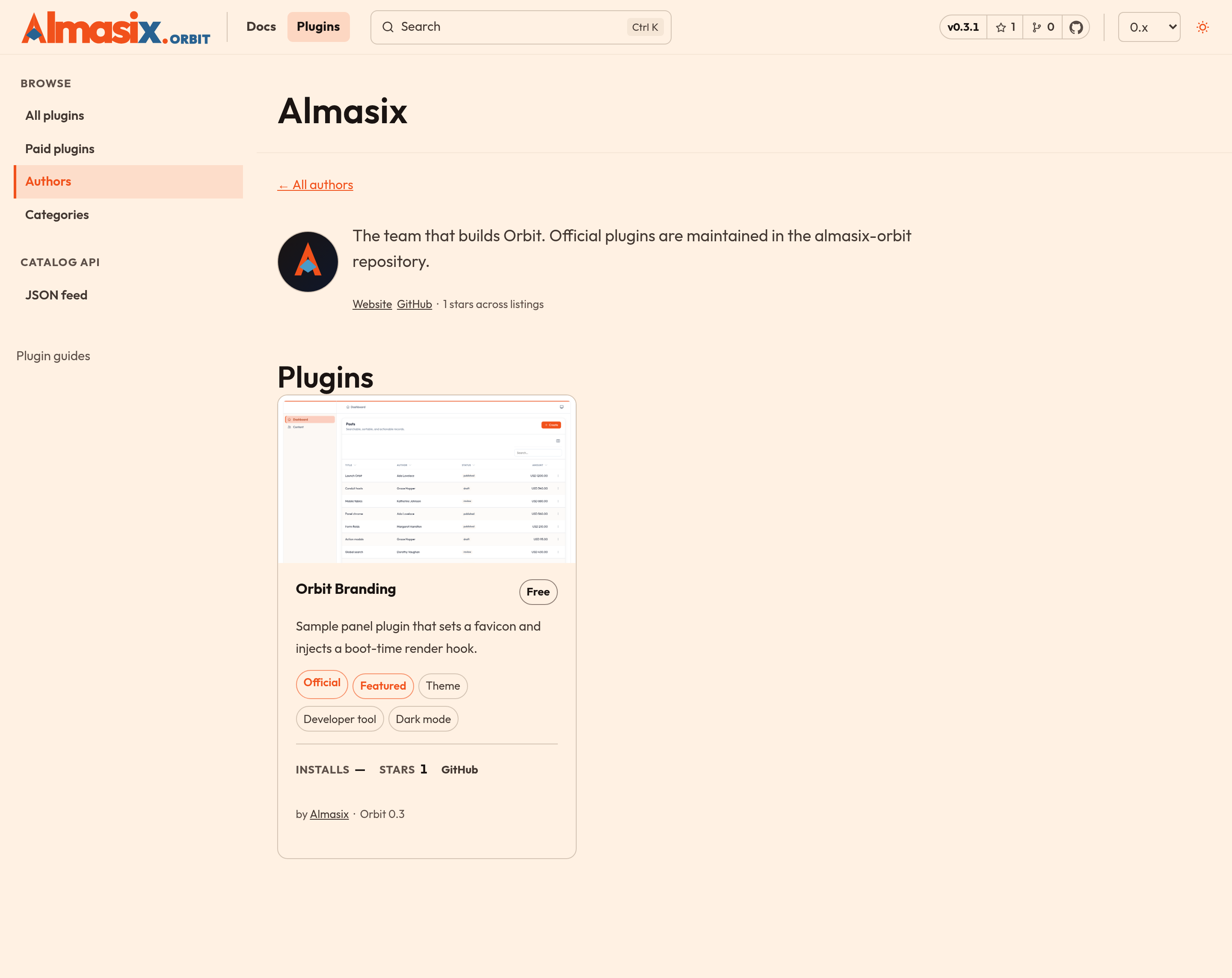
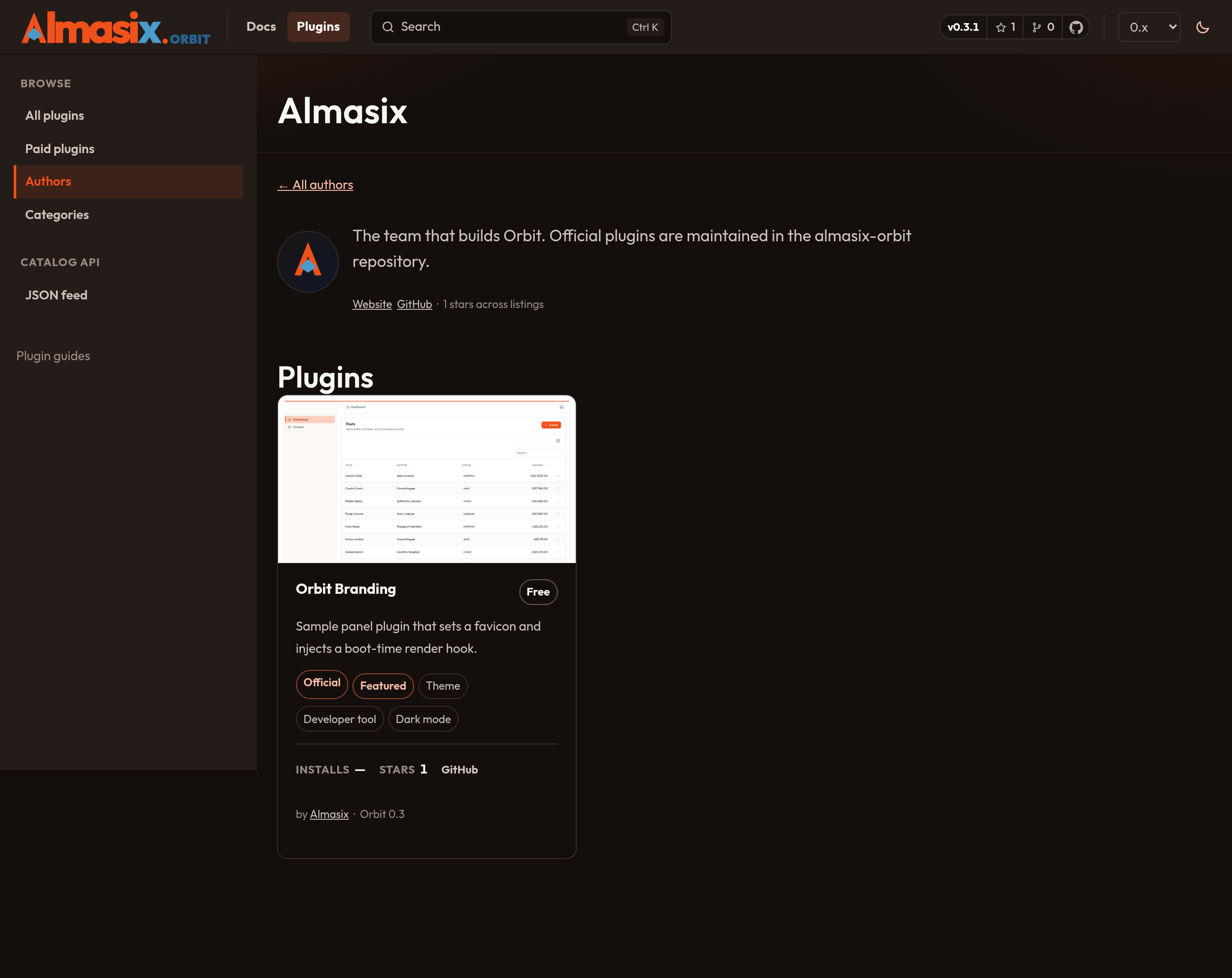
name: Your Nameslug: your-handlebio: One or two sentences about you or your company. This shows on your author page.avatar: /plugins/authors/your-handle.jpg # 1:1, at least 400x400website: https://example.comgithub: your-github-handlesponsor_url: https://github.com/sponsors/your-github-handleOnly name, slug, and bio are required, and slug must match the filename.
Need a category that is not in categories.yaml? Open a marketplace category issue before you send the listing PR.
2. Add the listing
Section titled “2. Add the listing”name: Acme Audit Logslug: acme-audit-logsummary: Records every create, edit, and delete in your panels and shows them in a resource.description: | ## What it does
Adds an `AuditLogResource` and a panel plugin that records model changes as your users work. Filter by user, model, or date range.
## Install
```bash pip install acme-orbit-audit-log ```
```python panel.plugin(AuditLogPlugin()) ```author: your-handlecategories: - panel-kit - developer-toolorbit_versions: - "0.4"price: freepackage: acme-orbit-audit-logrepository: https://github.com/your-handle/acme-orbit-audit-logdocs_url: https://acme.example.com/docs/audit-logthumbnail: /plugins/acme-audit-log/thumbnail.jpgscreenshots: - src: /plugins/acme-audit-log/timeline.png alt: Audit log timeline filtered to a single userfeatures: dark_mode: truepublished_at: 2026-09-20A paid listing swaps the price block and adds a checkout link:
price: amount: 79 currency: USDcheckout_url: https://store.example.com/acme-audit-log-proField reference
Section titled “Field reference”| Field | Required | Notes |
|---|---|---|
name |
yes | Display name. Capitalize Orbit correctly if you use it. |
slug |
yes | Kebab-case, must match the filename, becomes /plugins/<slug>/. |
summary |
yes | One sentence, 200 characters max. Shown on the card. |
description |
yes | Markdown. Headings, code fences, and links all render. |
author |
yes | An author slug from authors/. |
categories |
yes | One or more keys from categories.yaml. |
orbit_versions |
yes | Versions you actually support, e.g. ["0.4"]. |
price |
yes | free, or { amount, currency } with an ISO 4217 code. |
checkout_url |
paid only | Where a buyer completes the purchase. |
package |
free plugins | PyPI name; drives the pip install line. |
repository |
recommended | Public source. Required for free plugins without a PyPI name. |
docs_url |
no | External documentation. |
homepage |
no | Marketing or product page. |
changelog_url |
no | Release notes. |
license |
recommended | SPDX id such as MIT or LicenseRef-Proprietary. |
keywords |
no | Extra search tokens on the browse grid. |
requires_python |
no | e.g. >=3.11. |
github_repo |
no | owner/repo if stars should be scraped (and Star on GitHub should target) a repo that is not repository. |
stars |
no | Override GitHub star count (otherwise fetched at build from GitHub). |
installs |
no | Override install count (otherwise last-month PyPI downloads). |
thumbnail |
recommended | 16:9, at least 1280×720, JPEG or PNG. |
screenshots |
no | Each needs src and descriptive alt text. |
features.dark_mode |
no | Set true only if you have verified both themes. |
features.official |
no | Reserved for Almasix-maintained plugins (author: almasix). |
features.featured |
no | Set by maintainers, not by authors. |
status |
no | published (default), draft to stage, or archived to hide a retired plugin. |
published_at |
yes | YYYY-MM-DD. Drives the default “Newest” sort. |
3. Add your images
Section titled “3. Add your images”Put files under docs/public/plugins/<your-slug>/. Keep the thumbnail under about 400 KB — it loads on the browse grid. Crop tightly on the feature: a full panel screenshot with sidebar and topbar reads as noise at card size.
4. Check it locally
Section titled “4. Check it locally”cd docsnpm cinpm run validate:marketplace # schema, cross-references, missing imagesnpm test # validator unit testsnpm run dev # then open http://localhost:4321/plugins/validate:marketplace also runs before every docs build, so a broken entry fails CI rather than shipping a half-rendered card.
5. Open the pull request
Section titled “5. Open the pull request”git checkout -b plugin/acme-audit-loggit add docs/src/data/marketplace docs/public/pluginsgit commit -m "Add Acme Audit Log to the plugin marketplace"git push -u origin HEADgh pr create --title "Plugin: Acme Audit Log" --body "New marketplace listing"Open the PR with the plugin submission template, keep it to your listing and images, and leave “Allow edits by maintainers” enabled so a reviewer can fix small things instead of sending the PR back.
Updating or removing a listing
Section titled “Updating or removing a listing”- Update: edit your YAML file and open another PR. Bump
orbit_versionswhen you add support for a new release. - Pause: set
status: draftto hide a listing without deleting its history. - Retire: set
status: archivedwhen the plugin is no longer offered. Same hiding rules as draft, with a clearer intent. - Remove: delete the YAML file and your images. Tell us in the PR description why, so we can redirect people if the plugin was popular.
Abandoned plugins that no longer install on any supported Orbit version may be unlisted by maintainers after we try to contact you.
Related
Section titled “Related”- Using a plugin — what visitors do after they find you
- Listing guidelines — what reviewers check
- Paid vs free — rules for commercial plugins
- Plugin development — the code side