

Fieldset
Introduction
Section titled “Introduction”Fieldset wraps nested fields in a native <fieldset> with a <legend>. Use it for address blocks, payment details, or any group where semantic grouping matters for accessibility — screen readers announce the legend as the group name.
from almasix.orbit.schemas import Fieldsetfrom almasix.orbit.forms import TextInput
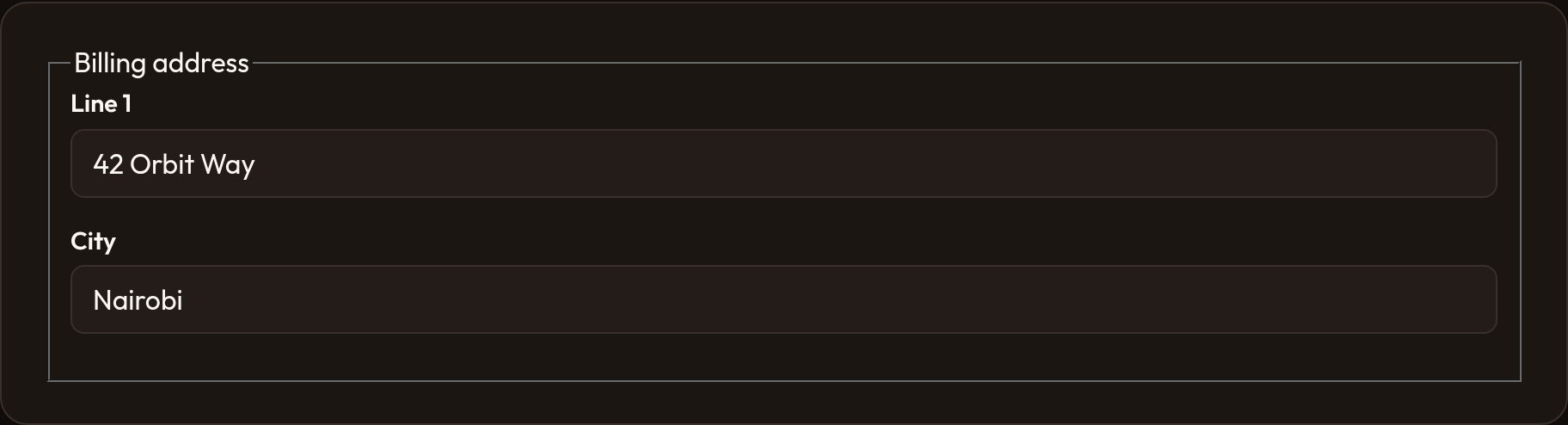
Fieldset.make("billing")    .label("Billing address")    .schema([        TextInput.make("line1"),        TextInput.make("city"),    ])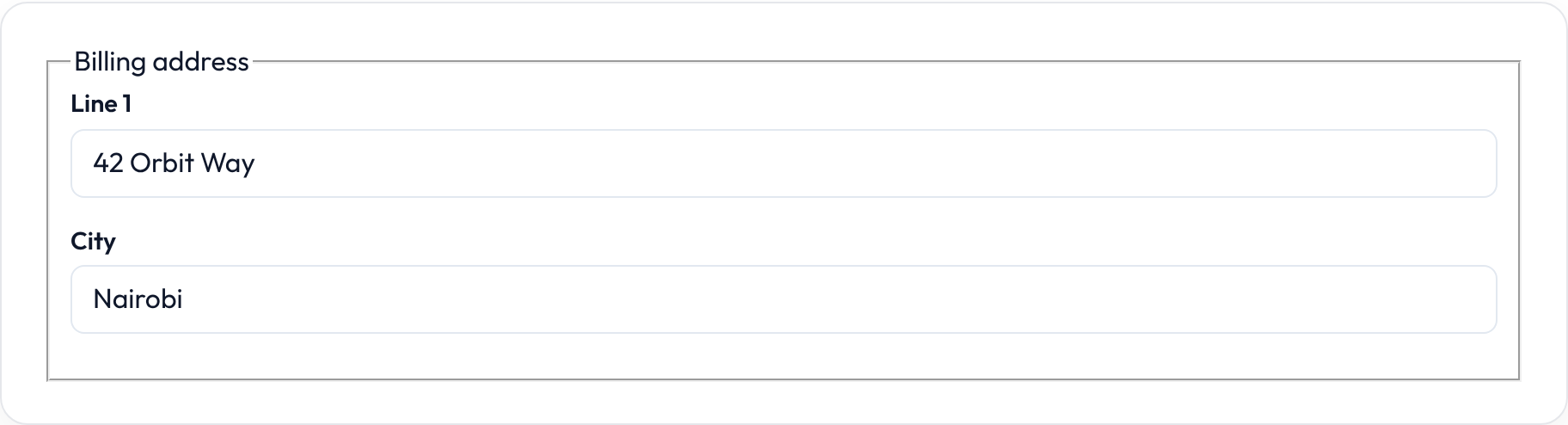
Contained vs bare
Section titled “Contained vs bare”By default the fieldset is contained (card-like chrome via or-fieldset). Pass .contained(False) for a bare fieldset — legend only, with or-fieldset-bare and no card shell:
Fieldset.make("shipping") .label("Shipping") .contained(False) .schema([TextInput.make("line1")])Contained is Orbit’s default; bare is useful inside dense sections where an extra card would feel heavy.


Nesting with layouts
Section titled “Nesting with layouts”Combine fieldsets with Split or Grid for multi-column address UIs:
from almasix.orbit.schemas import Split, Fieldsetfrom almasix.orbit.forms import TextInput
Split.make().from_("md").schema([    Fieldset.make().label("Billing").schema([        TextInput.make("billing_line1"),        TextInput.make("billing_city"),    ]),    Fieldset.make().label("Shipping").schema([        TextInput.make("shipping_line1"),        TextInput.make("shipping_city"),    ]),])
API reference
Section titled “API reference”| Method | Role |
|---|---|
.label |
Legend text |
.contained |
True (default) for card chrome; False for bare |
.schema |
Nested fields |
.dense / .gap / .defer_loading |
Shared layout helpers |
For titled panels with collapse / icon chrome, prefer Section. For chrome-free fuse, use Group.