

Repeater
Introduction
Section titled “Introduction”Repeater stores state as a list of dictionaries (or a simple list when using .simple()). Each item renders the nested schema with Conduit actions addRepeaterItem, removeRepeaterItem, cloneRepeaterItem, and moveRepeaterItem. Use it for line items, addresses, FAQ entries, and any JSON array of structured rows. Relationship-backed variants belong on Relationship repeater; typed block pickers belong on Builder.
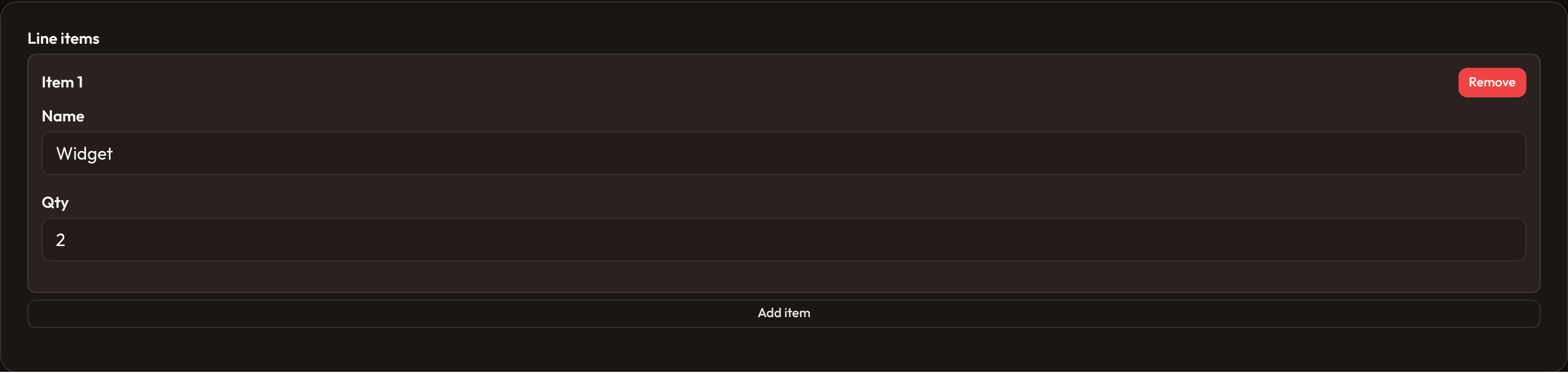
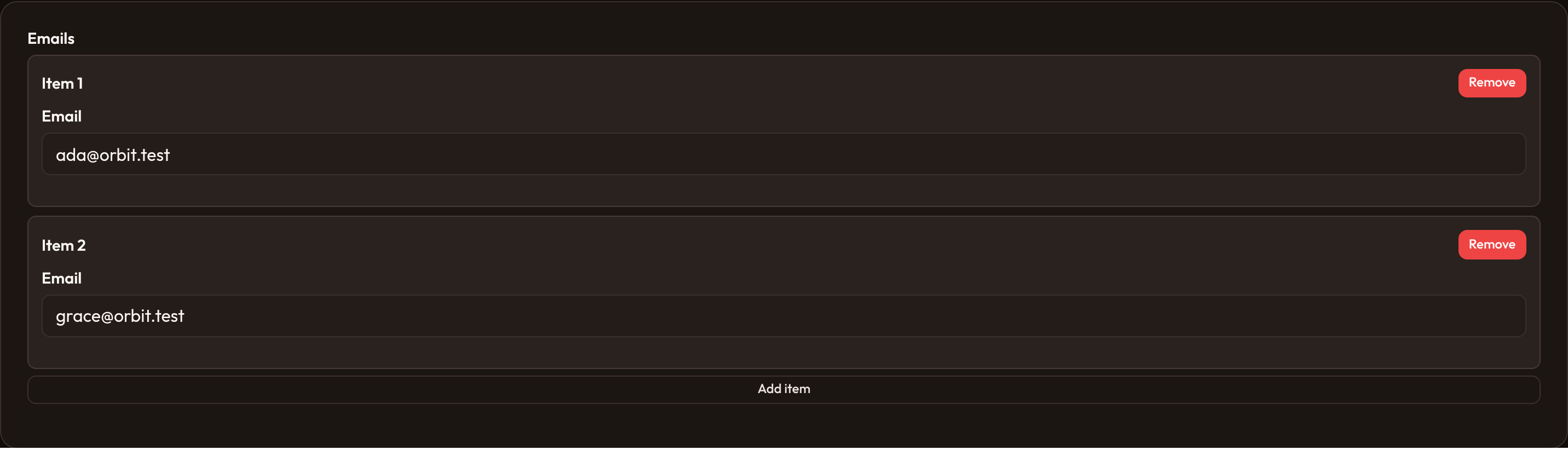
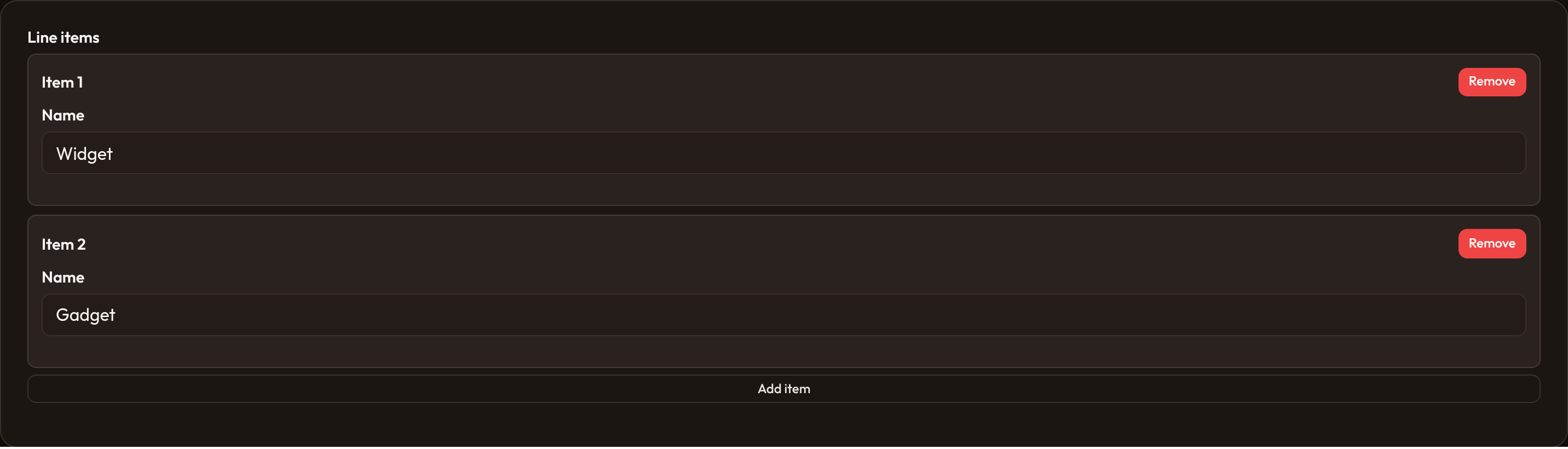
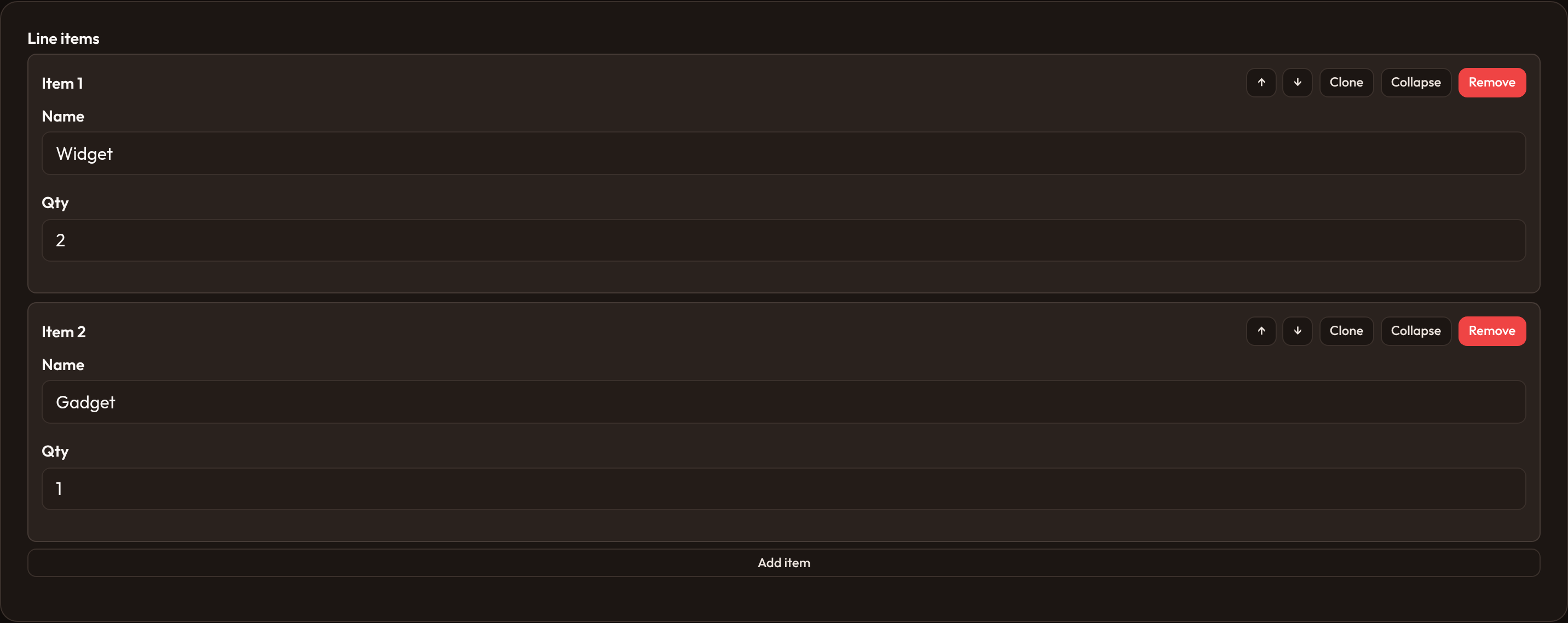
Each variation below includes a detailed explanation, the fluent API to paste into your schema, and light/dark screenshots of the rendered control.
Basic repeater
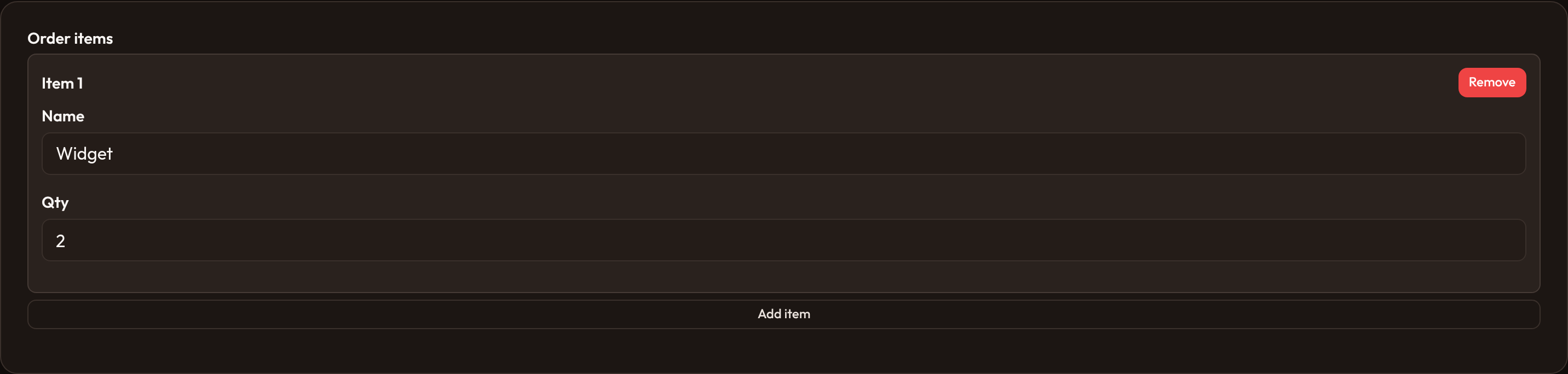
Section titled “Basic repeater”Provide a .schema([...]) of child fields. .default_items(1) seeds one empty row when state is empty. Child state paths are read from each item dict by field name.
from almasix.orbit.forms import Repeater, TextInput
Repeater.make('items')    .label('Line items')    .schema([        TextInput.make('name').label('Name').required(),        TextInput.make('qty').label('Qty').numeric(),    ])    .default_items(1)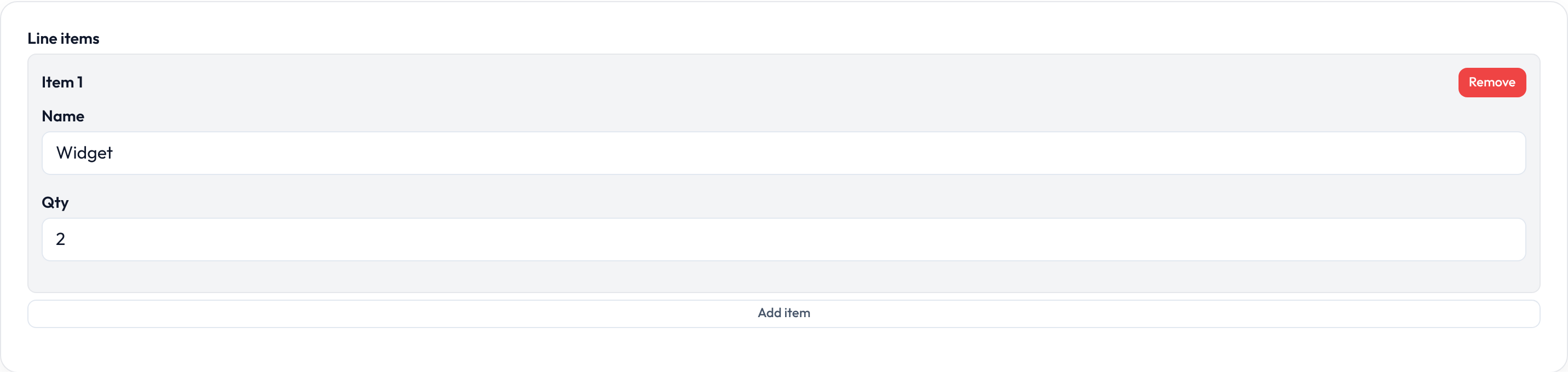
Simple repeater
Section titled “Simple repeater”.simple(field) uses a single child field per row (class or-repeater-simple) instead of a multi-field schema — handy for tag-like lists that still need add/remove chrome.
Repeater.make('aliases') .label('Aliases') .simple(TextInput.make('value').placeholder('Alias')) .default_items(1)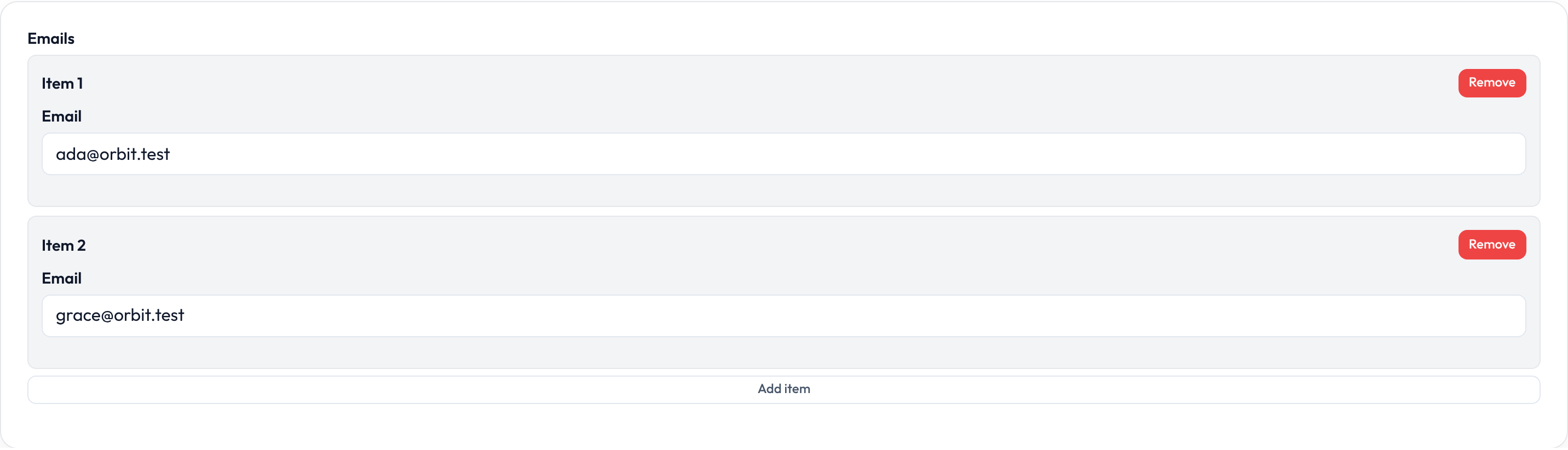
Item limits
Section titled “Item limits”.min_items() / .max_items() emit data attributes and disable Add when at max. .default_items() controls the empty-state seed count.
Repeater.make('phones') .label('Phone numbers') .simple(TextInput.make('number').tel()) .default_items(1) .min_items(1) .max_items(3)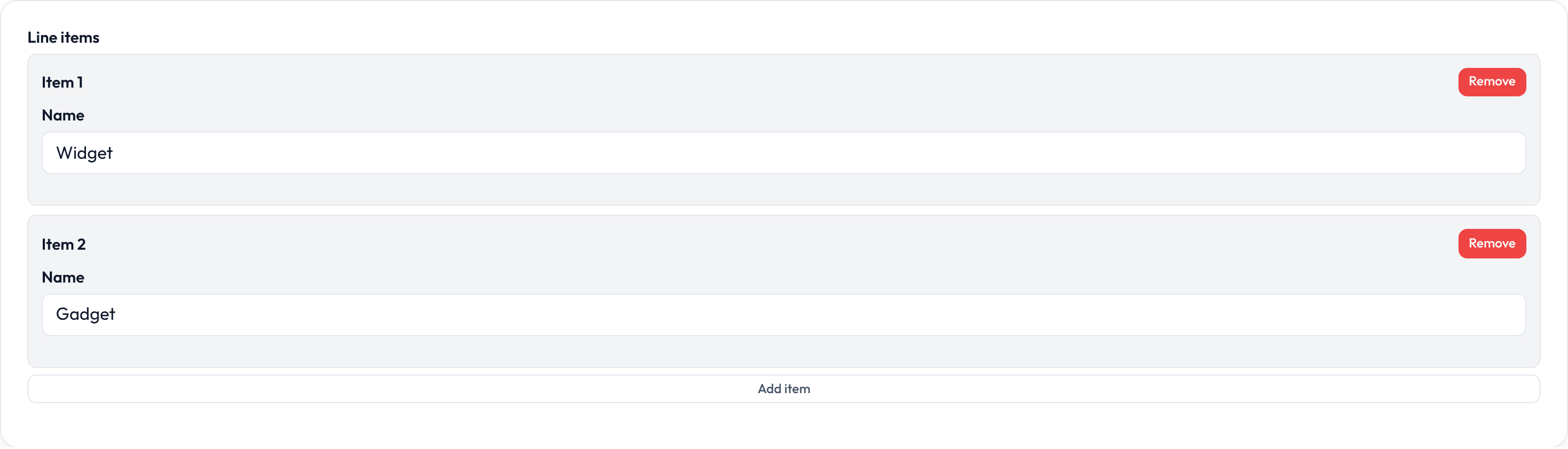
Add and remove controls
Section titled “Add and remove controls”.addable(False) hides the Add button; .deletable(False) hides Remove. .add_action_label() customizes the Add button text.
Repeater.make('addresses') .label('Addresses') .schema([TextInput.make('line1').label('Line 1')]) .add_action_label('Add address') .deletable(True)

Cloneable, reorderable, collapsible
Section titled “Cloneable, reorderable, collapsible”.cloneable() duplicates an item; .reorderable() adds up/down move buttons; .collapsible() wraps each item in Alpine collapse state with Expand/Collapse.
Repeater.make('sections') .label('Sections') .schema([TextInput.make('heading').label('Heading')]) .cloneable() .reorderable() .collapsible()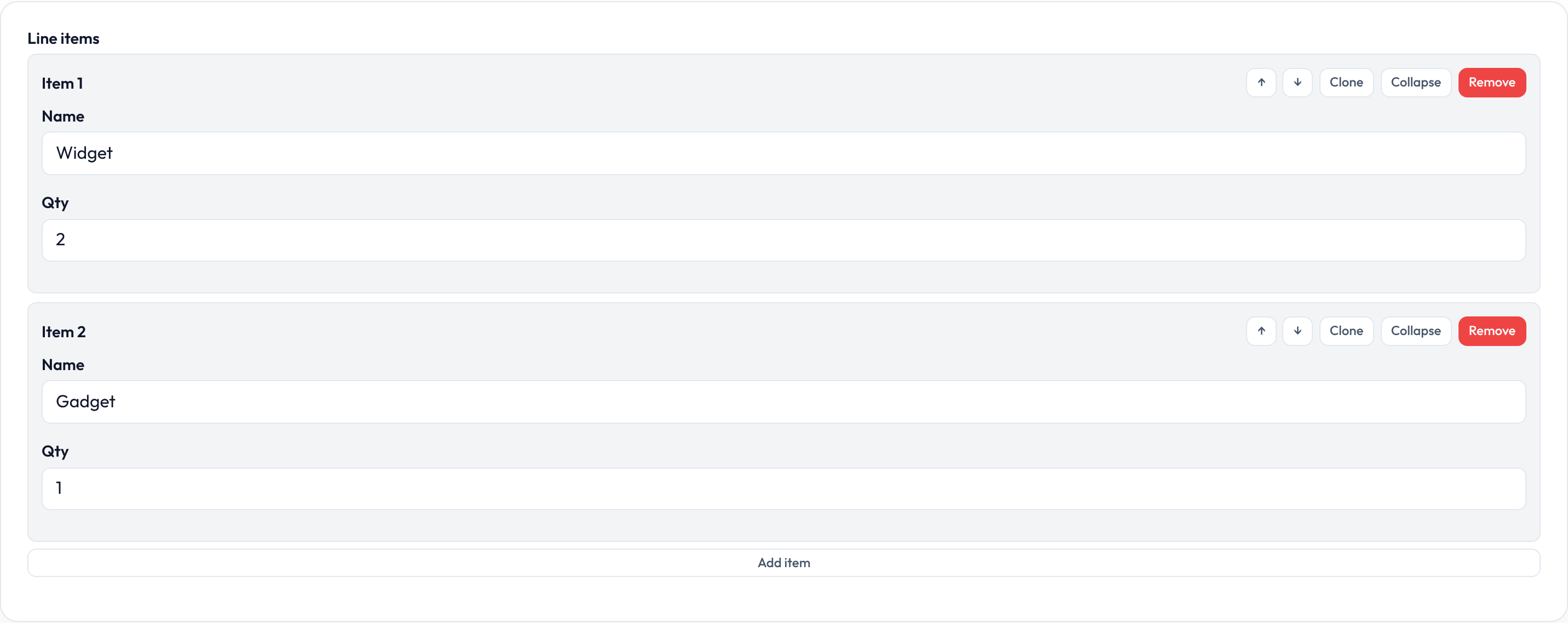
Item labels
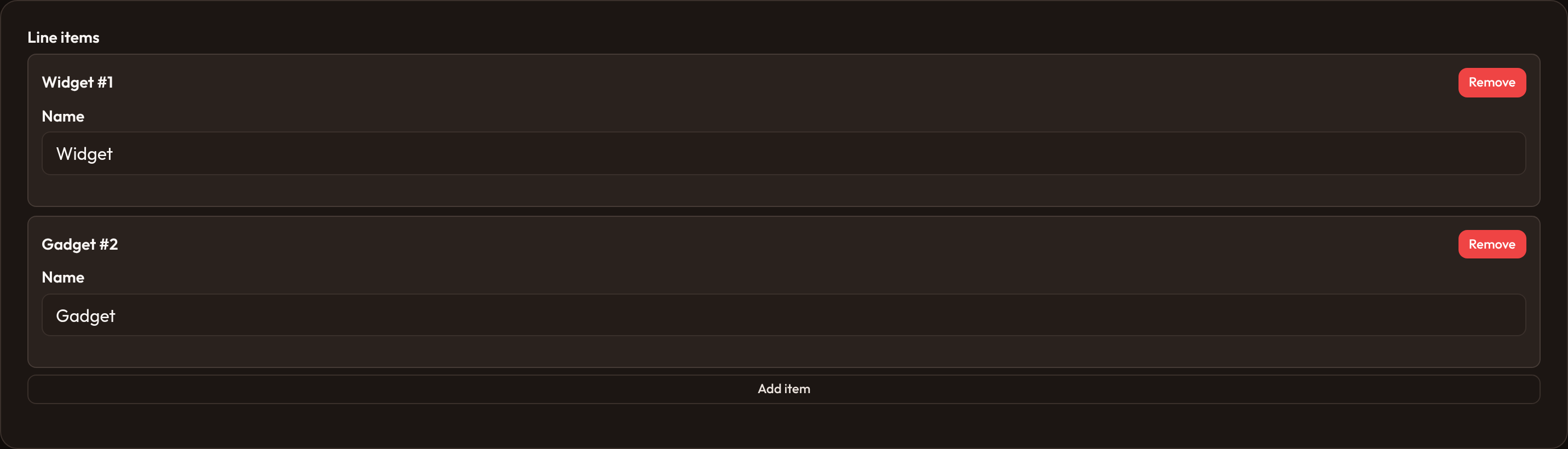
Section titled “Item labels”.item_label() accepts a string or callable. Callables receive index, item / state, plus render context — use them to show “Address #2” or a title from the row.
Repeater.make('contacts') .label('Contacts') .schema([TextInput.make('name').label('Name')]) .item_label(lambda index, item=None, **_: (item or {}).get('name') or f'Contact {index + 1}')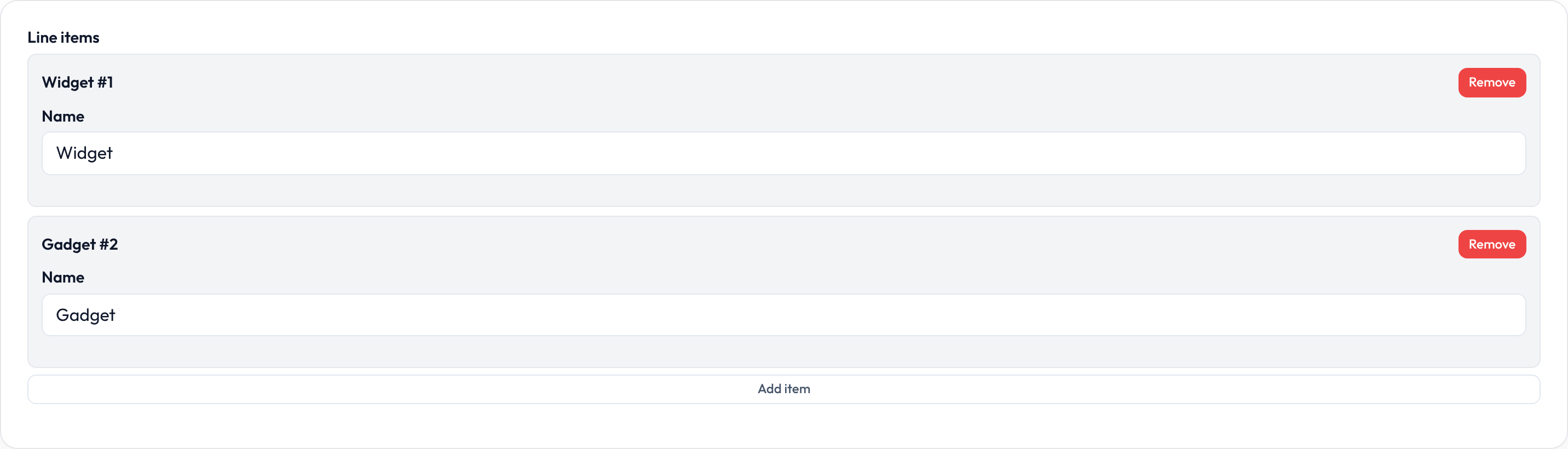
Grid layout
Section titled “Grid layout”.grid(columns) sets data-grid so CSS can arrange item fields in columns without changing the nested schema API.
Repeater.make('features') .label('Features') .schema([ TextInput.make('title').label('Title'), TextInput.make('icon').label('Icon'), ]) .grid(2)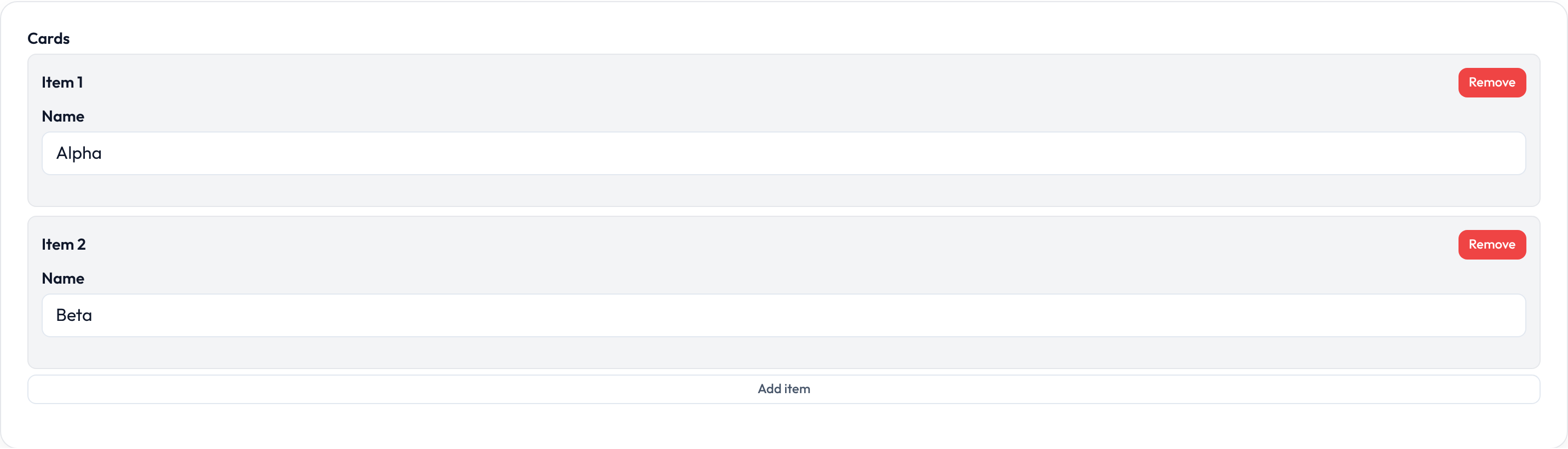
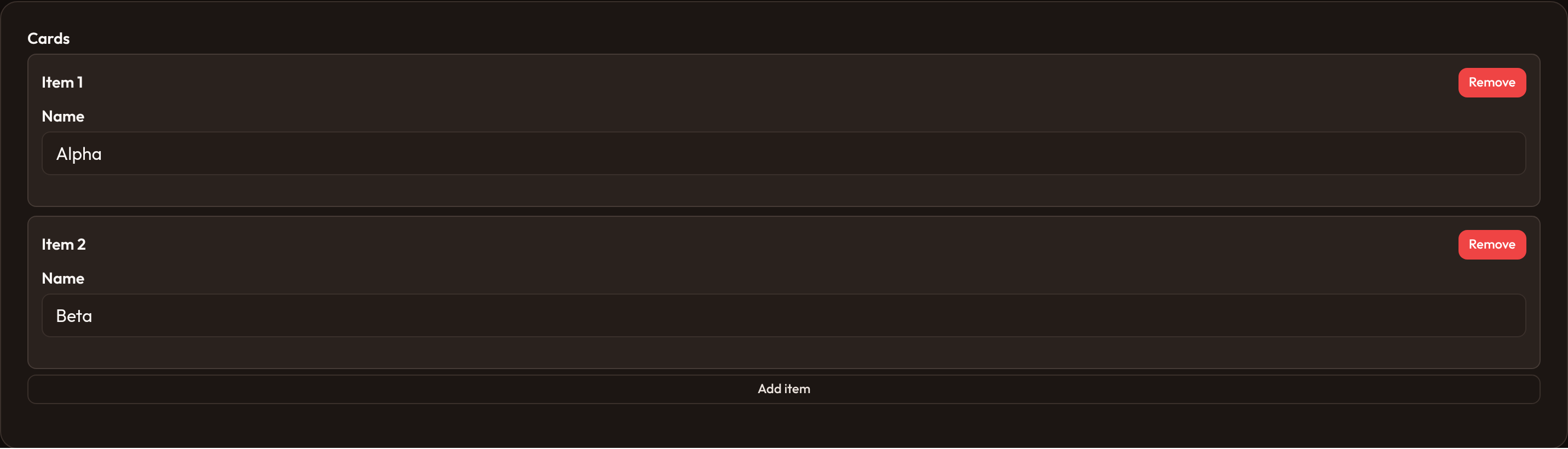
Table layout
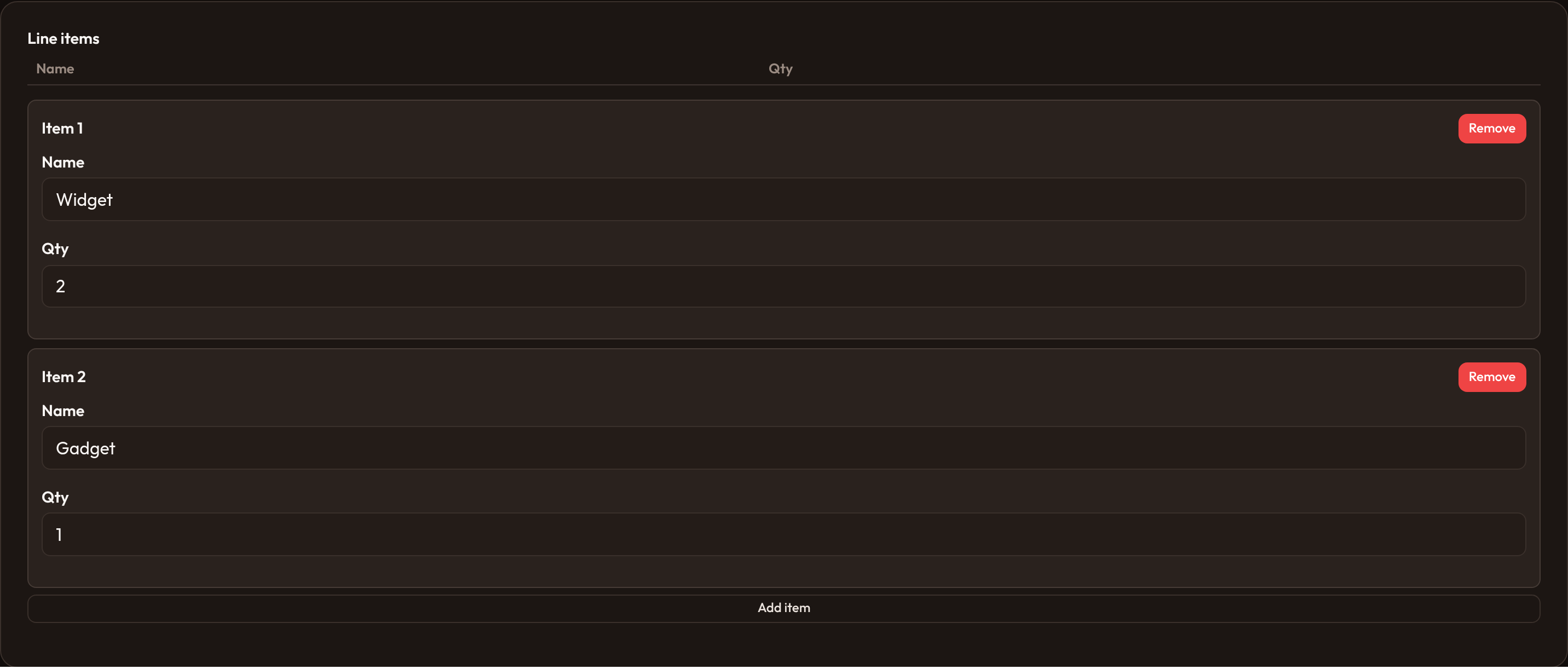
Section titled “Table layout”.table([...]) adds a table header row and or-repeater-table chrome for spreadsheet-like entry. Column labels are presentation only — field order still comes from .schema().
Repeater.make('items') .label('Items') .table(['Name', 'Qty']) .schema([ TextInput.make('name'), TextInput.make('qty').numeric(), ])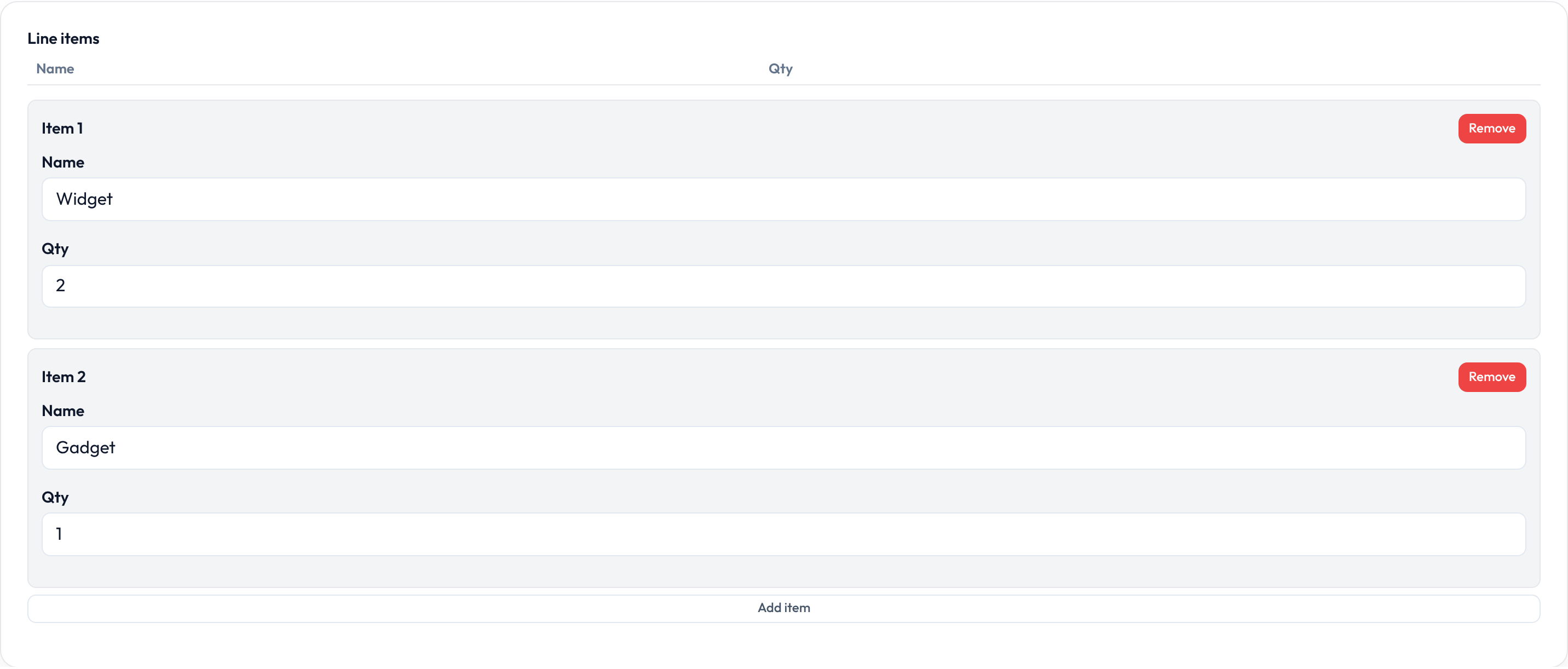
Relationship metadata on Repeater
Section titled “Relationship metadata on Repeater”.relationship(name) sets data-relationship and stores the relationship name for hydrate/mutate hooks. Prefer RelationshipRepeater when the field is always relation-backed; use these mutators on either class.
Repeater.make('comments') .relationship('comments') .schema([TextInput.make('body').label('Body')]) .mutate_relationship_data_before_fill(lambda data, **_: data)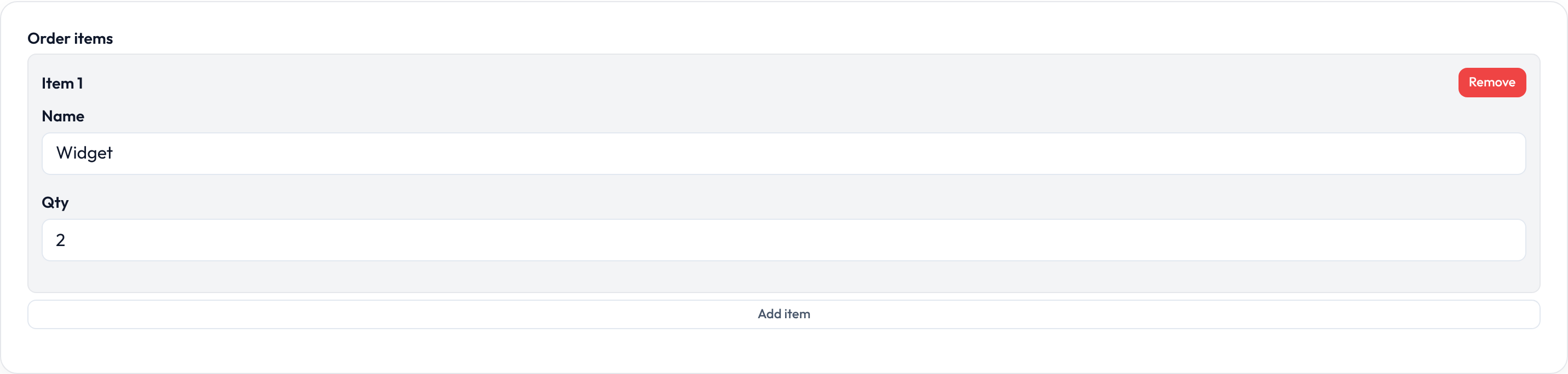
Closures work on .label(), .helper_text(), .placeholder(), .visible(), .disabled(), .required(), and repeater .item_label() where applicable — see Form closures.