

Select
Introduction
Section titled “Introduction”Select is Orbit’s control for choosing one value (or many, when multiple is enabled) from a known set. You can feed it a static value → label map, nested option groups, a Python Enum, or options loaded from a related model. Advanced modes add client-side or AJAX search, create/edit modals for related records, and limits on how many options appear. Pair Select with Multi select when the field always stores a list, or call .multiple() on Select itself.
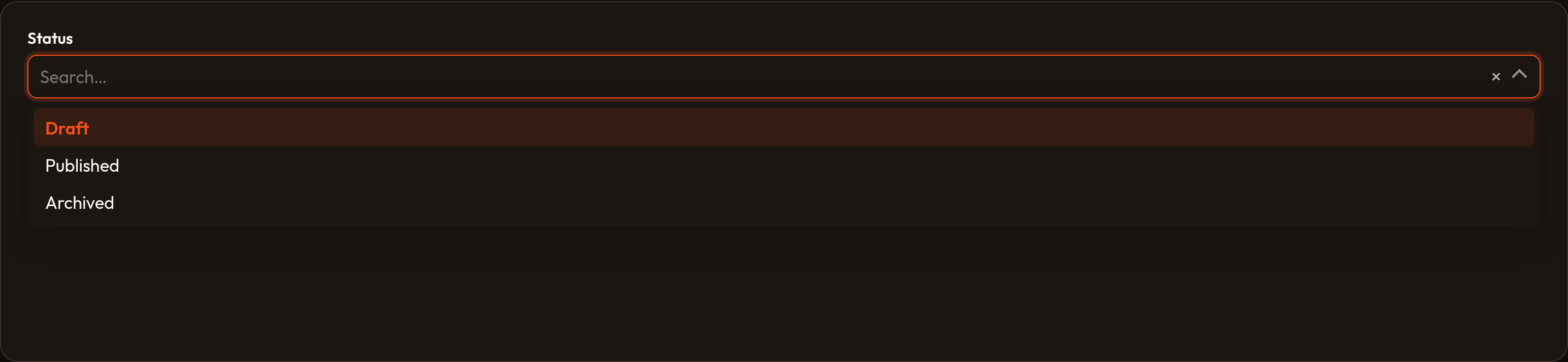
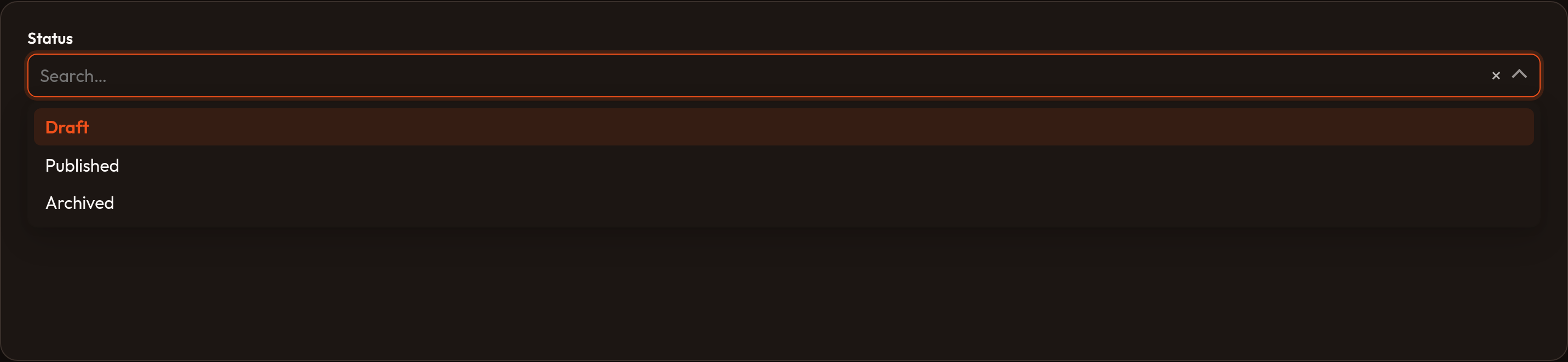
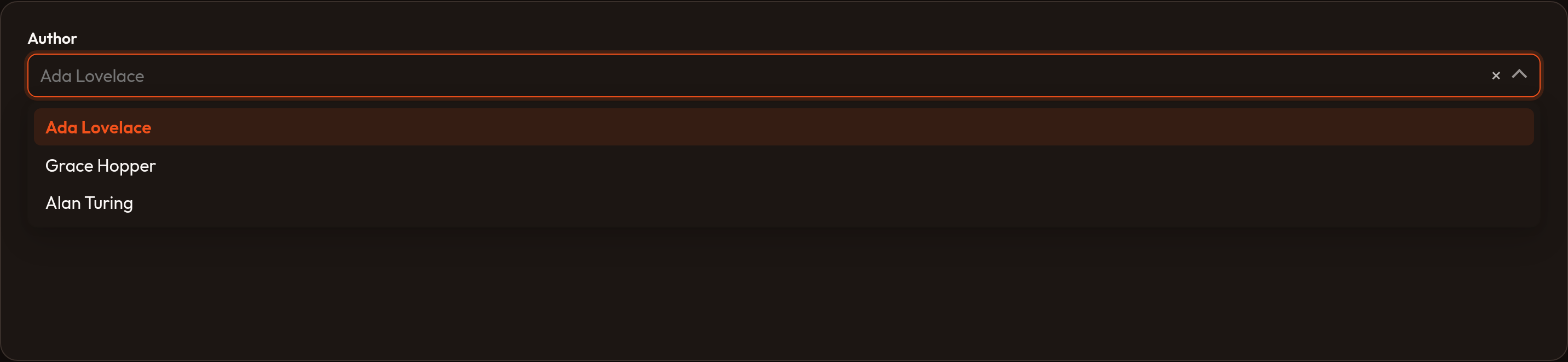
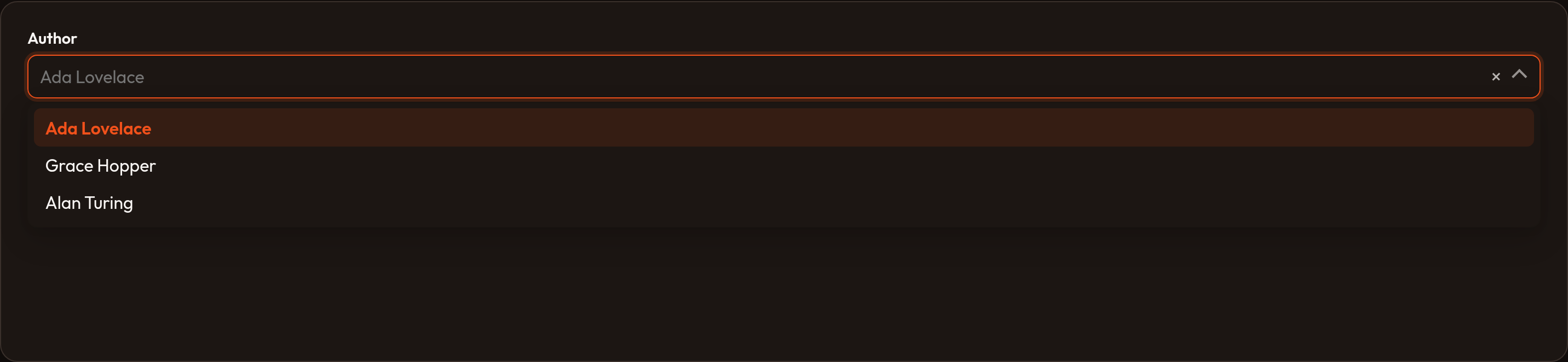
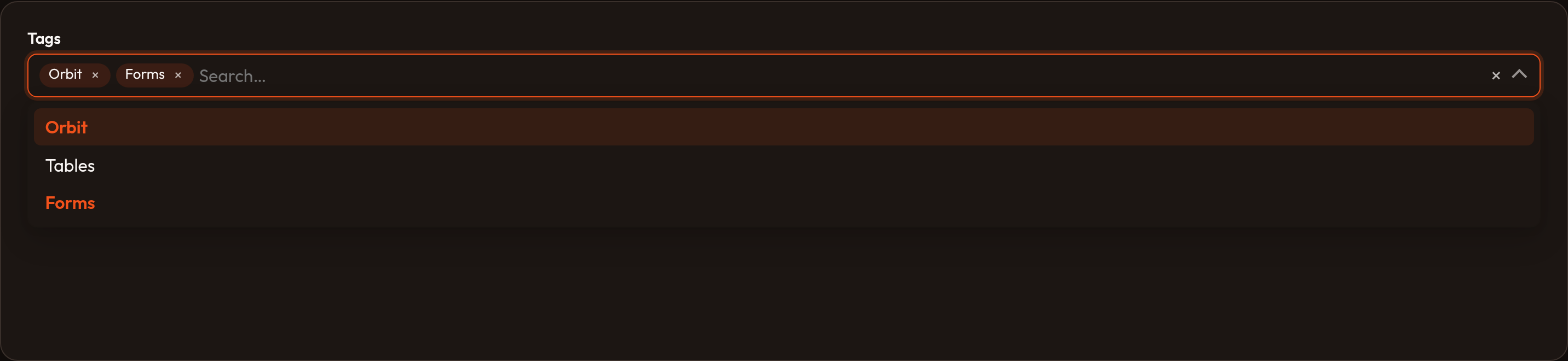
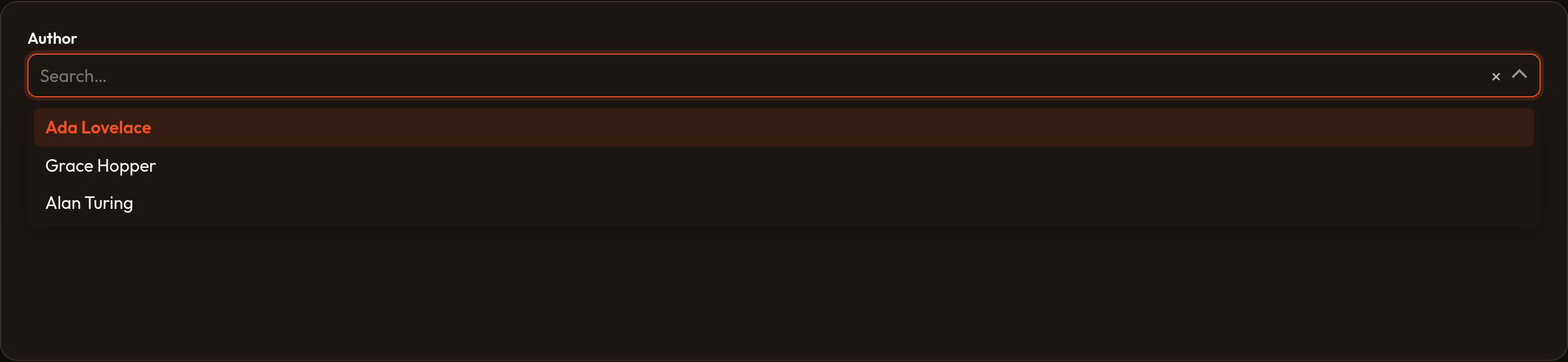
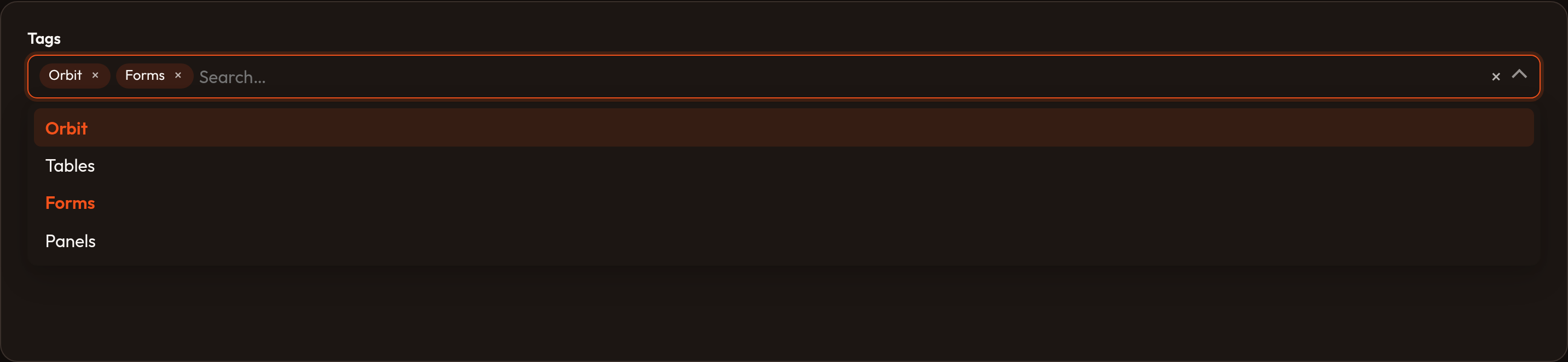
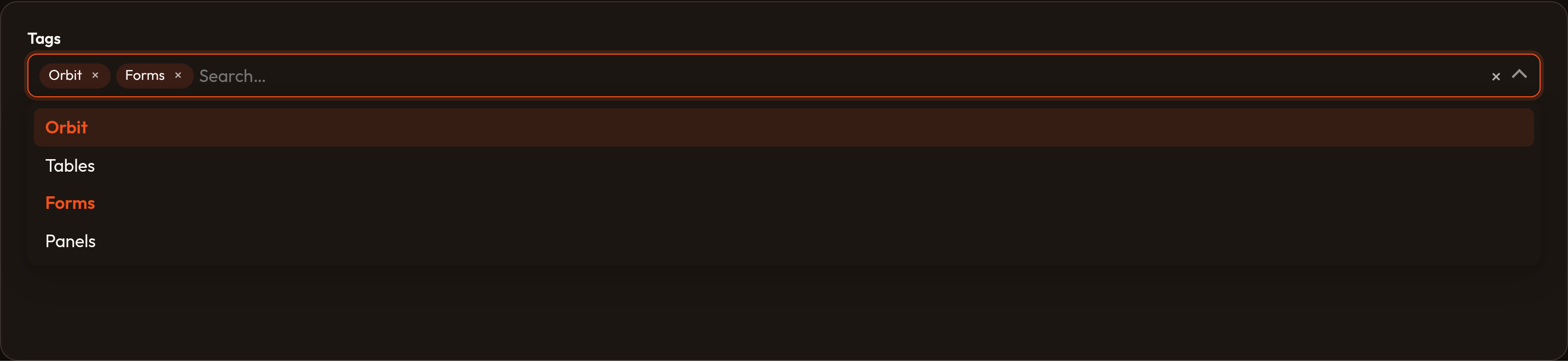
Each variation below includes a short explanation, the fluent API to paste into your schema, and light/dark screenshots of the rendered control.
Basic select
Section titled “Basic select”The default control is a native HTML <select> bound to form state. Pass a flat dict of value → label to .options(). Labels dehydrate as the stored keys, not the display text.
Select.make('status') .label('Status') .options({ 'draft': 'Draft', 'reviewing': 'Reviewing', 'published': 'Published', })

Native vs custom select
Section titled “Native vs custom select”.native(True) (the default) keeps the browser <select> for short, simple lists. Orbit switches to its combobox UI when you call .searchable(), .multiple(), .allow_html(), or .native(False).
The combobox is one control: trigger, optional search field, listbox dropdown, keyboard navigation (↑/↓/Enter/Esc), a clear button, and chips for multi-select. A visually hidden <select> stays wired to Conduit/wire:model so dehydration is unchanged.
Select.make('status') .label('Status') .options({ 'draft': 'Draft', 'reviewing': 'Reviewing', 'published': 'Published', }) .native(False)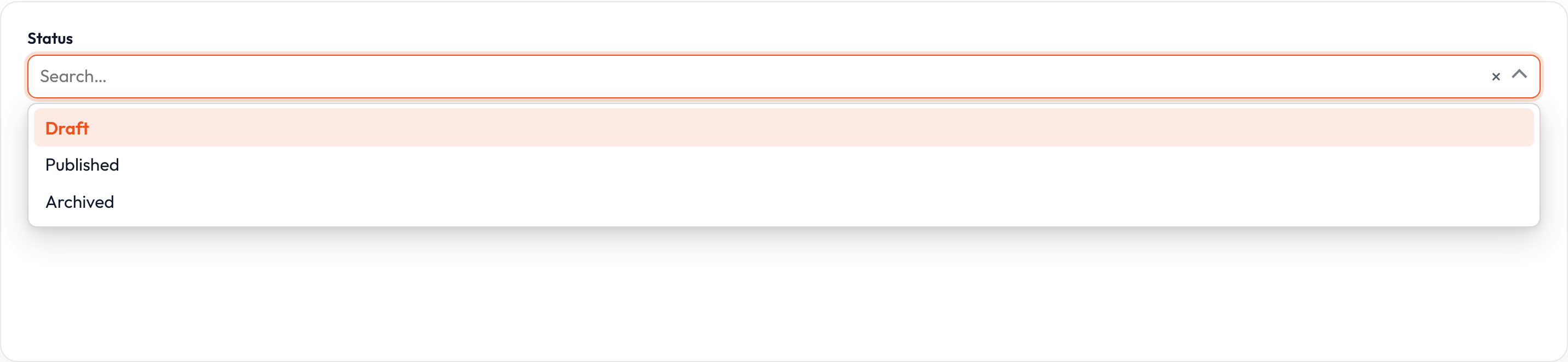
Searching options
Section titled “Searching options”.searchable() enables the combobox search field. Static options filter client-side as you type. Relationship selects without .preload() set data-ajax-search and call Conduit searchSelectOptions, so the host re-renders matching rows (default limit 50).
Select.make('author_id') .label('Author') .options({ 1: 'Ada Lovelace', 2: 'Grace Hopper', 3: 'Katherine Johnson', }) .searchable()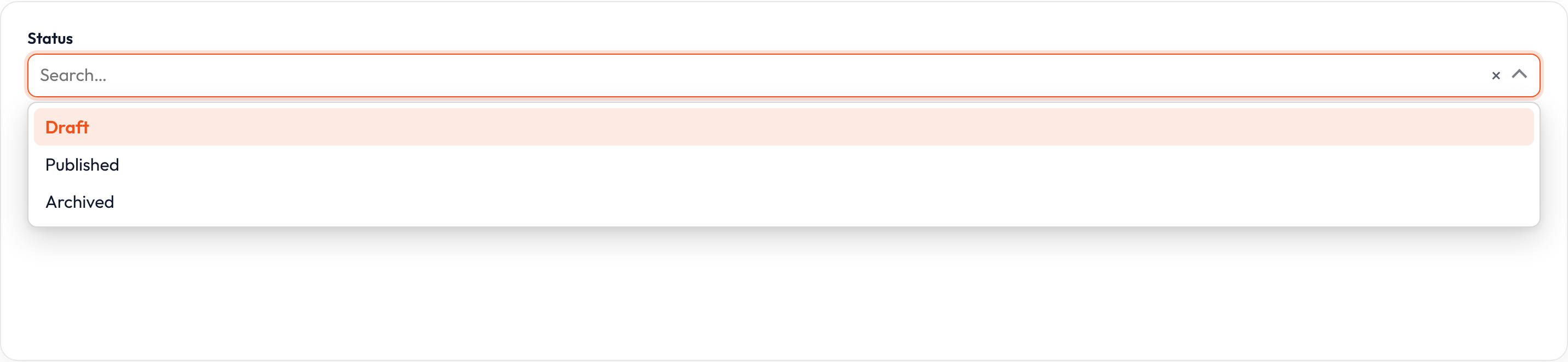
Custom search results
Section titled “Custom search results”When options come from a database or external API, skip a static .options() map and supply .get_search_results_using(). Return a value → label dict for the current search string. Pair with .get_option_label_using() so the currently selected value still has a label before the user searches.
Select.make('author_id') .label('Author') .searchable() .get_search_results_using( lambda search, **_: { a.id: a.name for a in Author.query().where('name', 'like', f'%{search}%').limit(50) } ) .get_option_label_using( lambda value, **_: Author.find(value).name if value else None )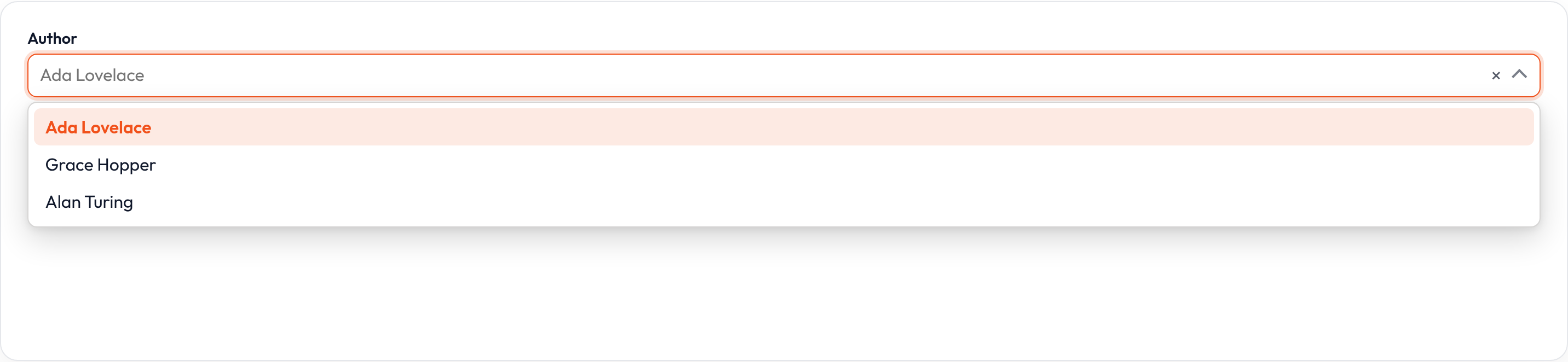
Search prompt and messages
Section titled “Search prompt and messages”Customize the empty-search placeholder and async feedback strings. .search_prompt() sets the hint before typing; .loading_message(), .searching_message(), and .no_search_results_message() cover loading and empty states.
Select.make('author_id') .label('Author') .relationship('author', 'name') .searchable() .search_prompt('Search authors by name') .loading_message('Loading authors…') .searching_message('Searching authors…') .no_search_results_message('No authors found.')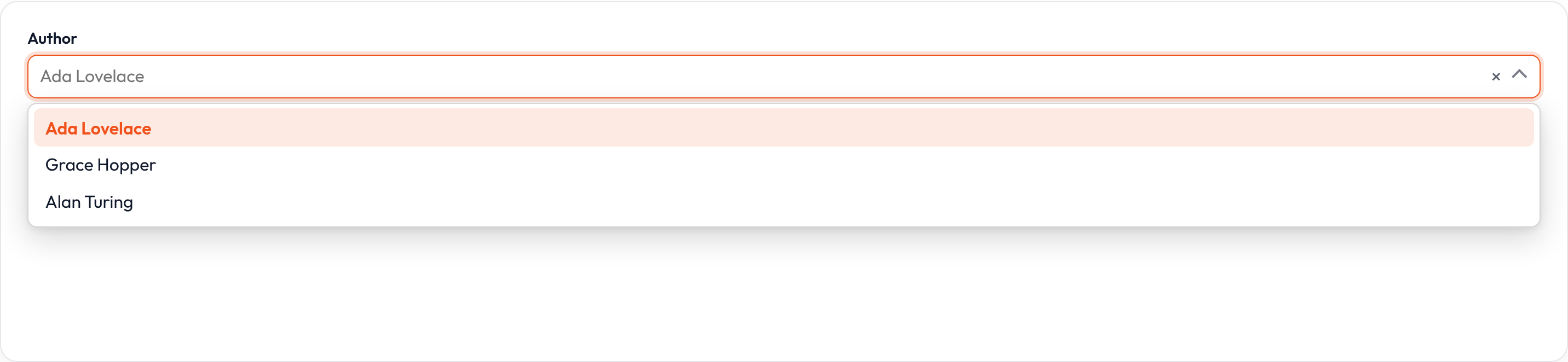
Grouping options
Section titled “Grouping options”Nest a dict of groups under .options(): outer keys become group headings, inner dicts are the selectable values. Groups work with searchable and native selects alike.
Select.make('status') .label('Status') .searchable() .options({ 'In process': { 'draft': 'Draft', 'reviewing': 'Reviewing', }, 'Reviewed': { 'published': 'Published', 'rejected': 'Rejected', }, })

Enum options
Section titled “Enum options”.enum() builds the options map from a Python Enum (member value → humanized name). Useful when the field stores enum values already used elsewhere in the app.
from enum import Enum
class Status(str, Enum):    DRAFT = 'draft'    PUBLISHED = 'published'
Select.make('status')    .label('Status')    .enum(Status)

Multiple selection
Section titled “Multiple selection”.multiple() stores a list of selected keys instead of a single value. Prefer MultiSelect when the field is always multi; both share the same Select APIs (search, relationships, limits, reorder).
Select.make('technologies') .label('Technologies') .multiple() .options({ 'tailwind': 'Tailwind CSS', 'alpine': 'Alpine.js', 'laravel': 'Laravel', })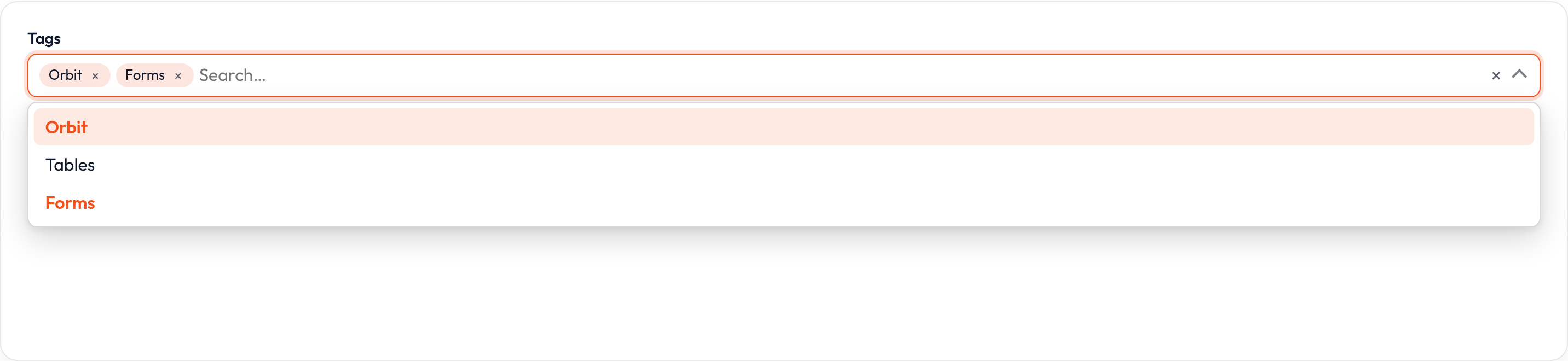
Relationship selects
Section titled “Relationship selects”.relationship() loads options from a related model on the record (for example an album’s artist, or many tags). Pass the relationship name and title attribute, or option_label='{name} - {country}' for multi-column labels. The dehydrated value is typically the related record’s primary key (or a list of keys when .multiple() is on). Without .preload(), searchable relationship selects fetch pages of .options_limit() results (default 50) as the user types.
Select.make('artist_id') .label('Artist') .relationship('artist', option_label='{name} - {country}') .searchable()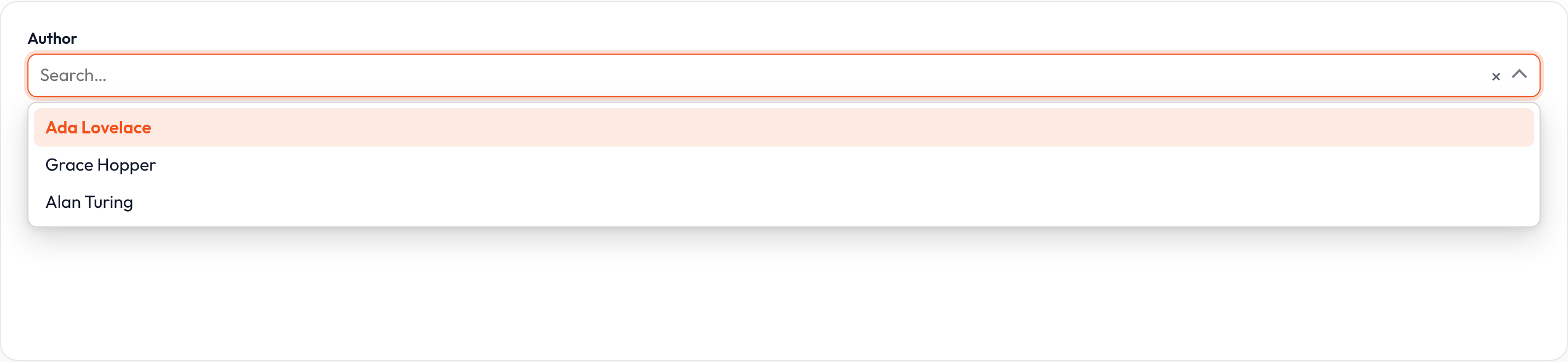
Preloading relationship options
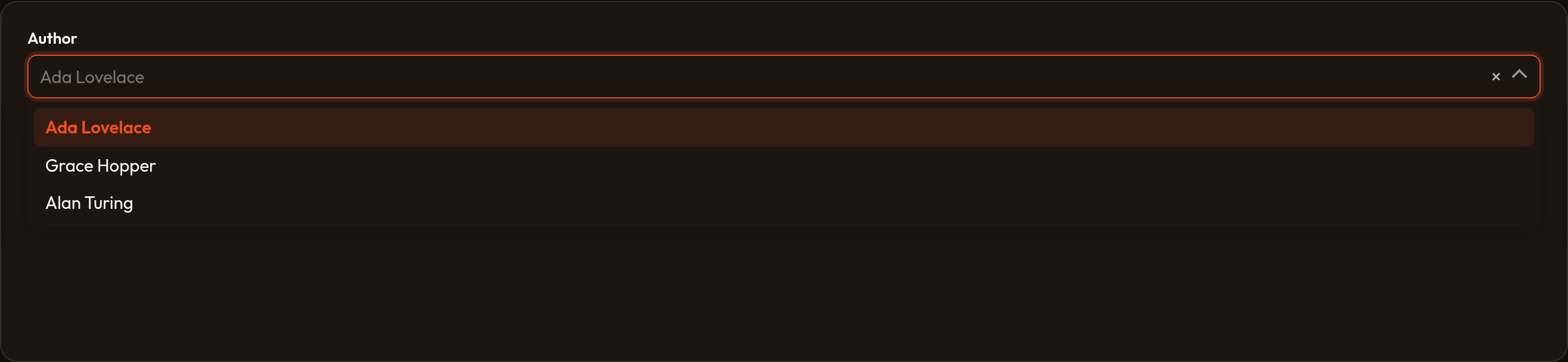
Section titled “Preloading relationship options”.preload() eagerly loads a capped option set on first render instead of waiting for search. Combine with .searchable() so users can still filter the preloaded list.
Select.make('artist_id') .label('Artist') .relationship('artist', 'name') .searchable() .preload()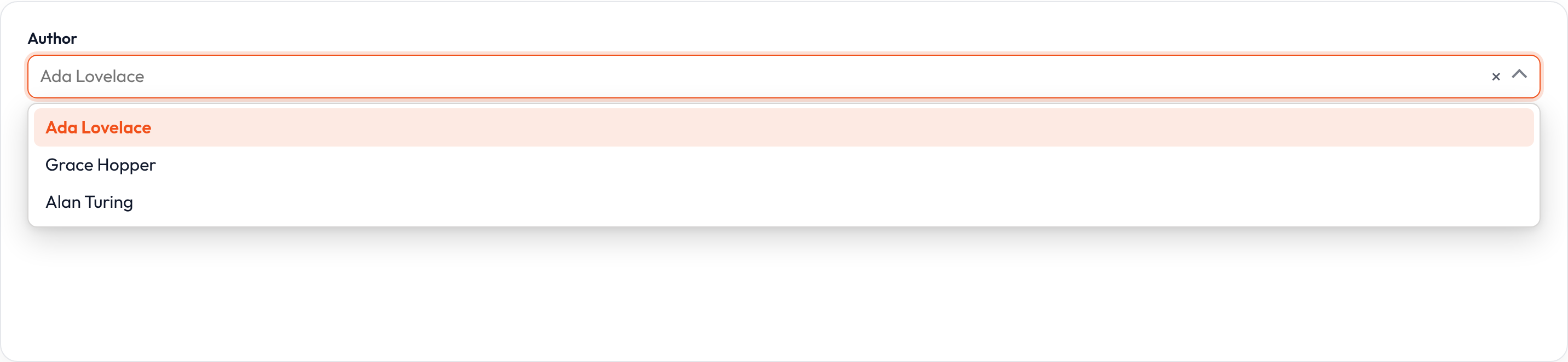
Options limit
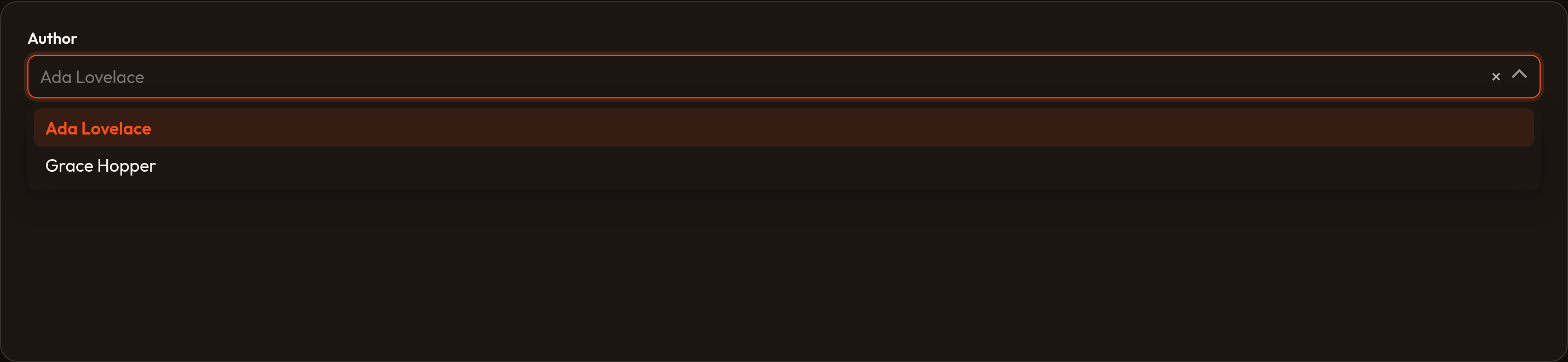
Section titled “Options limit”.options_limit() caps how many relationship or AJAX results are returned per request (default 50). Raise it for denser catalogs; keep it modest to protect query cost.
Select.make('artist_id') .label('Artist') .relationship('artist', 'name') .searchable() .options_limit(100)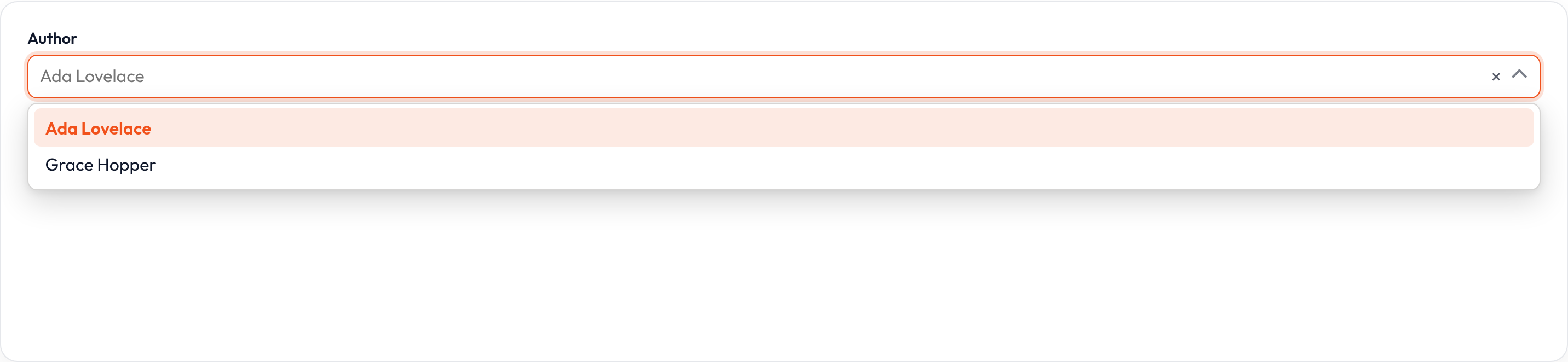
Boolean options
Section titled “Boolean options”.boolean() replaces custom options with Yes / No (1 / 0). Ideal for quick affirmative fields that still need a select rather than a checkbox.
Select.make('featured') .label('Featured on homepage?') .boolean()

Disabling specific options
Section titled “Disabling specific options”.disable_option_when() receives each option value and returns True when that option should be non-selectable — retired statuses, sold-out SKUs, and similar.
Select.make('status') .label('Status') .options({ 'draft': 'Draft', 'published': 'Published', 'archived': 'Archived', }) .disable_option_when(lambda value, **_: value == 'archived')

Wrapping option labels
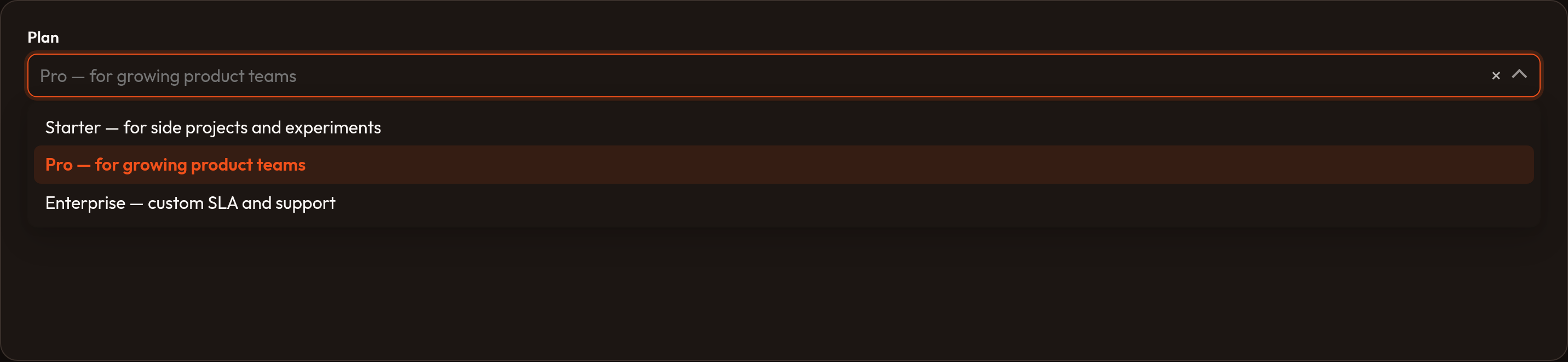
Section titled “Wrapping option labels”Long labels can truncate awkwardly in the dropdown. .wrap() allows option text to wrap onto multiple lines inside the custom select.
Select.make('policy') .label('Retention policy') .native(False) .options({ '30d': 'Delete drafts older than 30 days after last edit', '90d': 'Archive published posts after 90 days of inactivity', }) .wrap()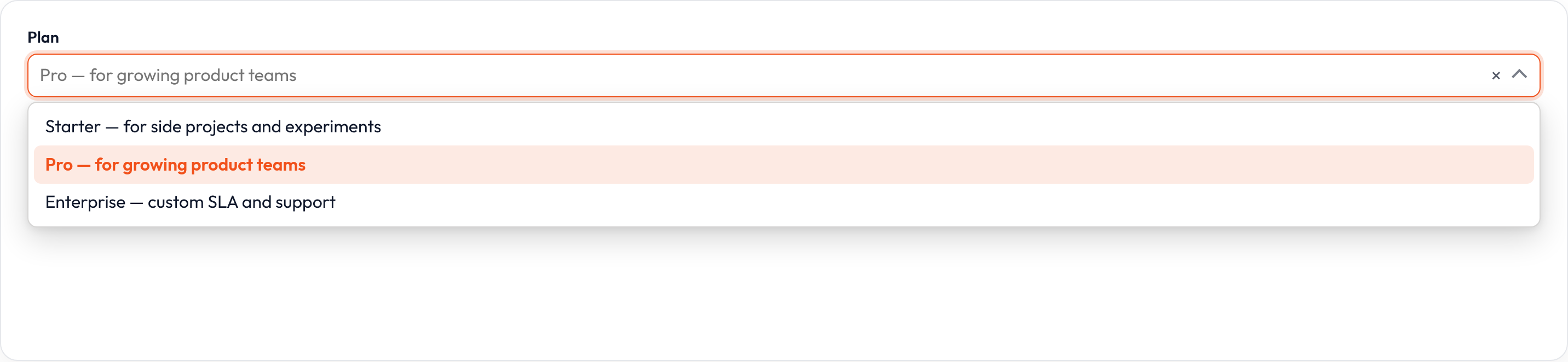
Allowing HTML in labels
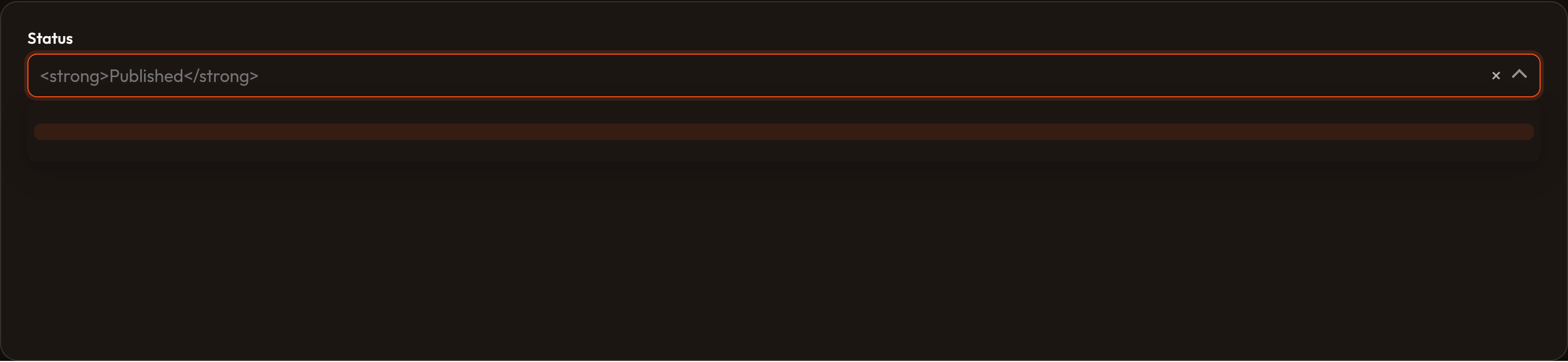
Section titled “Allowing HTML in labels”By default option labels are escaped. .allow_html() renders trusted HTML in labels (badges, emphasis). Only enable this for content you control — untrusted strings are an XSS risk.
Select.make('priority') .label('Priority') .native(False) .options({ 'high': '<span class="text-danger">High</span>', 'low': '<span class="text-muted">Low</span>', }) .allow_html()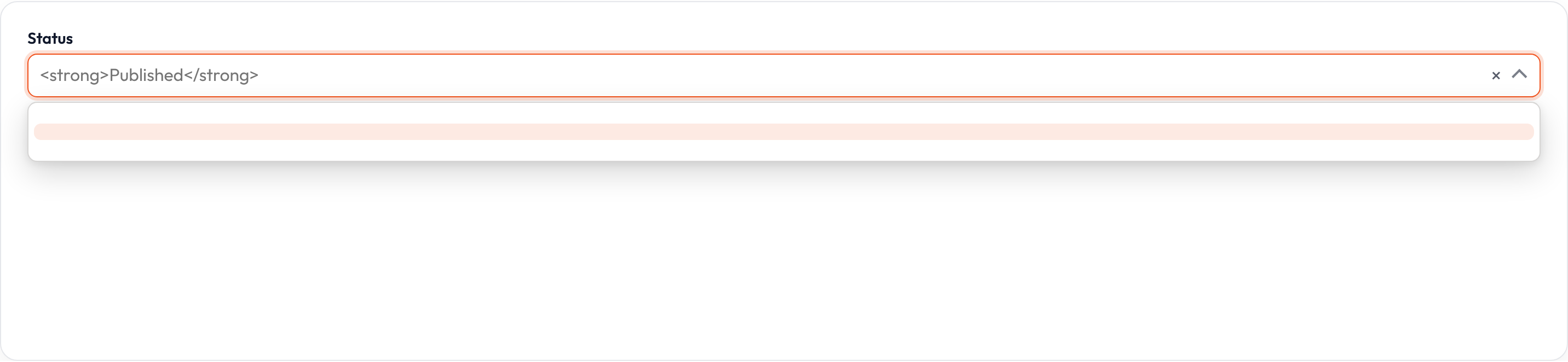
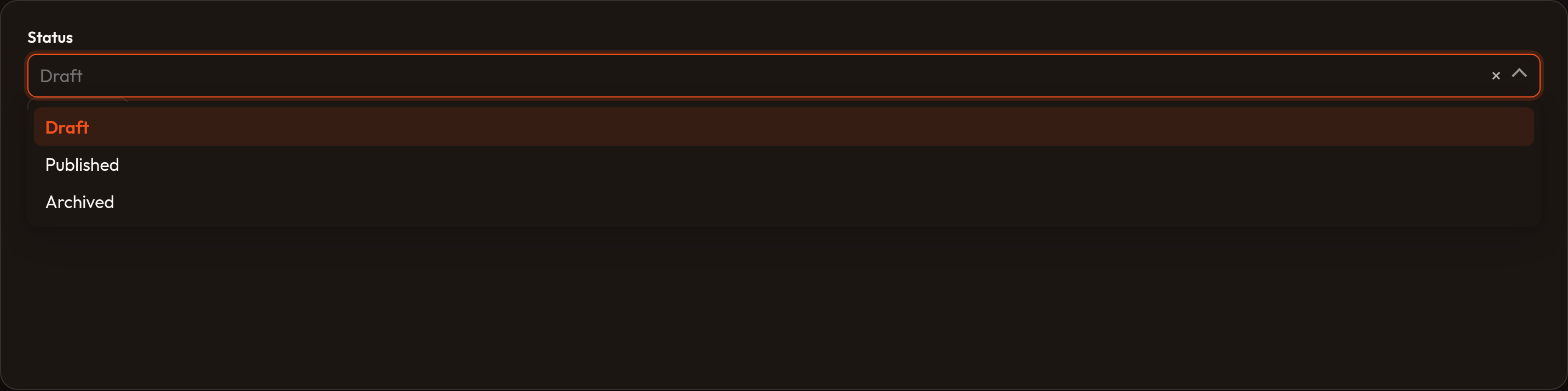
Creating new options
Section titled “Creating new options”.create_option_form() attaches a modal schema so users can insert a related record without leaving the form. .create_option_using() customizes persistence and must return the new option’s primary key.
Select.make('artist_id') .label('Artist') .relationship('artist', 'name') .searchable() .create_option_form([ TextInput.make('name').required(), TextInput.make('country'), ]) .create_option_using(lambda data, **_: Artist.create(**data).id)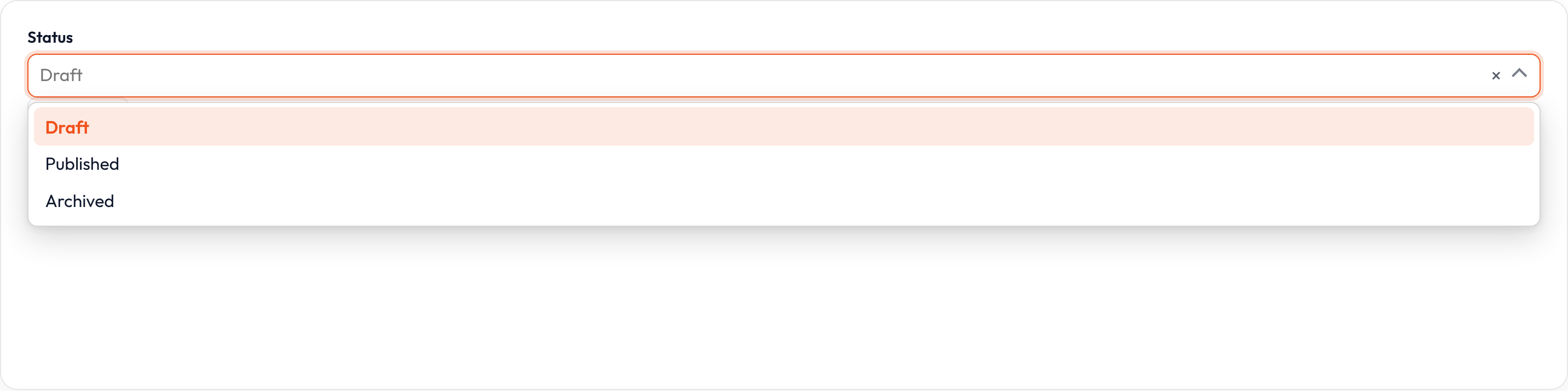
Editing the selected option
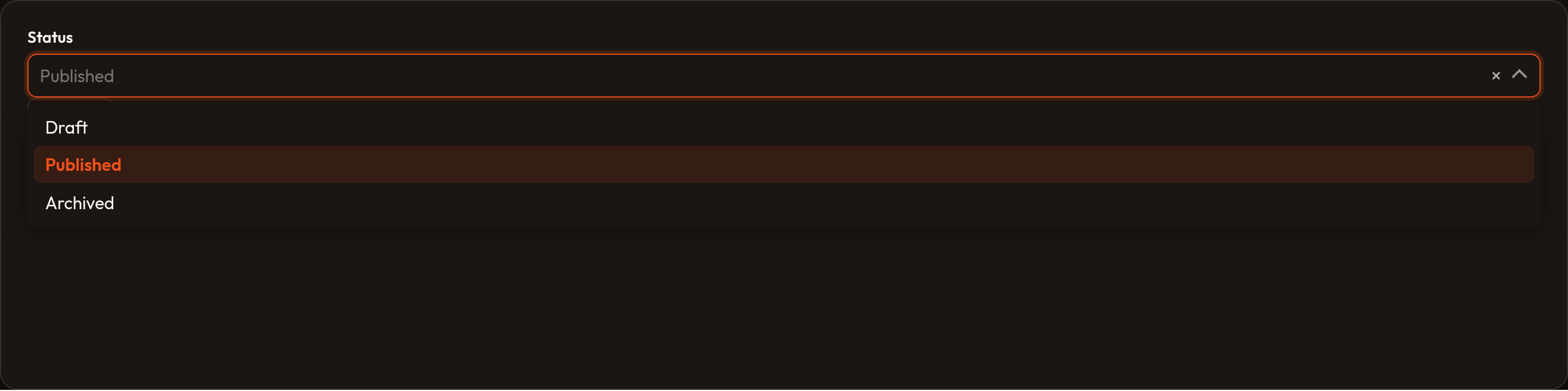
Section titled “Editing the selected option”.edit_option_action() exposes an action beside the select so users can open the currently selected related record for editing without leaving the form. Pass True to enable the default action, or a named action string when you wire a custom handler.
Select.make('artist_id') .label('Artist') .relationship('artist', 'name') .searchable() .edit_option_action()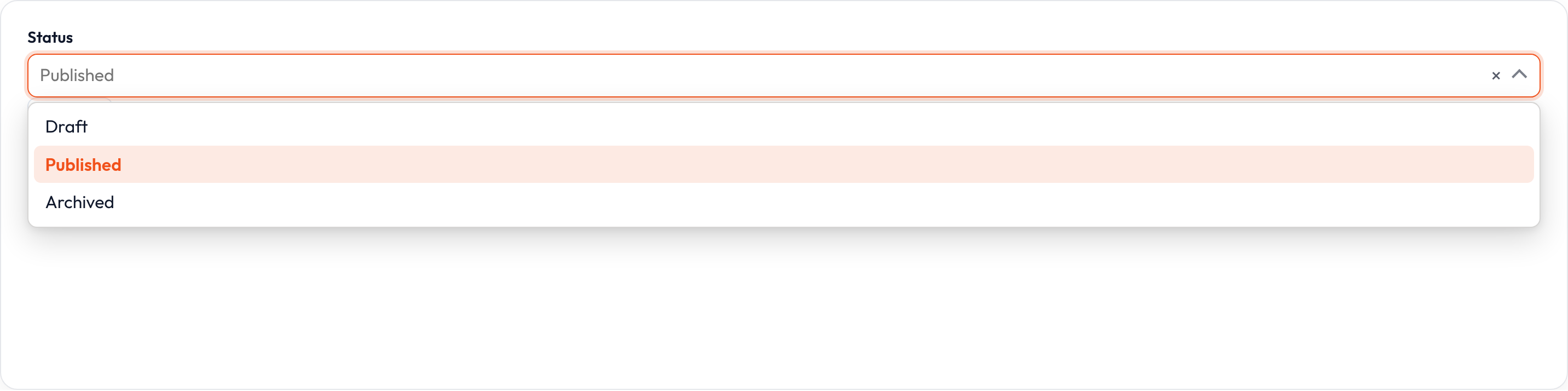
Selectable placeholder
Section titled “Selectable placeholder”When .selectable_placeholder(True) (default), the empty placeholder row can be chosen to clear the value. Disable it when a blank selection should not be allowed after the user picks a real option.
Select.make('status') .label('Status') .placeholder('Choose a status') .options({ 'draft': 'Draft', 'published': 'Published', }) .selectable_placeholder(False)

Limiting selection count
Section titled “Limiting selection count”On multi selects, .min_items() and .max_items() constrain how many options may be chosen. Validation fails when the selection falls outside the range.
Select.make('tags') .label('Tags') .multiple() .options({ 'orbit': 'Orbit', 'forms': 'Forms', 'tables': 'Tables', }) .min_items(1) .max_items(3)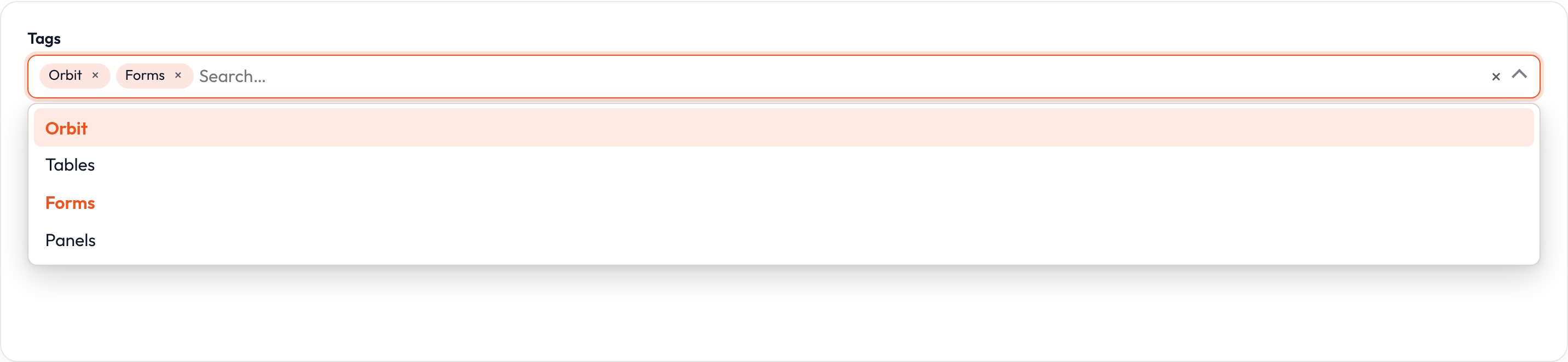
Reordering selected options
Section titled “Reordering selected options”.reorderable() lets users drag selected chips into a meaningful order when sequence matters (priority lists, display order). Requires .multiple().
Select.make('tags') .label('Tags') .multiple() .reorderable() .options({ 'orbit': 'Orbit', 'forms': 'Forms', 'tables': 'Tables', })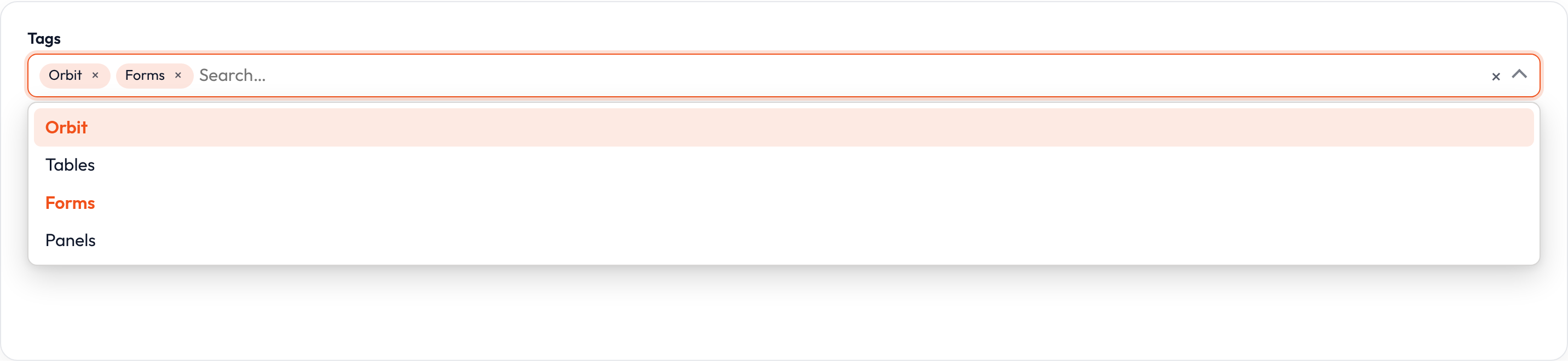
Closures work on .label(), .helper_text(), .placeholder(), .visible(), .disabled(), and .required() where applicable — see Form closures.