Overview
Auth pages
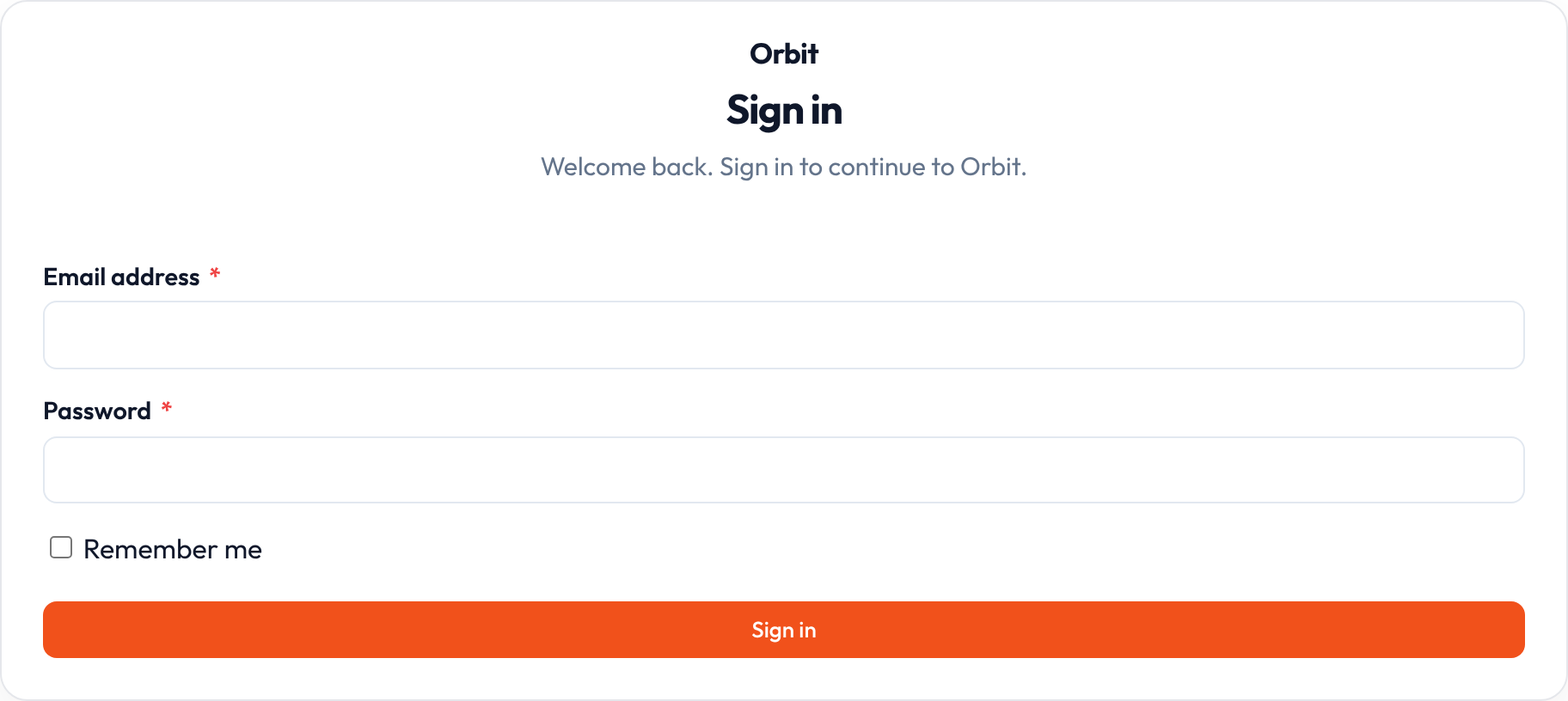
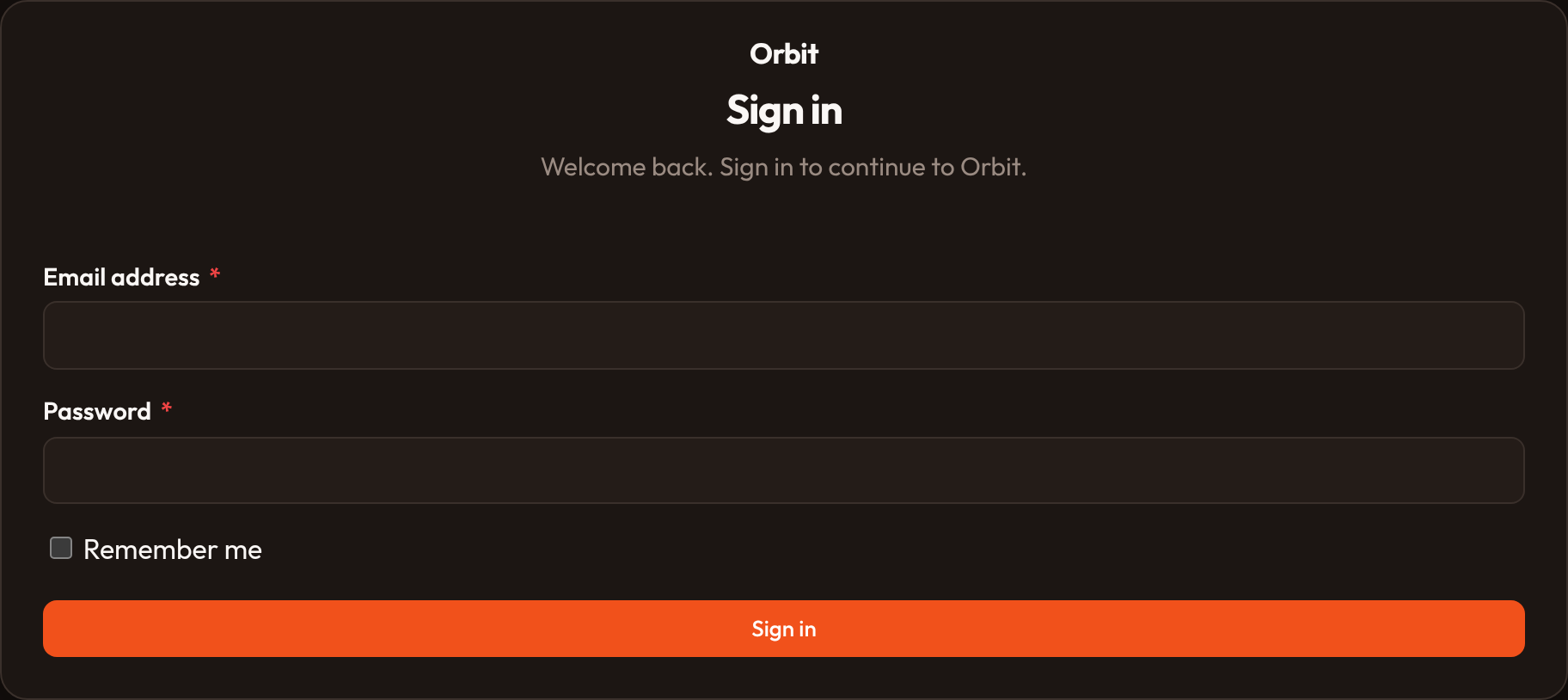
Section titled “Auth pages”Built-in Login / Register pages can be extended and passed to the panel:
from almasix.orbit import Panel, Login, Register, Dashboard
class MyLogin(Login):    title = "Welcome back"
Panel.make("admin") .login(MyLogin) .signup() # or .signup(MyRegister) .dashboard() # default home; .dashboard(False) to disablefrom almasix.orbit.panels.auth import PasswordReset, Profile
Login.render()Register.render()Tenancy
Section titled “Tenancy”Multi-tenancy isolates panel data by team or organization. A tenant is that boundary (team, workspace, company). Orbit keeps a current tenant, shows a switcher in the chrome, and gives you hooks to scope list queries and associate creates so each team only sees and owns its own records.
from almasix.orbit.panels import Tenancy, Tenant
Tenancy()    .tenants([Tenant(1, "Acme"), Tenant(2, "Beta")])    .current(Tenant(1, "Acme"))    .scope_using(lambda q, t: [r for r in q if r["tenant_id"] == t.id])
Full walkthrough — what a tenant is, one-team vs switcher models, HasTenants, registration / profile / billing slots, route prefixes, middleware, and security — in Multi-tenancy.
After a correct password, Orbit can require a second factor. Register providers on the panel; users with mfa_app_enabled or mfa_email_enabled are sent to the challenge page.
from almasix.orbit.panels.mfa import AppAuthentication, EmailAuthentication
Panel.make("admin").multi_factor_authentication(    AppAuthentication(brand_name="Orbit"),    EmailAuthentication(),)
Full walkthrough — TOTP, recovery codes, SMTP vs in-memory mail, and the pending-session gate — in Multi-factor authentication.
Preview
Section titled “Preview”