

User menu
Introduction
Section titled “Introduction”The user menu sits in the topbar (or sidebar) and lists profile, custom links, and sign-out. Register items on the panel with fluent UserMenuItems or dicts.
from almasix.orbit import Panelfrom almasix.orbit.panels import UserMenuItem
Panel.make("admin")    .path("admin")    .user_menu_items([        UserMenuItem.make("settings")            .label("Settings")            .url("/admin/settings")            .icon("heroicon-o-cog-6-tooth")            .sort(10),    ])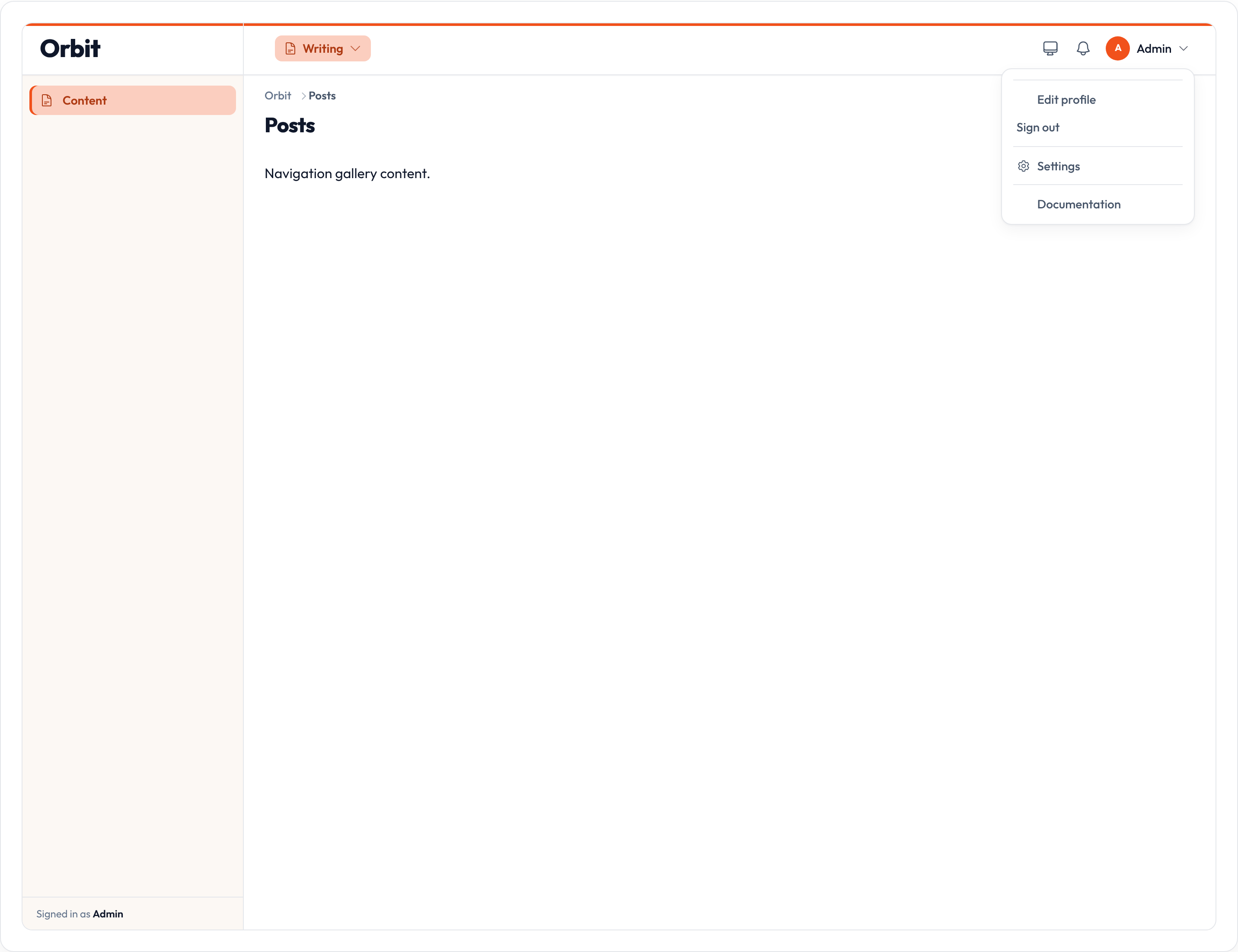
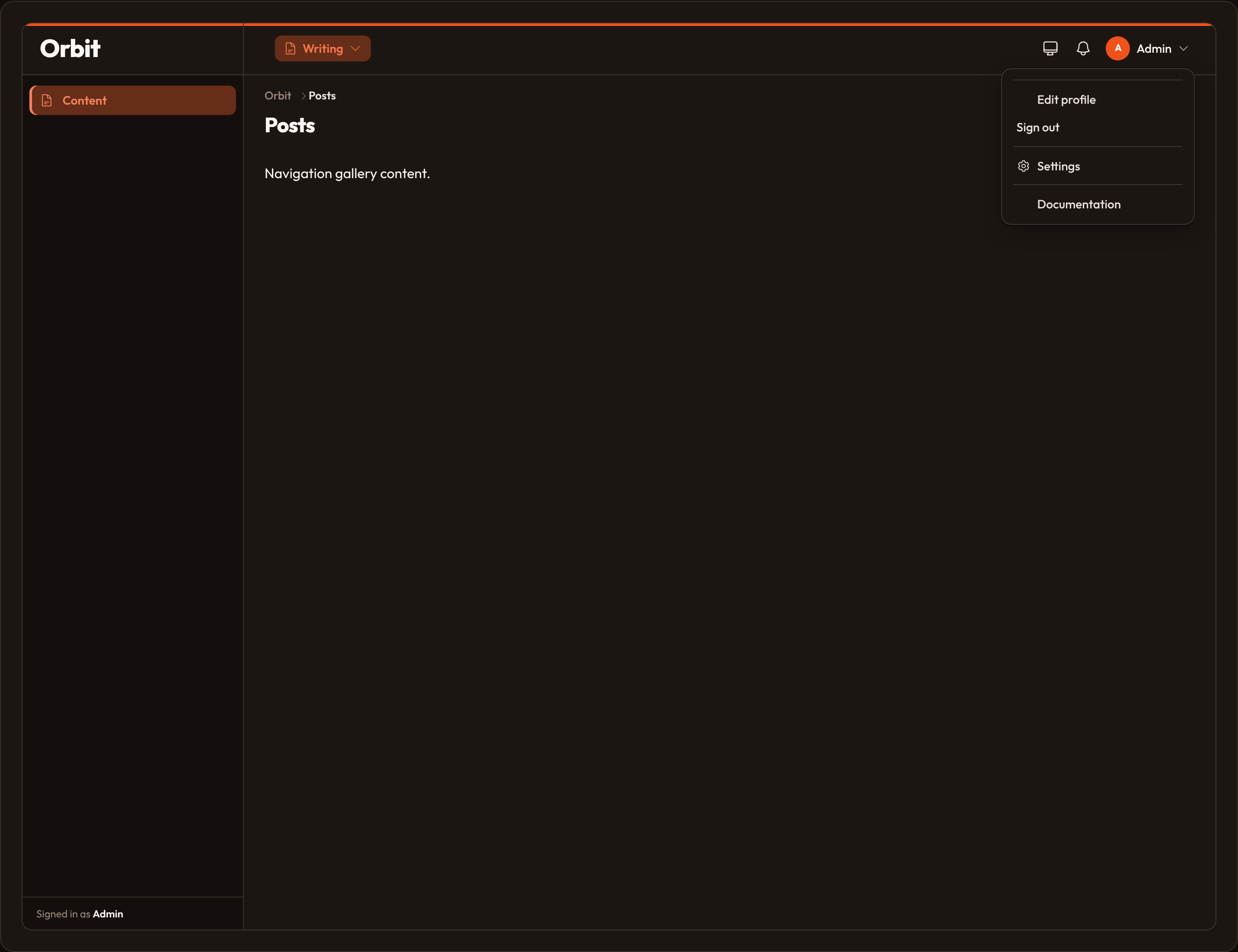
The shell only renders the menu when a panel user is present (session auth or .default_user() / .user(...)).
UserMenuItem API
Section titled “UserMenuItem API”| Method | Notes |
|---|---|
.label |
Display text |
.url |
Destination |
.icon |
Heroicon name |
.sort |
Ascending order |
.group |
Divider between distinct group keys |
.visible |
bool or callable — hide when false |
.hidden |
Force hidden when true |
.post_to_url |
Render as a POST form (logout-style) |
from almasix.orbit.panels import UserMenuItem
UserMenuItem.make("docs")    .label("Documentation")    .url("https://orbit.almasix.com")    .icon("heroicon-o-book-open")    .group("Help")    .sort(20)    .visible(lambda user, **_: user is not None)
Groups
Section titled “Groups”Items with different .group(...) values are separated by a divider in the menu panel.
Panel.make("admin") .path("admin") .user_menu_items([ UserMenuItem.make("settings") .label("Settings") .url("/admin/settings") .icon("heroicon-o-cog-6-tooth") .group("Account"), UserMenuItem.make("billing") .label("Billing") .url("/admin/billing") .icon("heroicon-o-banknotes") .group("Account"), UserMenuItem.make("docs") .label("Docs") .url("https://orbit.almasix.com") .icon("heroicon-o-book-open") .group("Help"), ])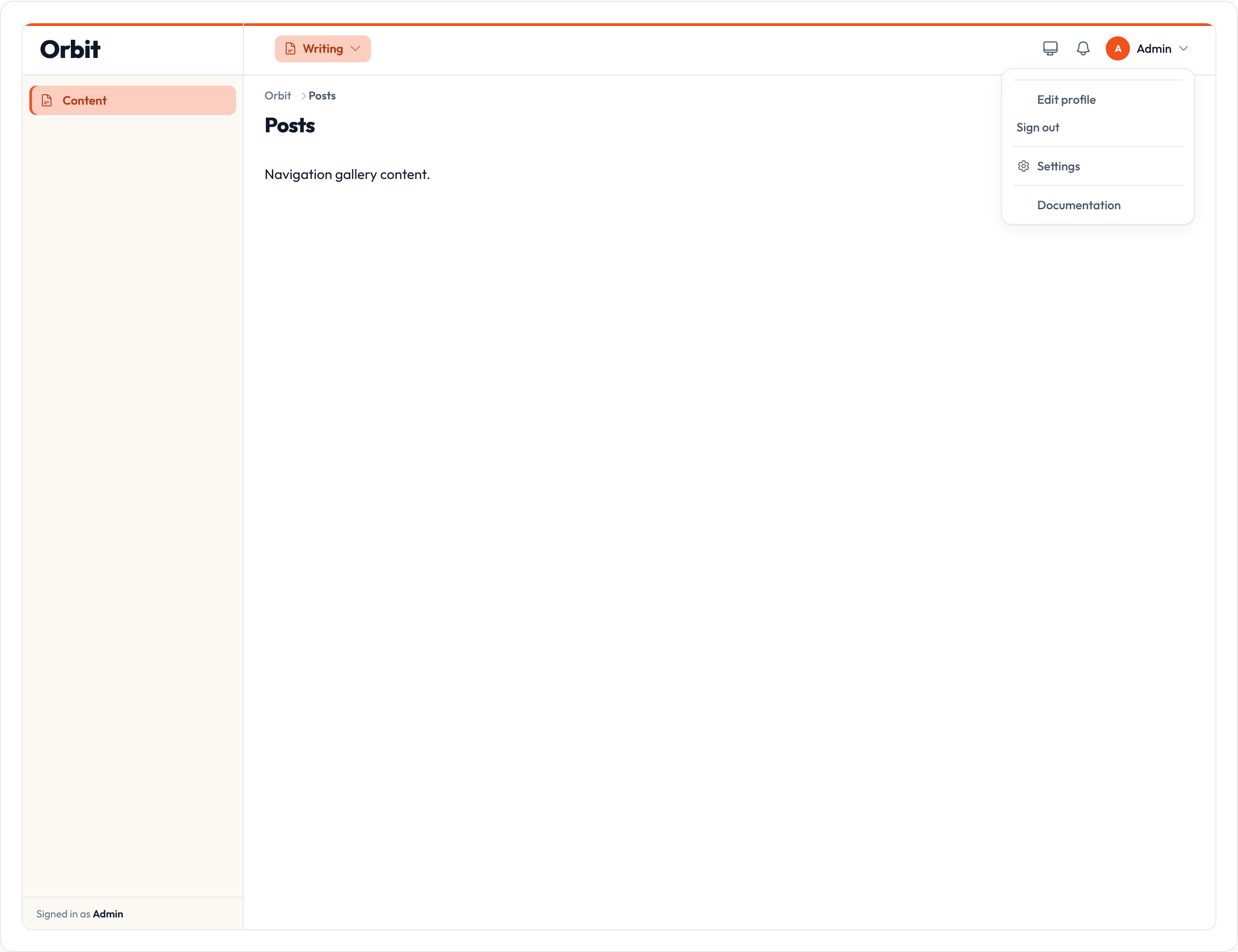
Profile & logout
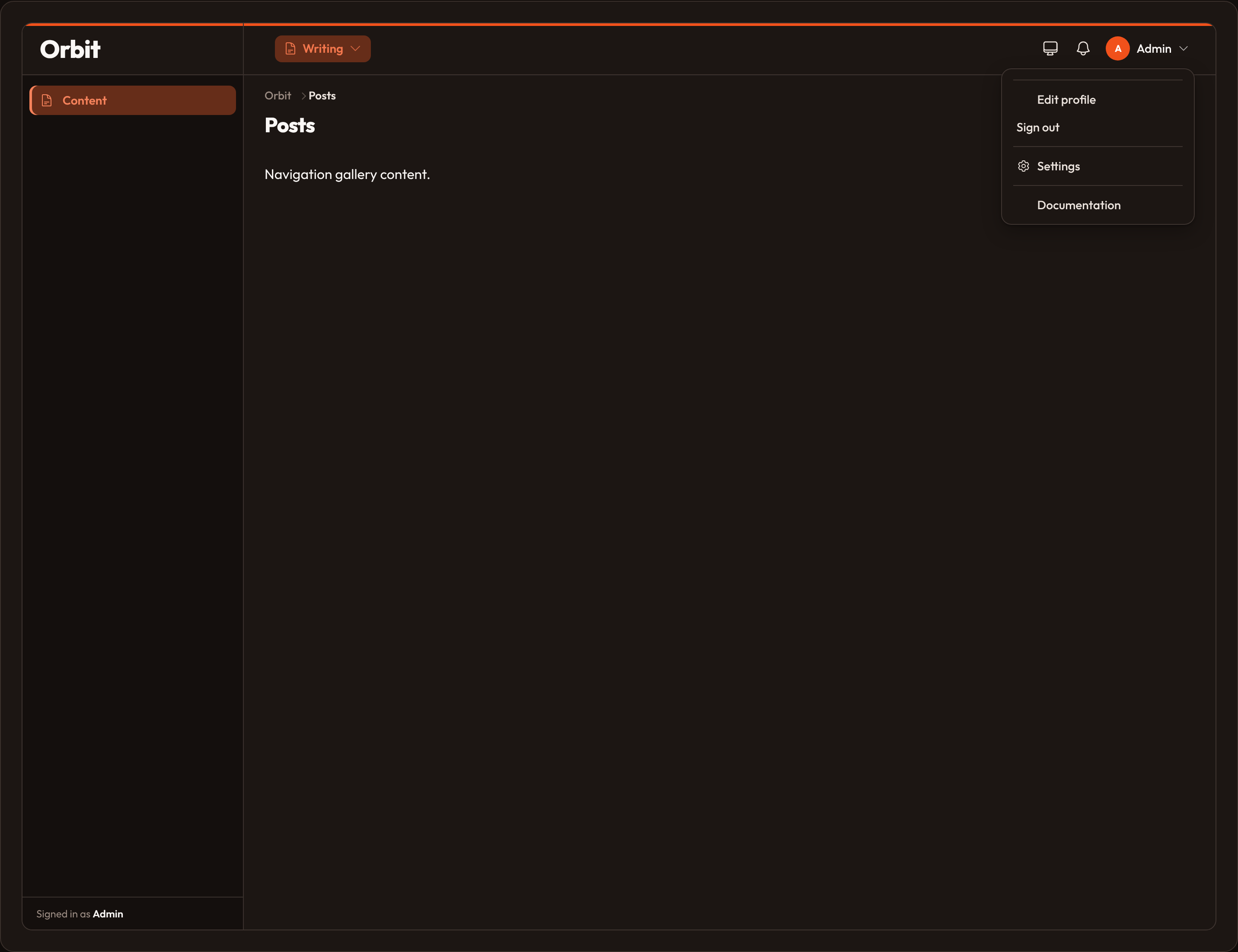
Section titled “Profile & logout”Pass a dict to .user_menu_items(...) with special keys profile and logout. Values may be a UserMenuItem, a dict, or a callable that customizes the default item:
Panel.make("admin") .path("admin") .user_menu_items({ "profile": lambda item: item.label("Edit profile").url("/admin/profile") .icon("heroicon-o-user-circle"), "logout": lambda item: item.label("Log out").post_to_url(), "status": UserMenuItem.make("status") .label("System status") .url("/status") .icon("heroicon-o-signal"), })If you never register logout, Orbit still appends a default “Sign out” link at the end.
Position
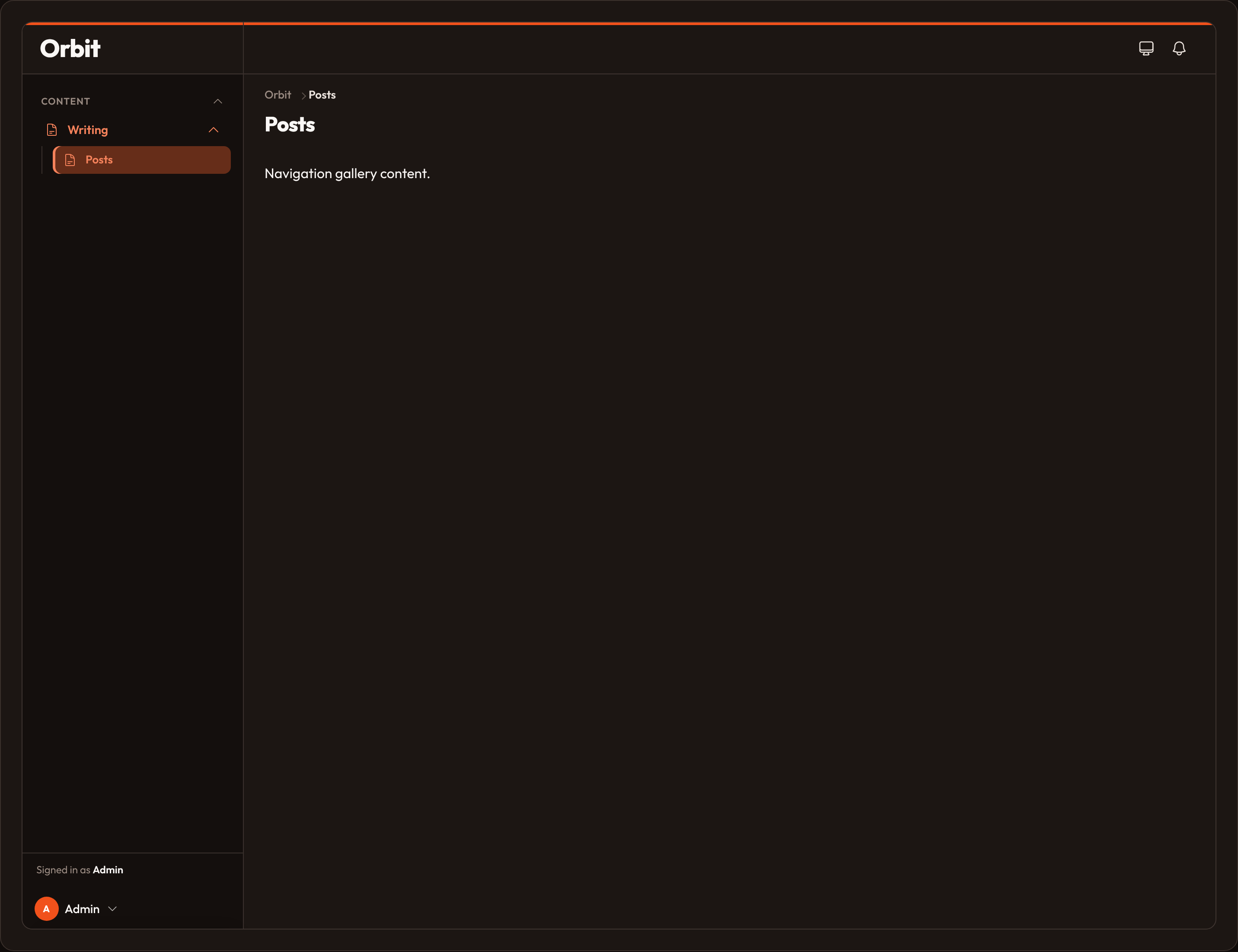
Section titled “Position”By default the menu lives in the topbar. Move it to the sidebar (or when the topbar is off) with .user_menu(position="sidebar") / .user_menu_position("sidebar").
Panel.make("admin") .path("admin") .user_menu(position="sidebar")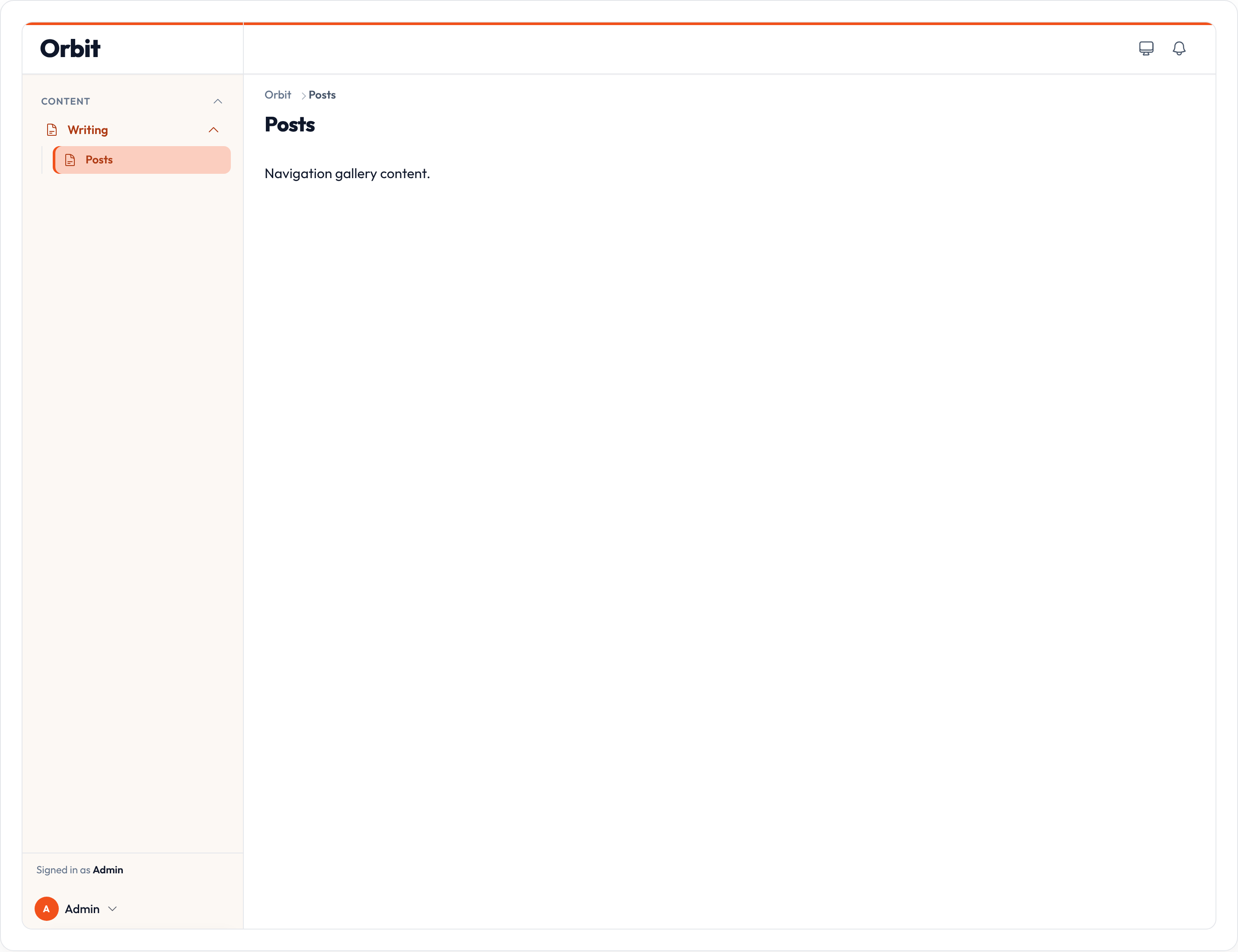
Disable
Section titled “Disable”Panel.make("admin").path("admin").user_menu(False)See also: Users, Panel configuration.