

Schemas overview
Introduction
Section titled “Introduction”Schemas are the nesting fabric under forms, infolists, and anything else that needs a component tree in the panel. A Schema holds state, dehydrates fields, and renders children — it is the shared substrate so create/edit forms, read-only show pages, and custom panel pages speak the same composition language.
Layouts (Section, Tabs, Grid, Wizard, …) organize children without caring whether those children are form fields or infolist entries. Primes, callouts, and empty states add non-field chrome when you need display-only pieces beside inputs.
Compose with .schema([...]) / .components([...]), hydrate with .state() / .fill(), read back with .get_state() / .dehydrate(), and render HTML for Conduit hosts. Start here when you need structure; jump to Forms or Infolists when you need typed fields or entries.
Available components
Section titled “Available components”Form fields
Section titled “Form fields”Form fields live under almasix.orbit.forms — text inputs, selects, toggles, repeaters, and more. Nest them inside any layout or top-level schema.
Infolist entries
Section titled “Infolist entries”Read-only entry components live under infolists. They share the same schema nesting model as forms.
Layout components
Section titled “Layout components”| Component | Role |
|---|---|
| Grid | Fixed column count |
| Flex | Flex row that stacks below a breakpoint |
| Group | Fuse children without fieldset chrome |
| Split | Side-by-side panes that stack |
| Fieldset | Native <fieldset> + legend |
| Section | Heading, icon, collapsible / aside / compact |
| Tabs | Horizontal panels with icons and badges |
| Wizard | Multi-step nav with continue / back / skip |
See also the layouts gallery.
Prime components
Section titled “Prime components”Primes are read-only display pieces — Text, Icon, Image, and UnorderedList — for infolists and inline form summaries.
Other schema components
Section titled “Other schema components”| Component | Role |
|---|---|
| Callout | Info / success / warning / danger banners |
| Empty state | Zero-data placeholders with optional actions |
An example schema
Section titled “An example schema”from almasix.orbit.schemas import Schema, Grid, Sectionfrom almasix.orbit.forms import TextInput, Select, Toggle
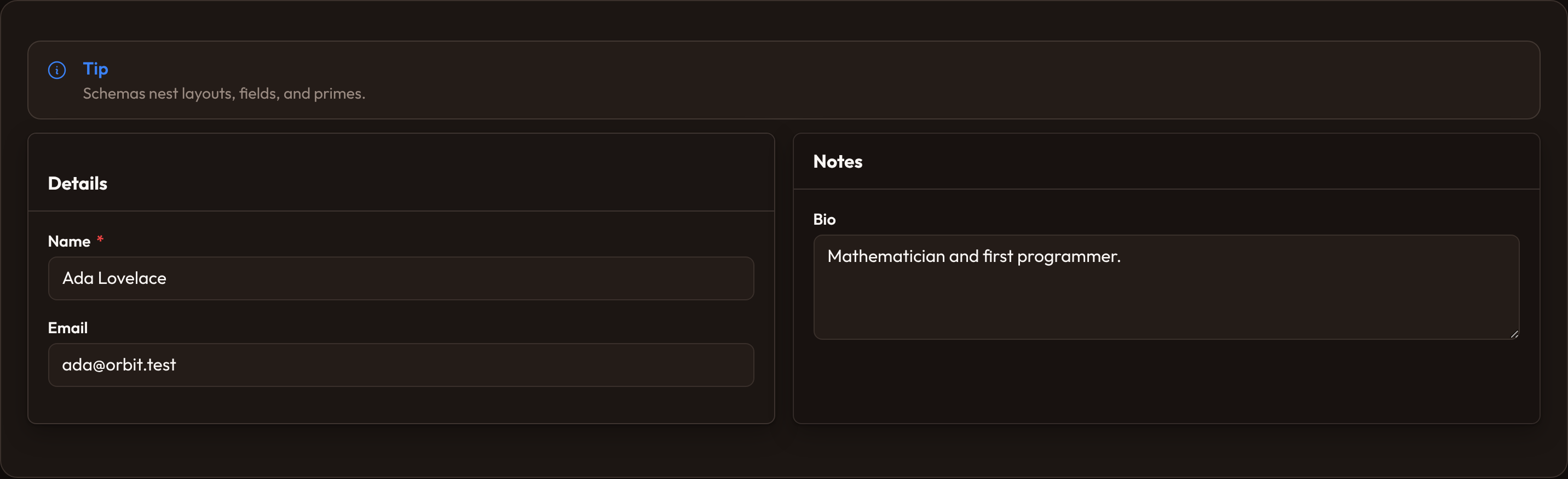
Schema.make("user") .columns(1) .schema([ Section.make("profile") .heading("Profile") .description("Public details for this account.") .icon("heroicon-o-user") .schema([ Grid.make() .columns(2) .schema([ TextInput.make("first_name").required(), TextInput.make("last_name").required(), TextInput.make("email").email().column_span(2), Select.make("role").options({ "admin": "Admin", "editor": "Editor", }), Toggle.make("active").label("Active"), ]), ]), ])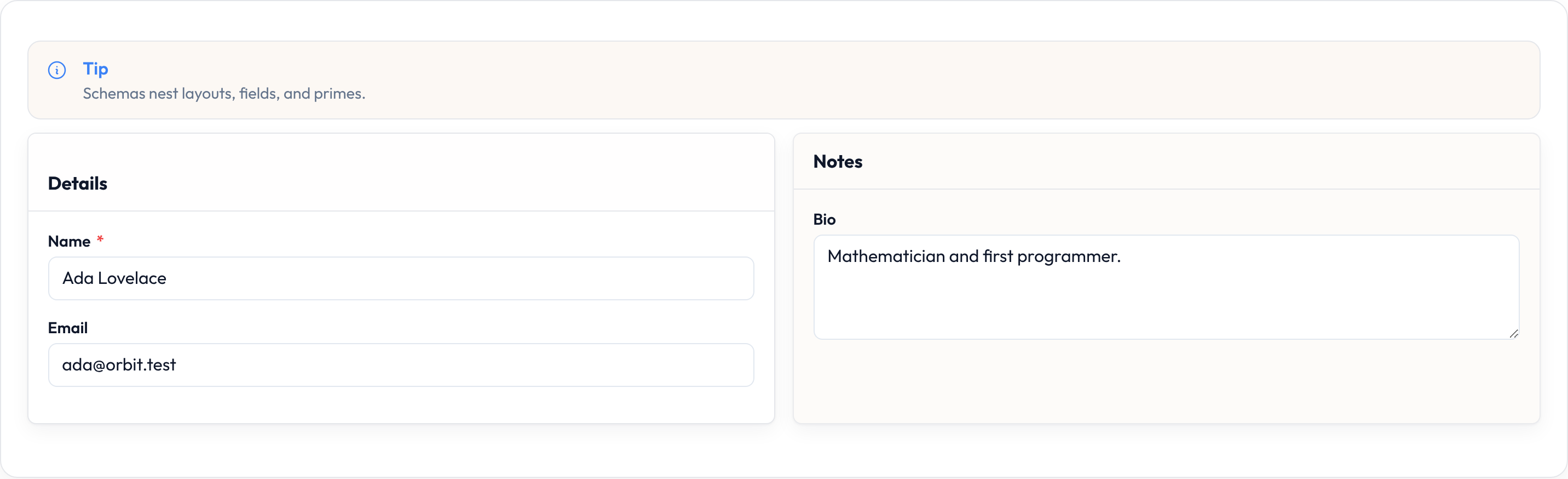
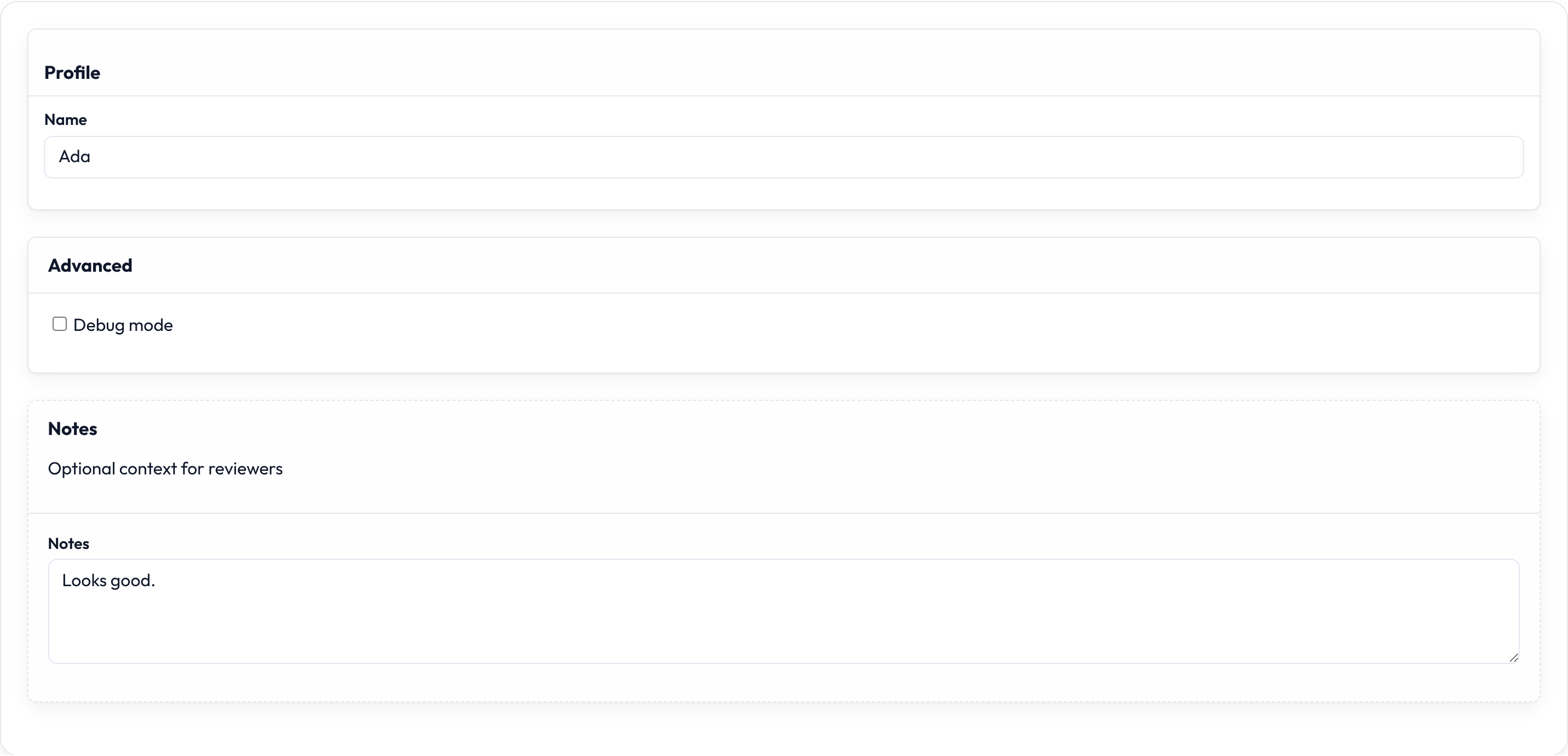
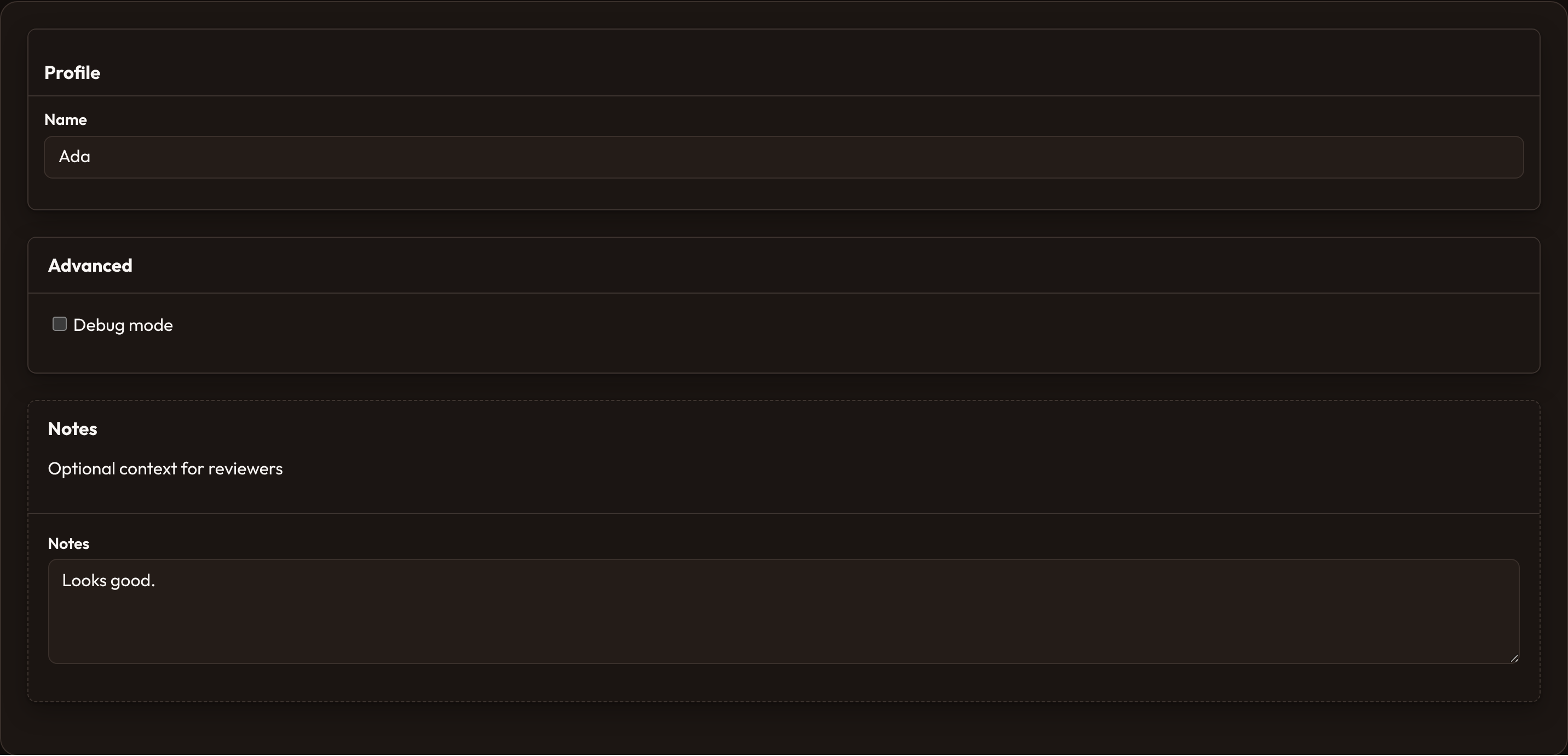
A typical section chrome shot (same nesting idea):
Component utility injection
Section titled “Component utility injection”When you pass a callable to a fluent helper (visibility, labels, prime content, dehydrate mutators, and similar), Orbit’s evaluate() injects only the kwargs the callable declares. Common utilities:
| Utility | Meaning |
|---|---|
state |
Current field / component state (or the schema state bag, depending on call site) |
record |
Bound record when rendering against a model / dict row |
operation |
Create / edit / view context from .operation(...) |
component |
The component instance being evaluated |
TextInput.make("publisher")    .visible(lambda operation=None, **_: operation == "edit")
Text.make()    .content(lambda state=None, record=None, **_: record.get("title") if record else state)
Set the operation on the schema (or pass it through render context):
Schema.make("user").operation("edit").schema([...])# schema.get_operation() → "edit"Deferring loading
Section titled “Deferring loading”Mark a schema (or a layout) so hosts can load chrome asynchronously — emits data-defer="true":
Schema.make("dashboard").defer_loading().schema([...])
Grid.make().defer_loading().columns(3).schema([...])
Global settings
Section titled “Global settings”Register defaults for every schema (e.g. in a provider boot hook):
from almasix.orbit.schemas import Schema
Schema.configure_using(lambda schema: schema.columns(1))
Callbacks run inside Schema.make(...) before your local fluent chain.
Schema basics
Section titled “Schema basics”| Method | Role |
|---|---|
.components / .schema |
Set the child tree |
.columns |
Hint for grid-ish outer chrome (or-schema-cols-N) |
.state |
Replace the hydrated state dict |
.fill |
Merge keys into the state dict |
.get_state |
Read the current state bag |
.dehydrate |
Collect dehydrated field values (walks nested layouts) |
.render |
Return HTML for the tree |
.operation / .get_operation |
Create / edit / view context |
.defer_loading |
Mark for deferred client load |
.configure_using |
Class-level default configurator |
schema = Schema.make("post").schema([TextInput.make("title")])schema.fill({"title": "Hello"})schema.get_state() # {"title": "Hello"}schema.dehydrate() # {"title": "Hello"}Layout gallery
Section titled “Layout gallery”| Page | What you’ll find |
|---|---|
| Layouts | Shared layout APIs and composition patterns |
| Grid | .columns, .grid_container, dense / gap |
| Flex | .grow, .from_breakpoint |
| Group | Chrome-free fuse + optional columns |
| Split | .from_breakpoint / .from_ |
| Fieldset | Legend grouping; .contained(False) for bare |
| Sections | Heading, collapse, aside, compact, persist |
| Tabs | Icons, badges, .persist_tab, .active_tab |
| Wizards | Steps, skippable, start step |
| Callouts | Status helpers + footer actions |
| Empty states | Heading, icon, actions |
| Primes | Text, icon, image, unordered list |