

Tabs
Introduction
Section titled “Introduction”Tabs splits a form or infolist into horizontal panels. Each tab owns its own nested schema. Icons and badges surface counts or status without leaving the page.
from almasix.orbit.schemas import Tabsfrom almasix.orbit.forms import TextInput, Textarea
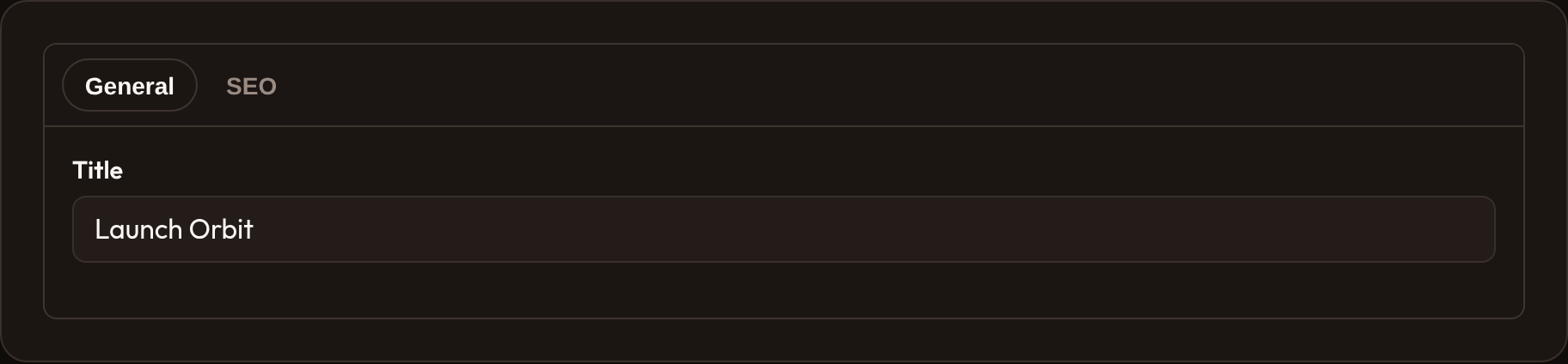
Tabs.make("main")    .tabs(        {"label": "General", "schema": [TextInput.make("title")]},        {"label": "SEO", "schema": [Textarea.make("meta_description")]},    )    .active_tab(0)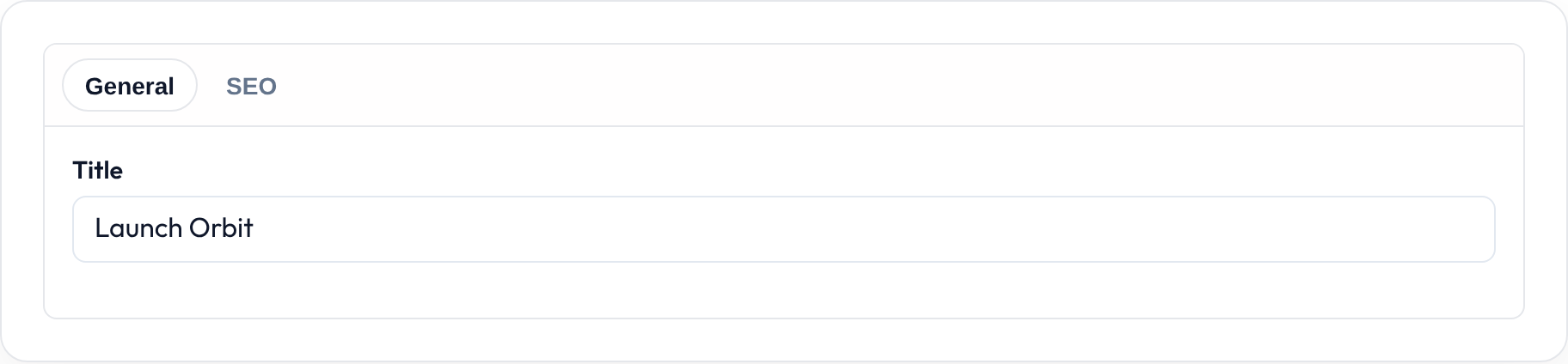
Defining tabs
Section titled “Defining tabs”.tabs(...) accepts either dicts or (label, components) tuples:
Tabs.make("main").tabs(    ("Account", [TextInput.make("email")]),    ("Profile", [TextInput.make("display_name")]),)
Tabs.make("main").tabs(    {        "label": "SEO",        "icon": "heroicon-o-magnifying-glass",        "badge": "3",        "schema": [TextInput.make("slug")],    },)
Dict keys: label (or id), schema / components, optional icon, optional badge (string or callable).
Icons and badges
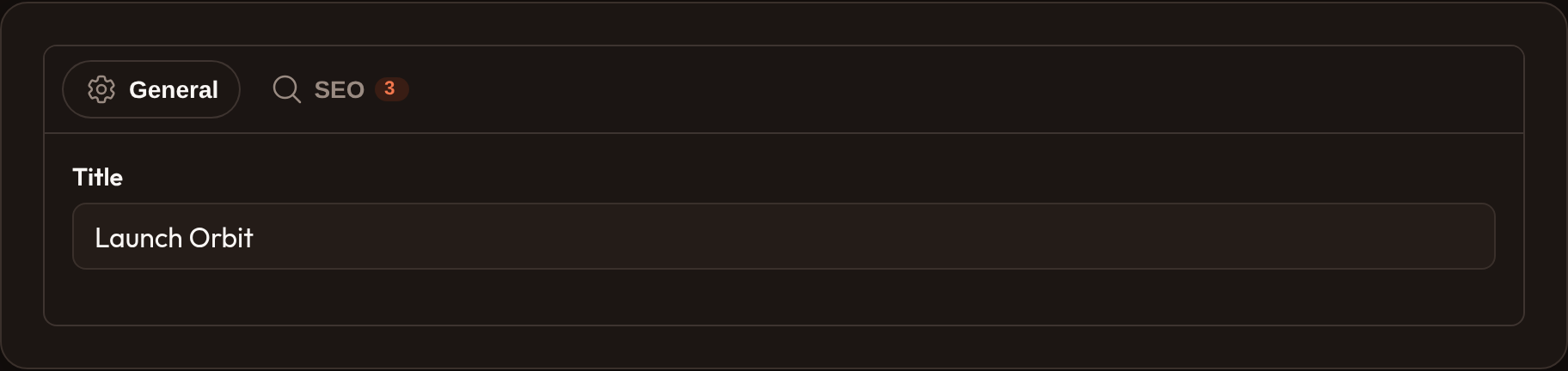
Section titled “Icons and badges”Tabs.make("main") .tabs({ "label": "SEO", "icon": "heroicon-o-magnifying-glass", "badge": "3", "schema": [...], })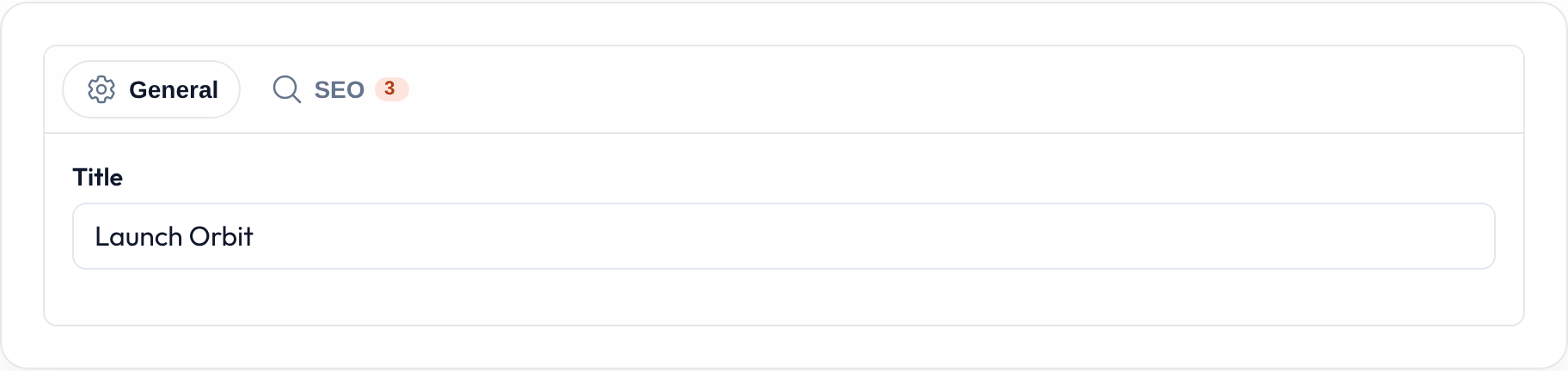


Active tab and persist
Section titled “Active tab and persist”Tabs.make("settings") .tabs(...) .active_tab(1) # zero-based initial tab .persist_tab() # data-persist-tab for the hostAPI reference
Section titled “API reference”| Method | Role |
|---|---|
.tabs |
One or more tab defs (dict or (label, schema) tuple) |
.active_tab |
Zero-based initially selected tab |
.persist_tab |
Persist the active tab in the host |
.schema |
Extra children outside tab defs (rare) |