

Multi-tenancy
What multi-tenancy is
Section titled “What multi-tenancy is”A tenant is the organization boundary your panel works inside — a team, workspace, company, shop, or similar unit. One signed-in person may belong to several tenants; the panel always has at most one current tenant.
Without tenancy, every resource shares one pool of data. With tenancy turned on:
- Orbit stores a current
Tenanton the panel. - The topbar shows a switcher so the user can change teams.
- You register callbacks to scope list queries and associate creates with that tenant.
That separation is what stops Team A from reading Team B’s records — but only if your queries actually filter. The switcher and URL slug choose which tenant is current; your scoping code enforces the boundary.
from almasix.orbit.panels import Tenant
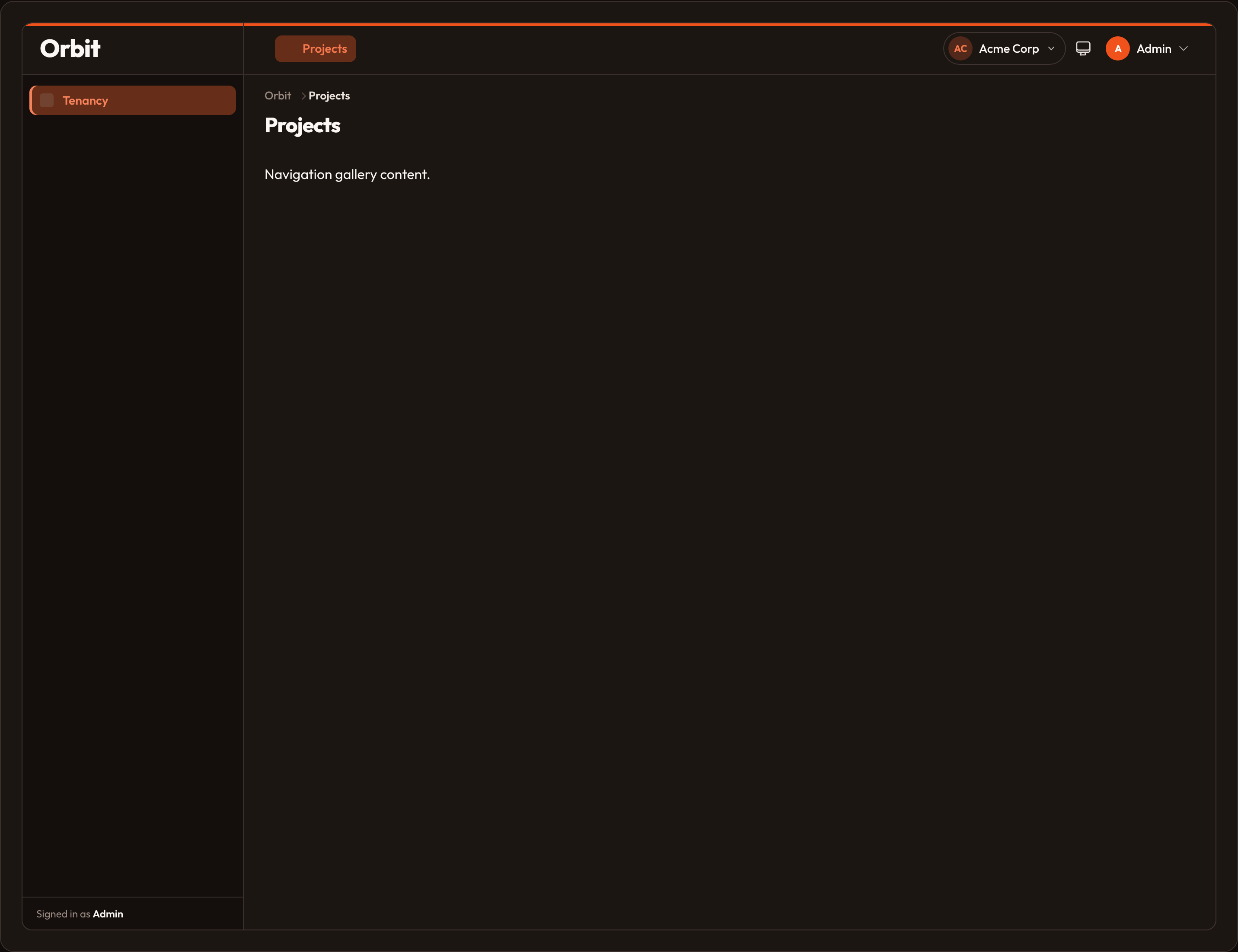
Tenant(1, "Acme Corp", slug="acme")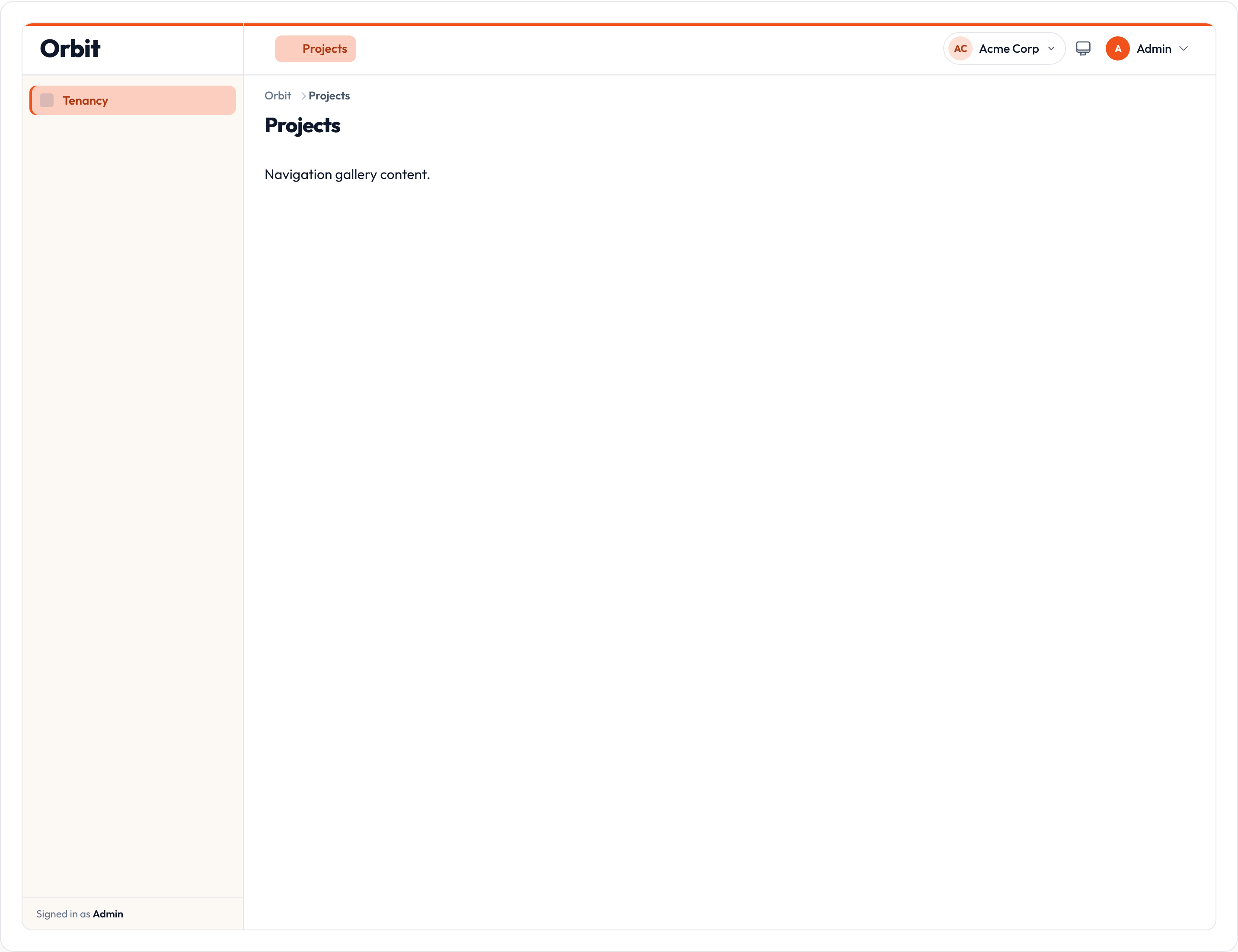
Why switch?
Section titled “Why switch?”Switching changes the context for the rest of the panel: which rows appear in lists, which FK is written on create, and (optionally) which slug appears in the URL. Users who belong to multiple organizations use the switcher instead of signing out and back in.
Why scoping matters
Section titled “Why scoping matters”The switcher alone is not a security control. A determined user can still request another tenant’s slug in the URL. You must:
- Resolve the slug against membership (
HasTenants.can_access_tenantor your own check). - Filter every tenant-owned read with
scope_using/scope_query(or an equivalent ORM global scope). - Stamp ownership on create with
associate_using/associate_record.
See Security notes at the end of this page.
Two common models
Section titled “Two common models”One user, one team. The account always belongs to a single tenant. Enable tenancy so queries stay scoped; the switcher may show only that team. You can skip registration UI and keep a single .current(...) tenant.
Many tenants per user. The account belongs to several teams and switches among them. Implement HasTenants on the user (or pass an explicit .tenants([...]) list) so the switcher lists allowed tenants and refuses URLs for ones they cannot access.
Both models use the same Orbit APIs: Panel.tenant(...), Tenancy, Tenant, scoping callbacks, and optional registration / profile / billing pages.
Enable tenancy on a panel
Section titled “Enable tenancy on a panel”Pass a tenant model, a full Tenancy config, or turn tenancy off with False / None.
from almasix.orbit import Panelfrom app.models.team import Team
Panel.make("admin")    .path("admin")    .tenant(Team, ownership_relationship="team", slug_attribute="slug")
.tenant(Team, ...) builds a Tenancy for you: the model type, ownership relationship name (default FK {relationship}_id), and slug attribute used in URLs and the switcher.
Or build a fluent Tenancy and attach it:
from almasix.orbit import Panelfrom almasix.orbit.panels import Tenancy, Tenantfrom app.models.team import Team
tenancy = (    Tenancy()    .model(Team)    .ownership_relationship("team")    .slug_attribute("slug")    .name_attribute("name")    .avatar_attribute("avatar_url")    .tenants(        [            Tenant(1, "Acme Corp", slug="acme"),            Tenant(2, "Beta Labs", slug="beta"),        ]    )    .current(Tenant(1, "Acme Corp", slug="acme"))    .scope_using(lambda query, tenant: [r for r in query if r["tenant_id"] == tenant.id])    .associate_using(lambda record, tenant: {**record, "tenant_id": tenant.id}))
Panel.make("admin") .path("admin") .tenant(tenancy)| Method | Notes |
|---|---|
.tenant |
Model, Tenancy, or False / None to disable |
.tenant_registration |
Enable register page (True or custom page class) |
.tenant_profile |
Enable tenant profile page |
.tenant_billing |
Flag or custom billing page class |
.tenant_middleware |
Extra middleware for tenant-aware routes |
.get_tenancy / .get_tenant |
Read config / current Tenant |
Attribute helpers on Tenancy (used when coercing ORM models): .ownership_relationship, .slug_attribute, .name_attribute, .avatar_attribute. Call .disable() on a config, or .tenant(False) on the panel, to turn tenancy off.
Tenant objects
Section titled “Tenant objects”Tenant is the runtime context object: id, name, slug, and optional avatar_url. Hosts own persistence (database rows, session, etc.). Orbit coerces ORM models and dicts via Tenant.from_model using the attribute names configured on Tenancy.
from almasix.orbit.panels import Tenant
Tenant(1, "Acme Corp", slug="acme", avatar_url="/avatars/acme.png")
# From an ORM / duck-typed modelTenant.from_model(team, slug_attr="slug", name_attr="name", avatar_attr="avatar_url")| API | Notes |
|---|---|
Tenant(id, name, slug=..., avatar_url=...) |
Build a context object |
Tenant.from_model |
Coerce a model / dict using attribute names |
Tenant.to_dict |
Serialize for hosts / debugging |
.tenants |
Hard-code the switcher list on Tenancy |
.current / .get_current |
Set / read the active tenant |
.find_by_slug |
Look up by slug or string id |
Listing tenants and HasTenants
Section titled “Listing tenants and HasTenants”When you do not hard-code .tenants([...]), Orbit asks the signed-in user:
from almasix.orbit.panels import HasTenants, Tenant

class User:    def get_tenants(self, panel):        return list(self.teams)  # ORM models or Tenant instances
    def can_access_tenant(self, tenant) -> bool:        tid = getattr(tenant, "id", tenant)        return any(t.id == tid for t in self.teams)
get_tenants returns what the switcher may show. can_access_tenant gates URL and switcher access — never rely on the slug in the URL alone.
Tenancy.resolve_tenants(user=..., panel=...) prefers a configured .tenants([...]) list; otherwise it calls get_tenants and filters with can_access_tenant.
Switcher UI
Section titled “Switcher UI”When tenancy is enabled and at least one tenant (or a current tenant) exists, Orbit renders a tenant switcher in the topbar. Opening the menu lists tenants plus optional Register / Tenant profile / Billing links.
tenancy.render_switcher(user=user, panel=panel)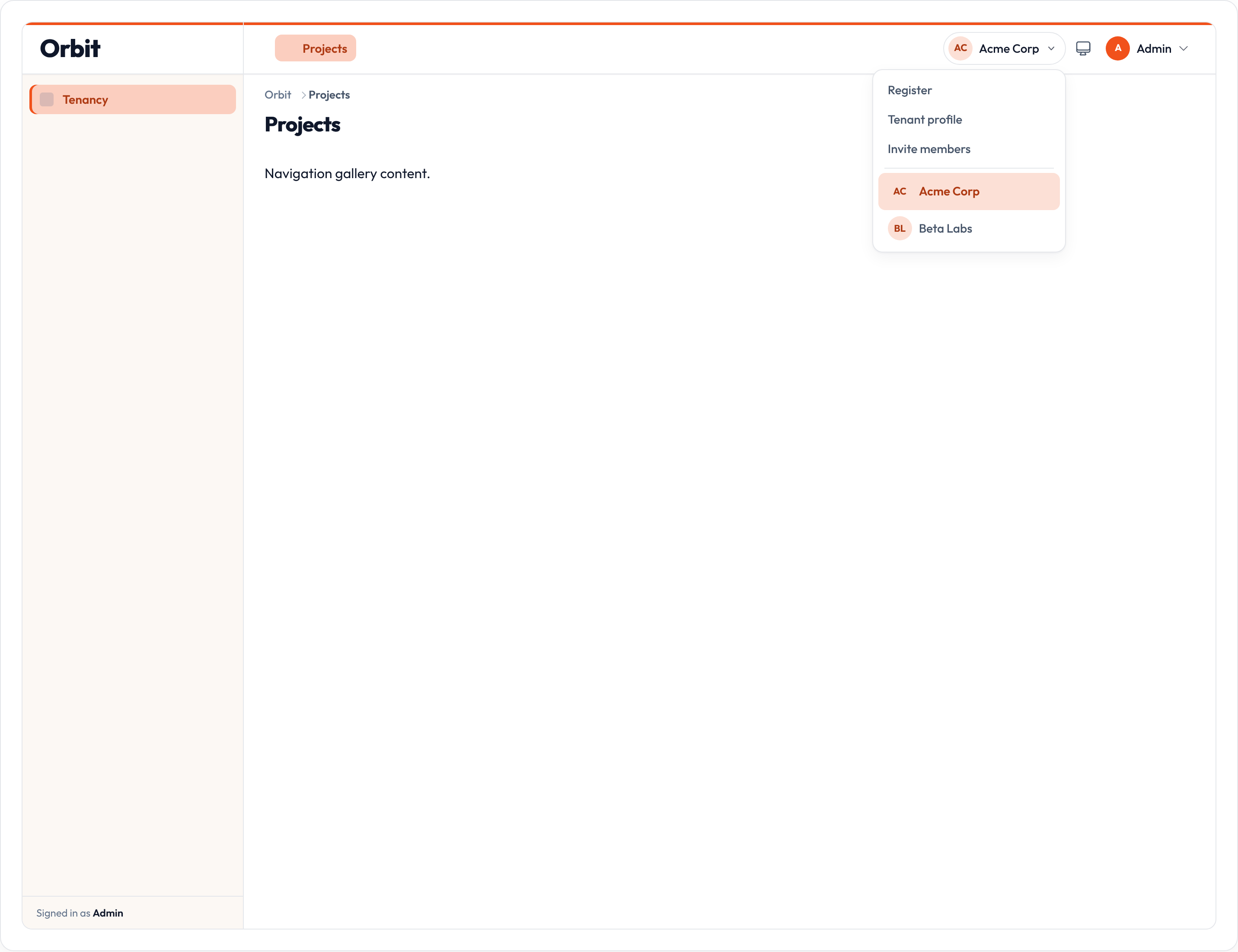
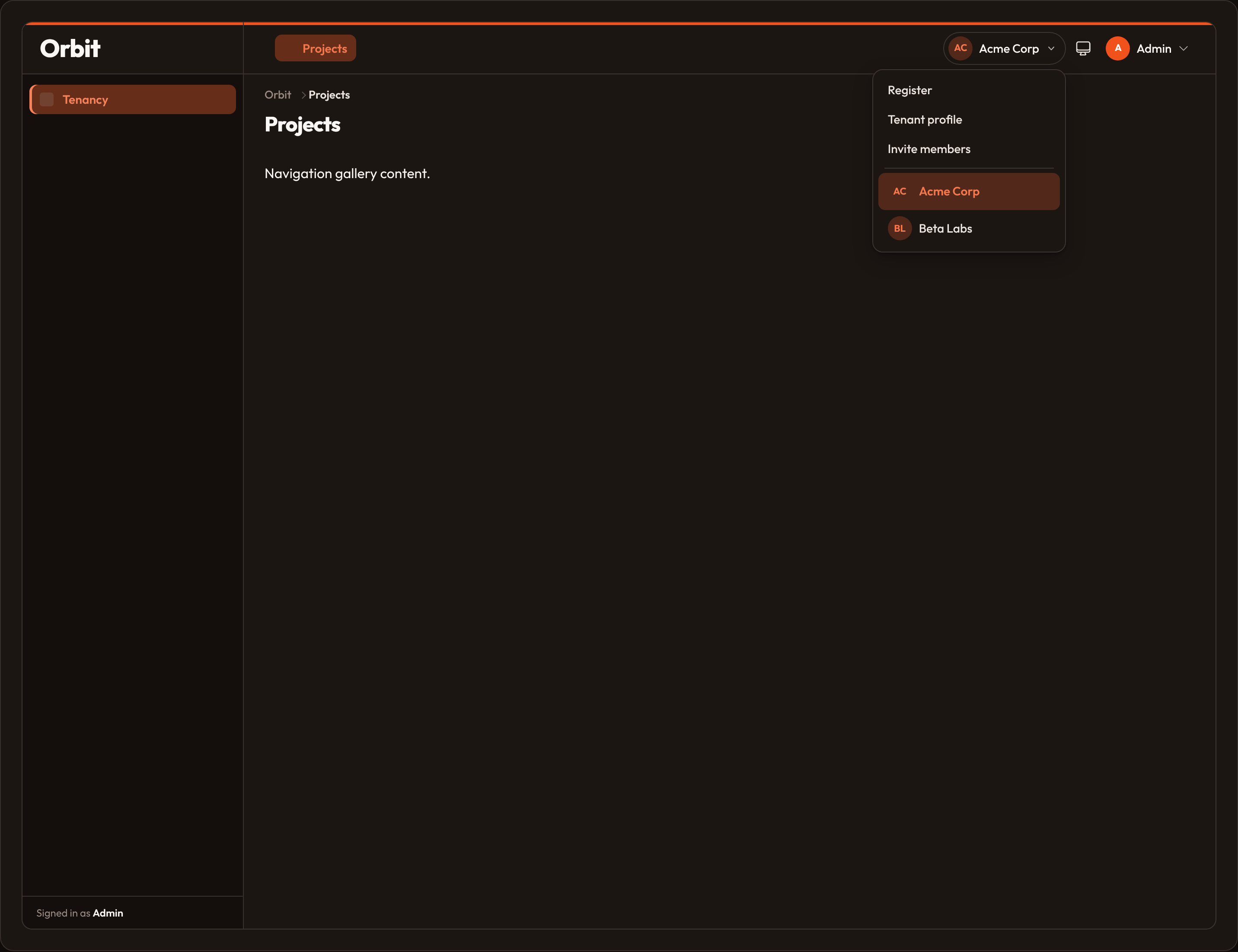
Custom links under the switcher:
Tenancy() .menu_items([{"label": "Invite members", "url": "/admin/invite"}])Live list hosts wire setTenant(slug) so choosing an option updates the current tenant and re-scopes list data. A hidden <select> mirrors the choice for accessibility and Conduit state (wire:model.live="tenant").
Scope queries and associate creates
Section titled “Scope queries and associate creates”Scoping is the heart of tenancy. Register a callback that receives the query (or in-memory list) and the current Tenant:
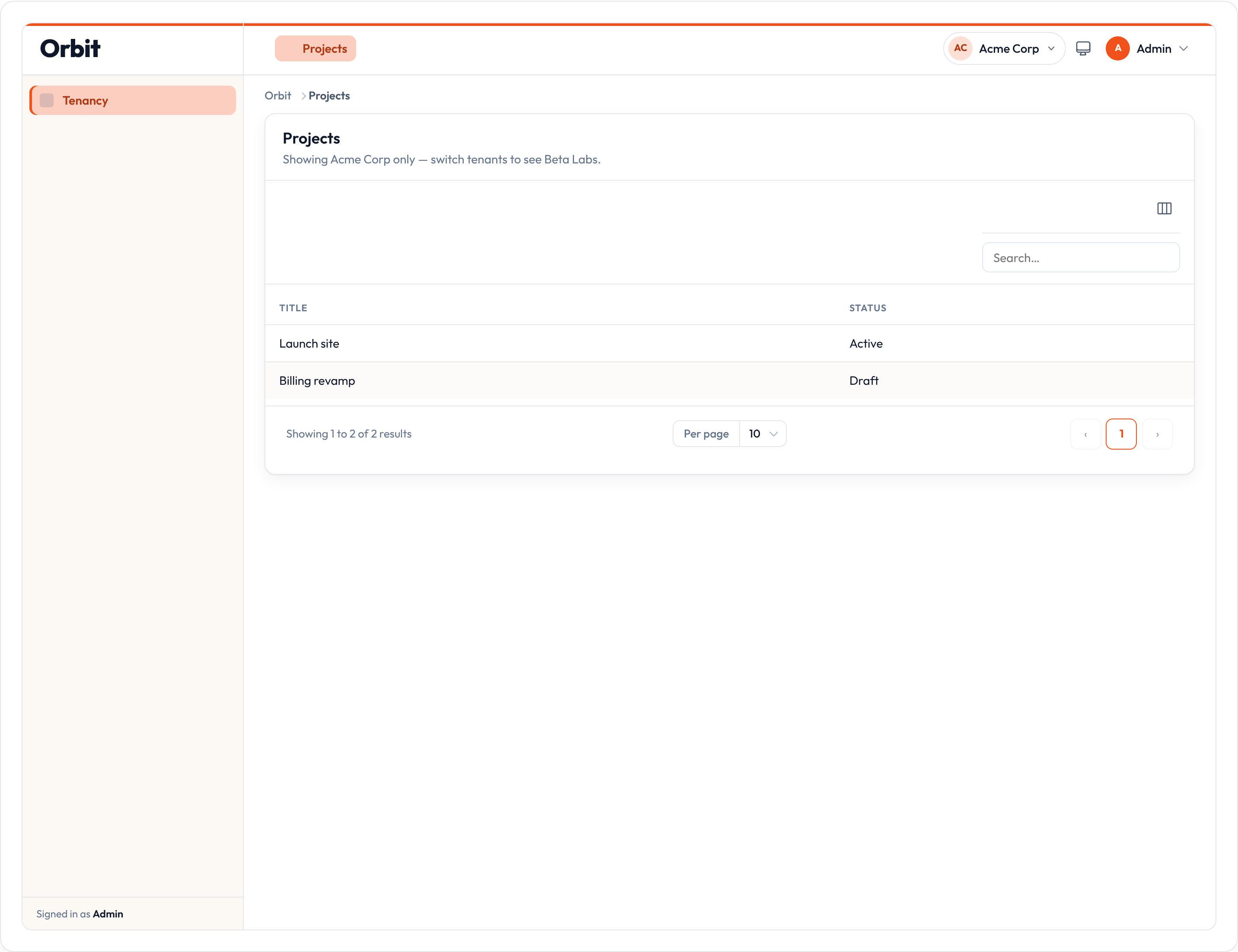
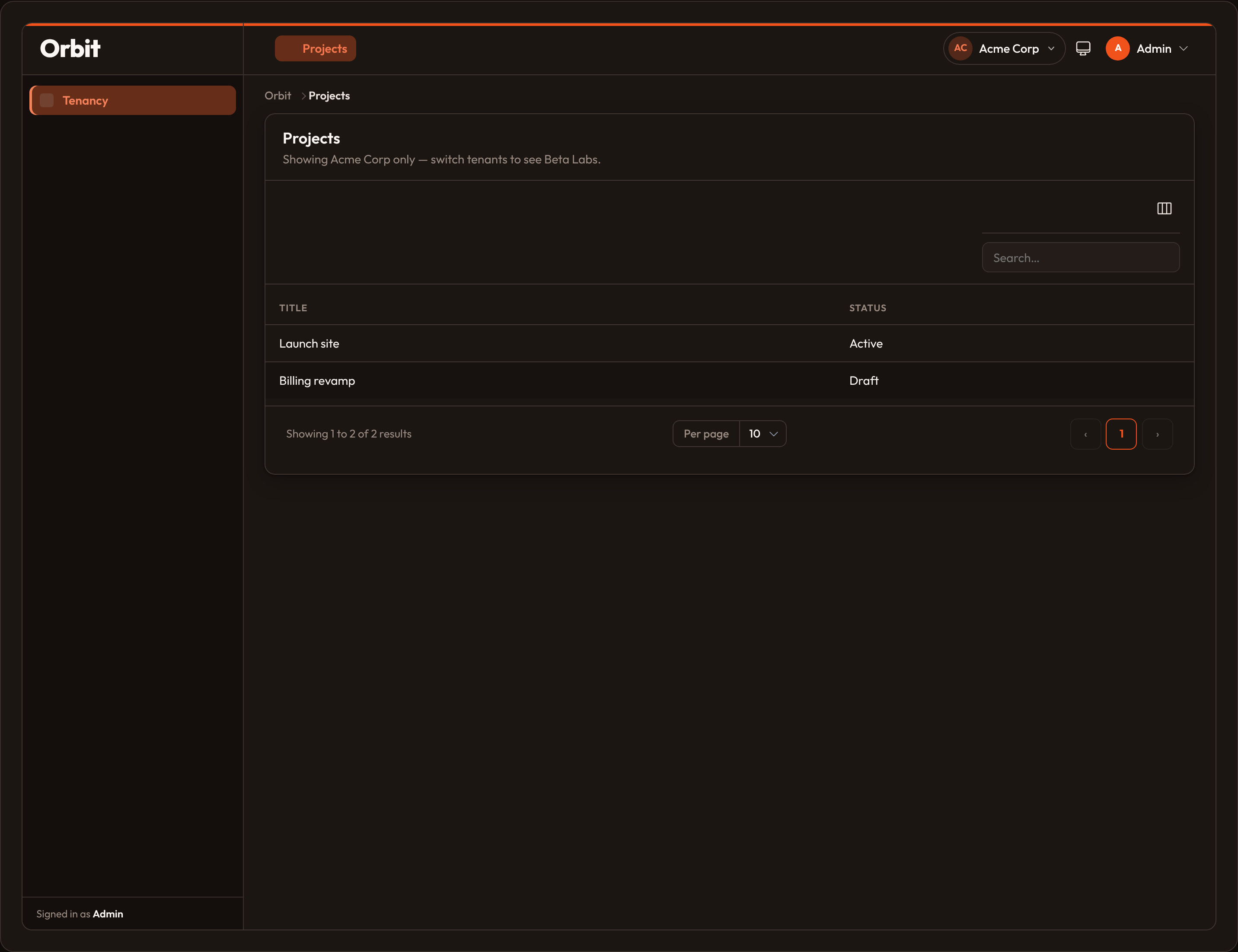
Tenancy() .scope_using(lambda query, tenant: query.where("tenant_id", tenant.id)) # In-memory demo lists: # .scope_using(lambda rows, tenant: [r for r in rows if r["tenant_id"] == tenant.id])Call tenancy.scope_query(query) yourself in custom hosts, or let Orbit list hosts apply it automatically when a resource is tenant-scoped.
On create, attach ownership with associate_using or the default {ownership}_id field:
Tenancy()    .ownership_relationship("team")  # default FK: team_id    .associate_using(lambda record, tenant: {**record, "team_id": tenant.id})
# Later, when saving:tenancy.associate_record(payload)
If you omit associate_using, associate_record sets {ownership_relationship}_id on dicts and objects when the field is missing.
| API | Notes |
|---|---|
.scope_using |
callback(query, tenant) -> query |
.scope_query |
Apply the callback for the current tenant |
.associate_using |
callback(record, tenant) -> record |
.associate_record |
Stamp ownership on create |
Resource opt-out: is_scoped_to_tenant
Section titled “Resource opt-out: is_scoped_to_tenant”Most resources should participate in tenancy. Global catalogs (countries, plans, feature flags) often should not. Opt out per resource:
from almasix.orbit import Resource

class PlanResource(Resource): is_scoped_to_tenant = False # or: PlanResource.scope_to_tenant(False)| API | Notes |
|---|---|
is_scoped_to_tenant |
ClassVar; default True |
.scope_to_tenant |
Class helper to set the flag |
.is_tenant_scoped |
Read whether scoping applies |
When False, list hosts skip scope_query and create hosts skip associate_record for that resource.
Registration, profile, and billing slots
Section titled “Registration, profile, and billing slots”Enable pages on the panel or on Tenancy:
from almasix.orbit.panels import EditTenantProfile, MemoryBillingProvider, RegisterTenant
Panel.make("admin") .tenant(Team) .tenant_registration(True) # or a RegisterTenant subclass .tenant_profile(True) # or an EditTenantProfile subclass .tenant_billing(True) # ManageBilling + MemoryBillingProvider .billing_provider(MemoryBillingProvider()) # optional overridefrom almasix.orbit.panels import RegisterTenantfrom almasix.orbit.forms import Form, TextInput
class RegisterTeam(RegisterTenant): title = "Create a team"
@classmethod def form(cls, form=None): return Form.make().schema( [ TextInput.make("name").label("Team name").required(), TextInput.make("slug").label("Slug").required(), ] )
@classmethod def handle_registration(cls, data, **ctx): # Persist and return the new tenant (model or Tenant) ...from almasix.orbit.panels import EditTenantProfile
class EditTeamProfile(EditTenantProfile): title = "Team profile"
@classmethod def handle_save(cls, data, **ctx): # Persist profile fields for ctx["tenant"] ...Default routes under the panel path: /new (register), /profile (profile), /billing (billing). .tenant_billing(True) mounts ManageBilling and an in-process MemoryBillingProvider. Pass a page class to replace the UI, and .billing_provider(...) to talk to Stripe or another processor.
These pages default to should_register_navigation = False so they appear in the switcher menu, not the sidebar.
| Slot | Panel method | Default page |
|---|---|---|
| Registration | .tenant_registration |
RegisterTenant |
| Profile | .tenant_profile |
EditTenantProfile |
| Billing | .tenant_billing |
ManageBilling |
Tenant route prefix
Section titled “Tenant route prefix”Optionally put the tenant slug in resource and page URLs:
Tenancy() .tenant_route_prefix(True) # /{tenant}/posts # .tenant_route_prefix("team") # /team/{tenant}/postspath_prefix_for(slug) builds the fragment. Routing resolves {tenant}, checks can_access_tenant when a user is present, and stamps _tenant_path on resources and pages.
Tenant middleware
Section titled “Tenant middleware”Attach host middleware that runs for tenant-aware panel routes:
Panel.make("admin") .tenant(Team) .tenant_middleware(["EnsureTenantAccess"], is_persistent=False)Use .unique_middleware_key("admin") when multiple panels need distinct scope names (orbit.tenancy.admin). scope_name() returns that stable string for host-level query scopes.
| API | Notes |
|---|---|
.tenant_middleware |
List of middleware; is_persistent keeps them across requests |
.unique_middleware_key |
Disambiguate multi-panel scope names |
.scope_name |
Returns orbit.tenancy.{key} |
Security notes
Section titled “Security notes”- Always scope queries. The switcher and URL slug only choose the current tenant. Your
scope_usingcallback (or equivalent ORM global scope) must filter every tenant-owned read. - Never trust the URL alone. Resolve the slug against
HasTenants.can_access_tenant(or your own membership table) before setting the current tenant. - Associate on write. Use
associate_record/associate_usingso creates cannot omit the ownership FK. - Opt out deliberately. Global resources should set
is_scoped_to_tenant = Falseonly when they are truly shared across tenants. - Authorize beyond tenancy. Membership is not the same as permission — still use resource
can_*helpers for view / create / update / delete.
Try it in orbit-admin
Section titled “Try it in orbit-admin”The Orbit Admin sample enables tenancy on the app panel with two fake teams (Acme Corp, Beta Labs) and a Scoped projects resource under the Tenancy nav group. Open the switcher in the topbar, pick a team, and watch the project list change.
from almasix.orbit.panels import Tenancy, Tenant
Tenancy()    .tenants(        [            Tenant(1, "Acme Corp", slug="acme"),            Tenant(2, "Beta Labs", slug="beta"),        ]    )    .current(Tenant(1, "Acme Corp", slug="acme"))    .scope_using(        lambda rows, tenant: [            r            for r in rows            if not isinstance(r, dict)            or "tenant_id" not in r            or r.get("tenant_id") == tenant.id        ]    )
Rows without a tenant_id keep showing on other demo resources so the rest of the kitchen sink stays usable.
See also
Section titled “See also”- Users overview — auth pages and a short tenancy intro
- Panels configuration — panel path, middleware, and shell chrome
- Resources — list / create hosts that apply scoping