

Clusters
Introduction
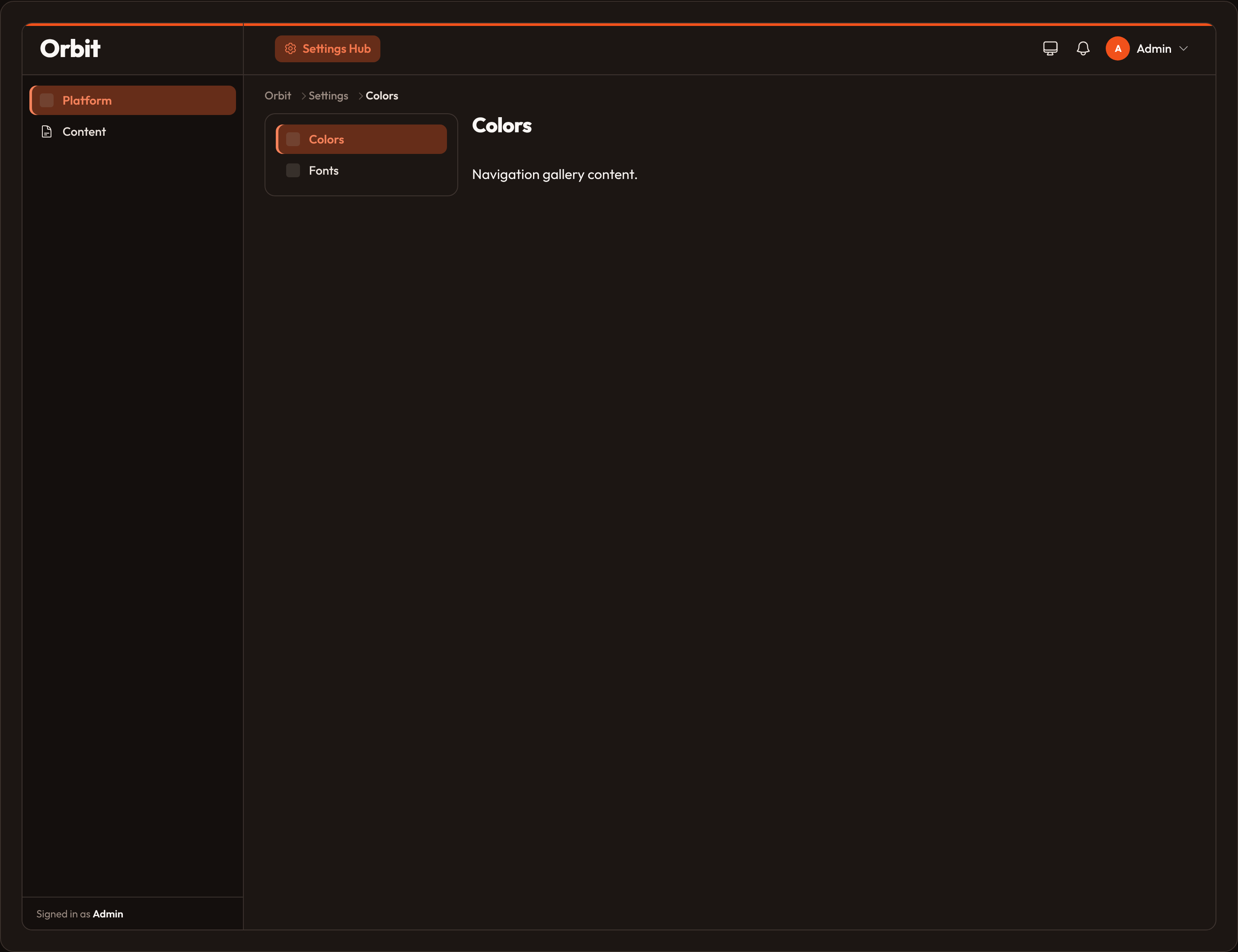
Section titled “Introduction”Clusters group related resources and pages into one hierarchical section of the panel. Use them when several admin surfaces belong together — for example Settings → Colors, Fonts, and Integrations.
What a cluster does:
- One main-nav entry points at the first visible member
- Member items leave the main nav and appear in cluster sub-navigation
- Member URLs are prefixed with the cluster slug
- Breadcrumbs include the cluster label
from almasix.orbit.panels import Cluster
class SettingsCluster(Cluster): navigation_icon = "heroicon-o-cog-6-tooth" navigation_label = "Settings" navigation_group = "Platform" navigation_sort = 5 sub_navigation_position = "start" # or "end" | "top" cluster_breadcrumb = "Settings"from almasix.orbit import Resourcefrom app.orbit.clusters.settings_cluster import SettingsCluster
class ColorResource(Resource): cluster = SettingsCluster navigation_label = "Colors" navigation_icon = "heroicon-o-swatch"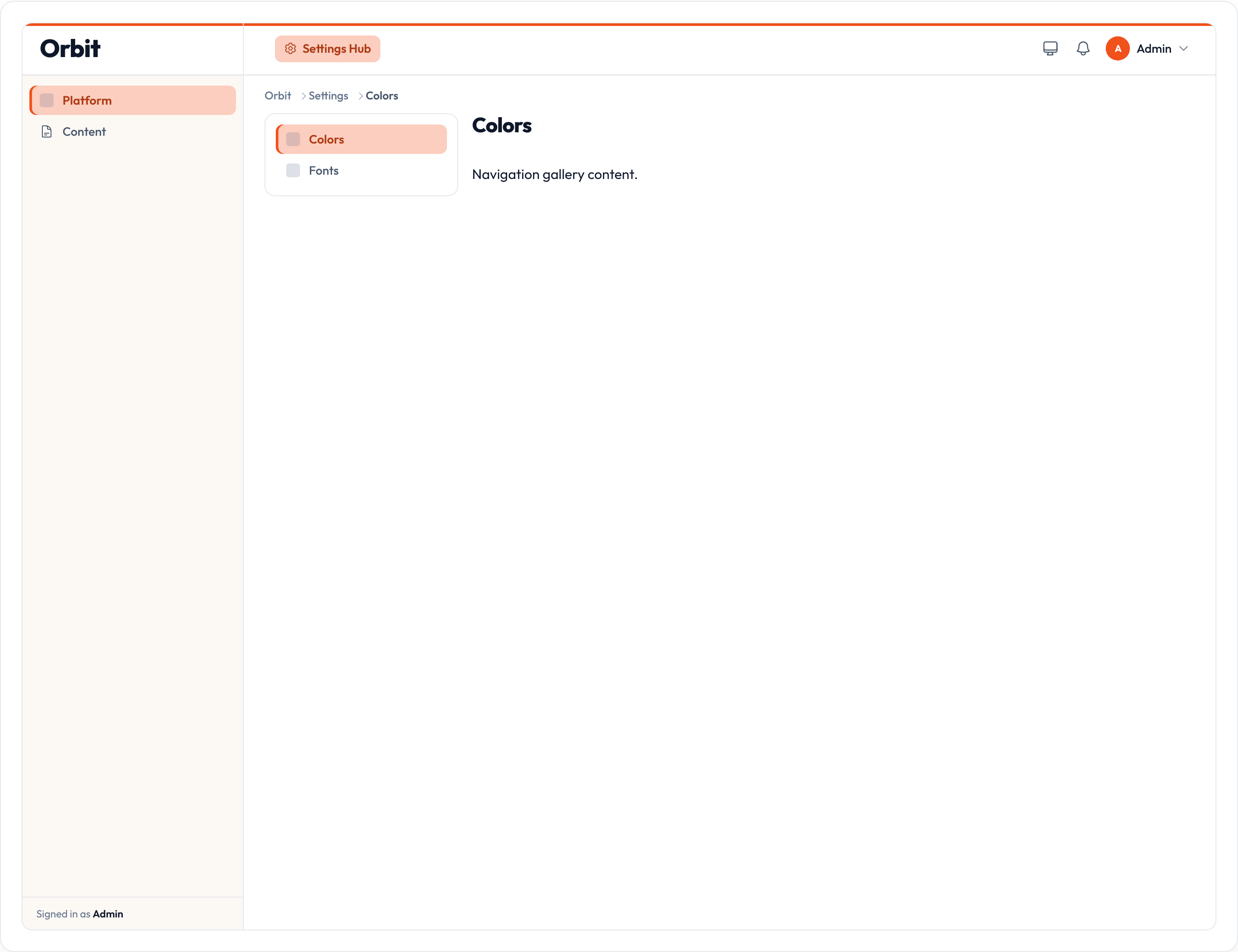
Discover & register
Section titled “Discover & register”from almasix.orbit import Panelfrom app.orbit.clusters.settings_cluster import SettingsCluster
Panel.make("admin") .path("admin") .clusters([SettingsCluster]) .resources([ColorResource, FontResource]) # or: .discover_clusters("app/orbit/admin/clusters")Assign cluster = SettingsCluster (or a string slug) on each resource/page. Members do not need to be passed to Cluster.resources([...]) — ownership is by classvar. Fluent .resources([...]) / .pages([...]) on a cluster instance are available when you build clusters imperatively.
$cluster / cluster classvar
Section titled “$cluster / cluster classvar”| Form | Effect |
|---|---|
cluster = SettingsCluster |
Typed membership; URL prefix from SettingsCluster.path_prefix() |
cluster = "settings" |
String slug; matched against registered cluster slugs |
Page and Resource both expose get_cluster() and include the cluster prefix in get_url_path_prefix().
Sub-navigation position
Section titled “Sub-navigation position”sub_navigation_position controls where the cluster nav renders around page content:
| Value | Placement |
|---|---|
start |
Left of content (default) |
end |
Right of content |
top |
Tabs above content |
class SettingsCluster(Cluster): sub_navigation_position = "top"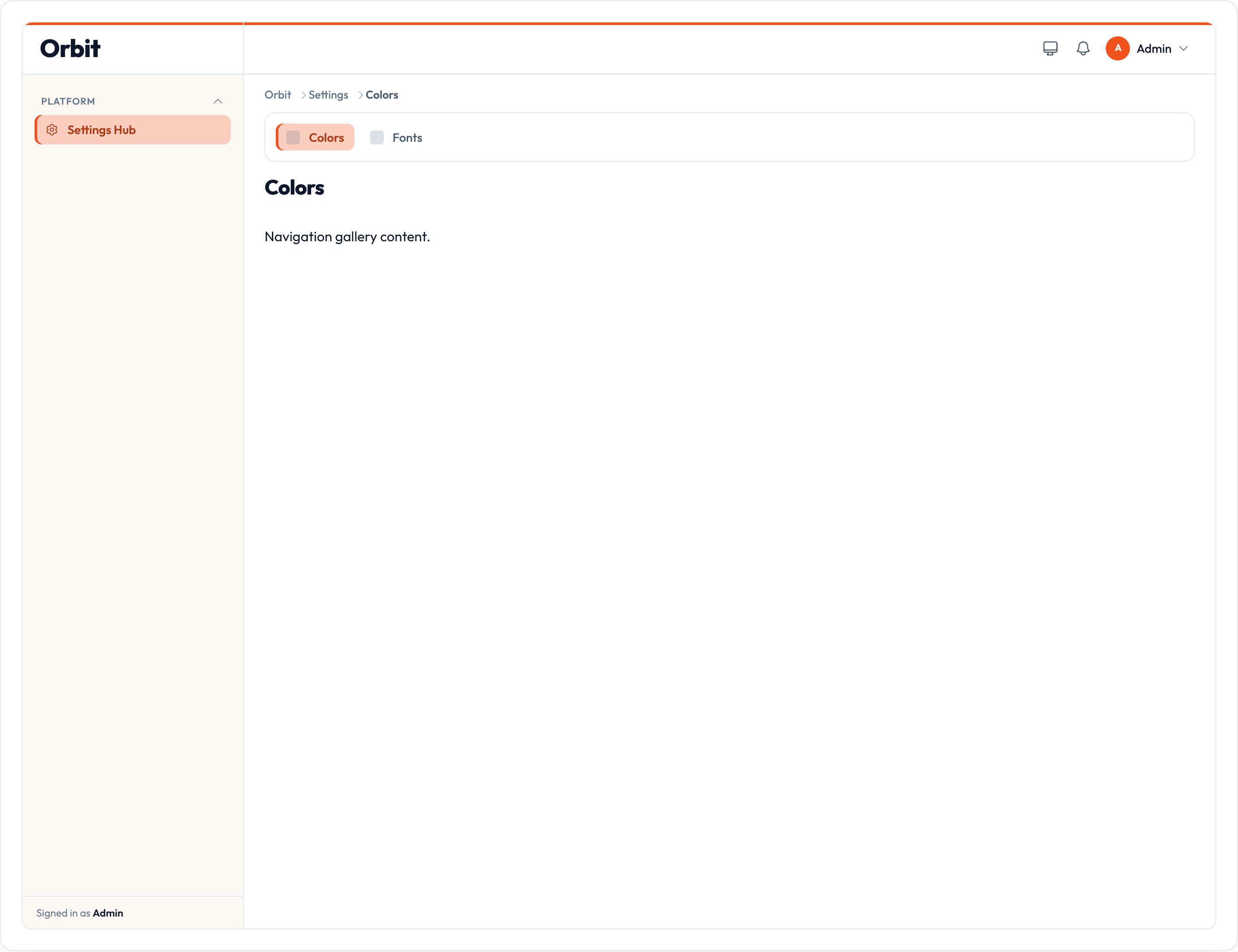
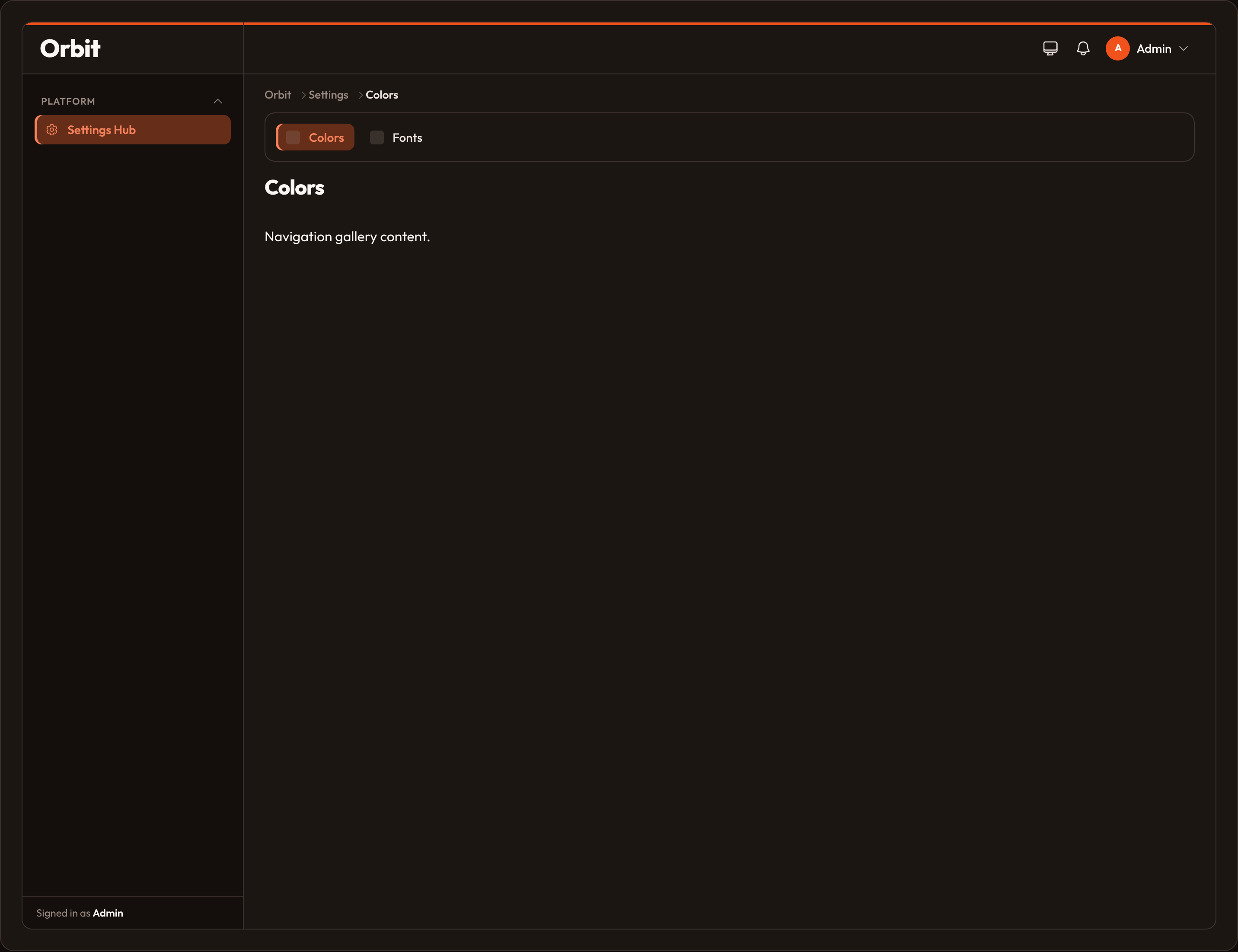
Set should_register_sub_navigation = False (or override get_should_register_sub_navigation) to hide sub-nav on every member page while keeping the cluster URL prefix and main-nav entry.
URL prefix
Section titled “URL prefix”Cluster.path_prefix() returns /{slug}. The slug defaults from the class name (SettingsCluster → settings) or slug = "…".
With panel path admin, a ColorResource in SettingsCluster lives at /admin/settings/colors (plus the resource’s index/create/edit suffixes).
Breadcrumbs
Section titled “Breadcrumbs”When the active path is inside a cluster, breadcrumbs insert the cluster crumb after the brand home. Label comes from cluster_breadcrumb or get_cluster_breadcrumb() (falls back to the navigation label). Clicking it jumps to the first member URL.
class SettingsCluster(Cluster): cluster_breadcrumb = "Workspace settings"Toggle the trail with .breadcrumbs_enabled(False) on the panel.
Cluster navigation chrome
Section titled “Cluster navigation chrome”Clusters use the same main-nav knobs as resources for their entry item:
| Class var | Role |
|---|---|
navigation_label |
Main-nav text |
navigation_icon |
Main-nav icon |
navigation_group |
Main-nav group |
navigation_sort |
Main-nav order |
slug |
URL prefix segment |
See also: Navigation overview, Custom pages.