

Columns overview
Introduction
Section titled “Introduction”Columns are the cells of an Orbit table. Each column has a name (usually a record attribute path), a type that controls how the value renders, and optional fluent helpers for sort, search, alignment, links, and visibility.
Start with a type from the catalog below (TextColumn, ImageColumn, BooleanColumn, …), then chain shared helpers from the Column base — for example .searchable(), .sortable(), or .toggleable().
from almasix.orbit.tables import Table, TextColumn, BadgeColumn, ImageColumn
Table.make("inventory").columns([    ImageColumn.make("avatar_url").circular().size(32),    TextColumn.make("name").searchable().sortable().weight("bold"),    BadgeColumn.make("status").color("success"),    TextColumn.make("price").money("USD").align_end(),])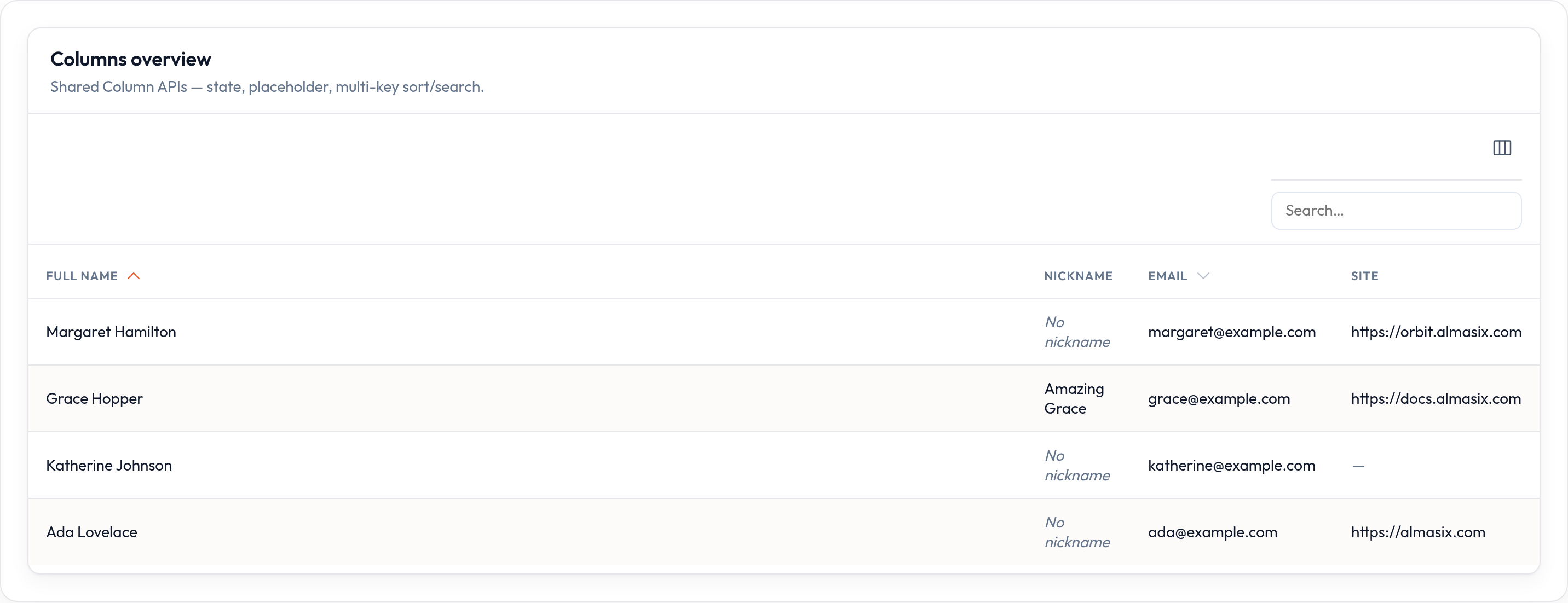
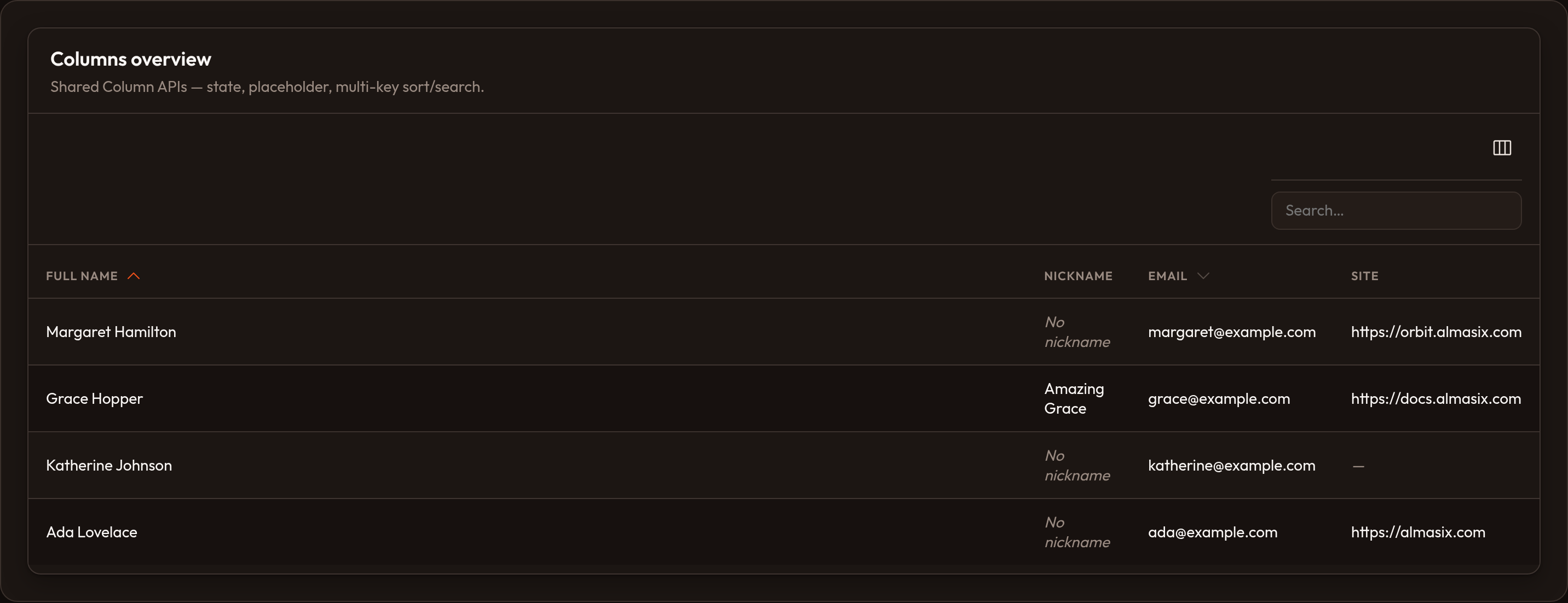
Live sample: Columns overview in examples/orbit-admin (ColumnsOverviewResource).
Catalog
Section titled “Catalog”| Column | One-liner | Docs |
|---|---|---|
| TextColumn | Default cell — search, sort, money, dates, badges, links, markdown | Text |
| BadgeColumn | Text that always renders as a badge | Badge |
| BooleanColumn | Check / X icons for truthy / falsy state | Boolean |
| IconColumn | Icon from state, or boolean icons via .boolean() |
Icon |
| ImageColumn | Avatars — circular, stacked, sized, default URL | Image |
| ColorColumn | Hex swatch, optionally copyable | Color |
| SelectColumn | Inline <select> — persists via update_column_state |
Select |
| ToggleColumn | Inline toggle switch | Toggle |
| TextInputColumn | Inline text field | Text input |
| CheckboxColumn | Inline checkbox | Checkbox |
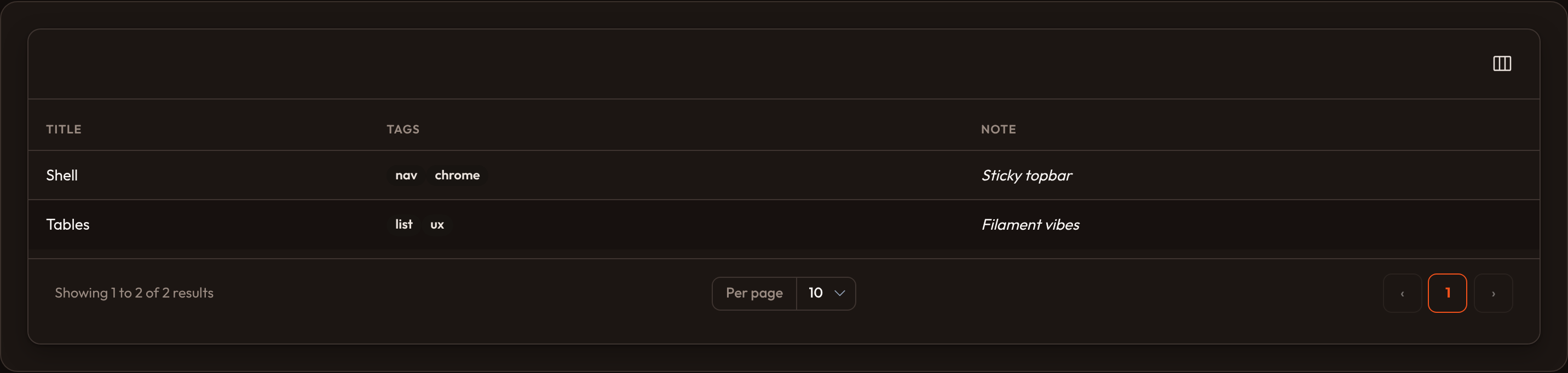
| TagsColumn | List (or CSV string) → badge cluster | Tags |
| ViewColumn | Custom HTML via .content(...) |
View |
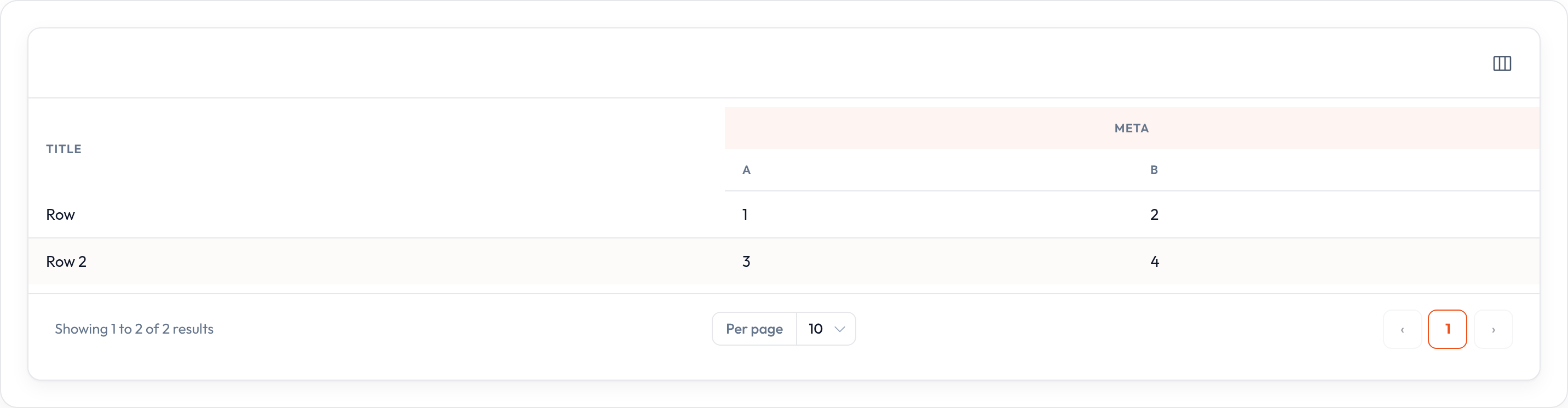
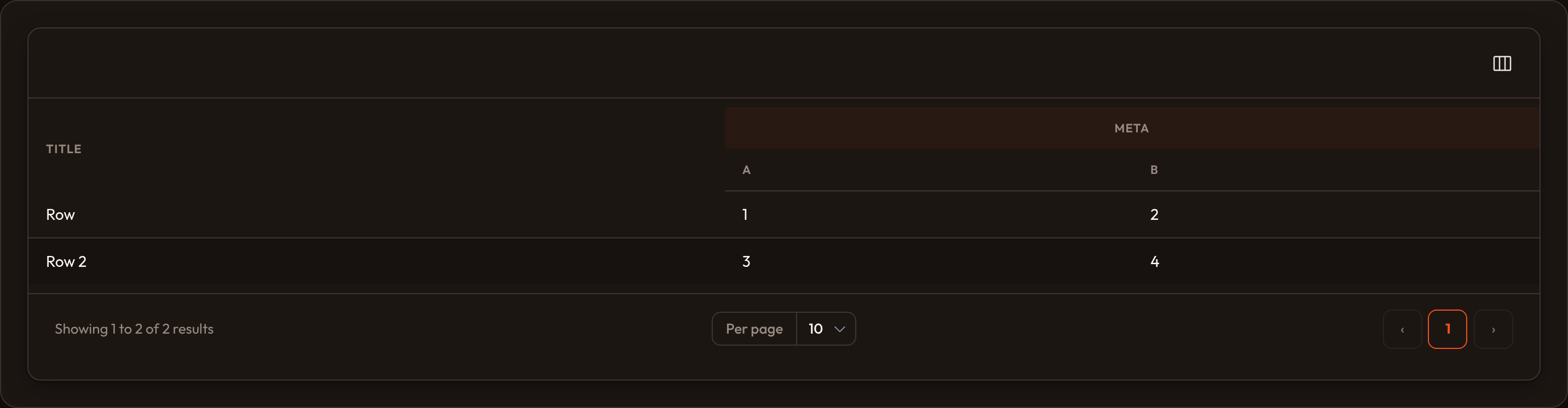
| ColumnGroup | Dual header: ColumnGroup.make('Label', [cols]) |
Column group |
Money & numbers
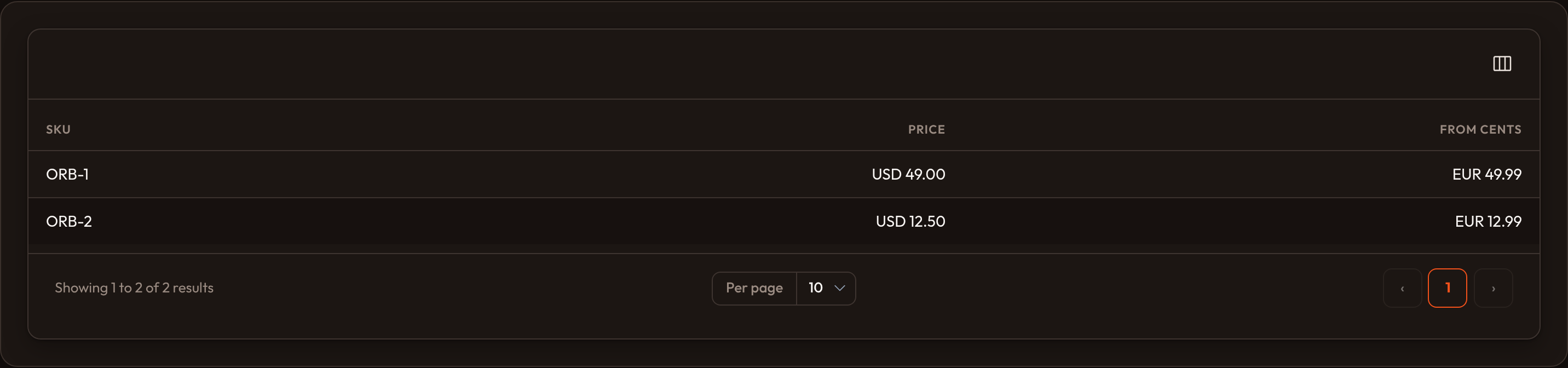
Section titled “Money & numbers”TextColumn.make("amount").money("USD")TextColumn.make("cents").money("USD", divide_by=100).align_end()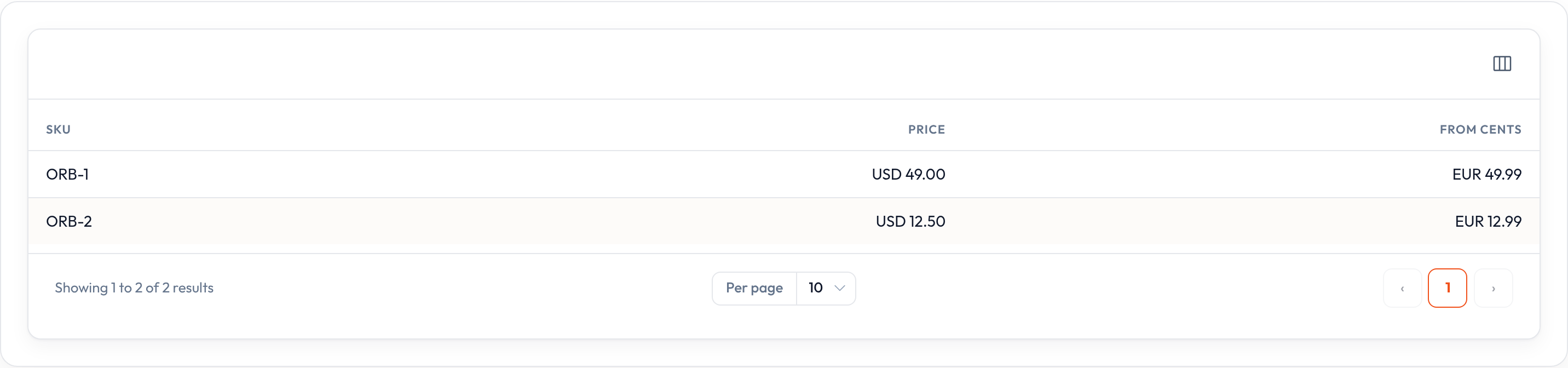
Icons & booleans
Section titled “Icons & booleans”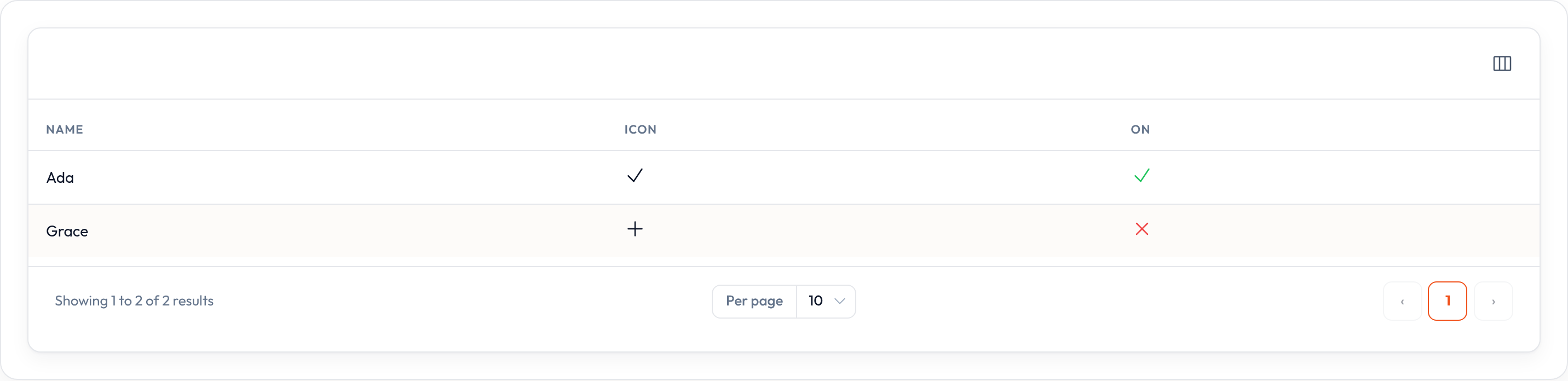
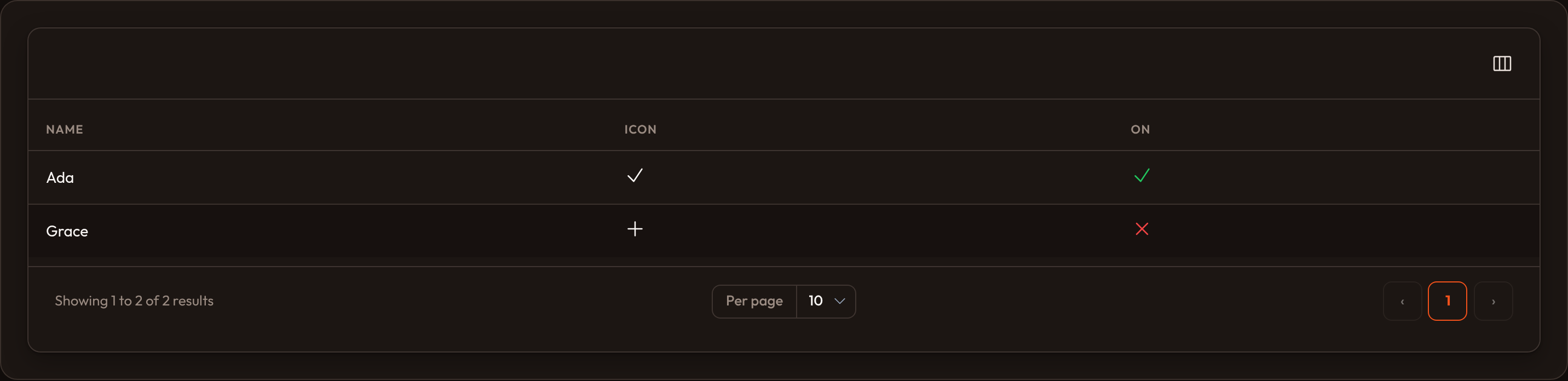
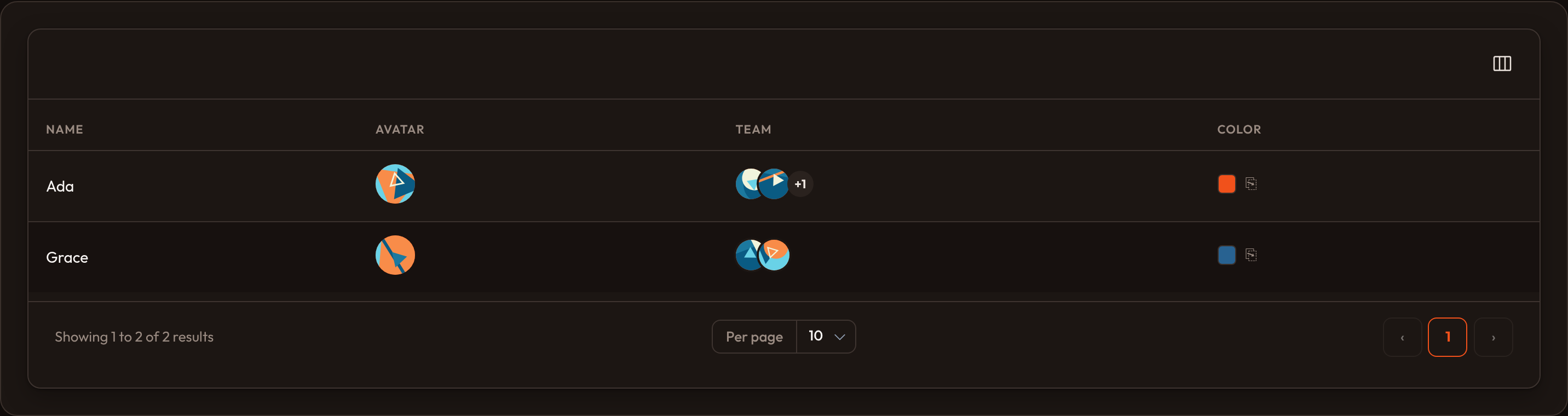
Images & color
Section titled “Images & color”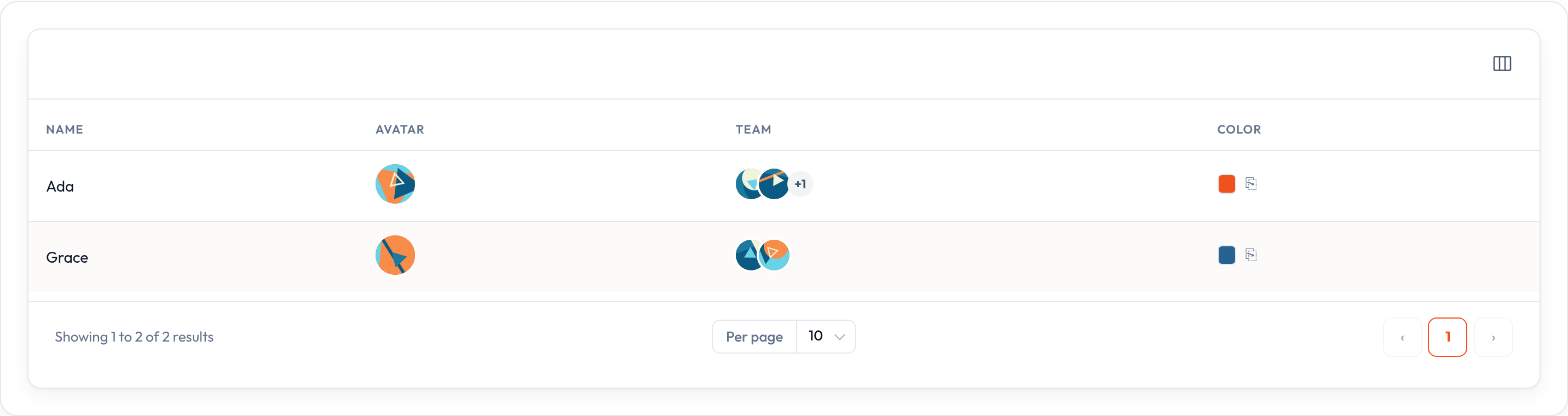
Editable columns
Section titled “Editable columns”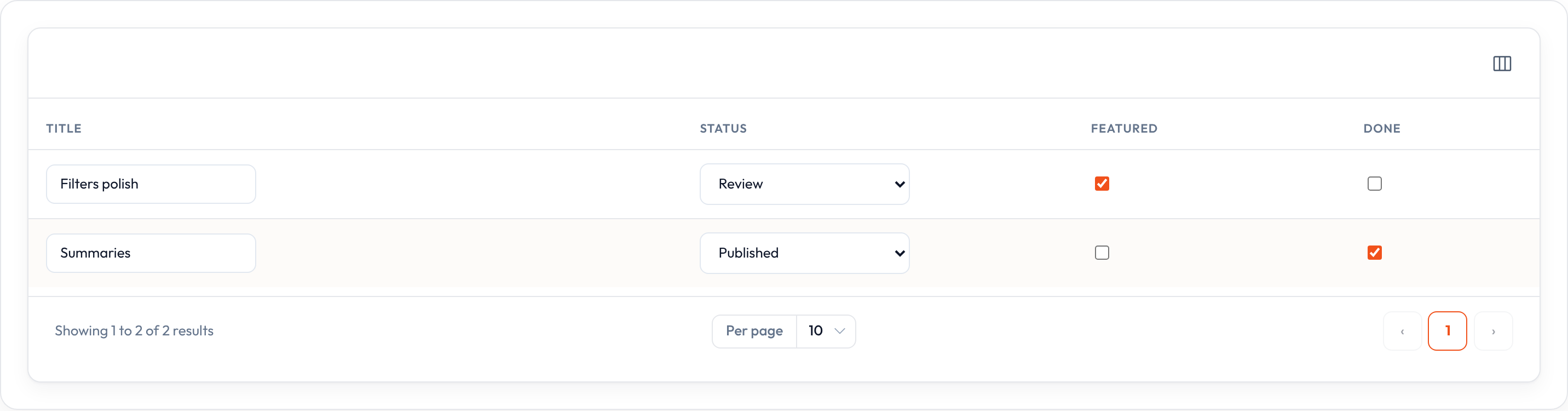
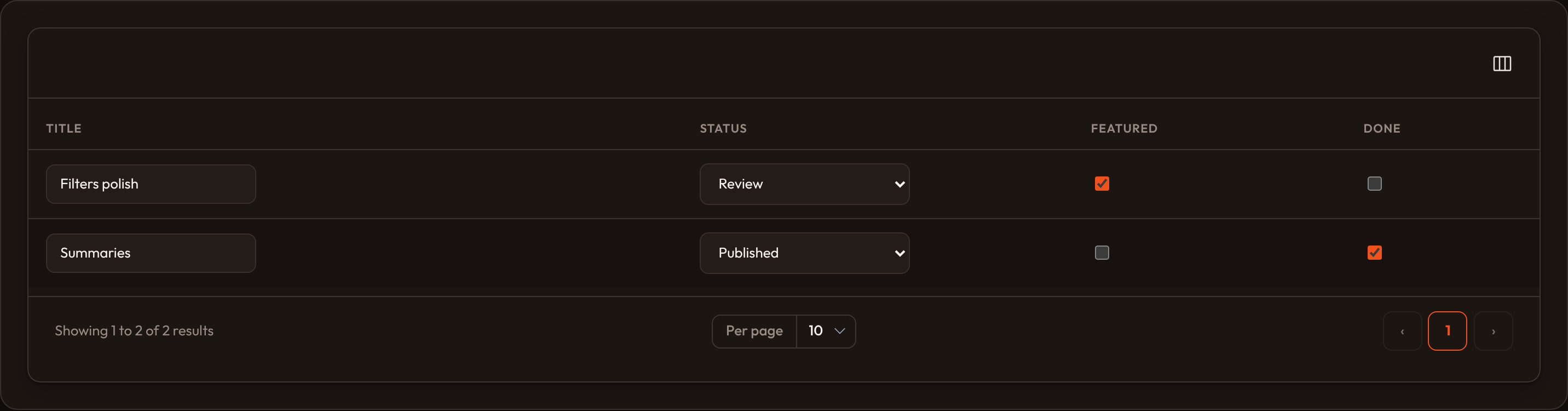
SelectColumn, TextInputColumn, ToggleColumn, CheckboxColumn# persist via ListRecordsHost.update_column_state / orbit.jsTags, view & groups
Section titled “Tags, view & groups”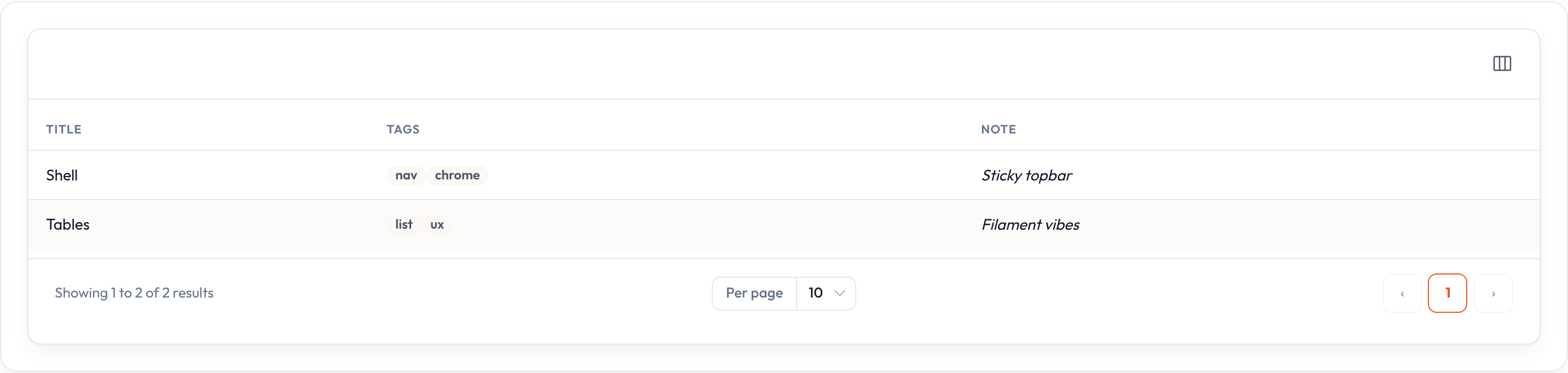
Column content (state)
Section titled “Column content (state)”By default the column name is an attribute path on each record (including dotted keys like author.name).
Custom state
Section titled “Custom state”TextColumn.make("full_name").state( lambda record: f"{record['first_name']} {record['last_name']}")Default vs placeholder
Section titled “Default vs placeholder”.default(...) fills empty state and is treated as real state (images/colors still render).
.placeholder(...) only shows muted display text when the state is empty.
TextColumn.make("nickname").default("—")TextColumn.make("nickname").placeholder("No nickname")Format without changing state
Section titled “Format without changing state”TextColumn.make("slug").format_state_using(lambda value: value.upper())TextColumn.make("name").label("Full name")Sorting
Section titled “Sorting”TextColumn.make("name").sortable()TextColumn.make("full_name").sortable(["last_name", "first_name"])TextColumn.make("full_name").sortable( query=lambda records, direction: sorted( records, key=lambda r: (r["last_name"], r["first_name"]), reverse=direction == "desc", ))Table-level defaults: .default_sort("name", "desc") (see Tables overview).
Searching
Section titled “Searching”TextColumn.make("name").searchable()TextColumn.make("full_name").searchable(["first_name", "last_name", "email"])TextColumn.make("name").searchable( query=lambda record, search: search in str(record.get("email", "")).lower())Enable the search field with any searchable column, or .searchable() on the table.
Tooltips
Section titled “Tooltips”TextColumn.make("email").tooltip("Click to copy")TextColumn.make("email").header_tooltip("Primary contact")Alignment, width, and wrapping
Section titled “Alignment, width, and wrapping”TextColumn.make("amount").align_end().vertically_align_center()TextColumn.make("title").wrap_header().grow().width(240)TextColumn.make("website").url(lambda record, state, **_: state).open_url_in_new_tab()Visibility
Section titled “Visibility”TextColumn.make("internal").hidden()TextColumn.make("notes").visible(False)TextColumn.make("email").visible_from("md").hidden_from("xl")Toggleable columns & column manager
Section titled “Toggleable columns & column manager”TextColumn.make("email").toggleable()TextColumn.make("website").toggleable(is_toggled_hidden_by_default=True)
Table.make().reorderable_columns().columns([...])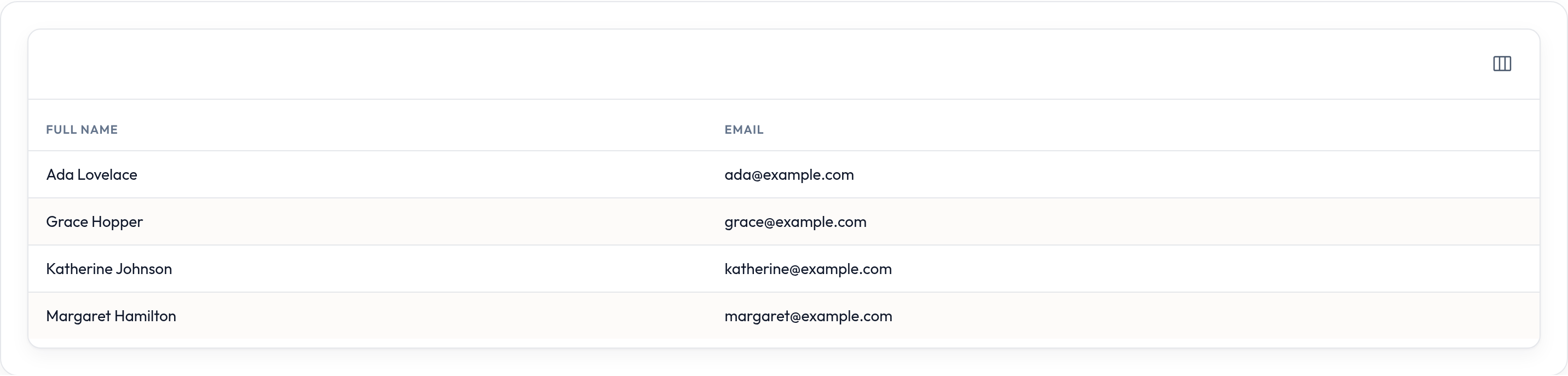
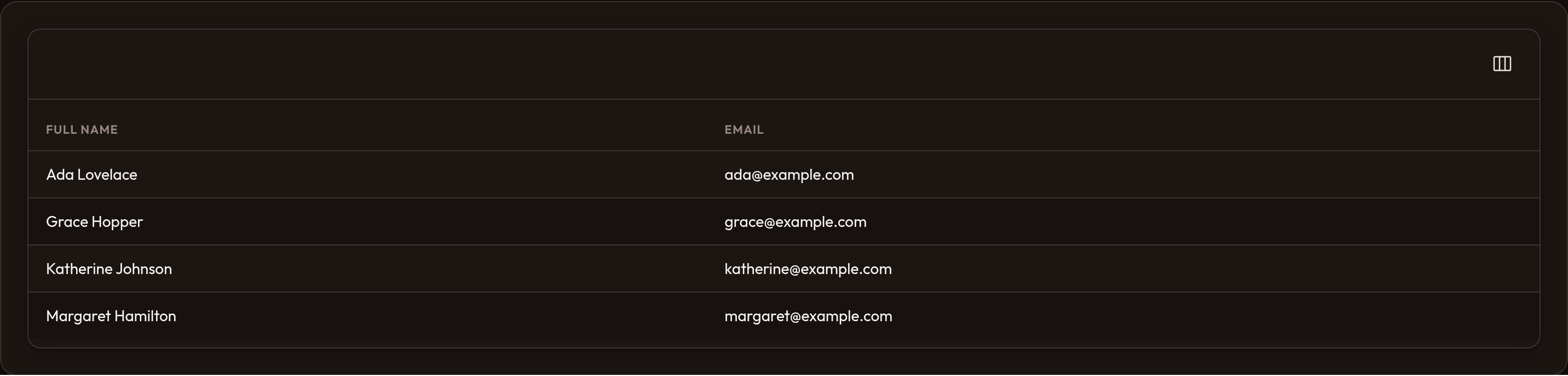
Users toggle visibility in the columns dropdown. With .reorderable_columns(), they can also drag to reorder; the host persists order via reorderColumns.
Extra HTML attributes
Section titled “Extra HTML attributes”TextColumn.make("status").extra_attributes({"data-tour": "status"})TextColumn.make("status").extra_cell_attributes({"class": "or-status-cell"})TextColumn.make("status").extra_header_attributes({"data-head": "status"})Global configuration
Section titled “Global configuration”from almasix.orbit.tables import Column, TextColumn
Column.configure_using(lambda column: column.align_start())Shared helpers (quick list)
Section titled “Shared helpers (quick list)”.label(...)/.state(...)/.default(...)/.placeholder(...).sortable(...)/.searchable(...)/.toggleable(...).align_start()/.align_center()/.align_end()/.vertically_align_*().tooltip(...)/.header_tooltip(...)/.wrap_header()/.width(...)/.grow().format_state_using(...)/.url(...)/.open_url_in_new_tab().color(...)/.visible_from(...)/.hidden_from(...)/.summarize(...).extra_attributes(...)/.extra_cell_attributes(...)/.extra_header_attributes(...)
Layout wrappers (Split, Stack, Panel, …) nest columns inside one cell — see Layout.