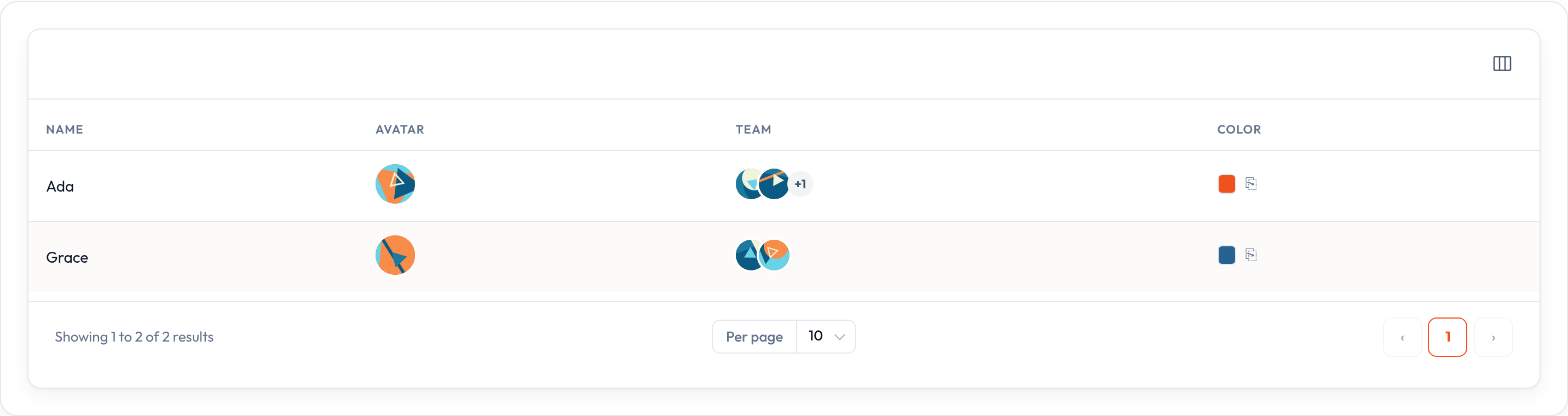
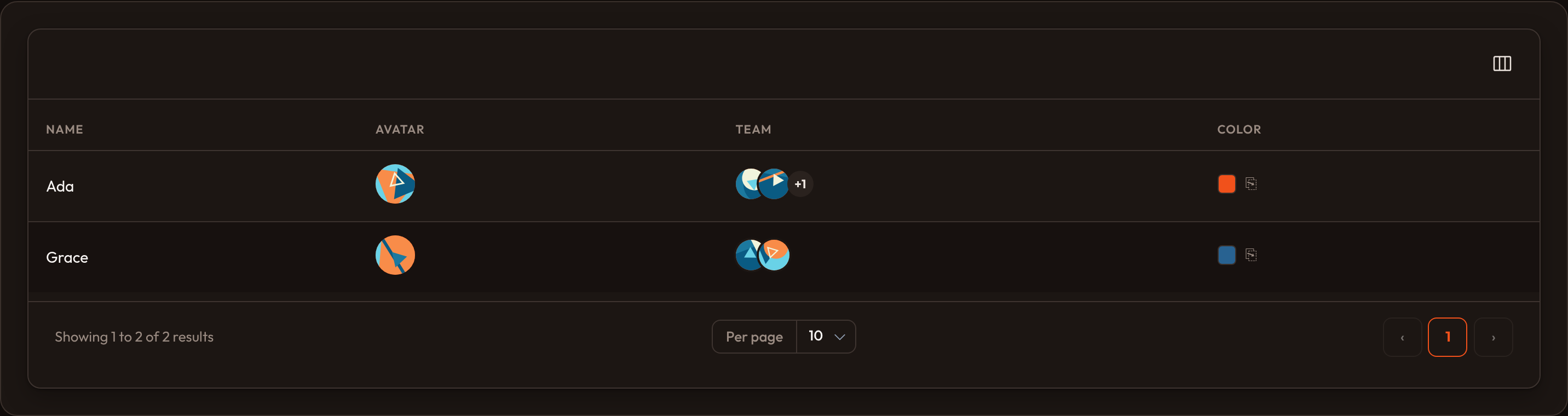
Color column
ColorColumn renders a swatch preview from the column’s state — a hex code, or any valid CSS color string:
from almasix.orbit.tables import ColorColumn
ColorColumn.make("color")
Use it for brand colors, tag colors, theme tokens, and any other field where a swatch communicates more than the raw string would.
If the state is empty or missing, the swatch still renders, falling back to #000000.
Allowing the color to be copied
Section titled “Allowing the color to be copied”Add a clipboard button to the swatch with .copyable(), exactly like TextColumn.copyable():
ColorColumn.make("color").copyable()Customizing the copy message
Section titled “Customizing the copy message”Override the toast text and how long it stays visible after a successful copy:
ColorColumn.make("color") .copyable() .copy_message("Color copied!") .copy_message_duration(1500)Full example
Section titled “Full example”from almasix.orbit.tables import Table, TextColumn, ColorColumn
Table.make("brands").columns([ TextColumn.make("name").searchable(), ColorColumn.make("hex").label("Swatch").copyable().copy_message("Hex copied"), TextColumn.make("hex").label("Value").copyable(),]).records([ {"id": 1, "name": "Orbit Blue", "hex": "#2563eb"}, {"id": 2, "name": "Conduit Ink", "hex": "#0f172a"},])Key methods
Section titled “Key methods”| Method | Effect |
|---|---|
.copyable() |
Clipboard button on the swatch |
.copy_message(str | callable) / .copy_message_duration(ms) |
Copy toast text & duration |
.format_state_using(callback) |
Normalize input, e.g. #rgb → #rrggbb |
.label(...) / .align_center() / .toggleable(...) |
Inherited shared helpers |
Preview
Section titled “Preview”