

Overview
Introduction
Section titled “Introduction”Widgets are dashboard-sized cards on a panel home page. Each widget is a Python class (or fluent instance) that renders a self-contained block of UI — a KPI strip, a chart, an embedded table, or custom HTML. Operators land on the dashboard for a glanceable summary; widgets are how you fill that glance without building a bespoke page for every metric.
Register widget classes on the panel with .widgets([...]). The default Dashboard collects them, checks who can see each one, sorts by .sort(...), and lays them out in a responsive grid by column span. Prefer many small widgets over one kitchen-sink card so visibility and layout stay independent.
from almasix.orbit import Panelfrom almasix.orbit.widgets import StatsOverviewWidget, ChartWidget, TableWidget
Panel.make("admin")    .path("admin")    .widgets([StatsOverviewWidget, ChartWidget, TableWidget])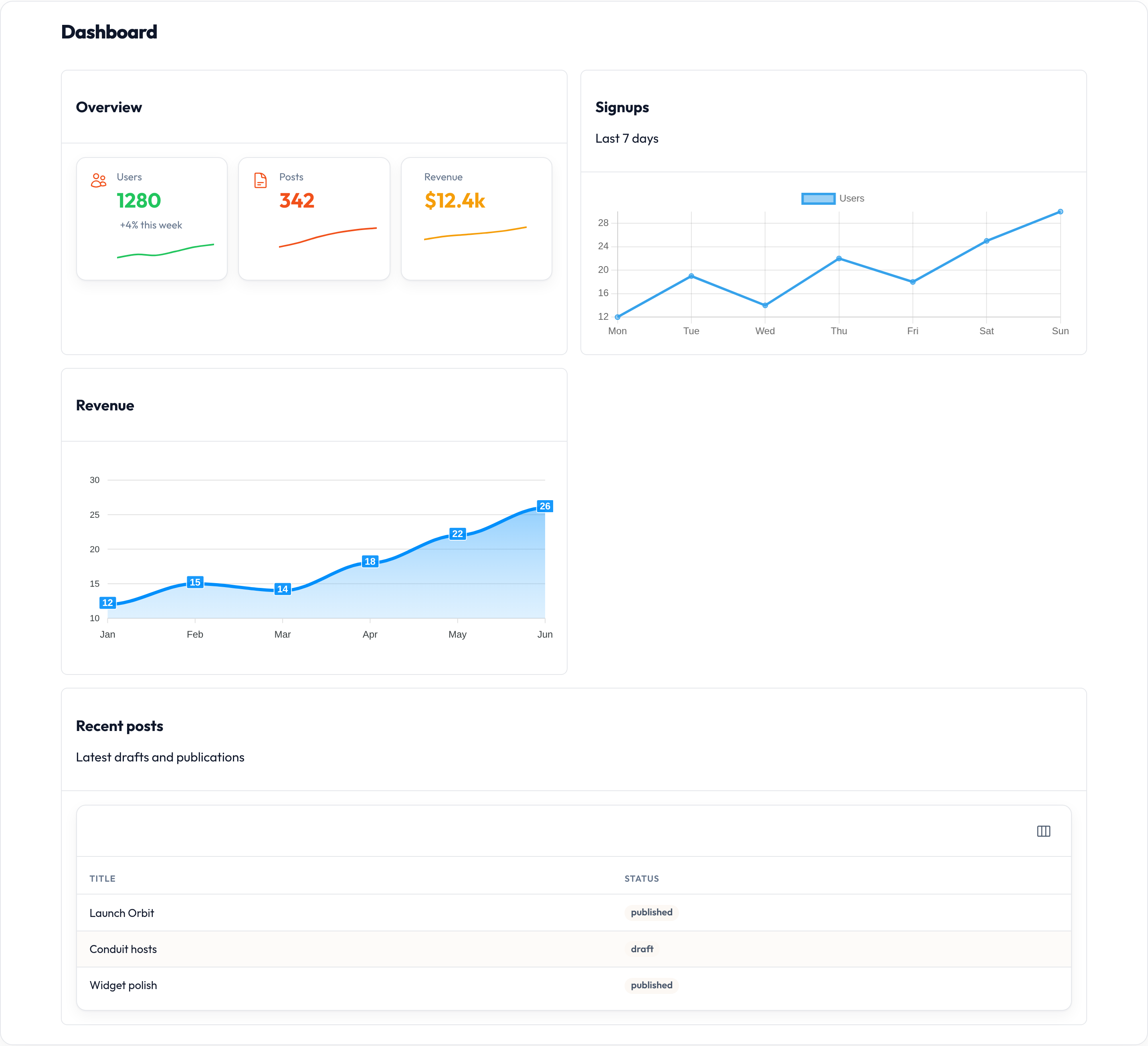
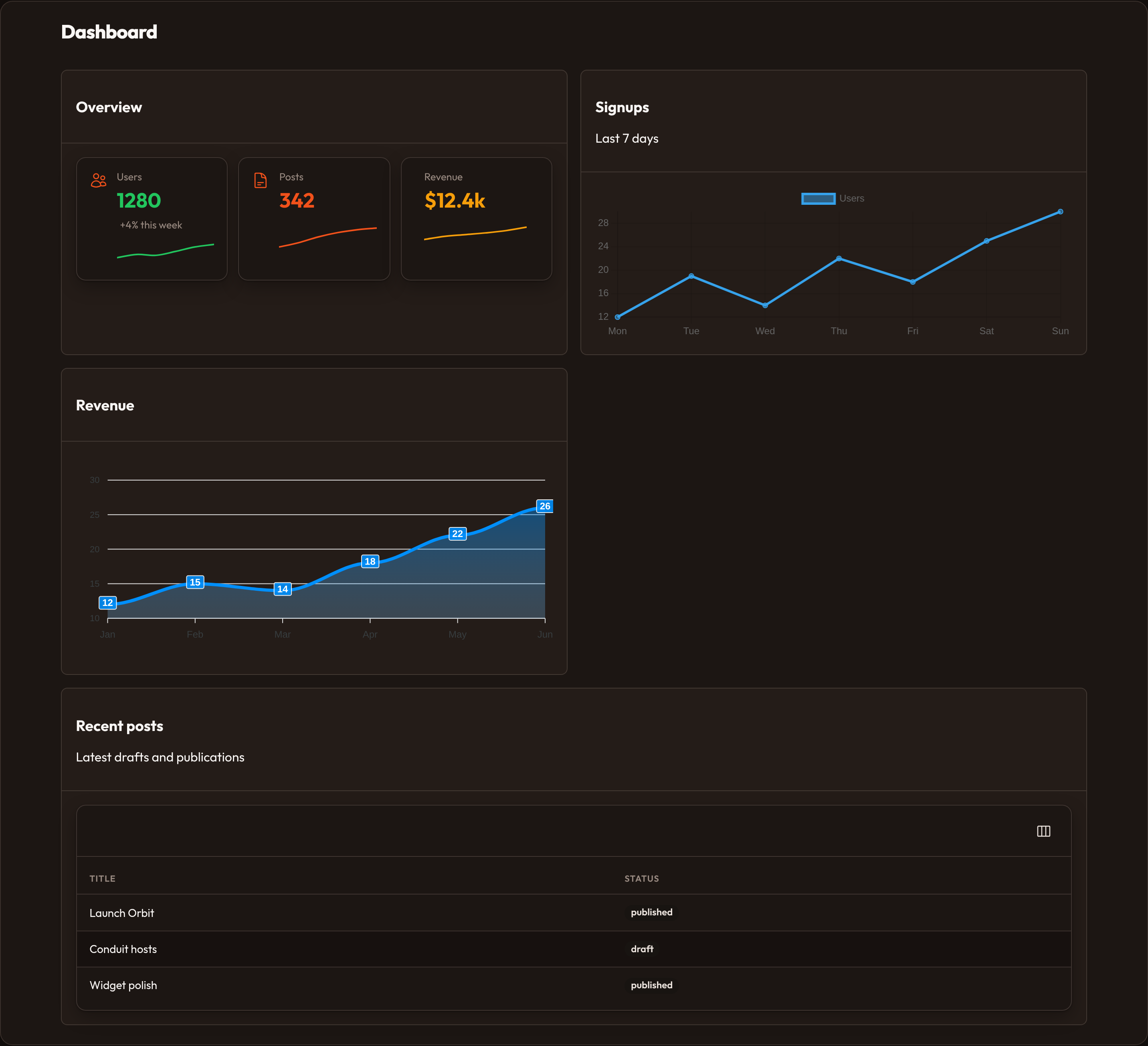
Each widget renders a <section class="or-widget"> with an optional header and body. Interactive charts boot through Alpine (orbitChart / orbitSparkline) with Chart.js or ApexCharts loaded by the panel shell.
Widget types
Section titled “Widget types”| Widget | Role |
|---|---|
| Stats overview | Row of fluent Stat cards (optional sparklines) |
| Charts | Line / bar / doughnut charts via Chart.js or ApexCharts |
| Tables | Embed a configured Table on the dashboard |
Custom Widget |
Override render_body for bespoke HTML |
from almasix.orbit.widgets import (    ChartWidget,    Stat,    StatsOverviewWidget,    TableWidget,    Widget,)from almasix.orbit.tables import Table, TextColumn
StatsOverviewWidget.make("overview").stats([    Stat.make("Users").value(1280).color("success").icon("heroicon-o-users"),    Stat.make("Posts").value(342).color("primary"),])
ChartWidget.make("signups")    .heading("Signups")    .chart_type("bar")    .labels(["Mon", "Tue", "Wed"])    .datasets([{"label": "Users", "data": [3, 7, 4]}])
TableWidget.make("recent").table(    Table.make().columns([TextColumn.make("title")]).records(recent_posts))
Heading and description
Section titled “Heading and description”.heading(...) and .description(...) set the widget chrome above the body. Class attributes heading / description work the same via __init_subclass__.
from almasix.orbit.widgets import Widget
Widget.make("notes")    .heading("Release notes")    .description("Latest shipping updates for the team.")

Sort order
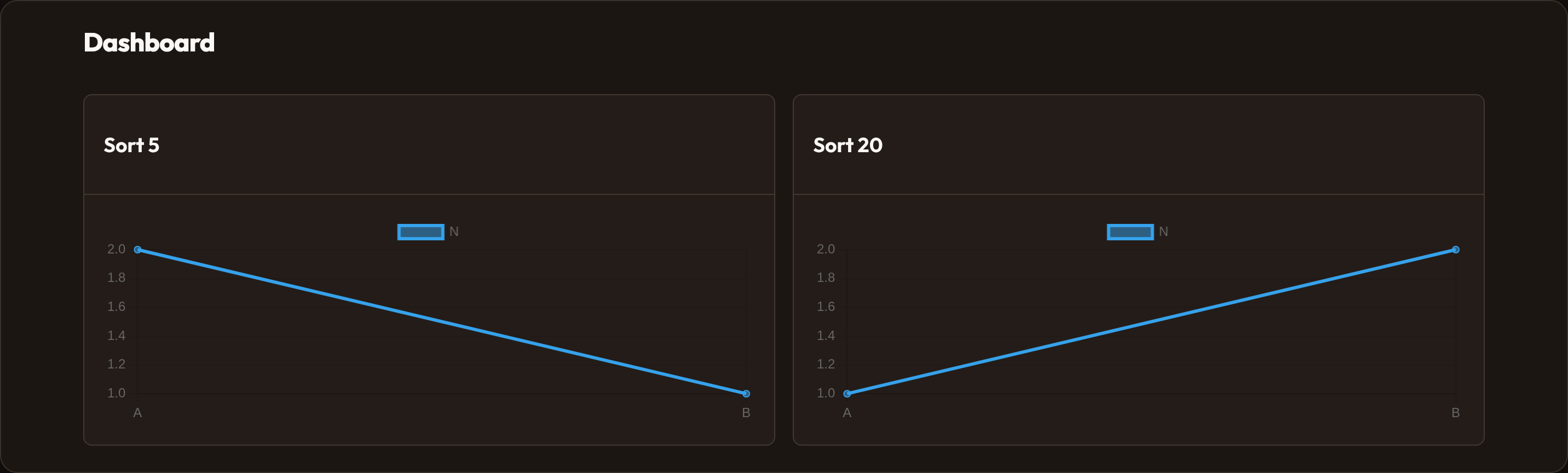
Section titled “Sort order”Widgets are sorted ascending by .sort(...) (or class attribute sort) before render. Lower numbers appear first.
from almasix.orbit.widgets import StatsOverviewWidget, ChartWidget
class OverviewStats(StatsOverviewWidget):    sort = 1
class SignupsChart(ChartWidget):    sort = 10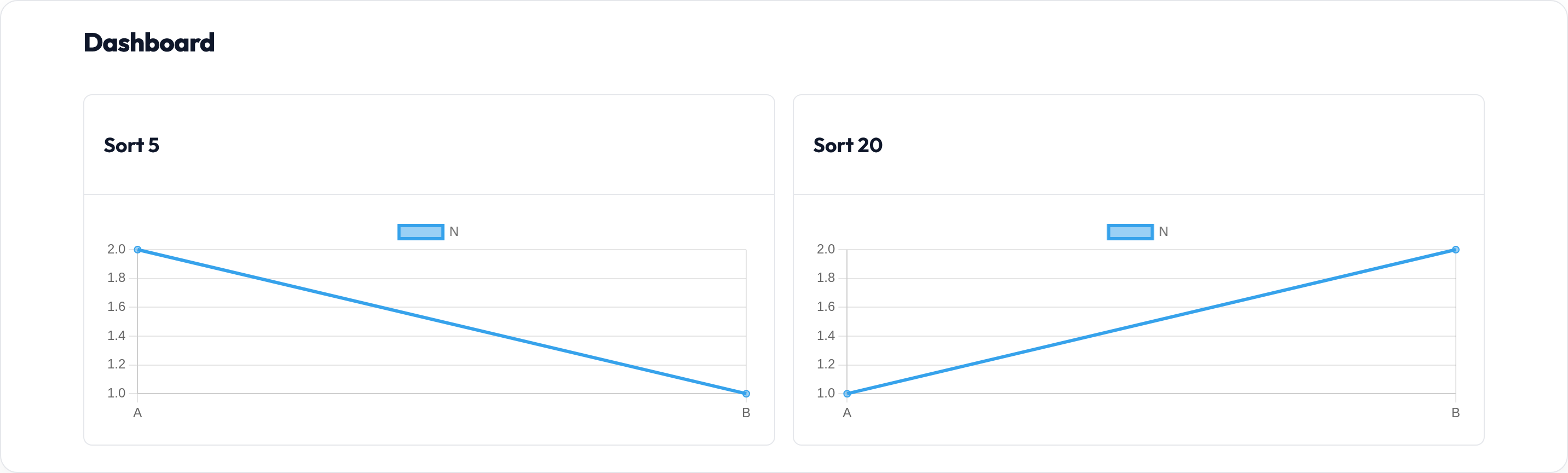
Column span
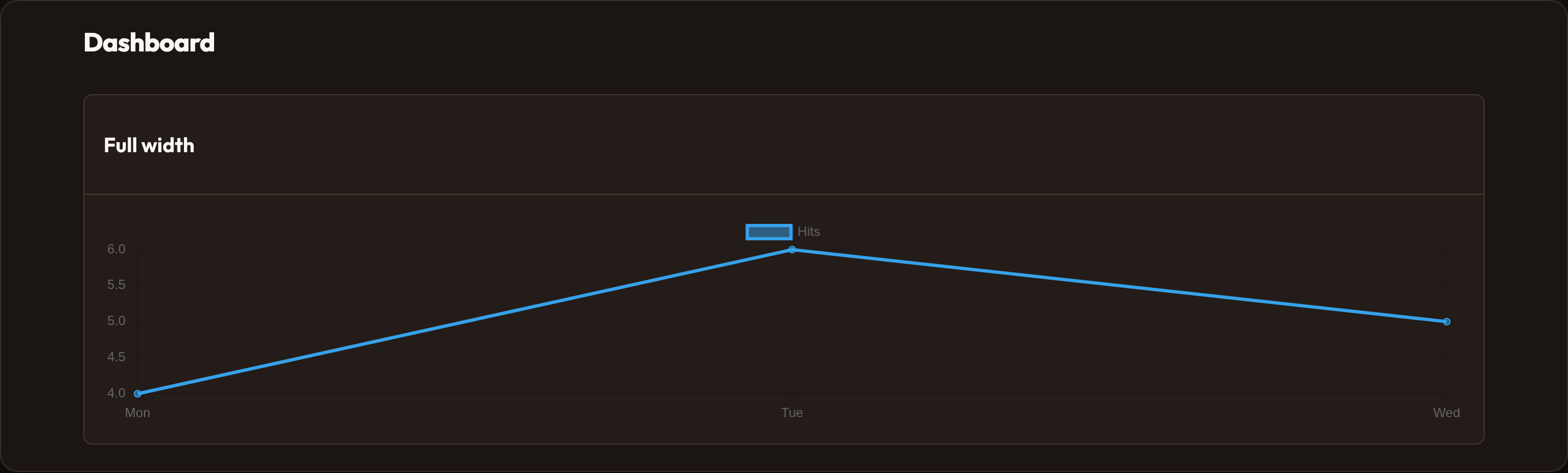
Section titled “Column span”.column_span(2), .column_span("full"), or .column_span_full() control grid placement. Pass a breakpoint map for responsive spans:
from almasix.orbit.widgets import ChartWidget
ChartWidget.make("wide")    .heading("Traffic")    .column_span("full")
ChartWidget.make("responsive")    .heading("By device")    .column_span({"md": 1, "lg": 2})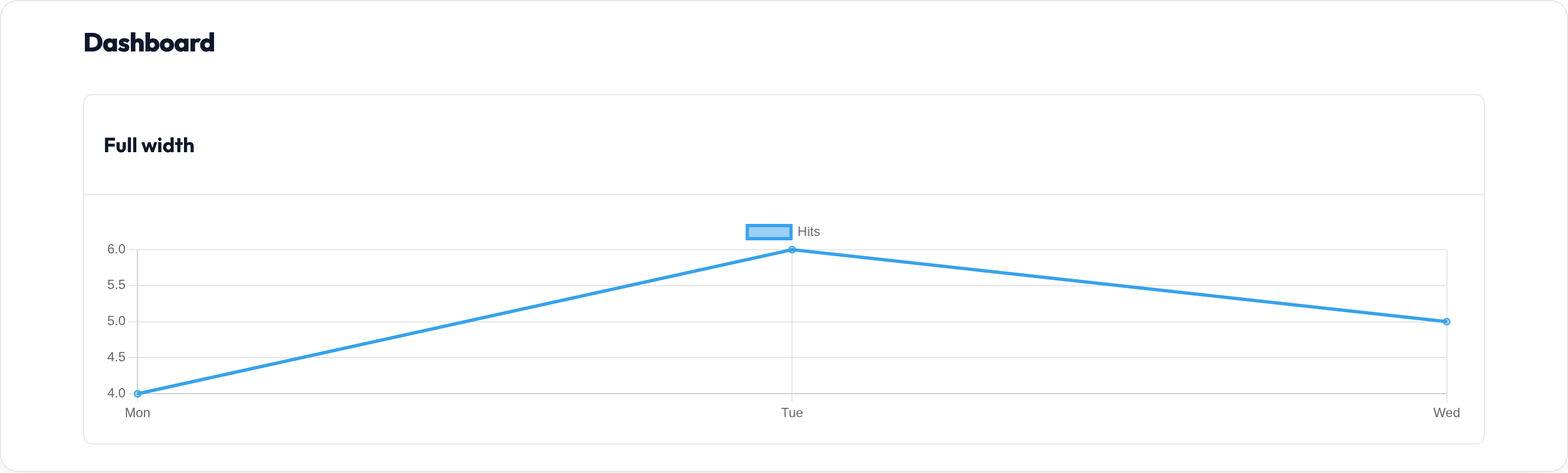
Polling
Section titled “Polling”.polling_interval(15) (or "15s") emits data-polling for the host to refresh the widget on an interval.
from almasix.orbit.widgets import StatsOverviewWidget
StatsOverviewWidget.make("live")    .heading("Live metrics")    .polling_interval(15)
Lazy loading
Section titled “Lazy loading”.lazy() marks the widget with data-lazy="true" and a placeholder so the shell can defer heavy bodies until visible.
from almasix.orbit.widgets import ChartWidget
ChartWidget.make("deferred")    .heading("Heavy chart")    .lazy()
Visibility
Section titled “Visibility”Override classmethod can_view(**ctx) or chain .can_view_when(...) on an instance. Unauthorized widgets are omitted from the grid.
from almasix.orbit.widgets import Widget
class AdminOnly(Widget):    @classmethod    def can_view(cls, **ctx) -> bool:        user = ctx.get("user")        return bool(user and getattr(user, "is_admin", False))
Widget.make("beta").can_view_when(lambda **ctx: ctx.get("feature_beta") is True)

Custom widgets
Section titled “Custom widgets”Subclass Widget and implement render_body. Use page_filters / filter_value when the dashboard passes filter state.
from almasix.orbit.widgets import Widgetfrom almasix.orbit.support.html import e
class WelcomeWidget(Widget):    sort = 0    heading = "Welcome"
    def render_body(self, state=None, **ctx) -> str:        brand = e(str(ctx.get("brand") or "Orbit"))        return f'<p class="or-muted">Hello from {brand}.</p>'

On a panel
Section titled “On a panel”Panel.make("admin") .widgets([OverviewStats, SignupsChart, RecentPosts, WelcomeWidget])The default dashboard calls panel.get_widgets(). Override Dashboard.get_widgets for a page-specific set, or pass widgets=[...] into Dashboard.render for tests and custom pages. See Dashboard.