

Rich editor
Introduction
Section titled “Introduction”RichEditor is the field for long-form HTML: post bodies, product descriptions, email templates. The operator writes on a contenteditable surface; toolbar buttons run document.execCommand (and insert merge tags as {{ name }}); a hidden input holds the HTML that gets saved with the record.
Default tools are Bold, Italic, and Link. Replace that list with .toolbar_buttons([...]), append one tool with .toolbar_button("h2"), and add insertable placeholders with .merge_tags(["customer_name"]).
RichEditor.make("body") .toolbar_buttons(["bold", "italic", "h2", "bulletList", "link"]) .placeholder("Write the post…") .merge_tags(["author_name", "site_name"]) .min_height("16rem")Each variation below includes the fluent API and light/dark screenshots of the rendered control.
Basic rich editor
Section titled “Basic rich editor”A labeled rich text field for post bodies, product descriptions, and email templates. The hidden input holds the dehydrated HTML string.
RichEditor.make('body') .label('Body') .helper_text('Supports basic formatting.')

Custom toolbar
Section titled “Custom toolbar”.toolbar_buttons() replaces the default tool list. Each entry becomes a toolbar button with data-tool="{name}" and a short label. Stick to tools your Alpine/TipTap bridge implements.
RichEditor.make('content') .label('Content') .toolbar_buttons(['bold', 'italic', 'link', 'heading', 'bulletList'])

Merge tags
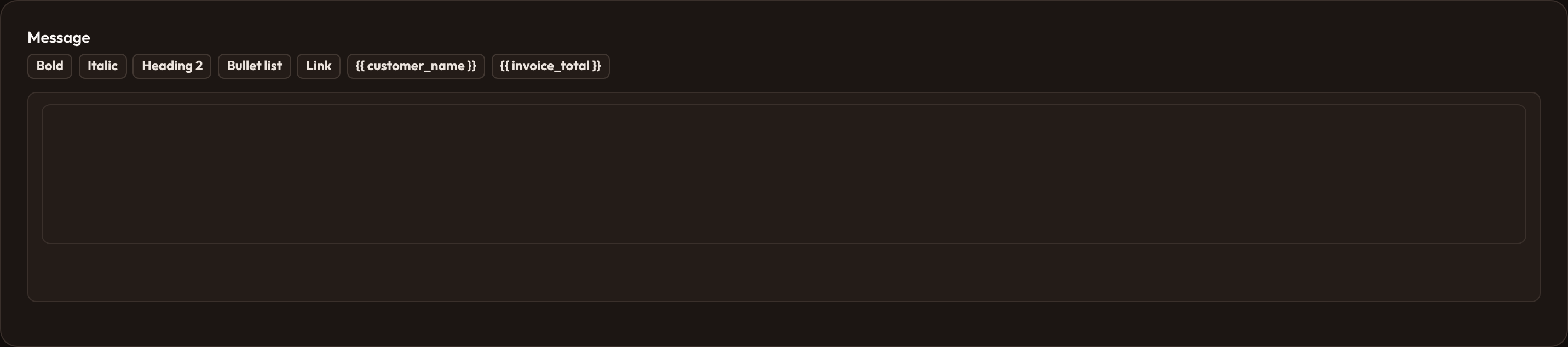
Section titled “Merge tags”.merge_tags([...]) adds extra toolbar buttons that insert {{ tag }} at the caret. Use them for mail-merge fields, contract tokens, or any placeholder your renderer later substitutes.
RichEditor.make('template') .label('Template') .toolbar_buttons(['bold', 'italic']) .merge_tags(['customer_name', 'order_total'])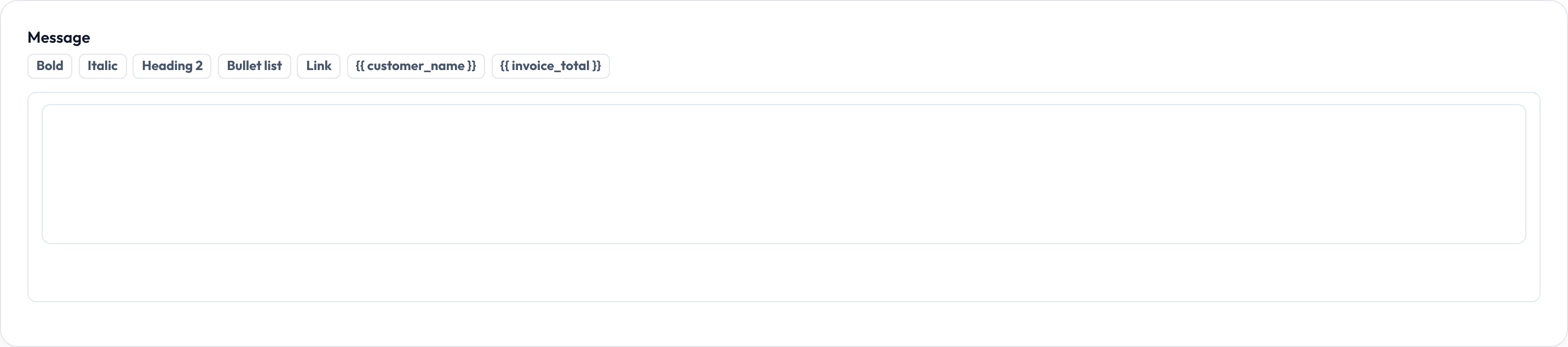
Live updates
Section titled “Live updates”.live() switches the hidden input to wire:model.live so sibling fields and visibility closures can react as the user types. Use sparingly on large documents.
RichEditor.make('summary') .label('Summary') .live() .toolbar_buttons(['bold', 'italic'])

Disabled and readonly
Section titled “Disabled and readonly”.disabled() / .readonly() propagate to the editor surface attribute so hosts can lock editing while still showing content.
RichEditor.make('terms') .label('Terms') .disabled()

Closures work on .label(), .helper_text(), .placeholder(), .visible(), .disabled(), and .required() where applicable — see Form closures.