

Table select
Introduction
Section titled “Introduction”Honest scope: TableSelect subclasses Select and only swaps classes to or-field-TableSelect and or-select or-select-table. It still renders a standard <select> (plus searchable UI when configured). There is no embedded table grid, column definitions, or row selection UI in the forms package yet. Use the same .options(), .relationship(), .searchable(), and .multiple() APIs as Select. Prefer Modal table select when you want a Browse affordance that the host can back with a real table later.
Each variation below includes a detailed explanation, the fluent API to paste into your schema, and light/dark screenshots of the rendered control.
Basic table select
Section titled “Basic table select”Options dehydrate like Select. CSS hooks let themes style the control as “table-like” without changing behavior.
TableSelect.make('post_id') .label('Post') .options({ '1': 'Launch announcement', '2': 'Host checklist', '3': 'Pricing update', })

Searchable table select
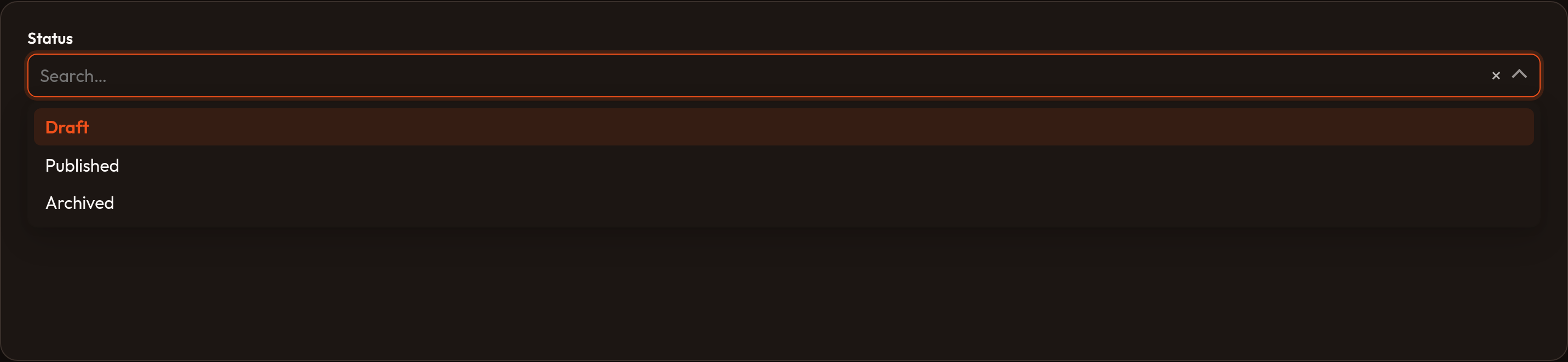
Section titled “Searchable table select”.searchable() / .native(False) enable the same search input + Alpine filter path as Select.
TableSelect.make('user_id') .label('User') .searchable() .options({'1': 'Ada', '2': 'Alan', '3': 'Grace'})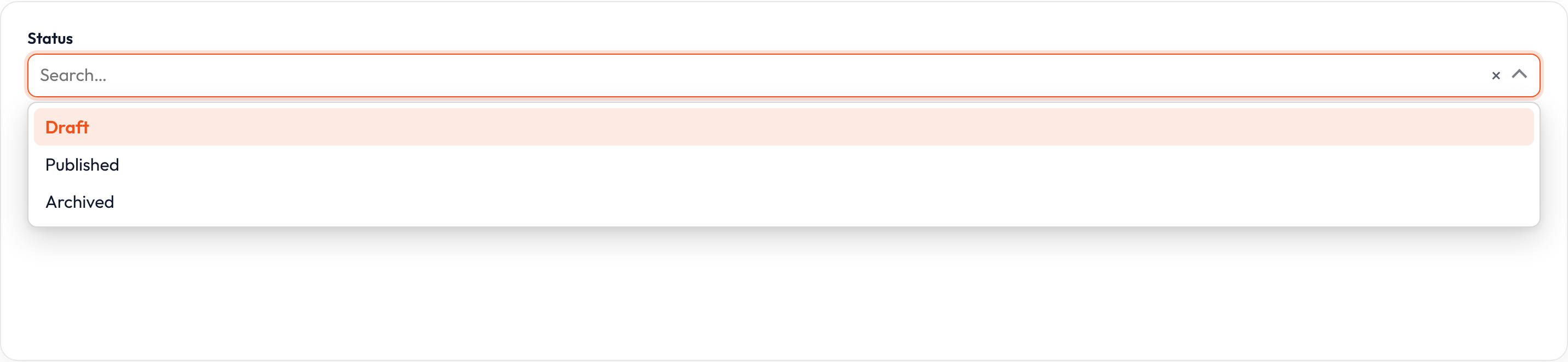
Relationship-backed options
Section titled “Relationship-backed options”.relationship() resolves related models like Select — still into <option> elements, not table rows.
TableSelect.make('author_id') .label('Author') .relationship('author', 'name') .searchable() .preload()Multiple selection
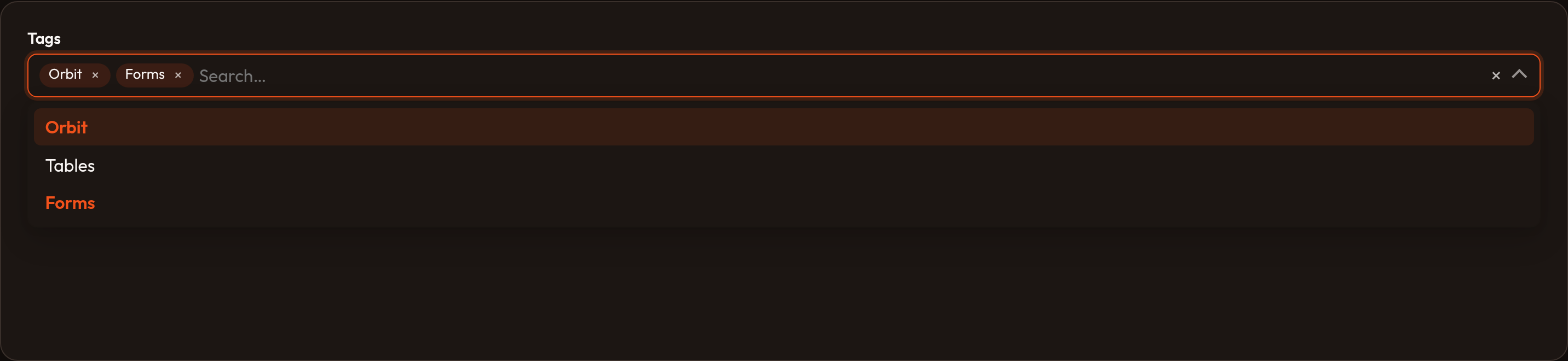
Section titled “Multiple selection”.multiple() emits a multi select with table CSS classes. True checkbox-table embedding remains deferred.
TableSelect.make('category_ids') .label('Categories') .multiple() .options({'news': 'News', 'docs': 'Docs', 'blog': 'Blog'})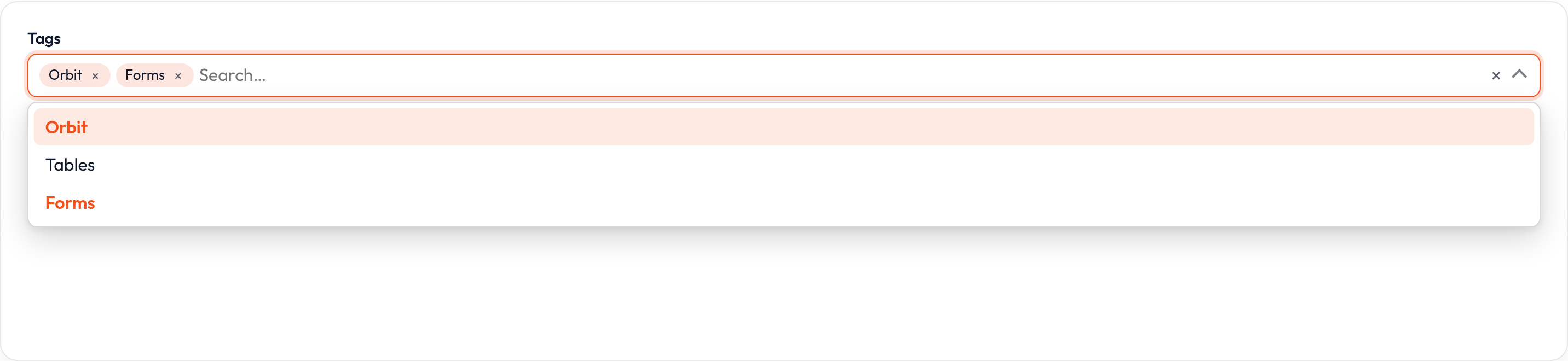
Closures work on .label(), .helper_text(), .placeholder(), .visible(), .disabled(), and .required() where applicable — see Form closures.