

Modal table select
Introduction
Section titled “Introduction”When a related record is easier to find in a table than in a dropdown, use ModalTableSelect. The field shows a readonly summary of the current choice and a Browse button. Browse opens a modal: search box plus either a compact list or a full Orbit Table. Choosing a row writes the record’s id into form state and closes the picker.
ModalTableSelect.make("author_id") .label("Author") .records(AuthorResource.get_records) .title_attribute("name") .browse_label("Browse authors") .modal_heading("Pick an author").records(...) accepts a list or a callable. .table(Table.make(...)) renders that table inside the modal instead of the default list. The create/edit host implements mountTableSelect, setTableSelectSearch, selectTableRecord, and closeTableSelect.
Each variation below includes the fluent API and light/dark screenshots of the rendered control.
Basic modal table select
Section titled “Basic modal table select”Readonly value display with a Browse action. Empty state shows a blank input until the host fills state.
ModalTableSelect.make('author_id') .label('Author') .helper_text('Browse opens the host table picker.')

With existing value
Section titled “With existing value”When state is set (id or label string), the readonly input shows it. Hosts often store the primary key and resolve labels separately.
ModalTableSelect.make('product_id') .label('Product') .default('sku_100')

Required browse field
Section titled “Required browse field”.required() still injects validation so save fails until the host writes a value after Browse.
ModalTableSelect.make('customer_id') .label('Customer') .required()

Disabled on view
Section titled “Disabled on view”Use .disabled_on('view') so Browse is inactive on view operations while still showing the summary.
ModalTableSelect.make('invoice_id') .label('Invoice') .disabled_on('view')

Open picker
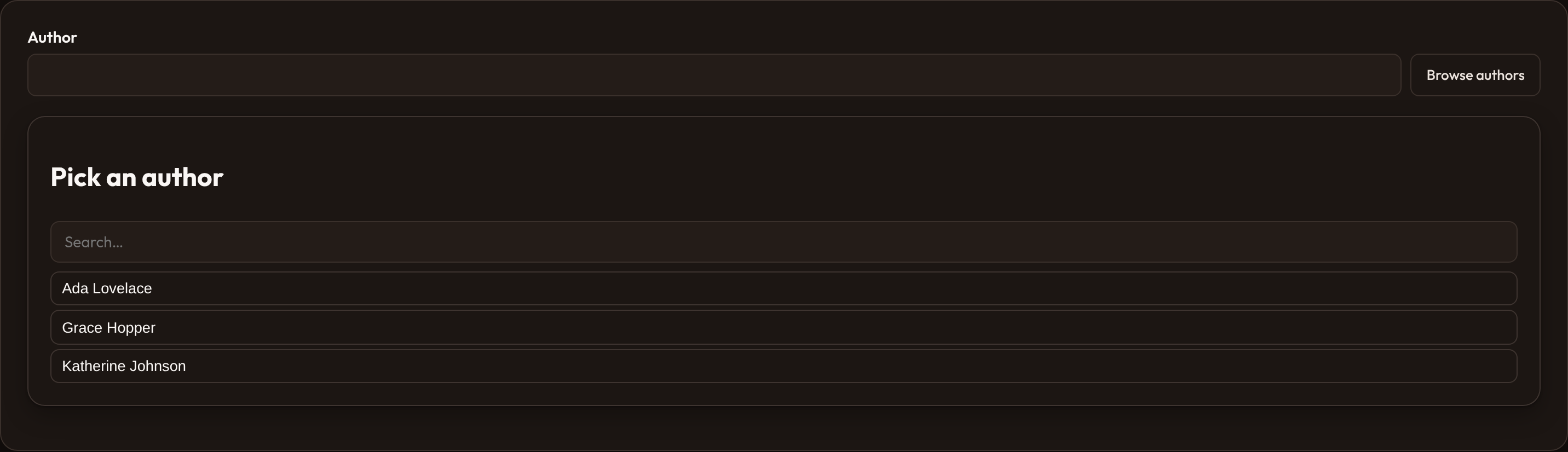
Section titled “Open picker”Pass picker state (the host does this when Browse is clicked) and the field renders the modal: heading, search, and matching rows. .modal_heading() labels the dialog.
ModalTableSelect.make("author_id") .label("Author") .records([ {"id": "1", "name": "Ada Lovelace"}, {"id": "2", "name": "Grace Hopper"}, ]) .modal_heading("Pick an author") .title_attribute("name")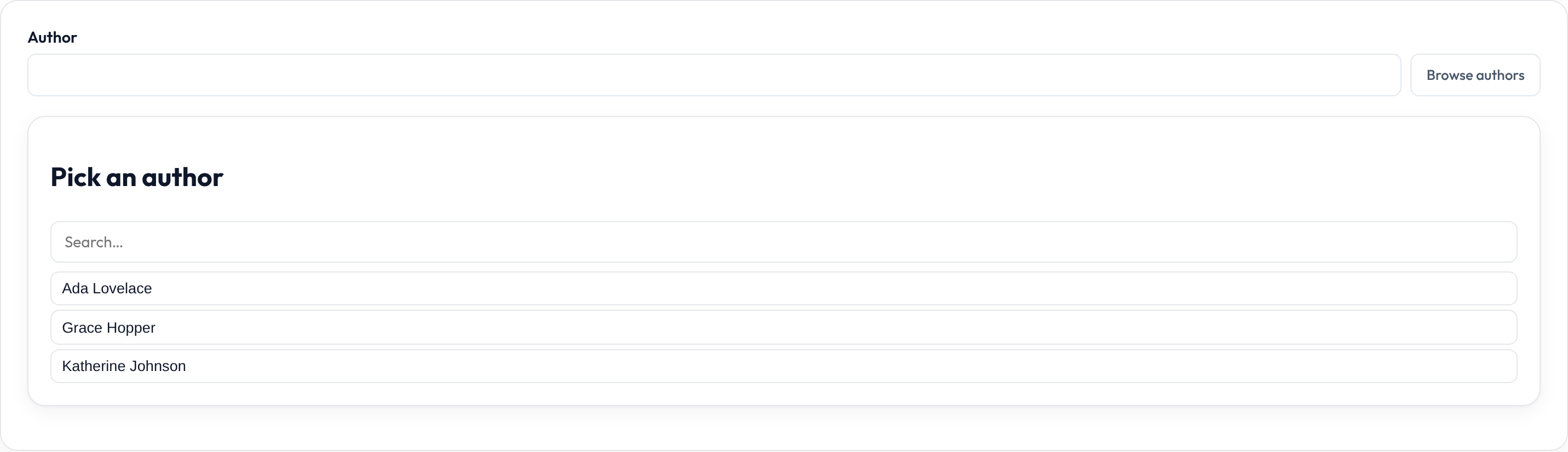
Closures work on .label(), .helper_text(), .placeholder(), .visible(), .disabled(), and .required() where applicable — see Form closures.