

Viewing records
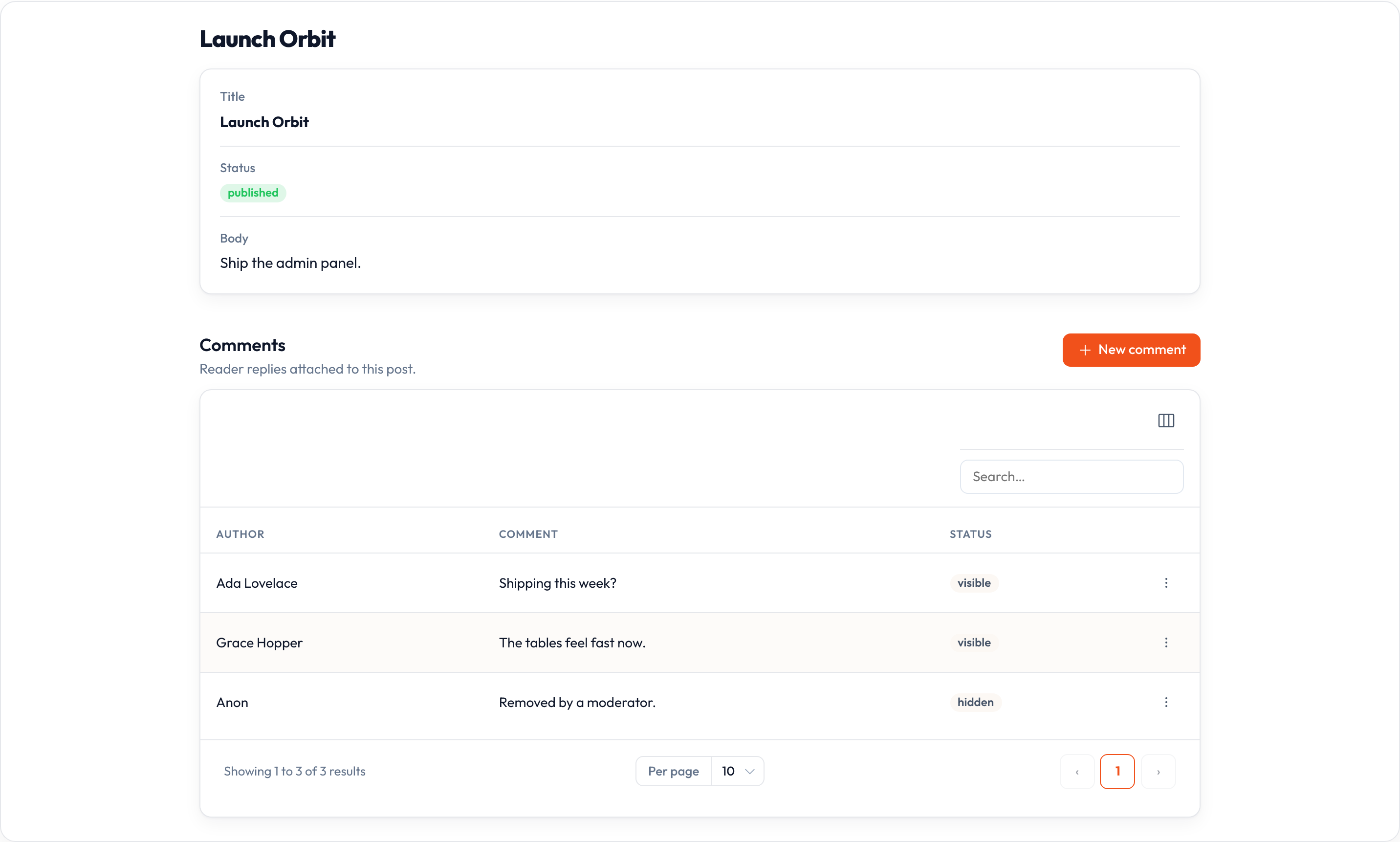
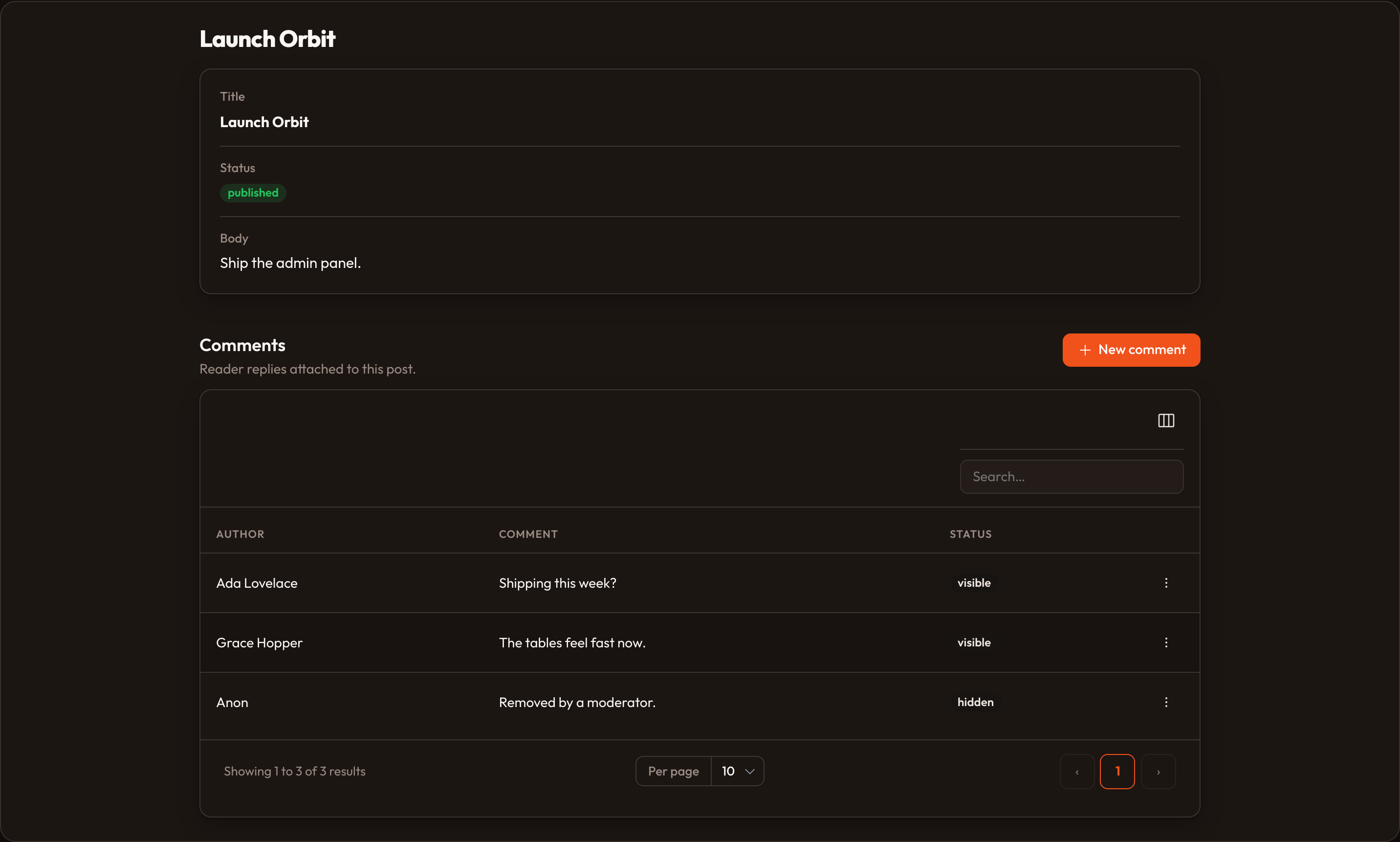
The view page at {resource}/{id} is the read-only face of a record: an infolist of its values, header actions, and any relation managers the resource declares.
The infolist
Section titled “The infolist”Configure what is shown with the resource’s infolist() hook:
class PostResource(Resource):    model = Post    record_title_attribute = "title"
    @classmethod    def infolist(cls, infolist: Infolist) -> Infolist:        return infolist.schema([            TextEntry.make("title").weight("bold"),            TextEntry.make("status").badge().color("success"),            TextEntry.make("body").prose(),            TextEntry.make("created_at").since().label("Published"),        ])
Skip the hook and Orbit builds a fallback infolist from the form schema — every field as a read-only text entry — so a view page always shows something useful.
Record title
Section titled “Record title”The page heading is the record’s title, resolved from record_title_attribute. When that attribute is empty Orbit falls back to Post #12, and when the resource declares nothing it uses the resource label. The same title becomes the last breadcrumb, so the trail reads Orbit › Posts › Launch Orbit.
Header actions
Section titled “Header actions”Edit and Delete appear by default when the records are mutable, gated by can_update and can_delete. Deleting redirects back to the list page; on a resource with soft_deletes = True, restore and force-delete are available too.
Relation managers
Section titled “Relation managers”Managers with render_on set to "view" or "both" render underneath the infolist, each as a titled section with its own table:
class PostResource(Resource): @classmethod def get_relations(cls) -> list[type]: return [CommentsRelationManager]See relation managers for how rows are loaded and what the built-in actions do.
Related pages
Section titled “Related pages”- Infolists overview — every entry type
- Editing records — where the Edit action leads
- Global search — results link straight to this page