

Tables overview
Introduction
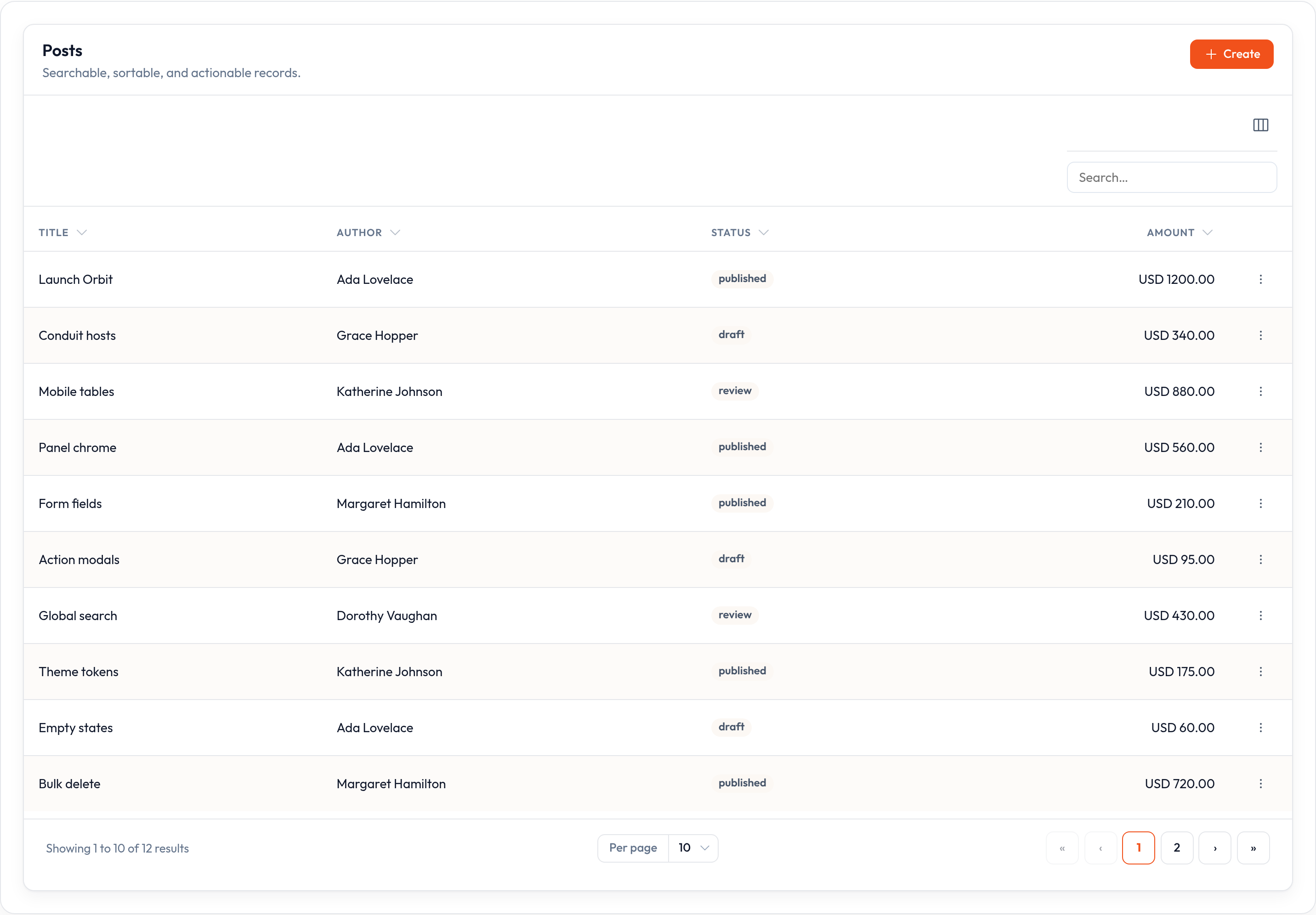
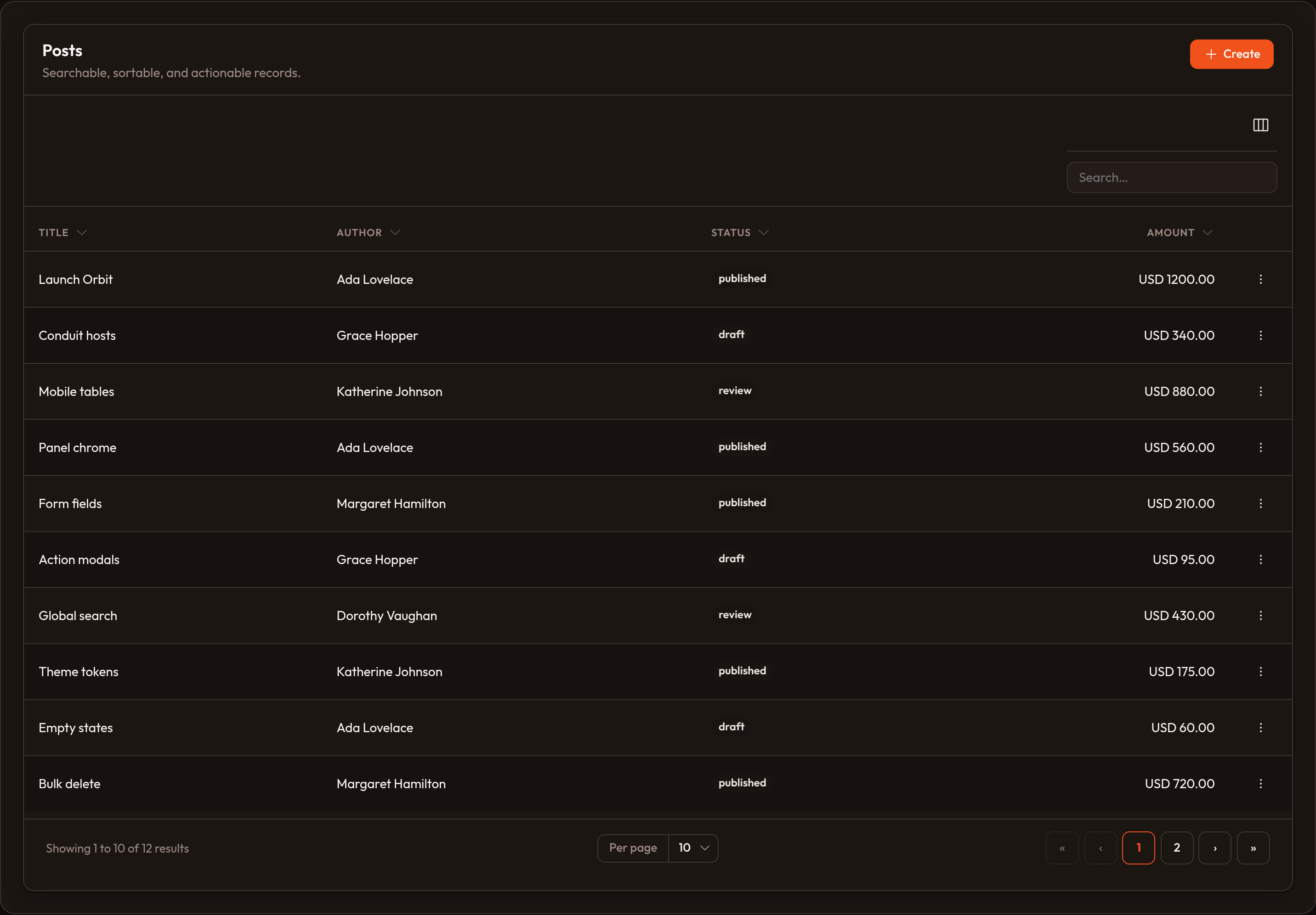
Section titled “Introduction”A table is how Orbit lists records in the admin UI: one row per record, columns for fields, and toolbar chrome for search, filters, and actions. You configure the table in Python with a fluent API (Table.make(...).columns([...]).filters([...]) and so on). Orbit renders HTML; the Conduit list host hydrates interactivity (typing in search, clicking sort headers, changing page, bulk-selecting rows).
You usually attach a table to a Resource so list / create / edit pages stay wired together — the list page is often the first screen operators live in. You can also embed a standalone table on a custom page or inside a table widget. Column types, filters, actions, grouping, summaries, and cell layouts each have dedicated guides (see Guides below).
Defining table columns
Section titled “Defining table columns”The basis of any table is rows and columns. Feed rows with .records([...]) (dicts or objects) or store a .query(...) for your app layer. You define the columns that appear in each row.
Orbit ships many column types — see the columns catalog. Pass them to .columns([...]):
from almasix.orbit.tables import Table, TextColumn, IconColumn
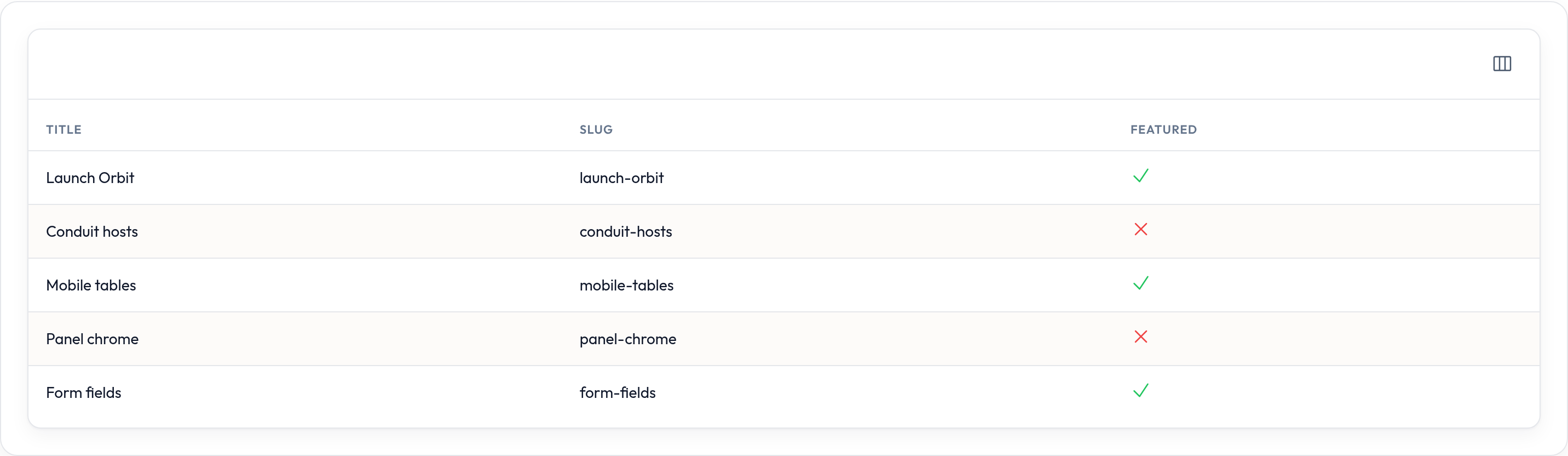
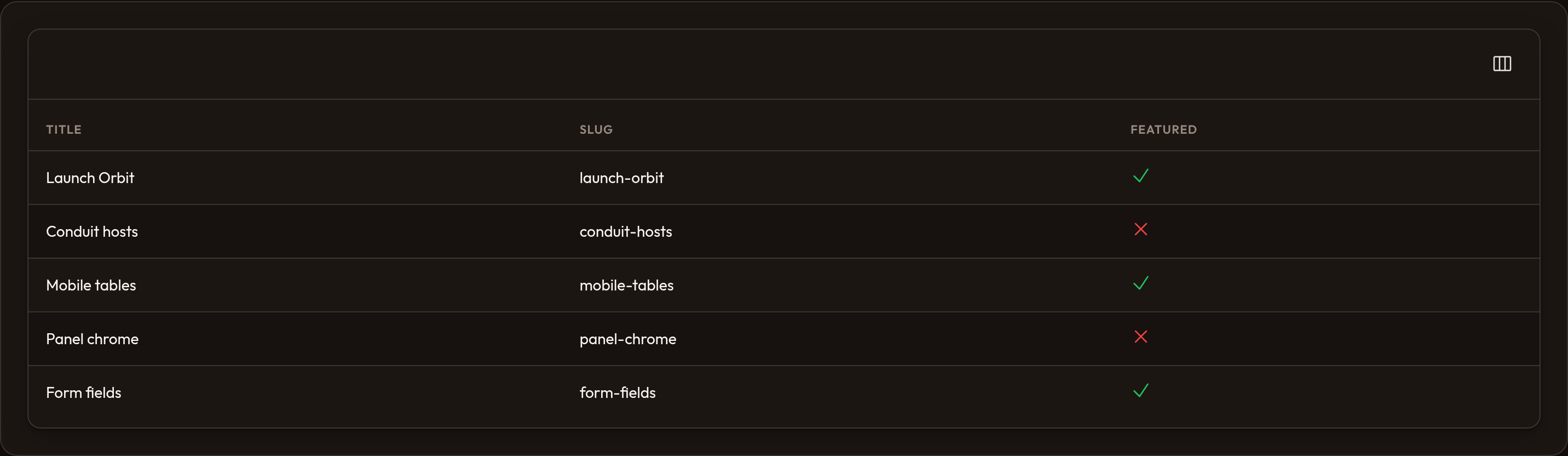
table = (    Table.make("posts")    .columns([        TextColumn.make("title"),        TextColumn.make("slug"),        IconColumn.make("featured").boolean(),    ]))
In this example there are three columns: title and slug as text, and a boolean icon for “featured”.
Making columns sortable and searchable
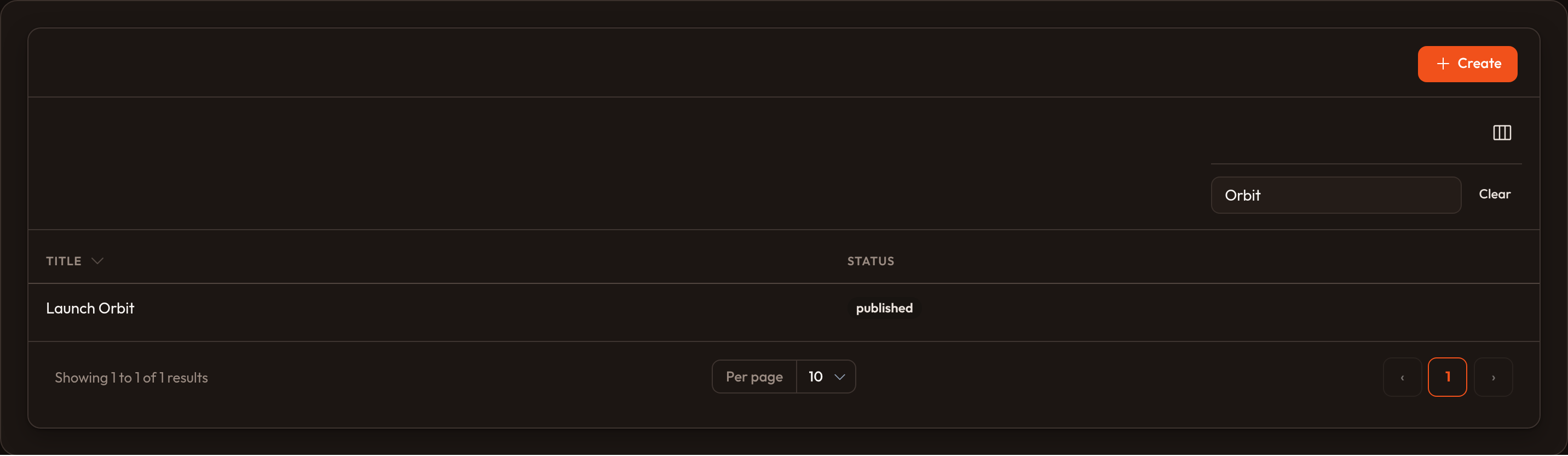
Section titled “Making columns sortable and searchable”Chain configurators onto a column. .searchable() adds a search field to the table toolbar and matches that column’s values (you can mark several columns searchable — one query searches them all):
from almasix.orbit.tables import TextColumn
TextColumn.make("title").searchable()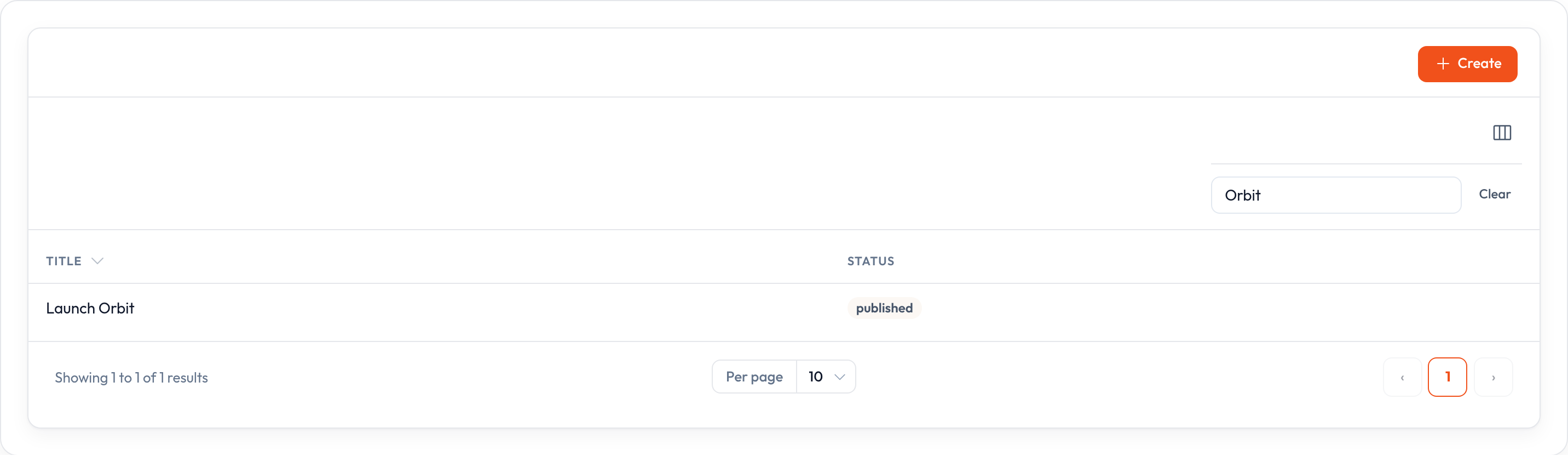
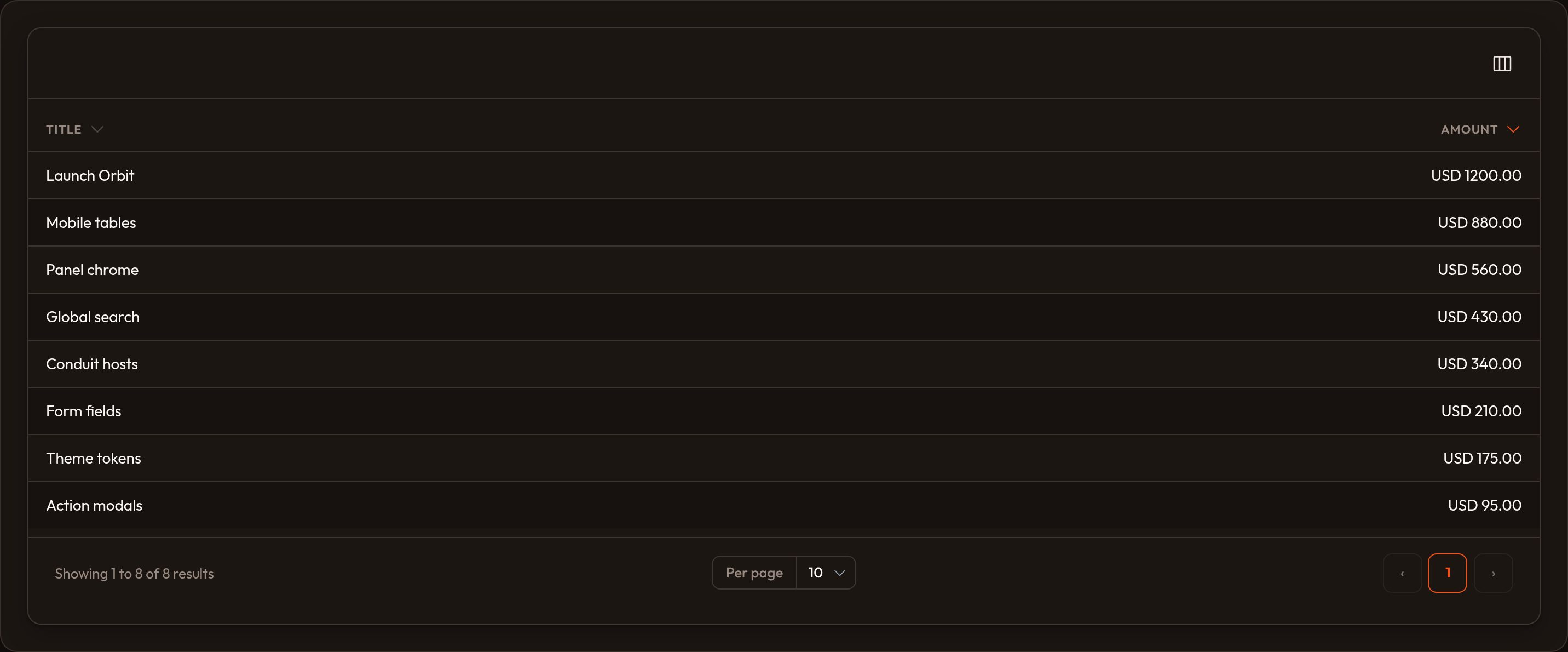
.sortable() adds a sort control on the column header; clicking it sorts the table by that column:
TextColumn.make("title").sortable()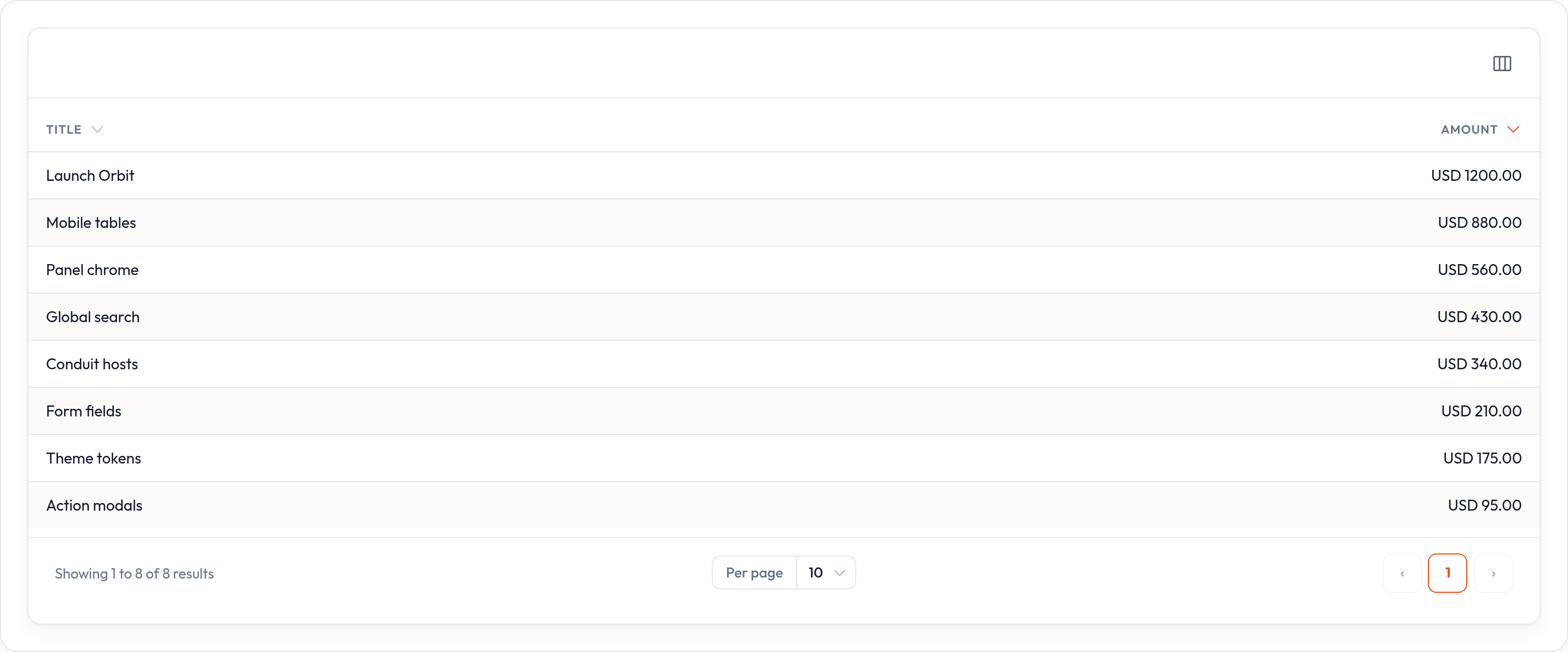
Use .default_sort("title", "desc") on the table for the initial sort until the user picks another column. For full-text or otherwise custom search, call .search_using(callback) or mark the whole table .searchable() when no column is searchable yet.
Accessing related data from columns
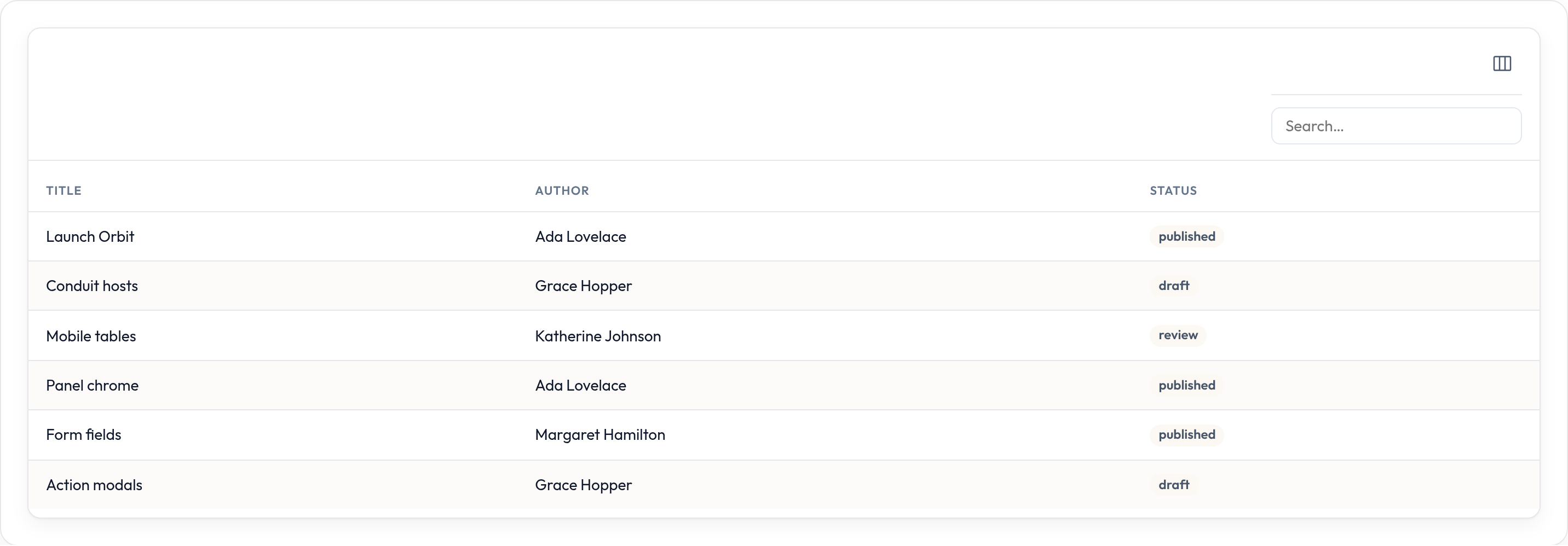
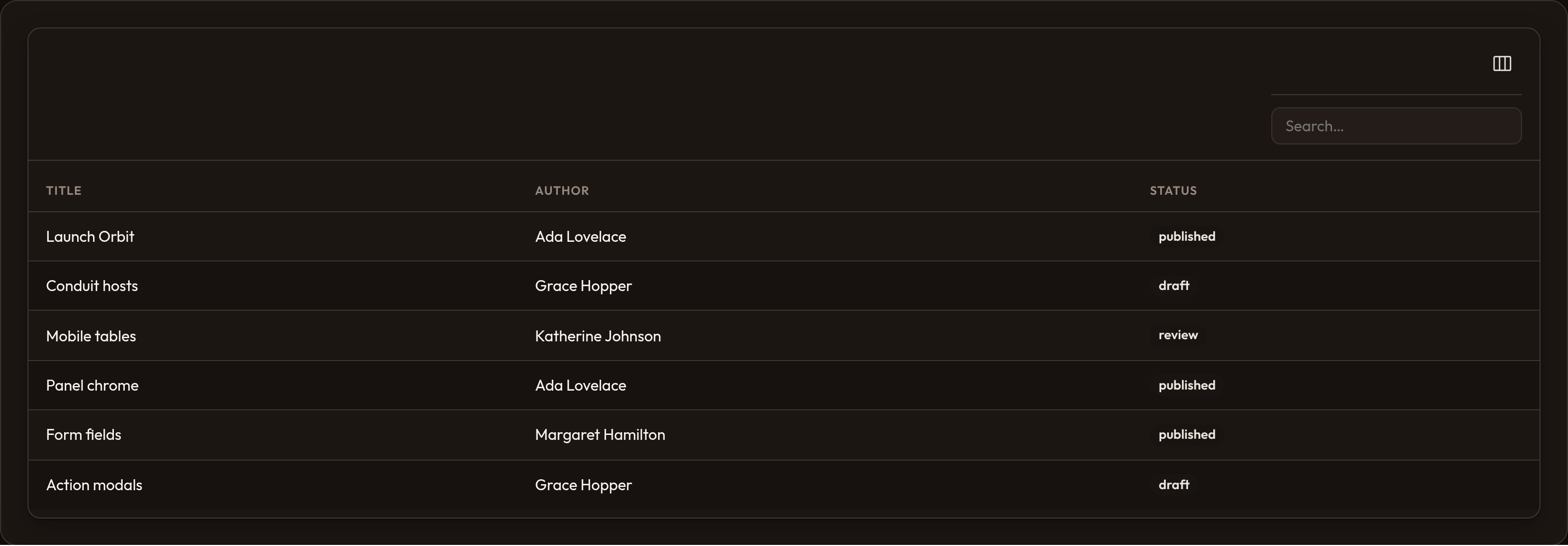
Section titled “Accessing related data from columns”Display nested data with dot notation. For a post that has an author dict (or object) with a name, use:
TextColumn.make("author.name")Orbit resolves each segment (author, then name) on dicts and objects. The same paths work for search and sort when the column is searchable/sortable.
Adding columns alongside existing ones
Section titled “Adding columns alongside existing ones”.columns([...]) replaces the full column list. To append without wiping prior configuration (handy with global defaults), use .push_columns([...]):
from almasix.orbit.tables import Table, TextColumn
Table.configure_using(lambda t: t.push_columns([    TextColumn.make("created_at")    .label("Created")    .sortable()    .toggleable(is_toggled_hidden_by_default=True),]))
Defining table filters
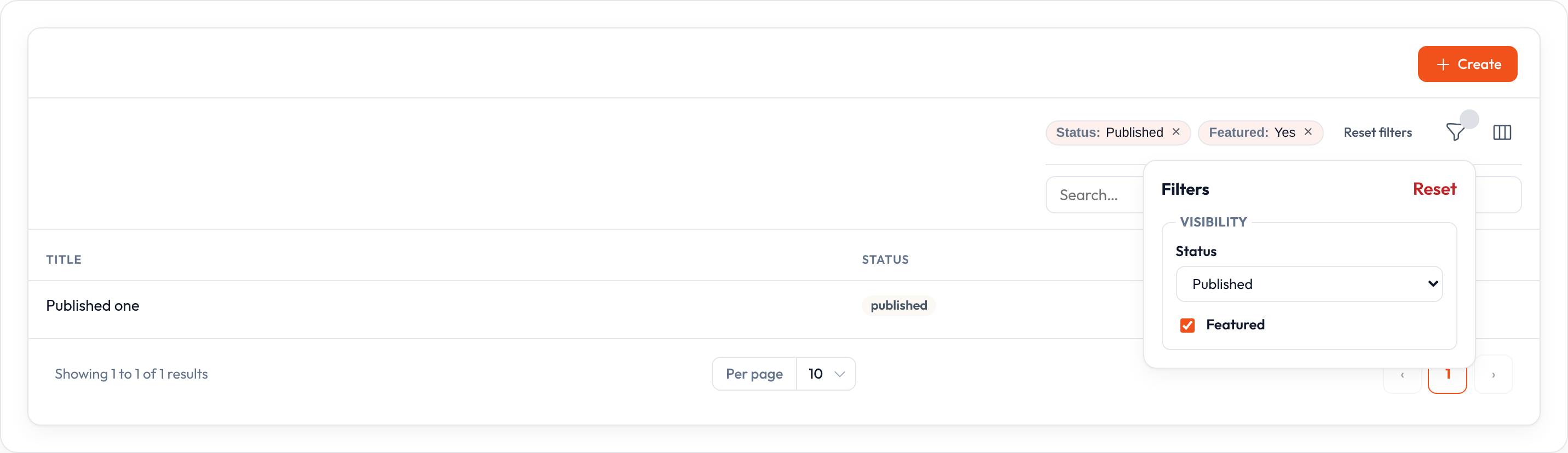
Section titled “Defining table filters”Beyond column search, filters let users narrow rows in other ways. Attach them with .filters([...]):
from almasix.orbit.tables import SelectFilter, Filter
table.filters([    Filter.make("featured").query(lambda records, value: [        r for r in records if r.get("featured")    ] if value else records),    SelectFilter.make("status").options({        "draft": "Draft",        "review": "Review",        "published": "Published",    }),])
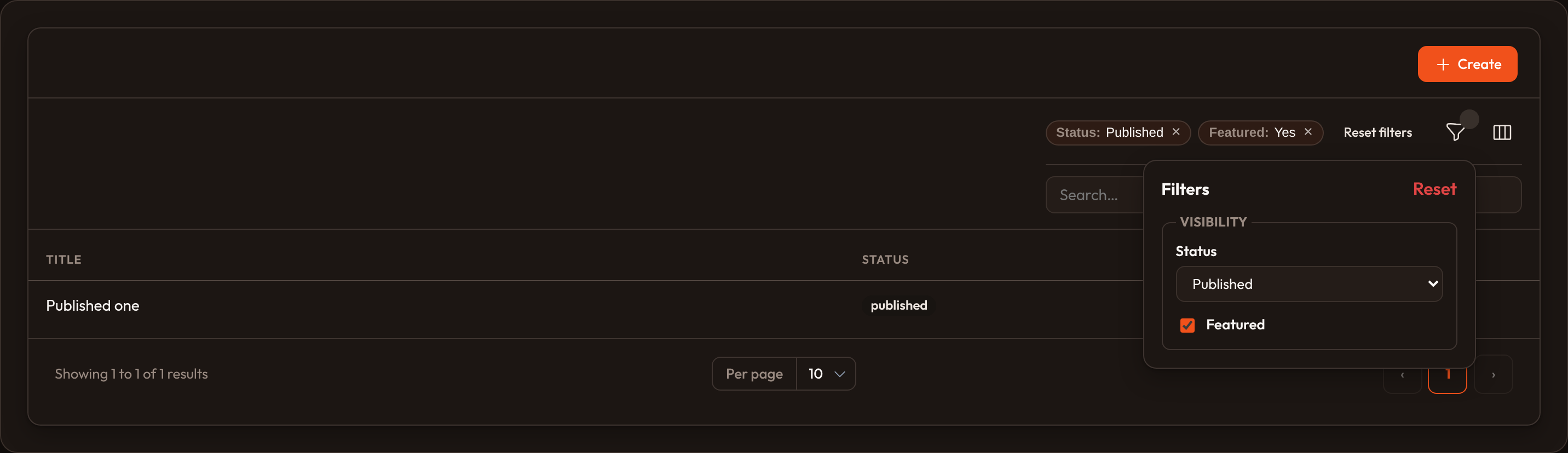
A filter icon appears in the toolbar. Opening it shows each filter’s control (checkbox, select, and so on). See Filters for TernaryFilter, TrashedFilter, groups, and .defer_filters().
Defining table actions
Section titled “Defining table actions”Actions are buttons that run a callback (or open a URL / modal). On a table they live in three places:
| Placement | Method | When to use |
|---|---|---|
| Per row | .record_actions([...]) (alias .actions([...])) |
Edit, view, delete, or custom verbs for one record |
| Header | .header_actions([...]) |
Create and other table-wide shortcuts |
| Bulk toolbar | .toolbar_actions([...]) (alias .bulk_actions([...])) |
Operate on every selected row at once |
from almasix.orbit.actions import Action, CreateAction, DeleteBulkAction, EditAction
table = (    Table.make("posts")    .columns([TextColumn.make("title")])    .record_actions([        Action.make("feature")        .action(lambda record, **_: record.__setitem__("featured", True))        .hidden(lambda record, **_: bool(record.get("featured"))),        EditAction.make(),    ])    .toolbar_actions([DeleteBulkAction.make()])    .header_actions([CreateAction.make()]))
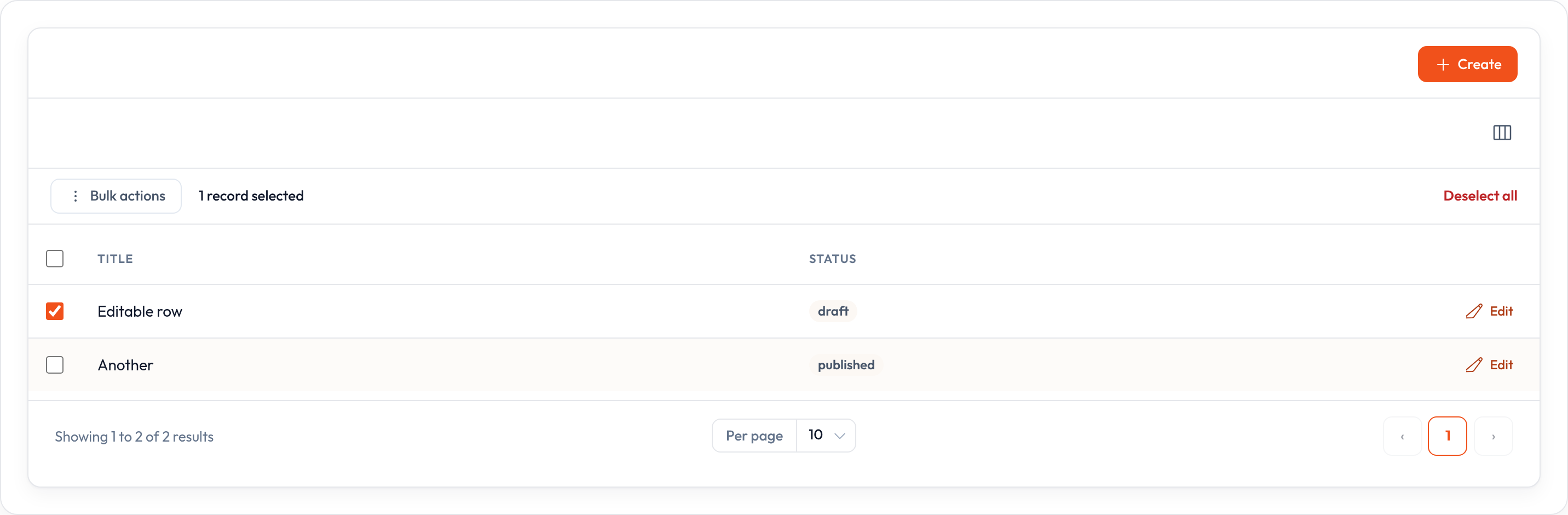
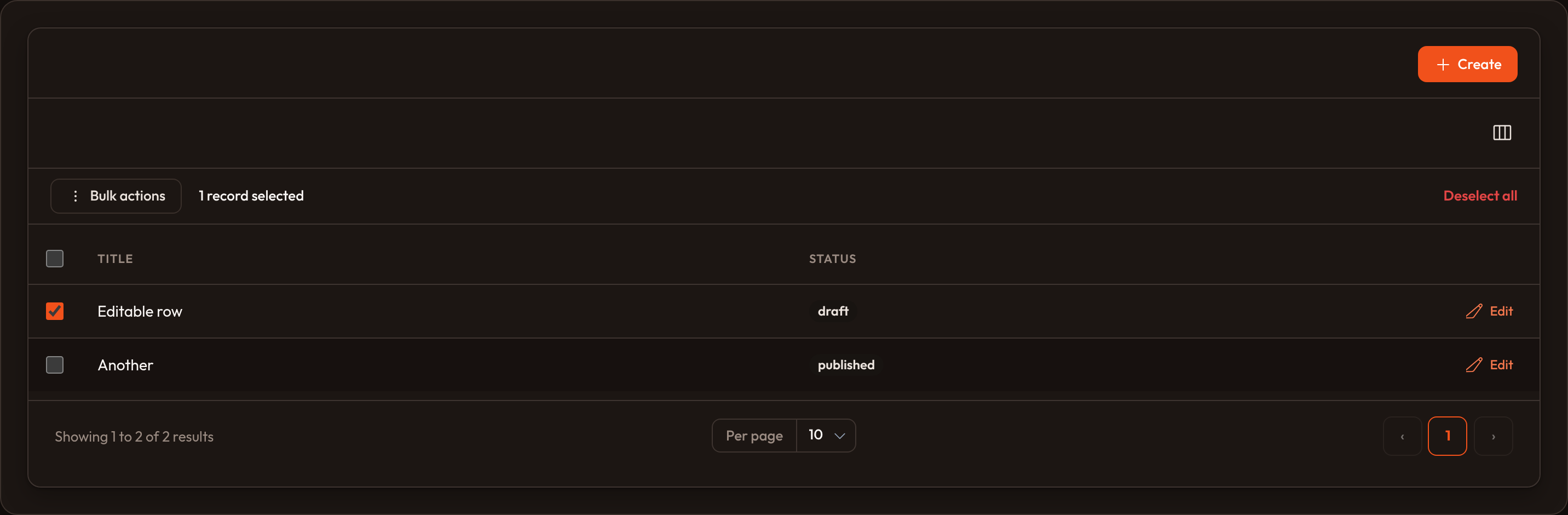
When bulk actions are present, each row gets a checkbox and a selection bar appears once rows are selected. Actions can confirm, open modals, and collect forms — see table actions and panel actions.
Pagination
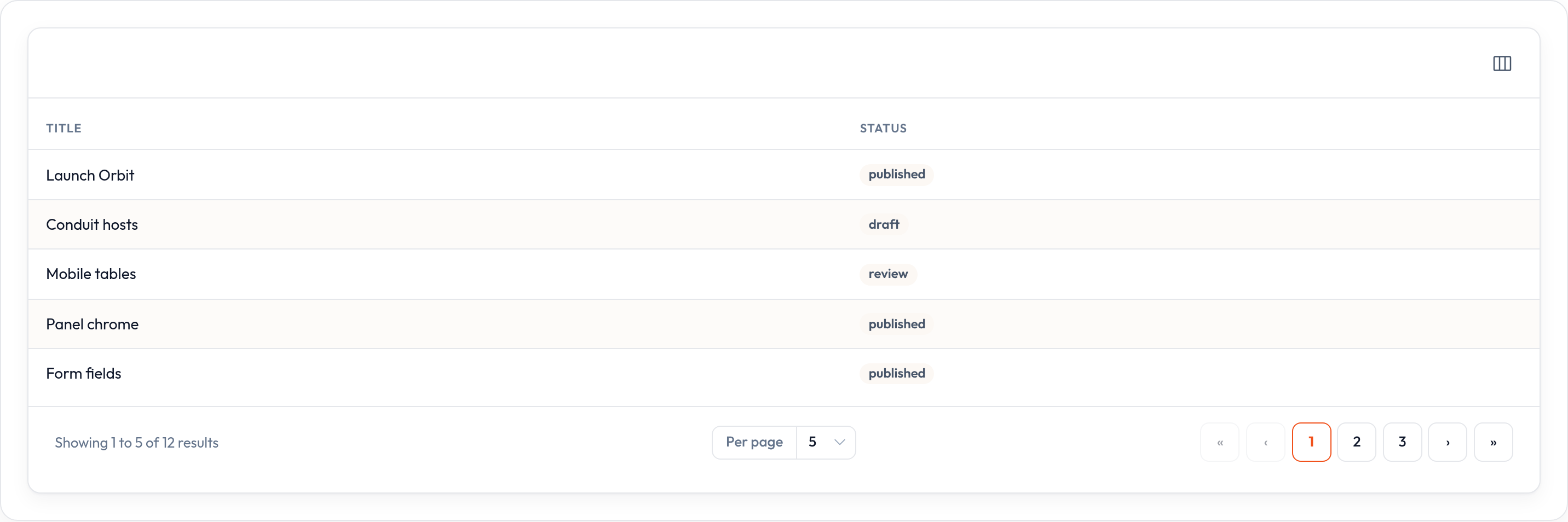
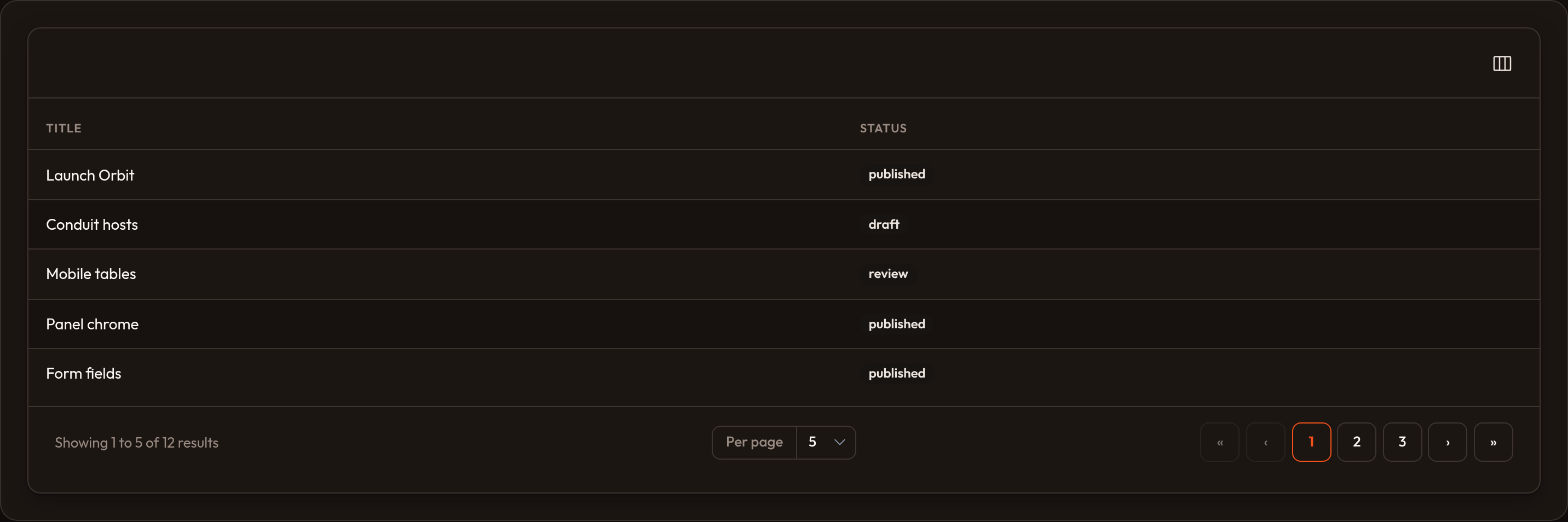
Section titled “Pagination”Tables are paginated by default (per-page options 5 / 10 / 25 / 50). Users change page size and move between pages from the footer chrome.
Customizing pagination options
Section titled “Customizing pagination options”Pass options to .paginated([...]). Include "all" to offer a full list (use carefully on large datasets):
table.paginated([10, 25, 50, 100, "all"])Default page size
Section titled “Default page size”table.default_pagination_page_option(25)Make sure that value appears in the options list.
First / last page links
Section titled “First / last page links”table.extreme_pagination_links()Adds « / » controls beside the usual previous / next buttons.
Simple or cursor modes
Section titled “Simple or cursor modes”from almasix.orbit.tables import PaginationMode
table.pagination_mode(PaginationMode.SIMPLE) # prev / next onlytable.pagination_mode(PaginationMode.CURSOR) # same chrome; cursor semantics for DB hostsQuery string identifier
Section titled “Query string identifier”When several tables share a page, give each a unique id so pagination state does not clash:
table.query_string_identifier("users")Disabling pagination
Section titled “Disabling pagination”table.paginated(False)The footer chrome (result range, per-page select, and page links) is omitted and every record is shown.
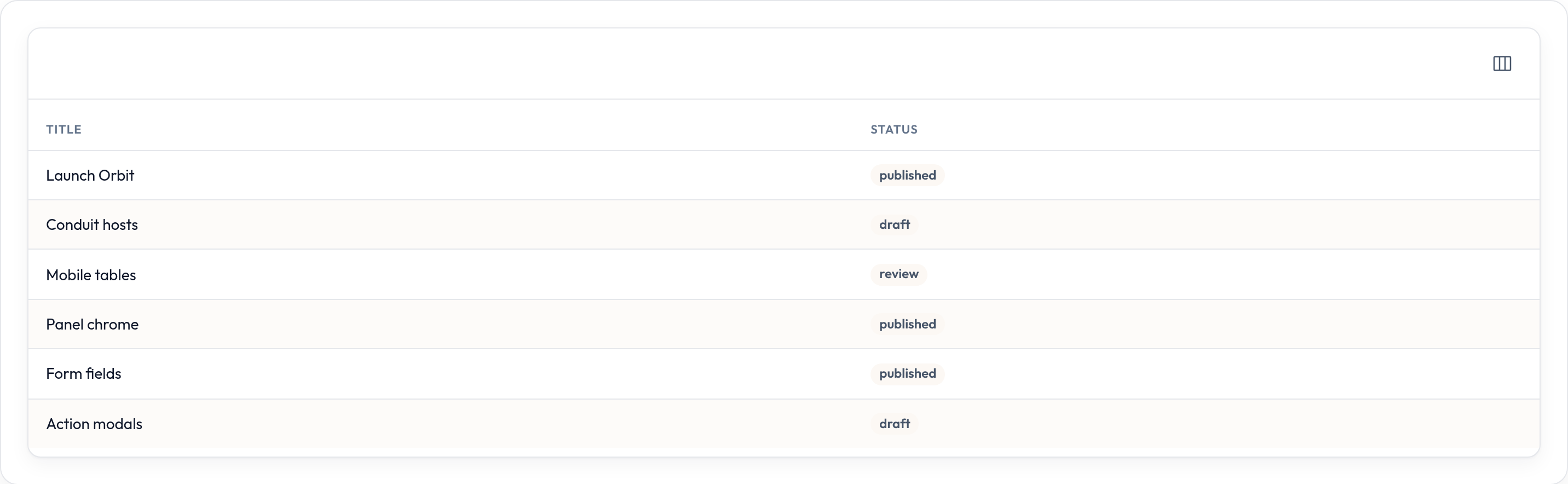
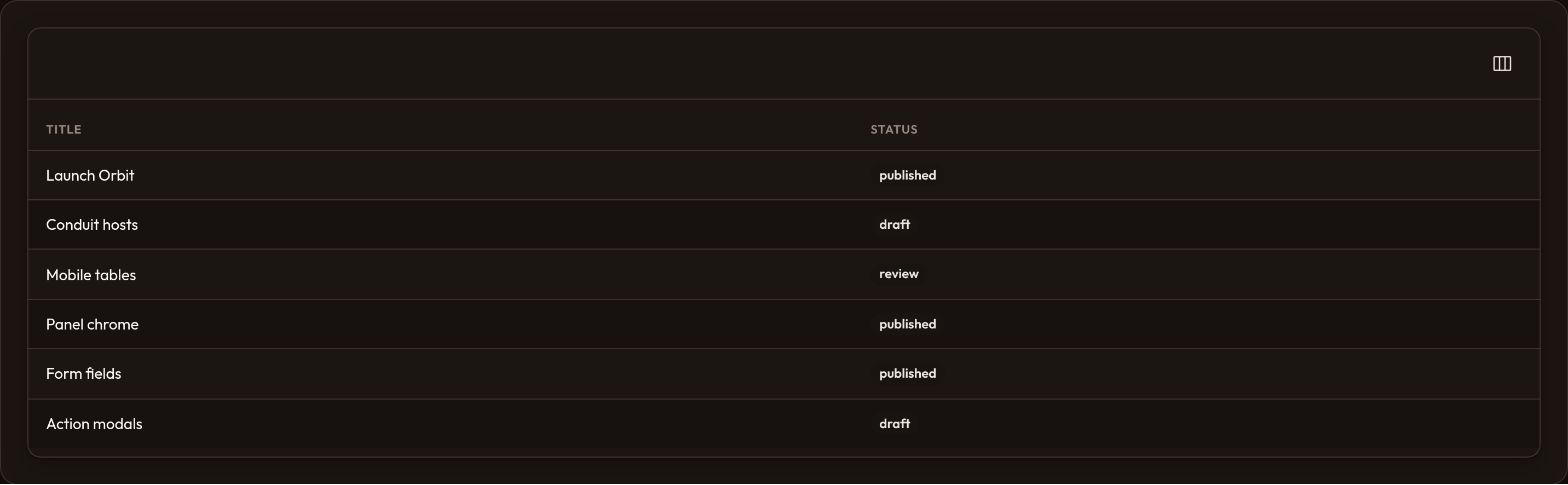
Persist the user’s per-page choice with .persist_records_per_page_in_session() (or .persist_in_session() for search, sort, filters, columns, and per-page together).
Record URLs (clickable rows)
Section titled “Record URLs (clickable rows)”Make an entire row clickable:
table.record_url(lambda record: f"/posts/{record['id']}")table.open_record_url_in_new_tab() # optionalOn resource tables the list host often supplies a view/edit URL already; .record_url() overrides it. Individual columns can still use .url(...) for cell links.
Reordering records
Section titled “Reordering records”Allow drag-style reordering by storing order in a column (e.g. sort):
table.reorderable("sort")table.paginated_while_reordering() # keep pagination while reordering (off by default)table.before_reordering(lambda order: ...)table.after_reordering(lambda order: ...)A toolbar control toggles reorder mode (ListRecordsHost.toggleReordering()). Apply a new order with table.apply_reorder(ids).
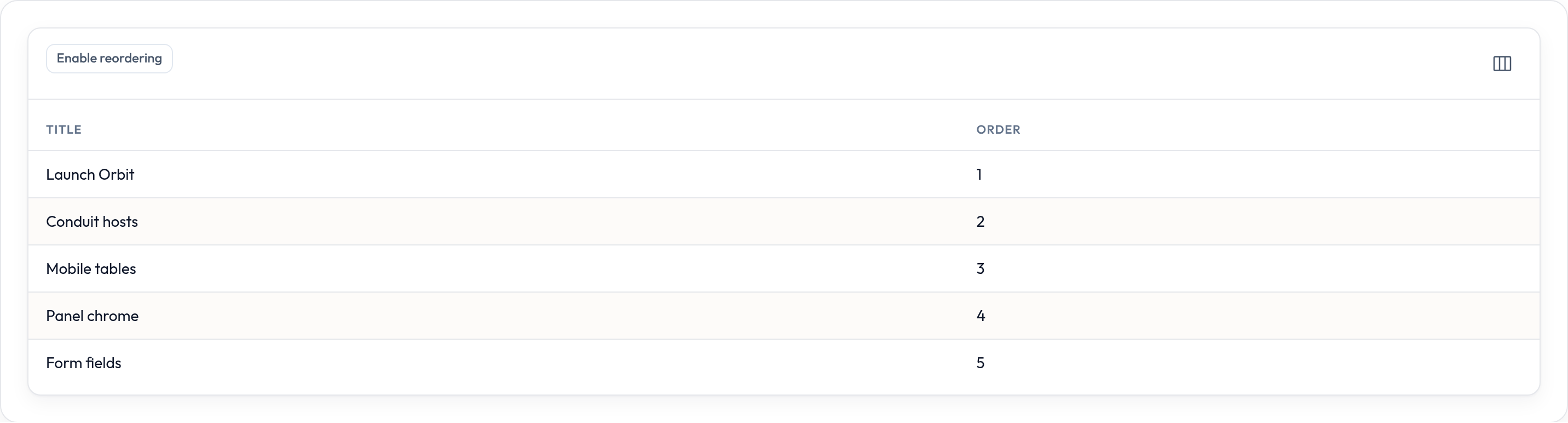
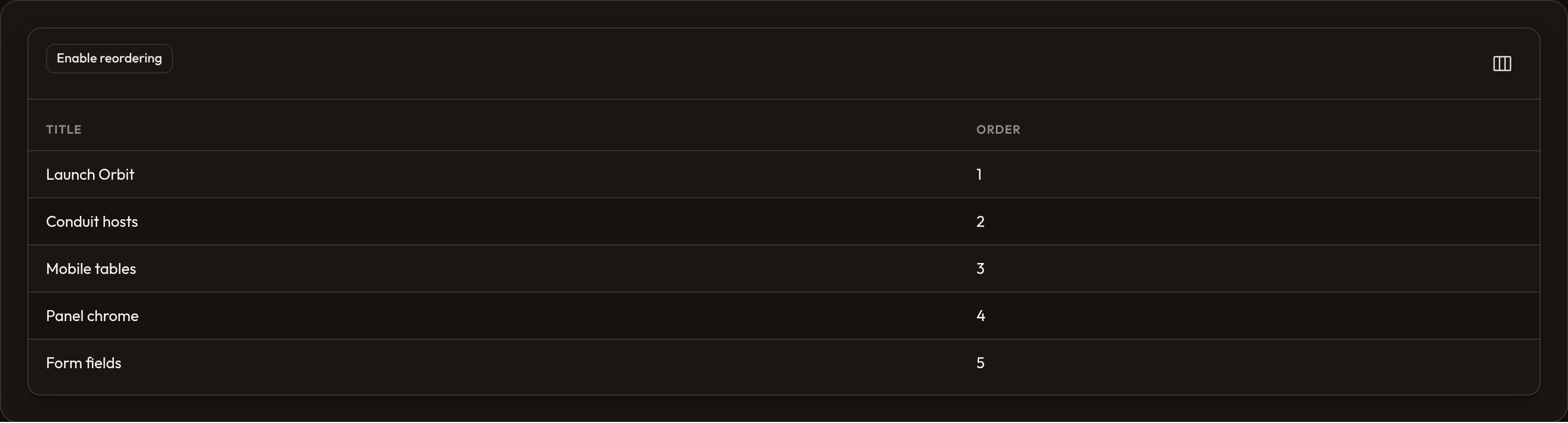
Customize the trigger with .reorder_records_trigger_action(lambda action, is_reordering: ...).
Customizing the table header
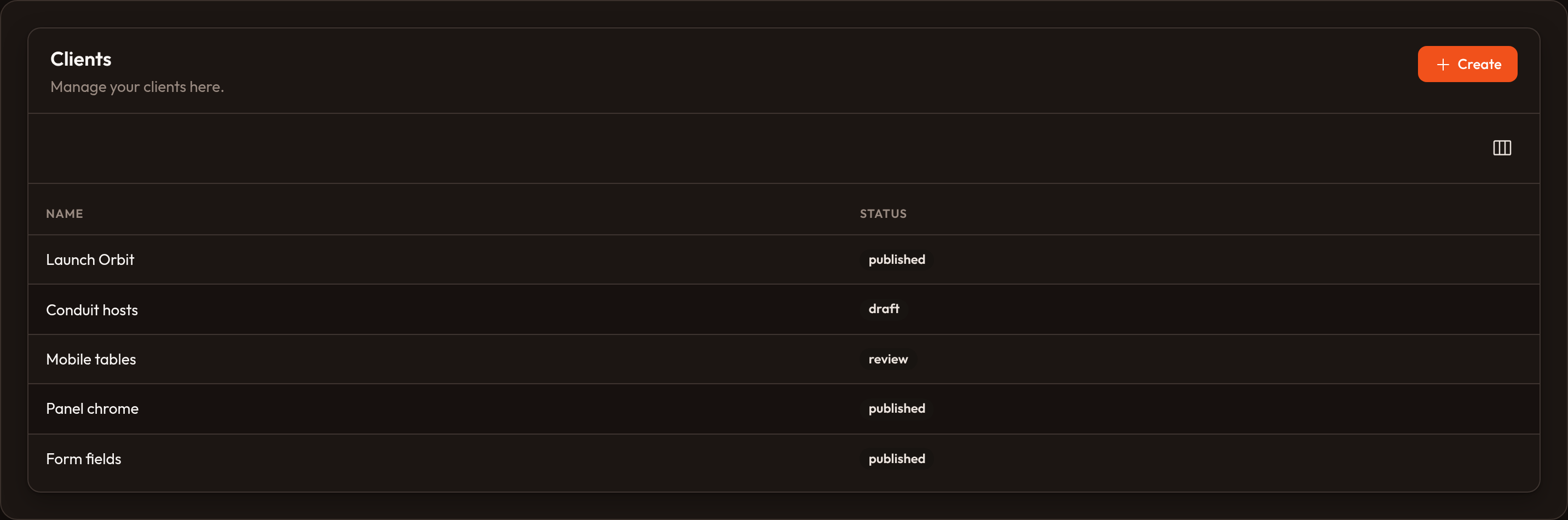
Section titled “Customizing the table header”Add a heading and optional description above the toolbar:
table.heading("Clients").description("Manage your clients here.")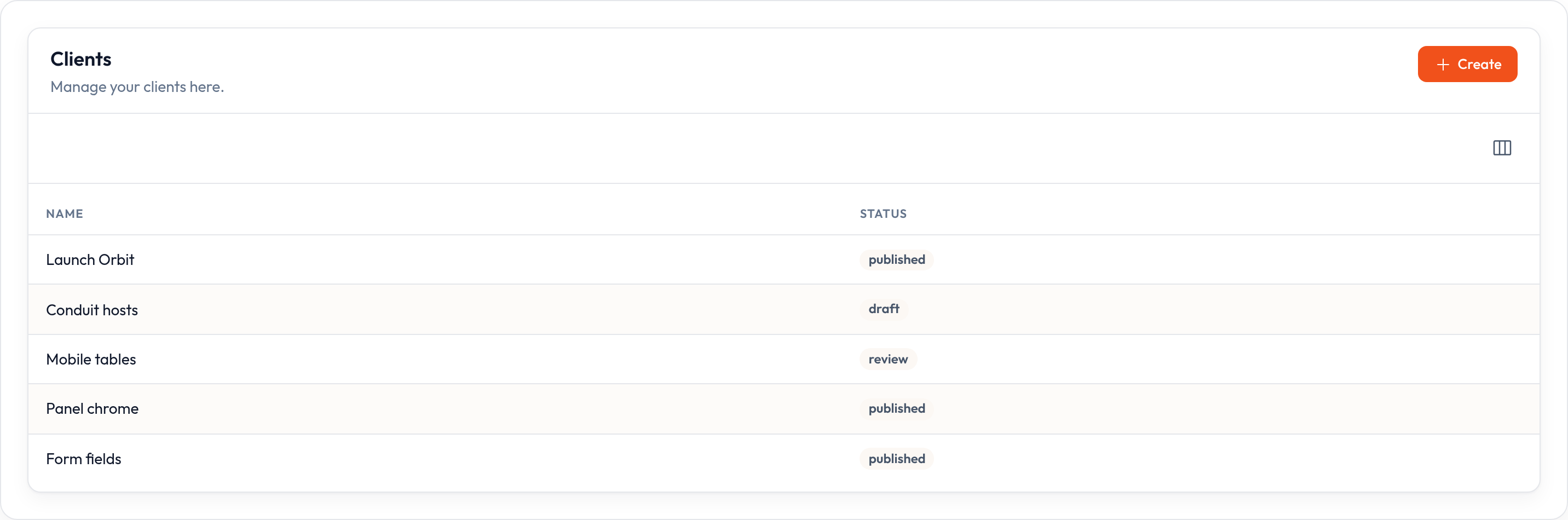
Replace the whole header block with custom HTML:
table.header("<div class='…'>…</div>")# or table.header(lambda **ctx: "…")Polling table content
Section titled “Polling table content”Refresh the table on an interval (hosts honor data-poll):
table.poll("10s")Deferring loading
Section titled “Deferring loading”For heavy lists, mark the table to load asynchronously:
table.defer_loading()Searching with a custom callback
Section titled “Searching with a custom callback”When you control search outside column .searchable() (e.g. a full-text index), pass a callback:
table.search_using(lambda records, search: [ r for r in records if search.lower() in str(r.get("title", "")).lower()])# Show the search field even with no searchable columns:table.searchable()Persisting table state in the session
Section titled “Persisting table state in the session”Remember filters, search, sort, column visibility, and per-page across visits:
table.persist_in_session() # all ontable.persist_in_session(False) # all off# or: persist_filters_in_session / persist_search_in_session /# persist_sort_in_session / persist_records_per_page_in_sessionFlags are emitted as data-persist-* attributes for the list host / front-end to store.
Styling table rows
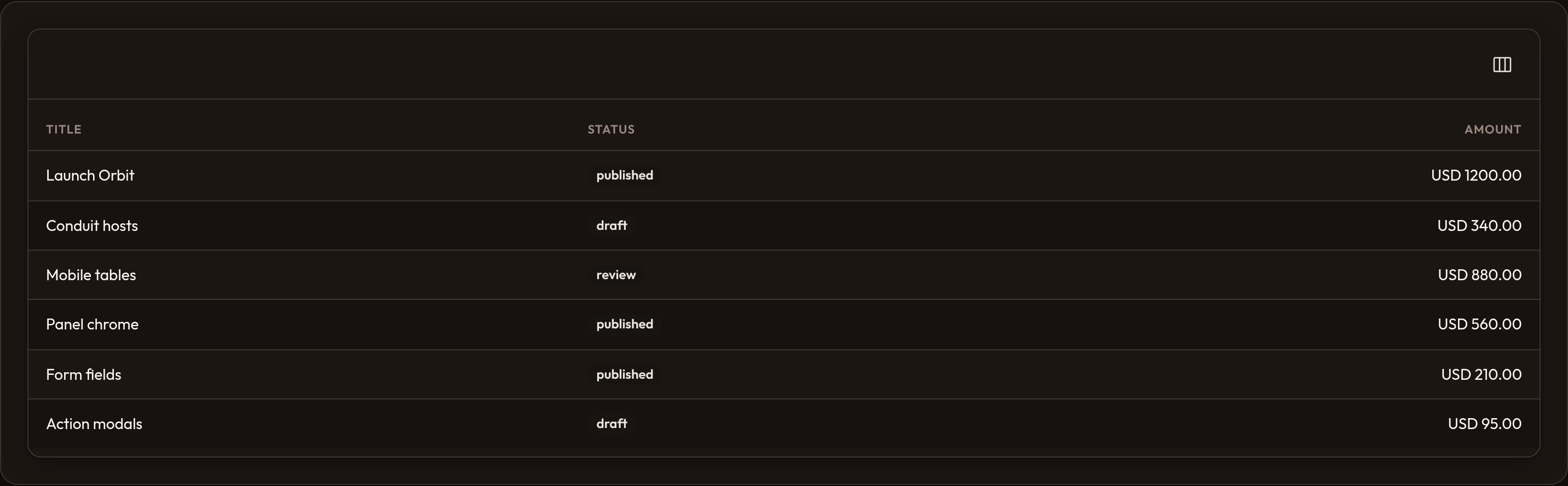
Section titled “Styling table rows”Striped rows
Section titled “Striped rows”table.striped() # default is already striped; pass False to disableCustom row classes
Section titled “Custom row classes”table.record_classes( lambda record: "or-row-draft" if record.get("status") == "draft" else None)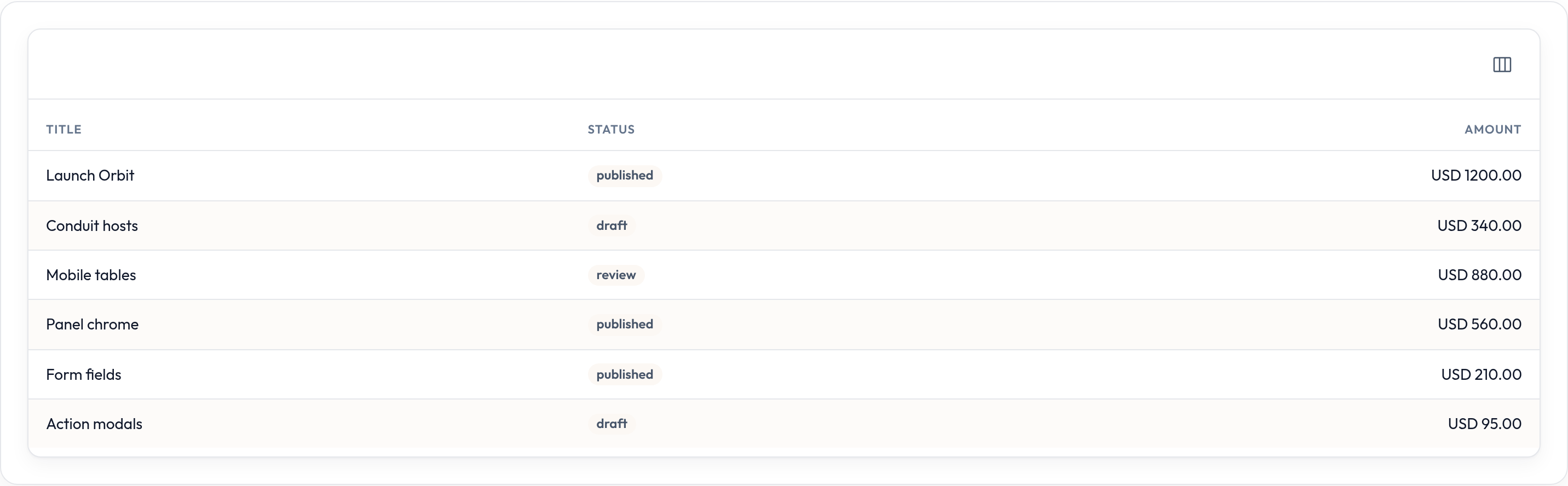
Empty state
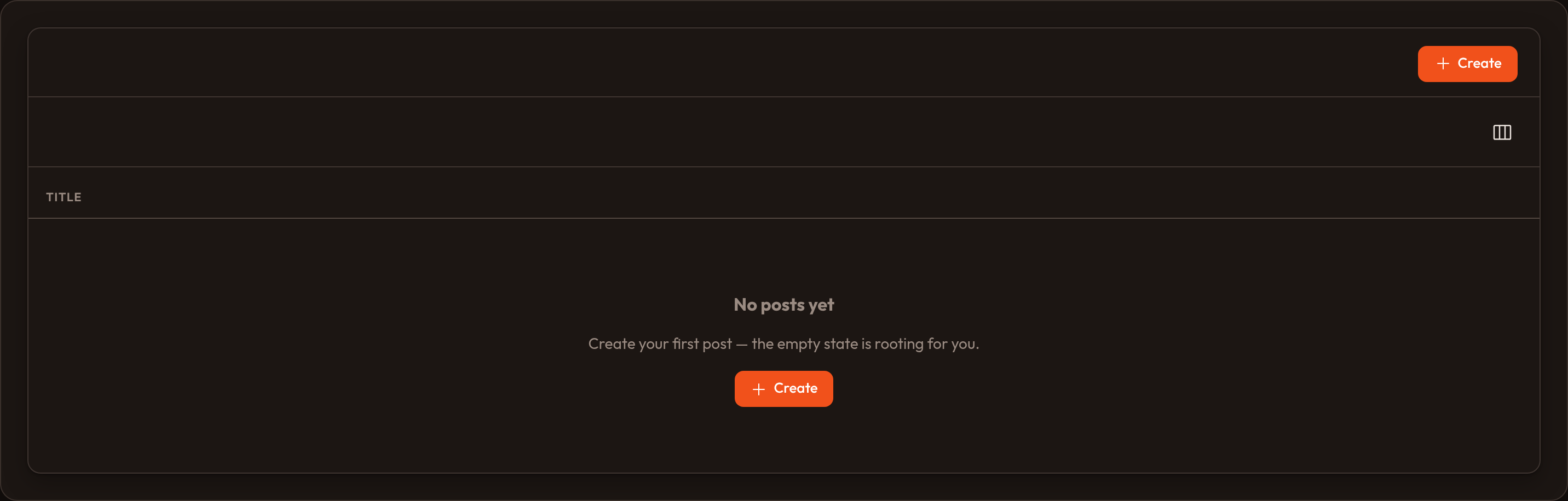
Section titled “Empty state”When there are no rows after filters/search:
table.empty_state_heading("No posts yet")table.empty_state_description("Create your first post to get going.")table.empty_state_icon("heroicon-o-document-text")table.empty_state_actions([CreateAction.make()])# or fully custom markup:table.empty_state("<div class='…'>…</div>")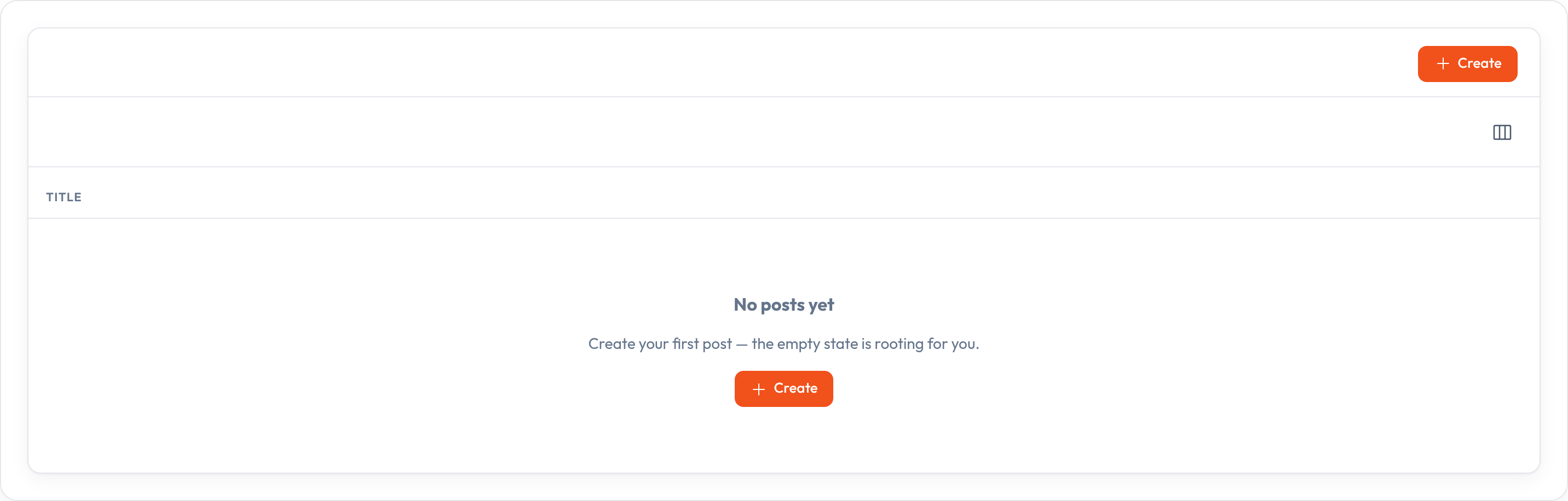
Global settings
Section titled “Global settings”Register defaults for every table (e.g. in a service provider boot hook):
from almasix.orbit.tables import Table, PaginationMode
Table.configure_using(lambda t: (    t.paginated([10, 25, 50])    .pagination_mode(PaginationMode.DEFAULT)    .striped()))
Feeding records
Section titled “Feeding records”| Method | Role |
|---|---|
.records([...]) |
In-memory list (dicts or objects) |
.query(any) |
Store a query object for your app / ORM layer |
get_records() / get_total() filter, search, sort, then paginate the in-memory list. Push filtering to the database when you use .query() with your own loader.
Guides
Section titled “Guides”| Page | What you’ll find |
|---|---|
| Columns catalog | Every column type |
| Text / money | Search, sort, badge, currency, copyable, markdown |
| Editable columns | Inline select / toggle / text / checkbox |
| Filters | Select, ternary, groups, deferred apply |
| Actions | Row, bulk, header, and dropdowns |
| Layout | Split, Stack, Panel, Grid, View |
| Summaries | Sum, Average, Count, Range |
| Grouping | default_group and collapsible groups |
| Standalone tables | Tables outside a Resource |
Live sample: Tables overview in examples/orbit-admin (TablesOverviewResource).