

File upload
Introduction
Section titled “Introduction”FileUpload is the field people use to attach files to a record. The operator picks a file; the browser posts it to the panel’s /orbit-upload endpoint; the endpoint looks up this field on the resource form and uses its disk, directory, size limits, and accepted types. The stored path is then written back into form state.
That split matters: the field owns the rules, the panel owns the HTTP endpoint, and an UploadStorage owns where bytes land. Swap storage without touching the field.
from almasix.orbit.forms import FileUpload, set_upload_storage, FilesystemUploadStorage
set_upload_storage(FilesystemUploadStorage())  # default is in-memory
FileUpload.make("cover")    .image()    .directory("post-covers")    .max_size(2048)
panel.uploads(False) turns the endpoint off for a panel that should not accept files.
Each variation below includes the fluent API and light/dark screenshots of the rendered control.
Basic file upload
Section titled “Basic file upload”A generic attachment field with no accept filter. Users can pick any file the browser allows. Add .helper_text() for size or type guidance until you tighten .accepted_file_types().
FileUpload.make('attachment') .label('Attachment') .helper_text('PDF or Office documents preferred.')

Image upload
Section titled “Image upload”.image() (alias .accepted_images()) sets accept to common image MIME types and turns on image preview (data-image-preview). Use for covers, galleries, and media that should show a thumbnail grid after selection.
FileUpload.make('cover') .image() .label('Cover image')

Avatar upload
Section titled “Avatar upload”.avatar() enables circular avatar chrome (or-file-avatar), forces image preview, and defaults accept to image/* when no types were set. Ideal for profile photos.
FileUpload.make('avatar') .avatar() .label('Avatar')

Accepted file types
Section titled “Accepted file types”.accepted_file_types([...]) joins MIME or extension tokens into the HTML accept attribute. Prefer explicit lists when you need PDFs only or mixed documents without enabling image preview.
FileUpload.make('contract') .label('Contract') .accepted_file_types(['application/pdf', '.docx'])

Disk, directory, and visibility
Section titled “Disk, directory, and visibility”.disk(), .directory(), and .visibility() tell the upload endpoint where to put the file. The default MemoryUploadStorage keeps files in a dict (tests and demos). FilesystemUploadStorage writes through almasix.filesystem disks — pass .disk("s3") once you have configured that disk.
FileUpload.make('logo') .image() .label('Logo') .disk('s3') .directory('brands') .visibility('public')

Stored files
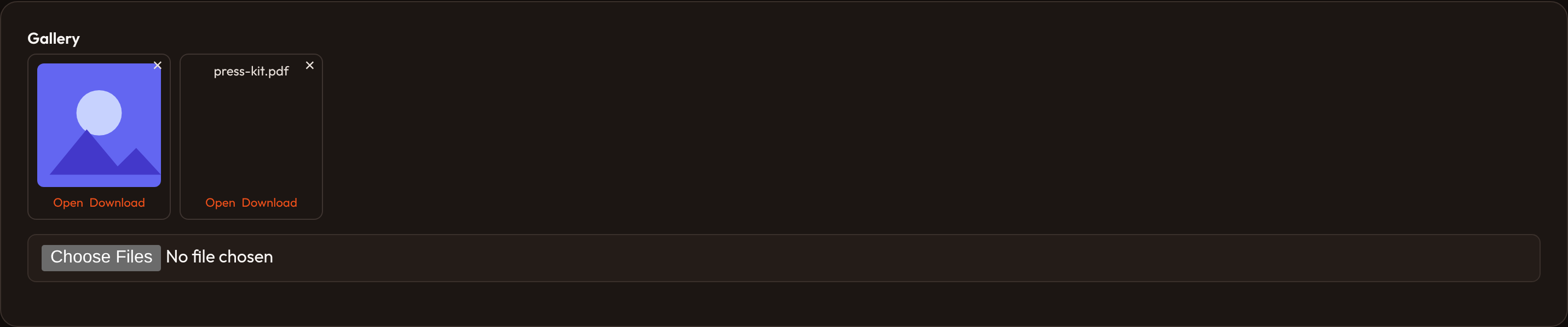
Section titled “Stored files”When the record already has files, the field renders a preview grid of those paths. Images become thumbnails; everything else is a name chip. .openable() and .downloadable() add actions on each card; the × button posts intent=delete back to the same endpoint.
FileUpload.make('assets') .image() .label('Assets') .multiple() .openable() .downloadable()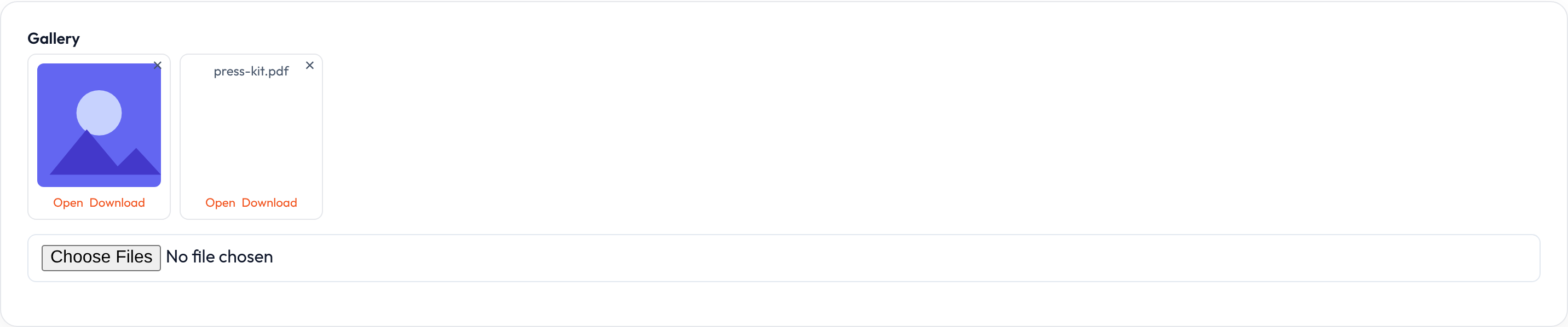
Size limits
Section titled “Size limits”.max_size() / .min_size() take kilobytes and emit data-max-size / data-min-size for client and host validation. Field-level .max_size() is the same helper used across uploads.
FileUpload.make('resume') .label('Resume') .accepted_file_types(['application/pdf']) .min_size(10) .max_size(2048)

Image dimensions
Section titled “Image dimensions”.image_size(min_width=…, max_width=…, min_height=…, max_height=…) stores pixel bounds as data-image-* attributes for host-side checks after upload.
FileUpload.make('banner') .image() .label('Banner') .image_size(min_width=1200, max_width=2400, min_height=400, max_height=800)

Multiple files
Section titled “Multiple files”.multiple() or .max_files(n) with n > 1 adds the multiple attribute. .min_files() / .max_files() also emit data attributes for count validation in the host.
FileUpload.make('gallery') .image() .label('Gallery') .multiple() .min_files(1) .max_files(8)

Preview and file actions
Section titled “Preview and file actions”Toggle preview grid and action affordances: .image_preview(), .previewable(), .downloadable(), .openable(), and .reorderable(). Preview markup is a live region (or-file-preview); actions are data flags for Alpine/host handlers.
FileUpload.make('assets') .image() .label('Assets') .multiple() .image_preview() .downloadable() .openable() .reorderable()

Panel layout and preview height
Section titled “Panel layout and preview height”.panel_layout() switches to panel-oriented chrome via data-panel-layout. .image_preview_height(px) sets data-preview-height for thumbnail sizing.
FileUpload.make('photos') .image() .label('Photos') .panel_layout() .image_preview_height(120)

Storage behavior flags
Section titled “Storage behavior flags”Fluent flags for how the host should treat files after pick: .store_files(False) skips persistence, .move_files() moves instead of copy, .preserve_filenames() keeps original names, .fetch_file_information(False) skips metadata fetch, and .prevent_file_path_tampering() marks the field for path hardening.
FileUpload.make('import') .label('Import file') .store_files(False) .preserve_filenames() .prevent_file_path_tampering()

Image editor
Section titled “Image editor”.image_editor() and .image_editor_aspect_ratios([...]) reserve a crop region next to the preview (or-file-image-editor). Aspect-ratio buttons are data on the field so a host editor can read them; the forms package itself does not crop pixels.
FileUpload.make('hero') .image() .label('Hero') .image_editor_aspect_ratios(['1:1', '16:9'])

Closures work on .label(), .helper_text(), .placeholder(), .visible(), .disabled(), and .required() where applicable — see Form closures.