

Table filters
Introduction
Section titled “Introduction”Filters let users narrow which rows appear without typing into the search box — by status, boolean flags, soft-delete state, or any custom rule you define. Attach them with Table.filters([...]). The list host keeps the current values in table_filters and re-applies them whenever the table renders.
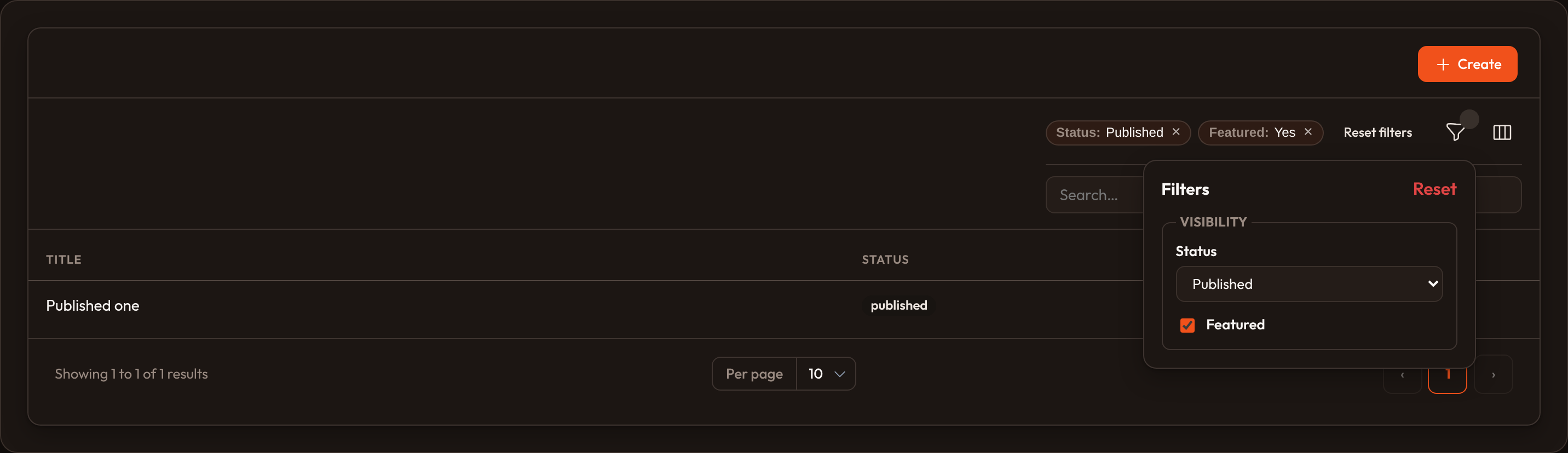
A funnel Filters control appears in the toolbar. Opening it shows each filter’s chrome (checkbox, select, and so on). Active values also show as indicator chips under the toolbar so users can see what is applied at a glance.
from almasix.orbit.tables import (    Table, TextColumn, Filter, SelectFilter, TernaryFilter, FilterGroup,)
table = (    Table.make("posts")    .columns([TextColumn.make("title").searchable()])    .filters([        SelectFilter.make("status")            .label("Status")            .options({                "draft": "Draft",                "published": "Published",            }),        # Filter name ≠ column: point at the attribute        SelectFilter.make("author")            .attribute("author_id")            .options(lambda **ctx: ctx.get("authors", {})),        TernaryFilter.make("featured").label("Featured"),        Filter.make("mine")            .label("Mine only")            .query(lambda q, value: [r for r in q if r.get("mine")]),    ]))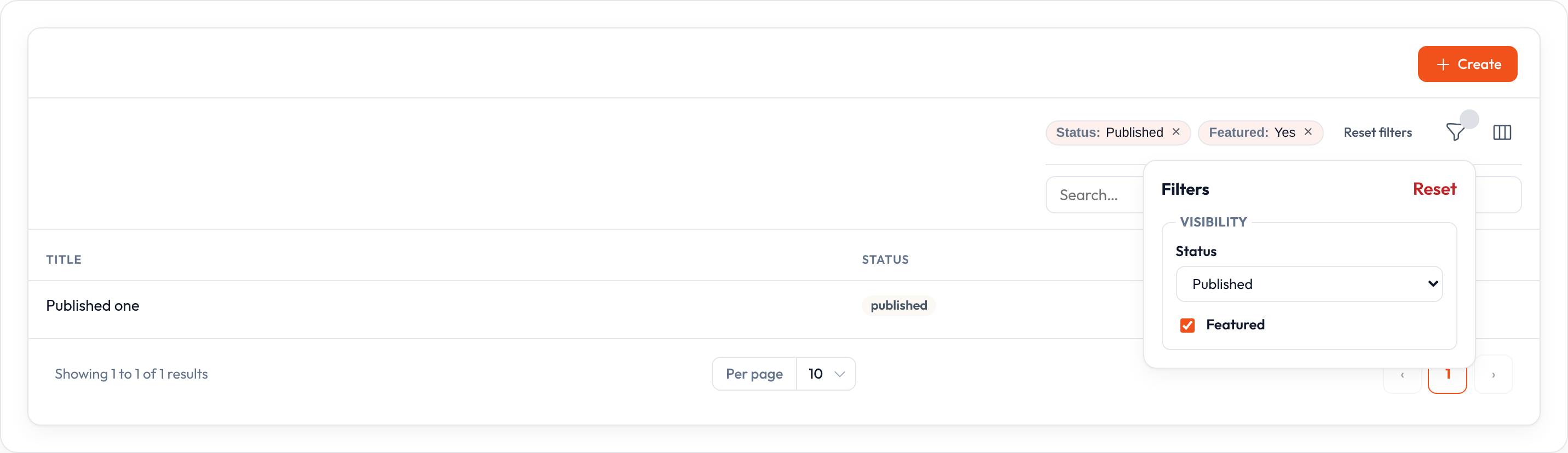
By default, filters are live: changing a control updates the table immediately. Live selects call setTableFilter(name, value) on the host (Conduit only supports top-level props, so nested table_filters.* model paths are not used). Call .defer_filters() when you prefer an Apply filters button instead — useful when several controls should change together before the query runs.
Available filters
Section titled “Available filters”| Class | Chrome | Role |
|---|---|---|
Filter |
Checkbox (or .toggle()) |
Custom .query(callback) when the control is on |
SelectFilter |
<select> |
Equality on attribute / name; optional .multiple() |
TernaryFilter |
Tri-state select | All / Yes / No for booleans |
TrashedFilter |
Tri-state select | Soft-delete scopes |
FilterGroup |
Fieldset section | Nest filters under a labeled group |
QueryBuilderFilter |
Builder UI | See Query builder |
Query builder filter
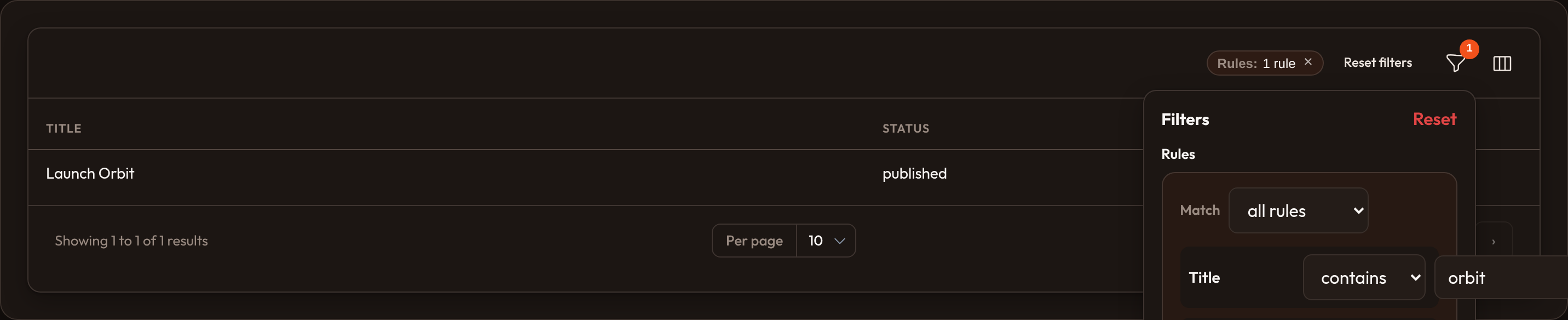
Section titled “Query builder filter”When one select is not enough, drop a QueryBuilderFilter into .filters(). Operators pick typed value widgets (text, number, date, checkbox, select) and the Match control chooses AND vs OR. Filter state is a list of {constraint, operator, value} rules, or {logic, rules}.
from almasix.orbit.query_builder import QueryBuilder, TextConstraintfrom almasix.orbit.tables import QueryBuilderFilter
QueryBuilderFilter.make("query")    .label("Rules")    .builder(QueryBuilder.make().constraints([        TextConstraint.make("title").label("Title"),    ]))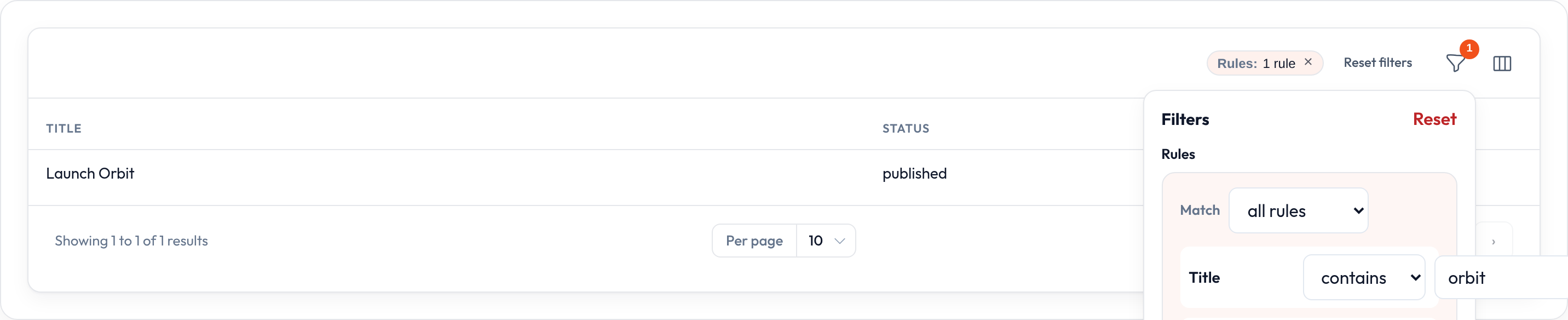
.apply() is a no-op when the value is inactive (None, "", [], or off for boolean filters), unless a custom .query() / ternary queries() handles empty on purpose.
Checkbox and toggle filters
Section titled “Checkbox and toggle filters”A plain Filter without .options() renders a checkbox. When the box is checked, Orbit calls your .query() callback to scope the rows:
from almasix.orbit.tables import Filter
Filter.make("featured")    .label("Featured")    .query(lambda q, value: [r for r in q if r.get("featured")])
Swap the checkbox for a switch with .toggle():
Filter.make("featured").label("Featured").toggle().query(...)Select filters
Section titled “Select filters”from almasix.orbit.tables import SelectFilter
SelectFilter.make("status") .options({"draft": "Draft", "published": "Published"})
SelectFilter.make("status") .multiple() .selectable_placeholder(False) .options({"draft": "Draft", "published": "Published"}).multiple() keeps a list of selected keys and matches with in. .selectable_placeholder(False) drops the blank “All” option.
Ternary and trashed
Section titled “Ternary and trashed”from almasix.orbit.tables import TernaryFilter, TrashedFilter
TernaryFilter.make("featured") .true_label("Featured") .false_label("Not featured") .placeholder("Any") .nullable() # treat null attribute as “false”
TernaryFilter.make("featured").queries( true=lambda q, value: [...], false=lambda q, value: [...], blank=lambda q, value: q,)
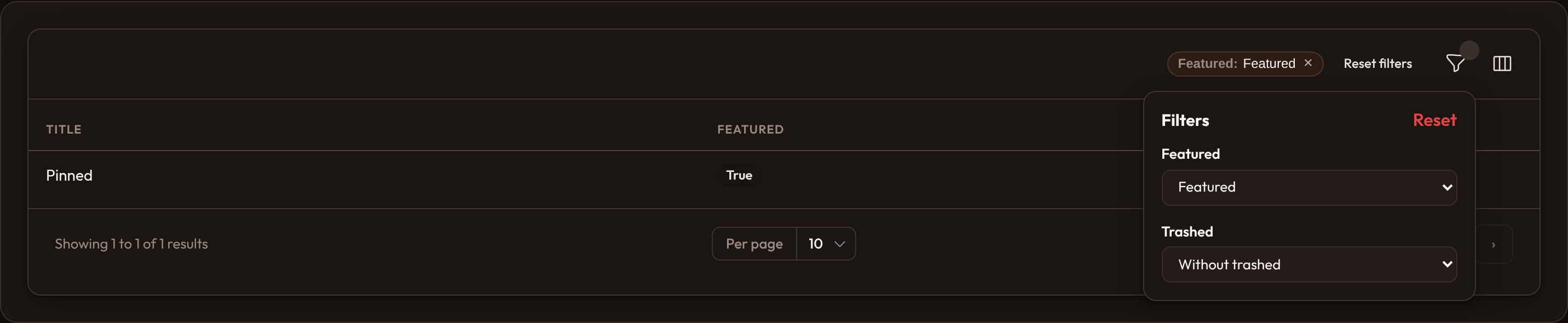
table.filters([TrashedFilter.make()])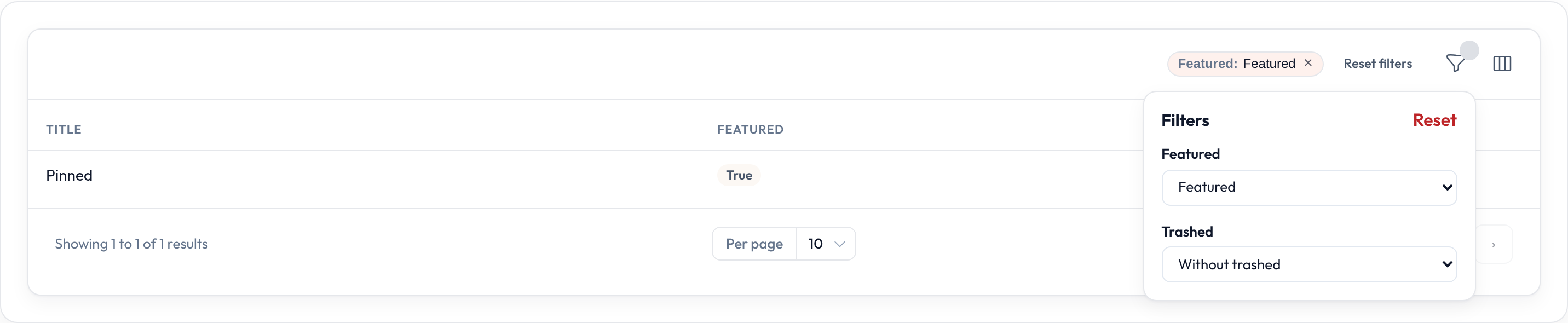
Filter groups
Section titled “Filter groups”from almasix.orbit.tables import FilterGroup, SelectFilter, Filter
FilterGroup.make("visibility").label("Visibility").filters([ SelectFilter.make("status").options({ "draft": "Draft", "published": "Published", }), Filter.make("featured").label("Featured").toggle().query(...),])Groups render as a fieldset in the panel and flatten for apply / indicators.
Labels, defaults, and indicators
Section titled “Labels, defaults, and indicators”SelectFilter.make("status") .label("Status") .default("published") .indicate_using(lambda state, **_: f"is {state}" if state else None)
Filter.make("featured").indicate(False) # no chip
table.hidden_filter_indicators() # hide the whole chip barDefaults seed table_filters on first mount and again after Reset filters.
Persist and defer
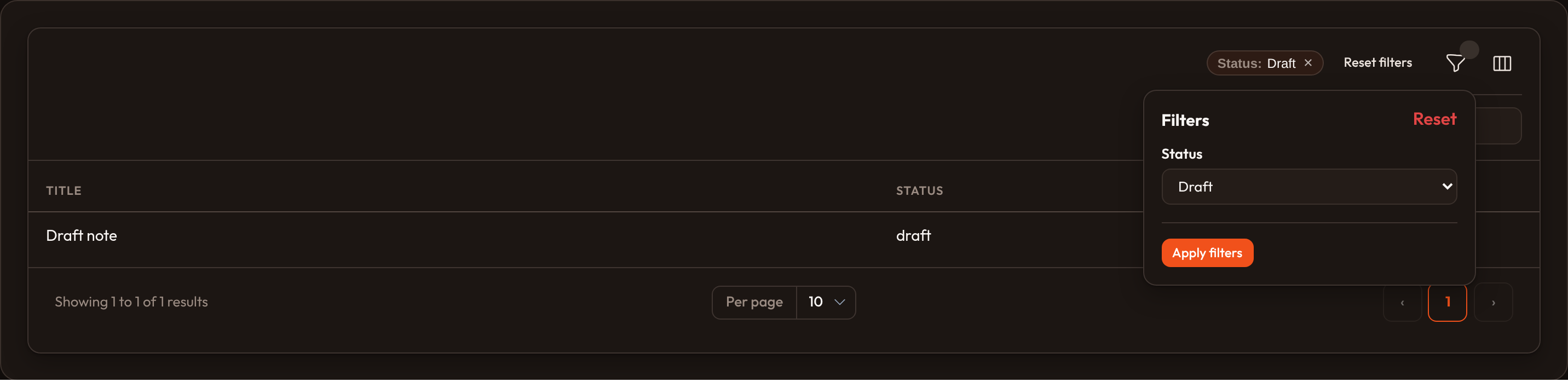
Section titled “Persist and defer”table.persist_filters_in_session() # sessionStorage round-triptable.persist_filters_in_session(key="posts")table.defer_filters() # Apply filters buttontable.deselect_all_records_when_filtered(False)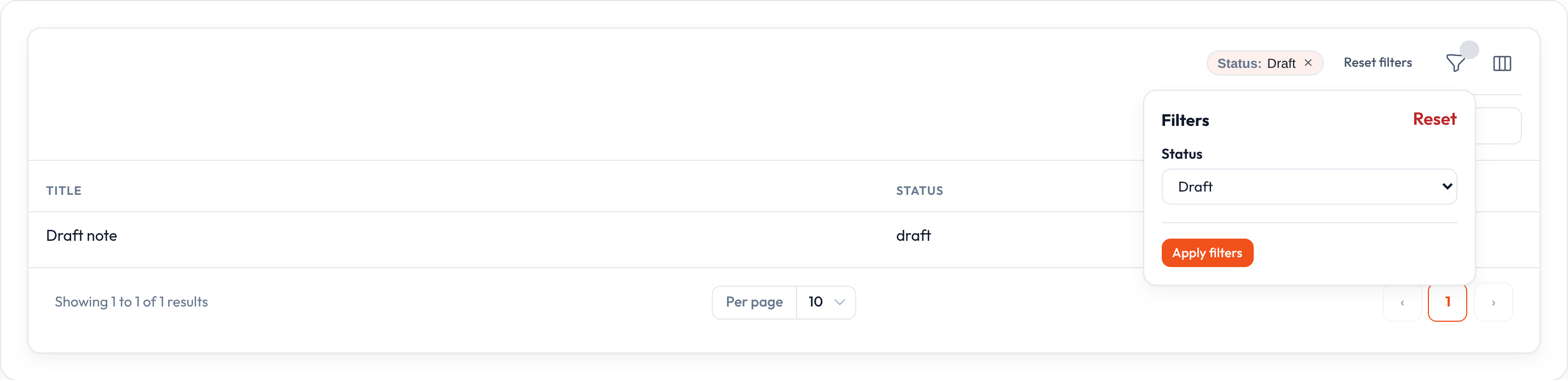
Index chrome
Section titled “Index chrome”List pages render a funnel Filters trigger with a badge count, a dropdown panel, and indicator chips for active values. Search sits on the right of the same toolbar row.
In a Resource
Section titled “In a Resource”from almasix.orbit import Resourcefrom almasix.orbit.tables import Table, TextColumn, Filter, FilterGroup, SelectFilter
class PostResource(Resource): @classmethod def table(cls, table: Table) -> Table: return ( table.columns([ TextColumn.make("title").searchable().sortable(), TextColumn.make("status").badge(), ]) .filters([ FilterGroup.make("visibility").label("Visibility").filters([ SelectFilter.make("status").options({ "draft": "Draft", "review": "Review", "published": "Published", }), Filter.make("has_body") .label("Has body") .toggle() .query(lambda q, value: [ r for r in q if (r.get("body") if isinstance(r, dict) else getattr(r, "body", None)) ]), ]), ]) .defer_filters() .persist_filters_in_session() )Empty after filtering
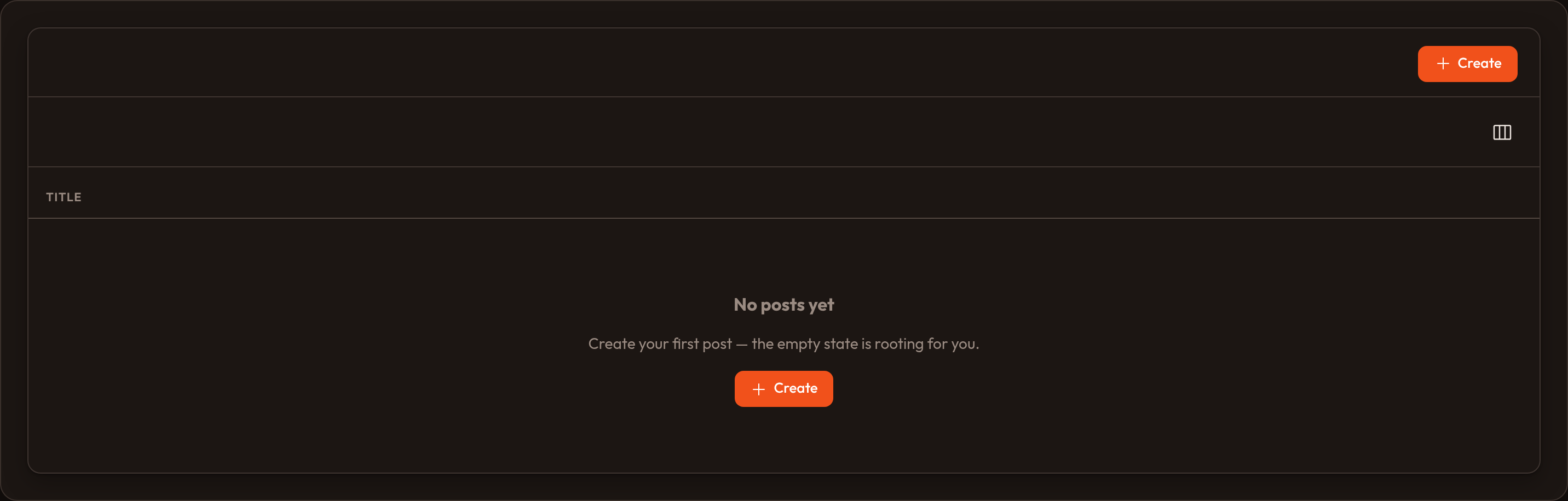
Section titled “Empty after filtering”When filters match no rows, the empty state still renders. Customize the copy on the table:
table.empty_state_heading("No matches")table.empty_state_description("Try clearing filters or broadening search.")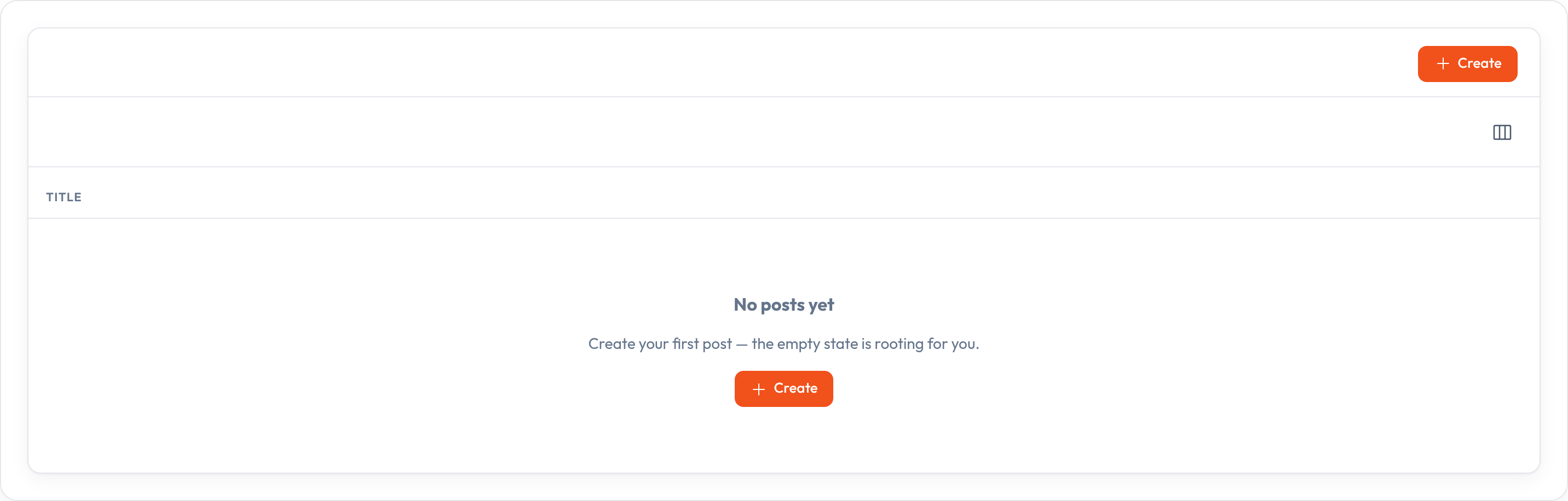
See also Tables overview, Query builder, and standalone tables.