

Using a plugin
A marketplace listing is a catalog page — the plugin itself is a Python package you install into your app. This page walks from the directory to a running panel.
1. Find a listing
Section titled “1. Find a listing”Open the marketplace. Filter by price, category, Orbit version, Official-only, or dark-mode ready. Filters write into the URL (?q=branding&category=theme) so you can share a search.
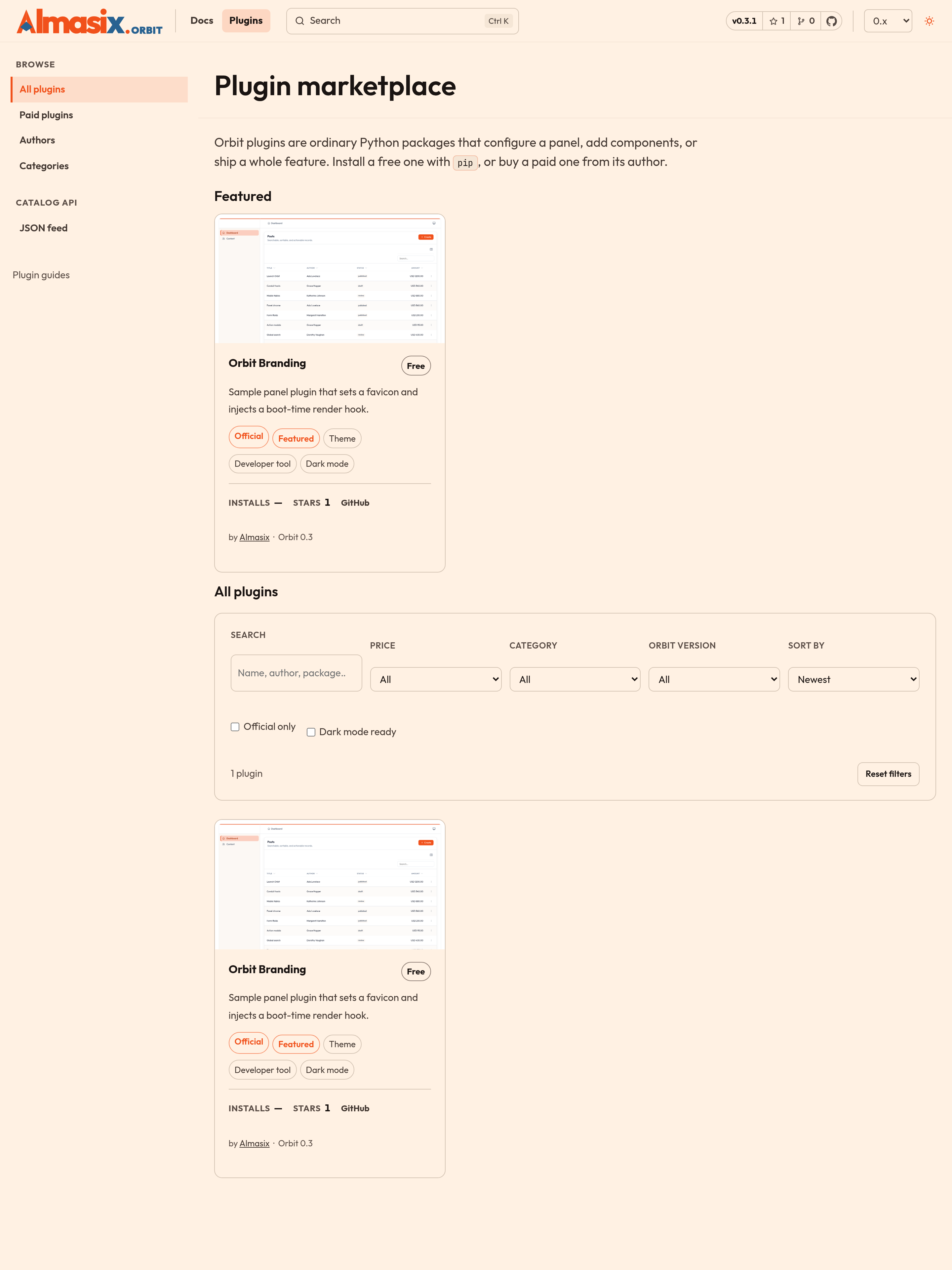
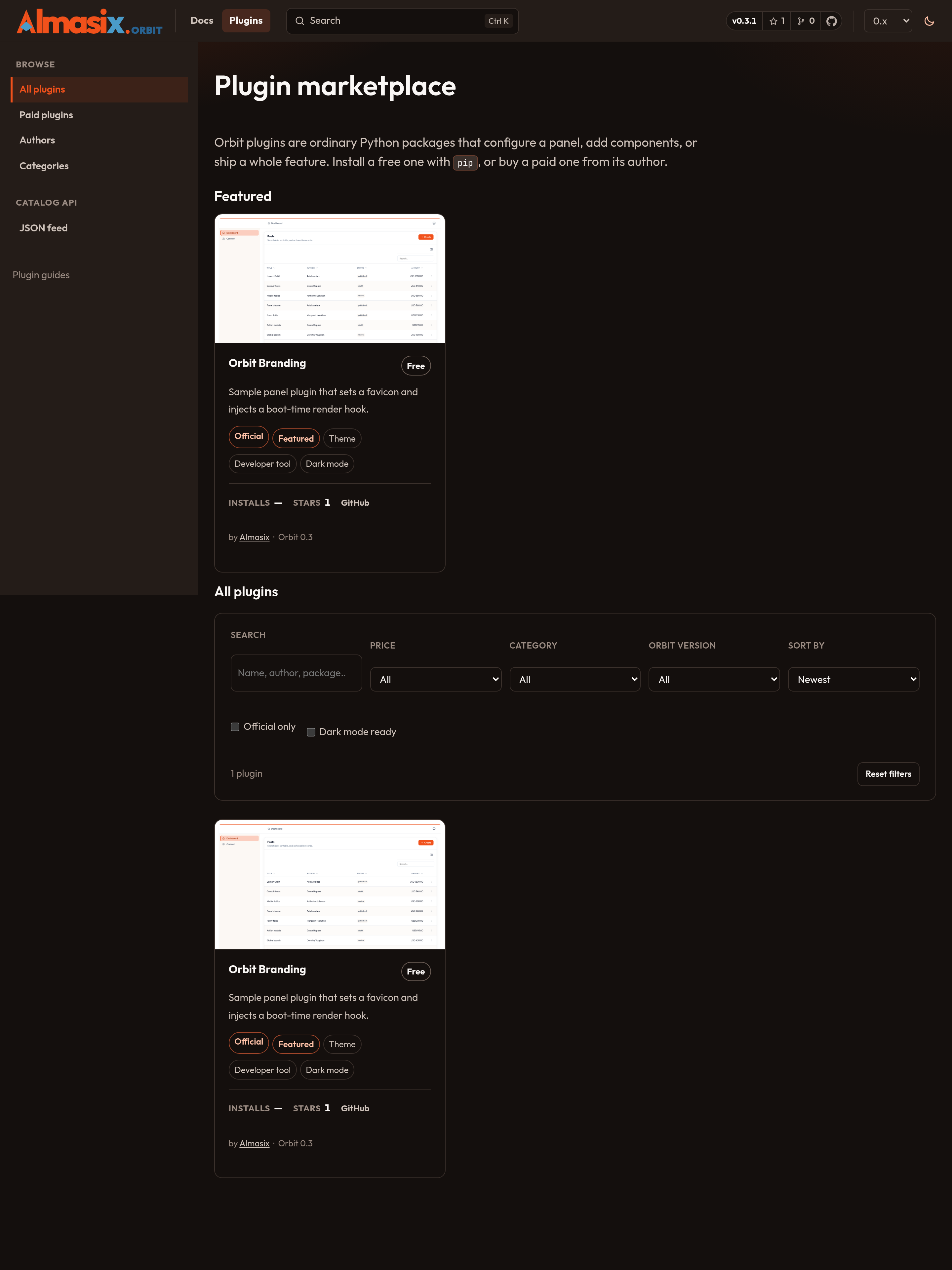
Each card shows the price, author, Orbit versions, last-month installs, GitHub stars, and links to GitHub and PyPI when those exist. Official means Almasix maintains it. Everything else is third-party.
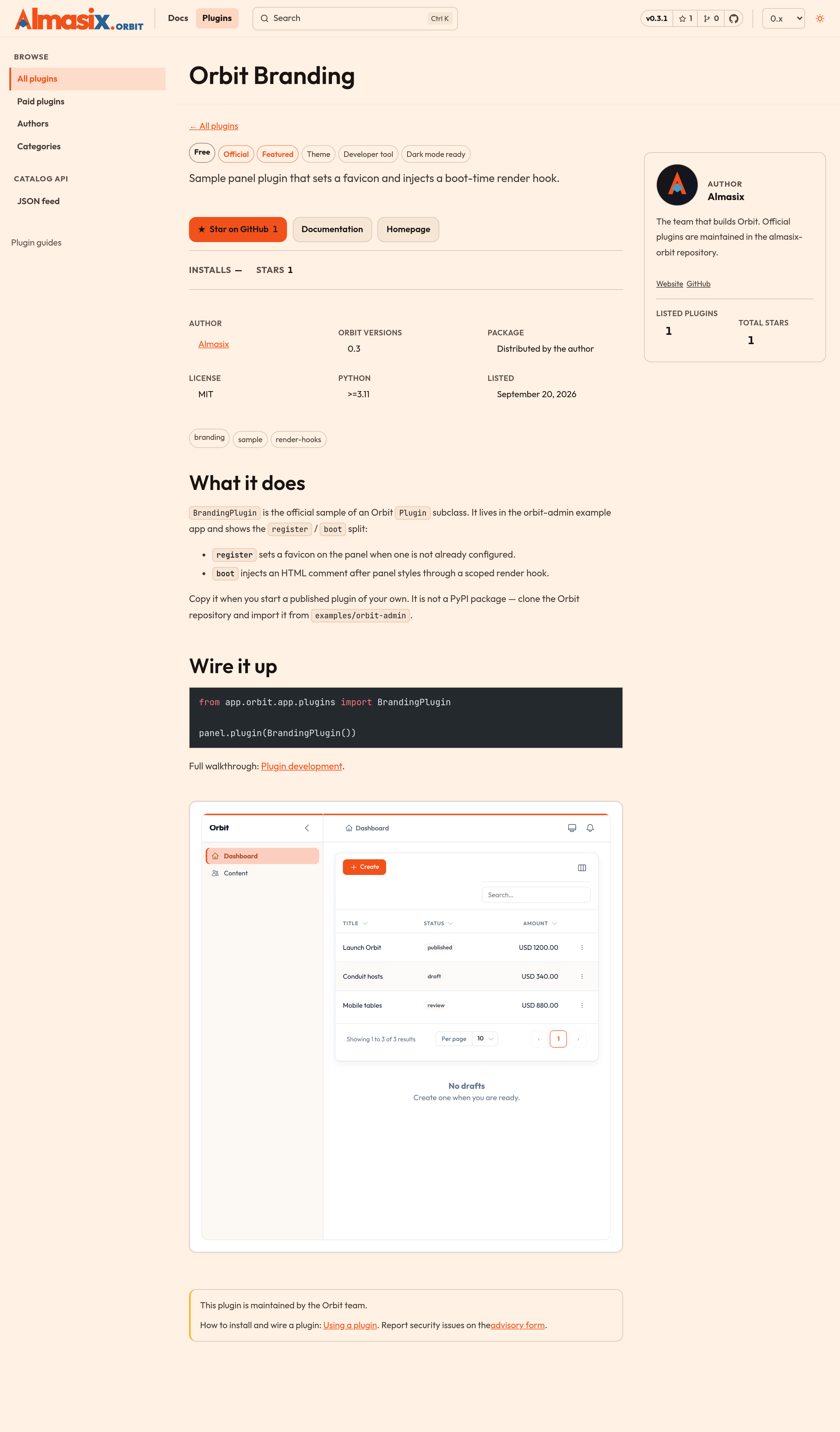
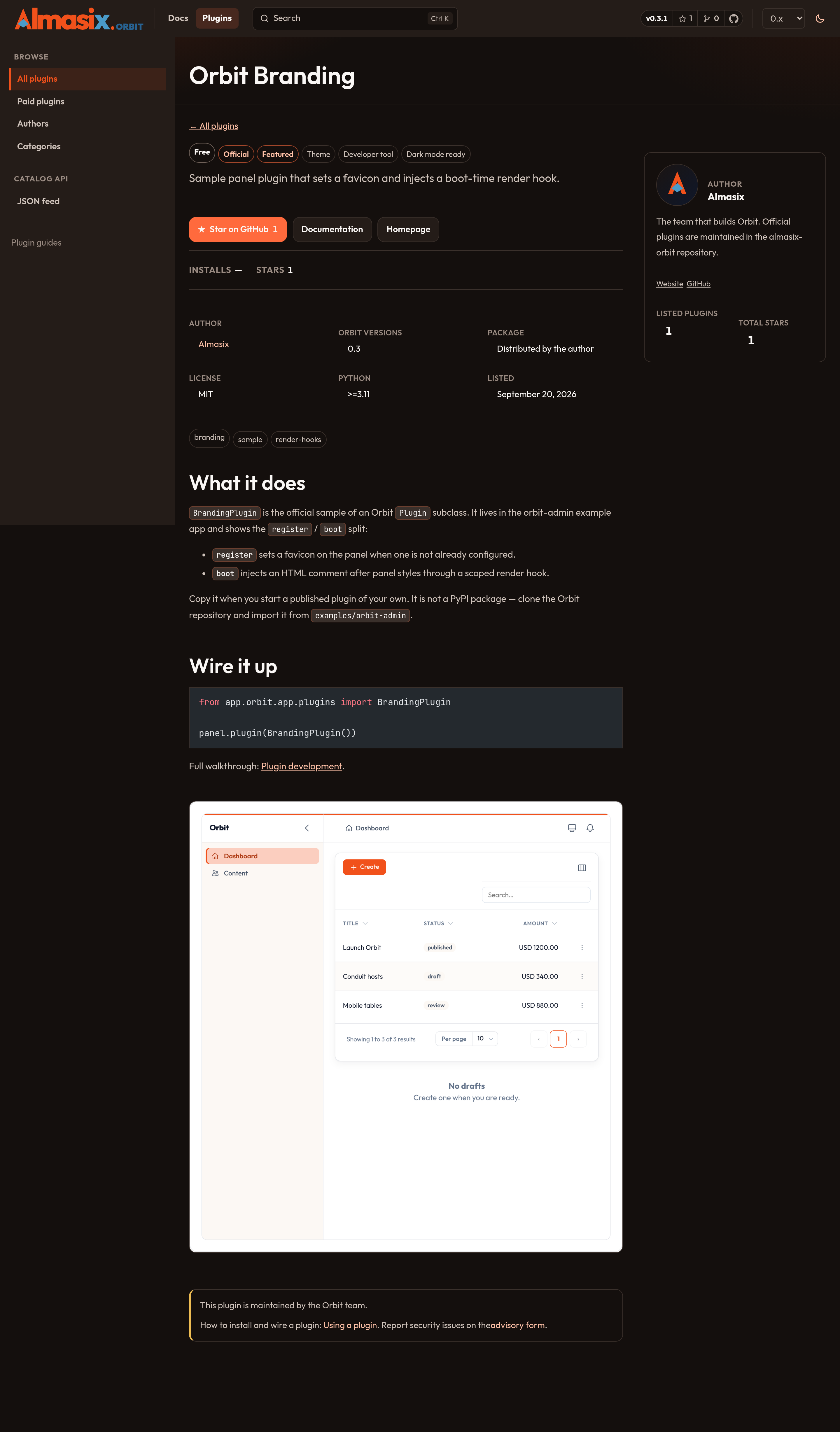
Click through to the listing for the long description, screenshots, license, and install command. Star on GitHub stars the plugin’s repository on your GitHub account (GitHub asks you to authorize the first time). If starring is not configured on the site, the button opens the repository instead.
2. Check compatibility
Section titled “2. Check compatibility”Before you install:
orbit_versionsmust include the Orbit line you run (0.4today).requires_python, when present, must match your interpreter.- Read the source (or the paid-plugin license terms) and decide whether you trust the author. A plugin runs with the same privileges as the rest of your application.
Machine-readable catalog: /plugins/feed.json.
3. Install
Section titled “3. Install”Free listings with a PyPI name render a copyable pip install … line:
pip install acme-orbit-audit-logFree listings without a package name point at a public repository — install from a VCS URL or a path checkout. Paid listings send you to the author’s store; you get a wheel or a private index credential from them, not from Orbit.
4. Register it on a panel
Section titled “4. Register it on a panel”Orbit never auto-discovers plugins. Import the class and call .plugin(...) in app/orbit/{id}/panel.py:
from acme_orbit_audit_log import AuditLogPlugin
panel.plugin(AuditLogPlugin())
Several plugins:
panel.plugins([AuditLogPlugin(), BrandingPlugin()])register runs first (config), then boot (hooks, routes). Details: Plugin development.
5. If something breaks
Section titled “5. If something breaks”- Confirm the listing’s
orbit_versionsstill covers you after an Orbit upgrade. - Open an issue on the plugin’s repository, not the Orbit tracker, unless the listing itself is wrong.
- Security problems the author will not fix: report an advisory and maintainers will unlist the plugin.
Related
Section titled “Related”- Browse the marketplace
- How the marketplace works
- Plugin development
- Get listed — if you are publishing rather than installing