

Tables overview
Tables render searchable, sortable, filterable, and actionable HTML from records and column definitions. Use them standalone or through a Resource.
from almasix.orbit.tables import (    Table, TextColumn, SelectColumn, SelectFilter, Sum, Group,)from almasix.orbit.actions import CreateAction, EditAction, DeleteAction
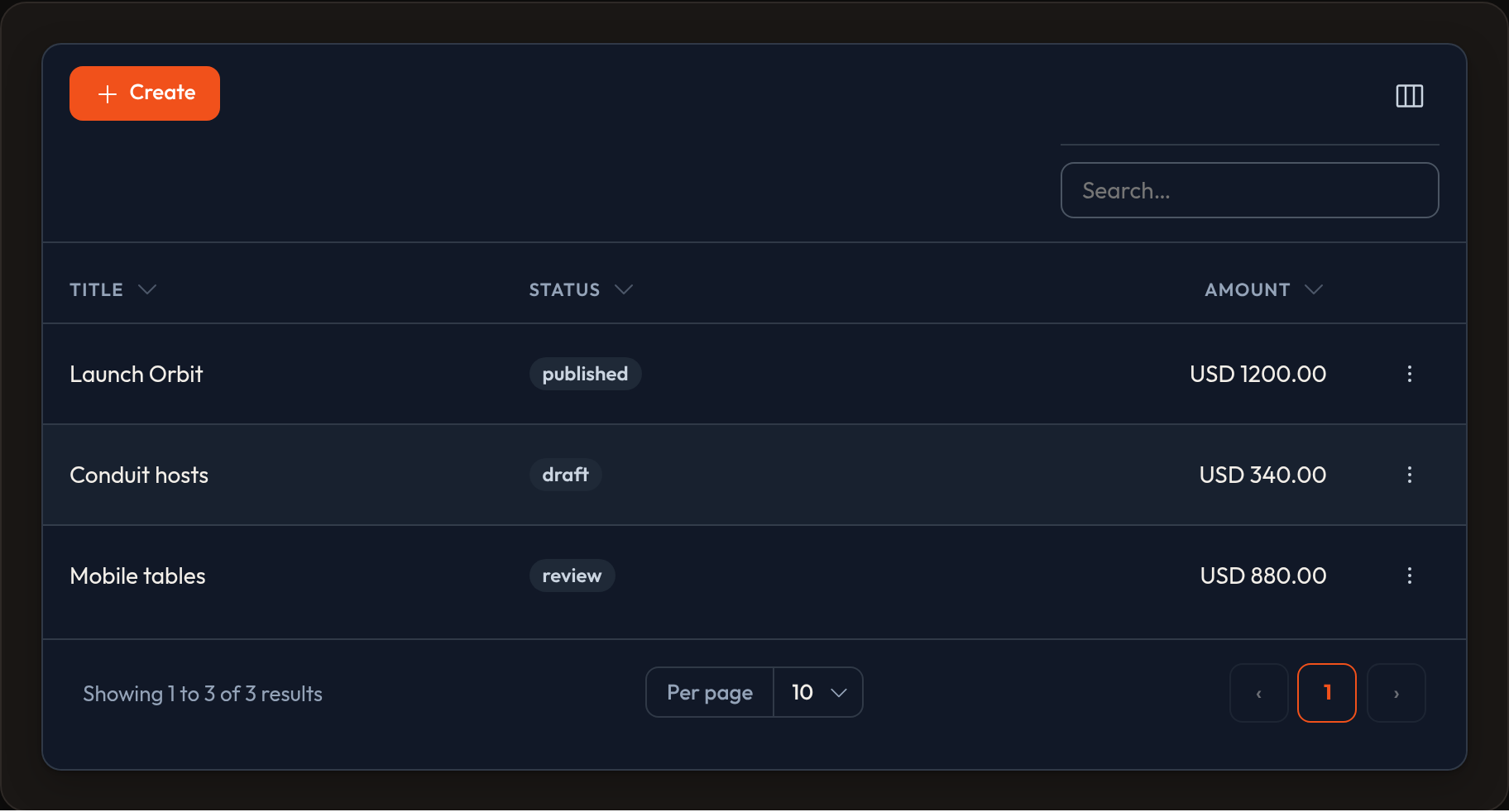
table = (    Table.make("posts")    .columns([        TextColumn.make("title").searchable().sortable(),        TextColumn.make("status").badge().color("primary"),        TextColumn.make("amount").money("USD").align_end().summarize(Sum.make()),        SelectColumn.make("priority").options({            "low": "Low",            "high": "High",        }),    ])    .filters([        SelectFilter.make("status").options({            "draft": "Draft",            "published": "Published",        }),    ])    .records(posts)    .search("orbit")    .sort("title", "asc")    .paginate(page=1, per_page=15)    .striped()    .default_group(Group.make("status").collapsible())    .empty_state_heading("No posts yet")    .empty_state_description("Create your first post to get going.")    .header_actions([CreateAction.make()])    .actions([EditAction.make(), DeleteAction.make()]))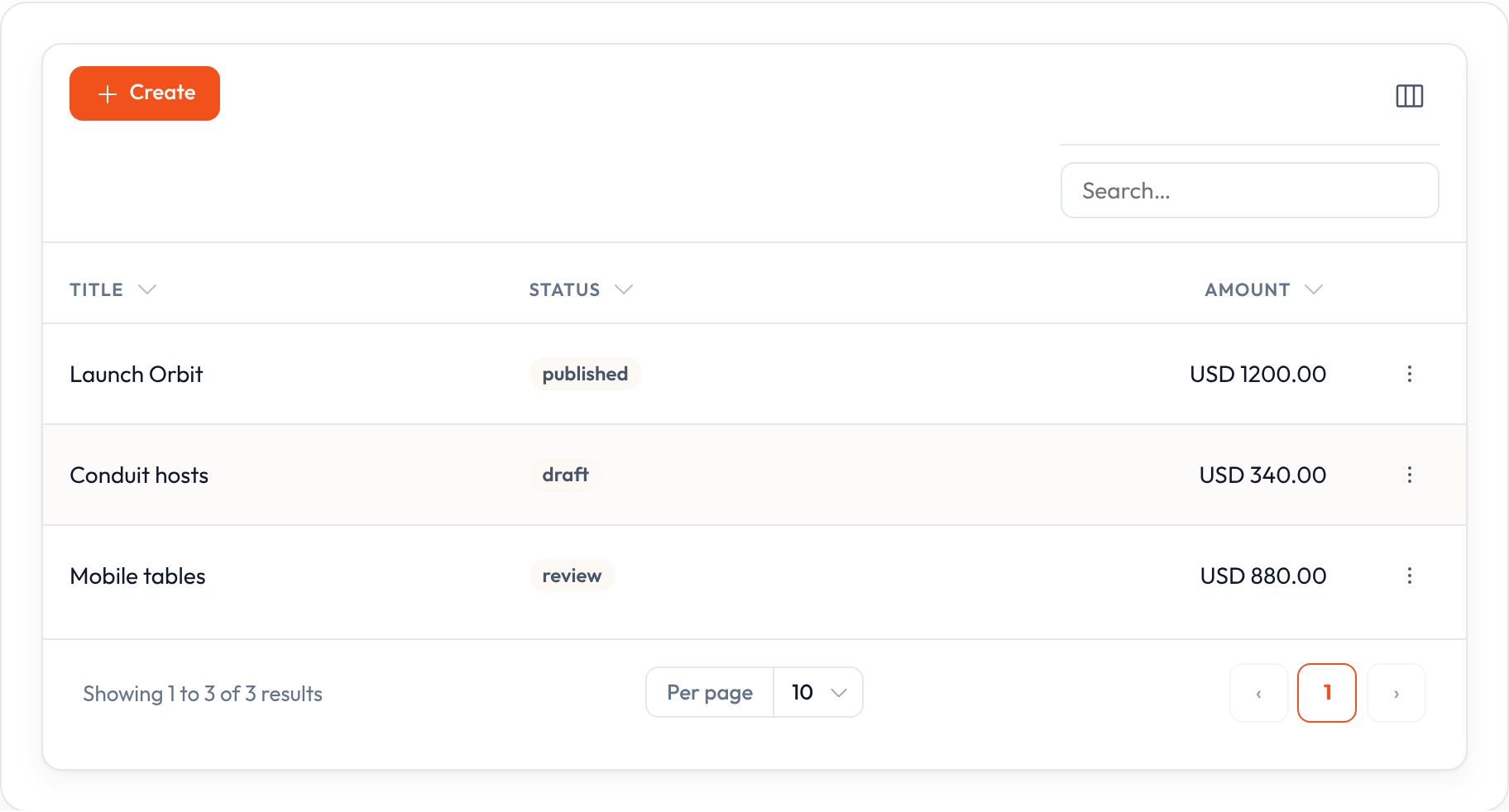
Guides
Section titled “Guides”| Page | What you’ll find |
|---|---|
| Standalone tables | Tables outside a Resource |
| Columns catalog | Every column type |
| Text / money | Search, sort, badge, currency, copyable, markdown |
| Editable columns | Inline select / toggle / text / checkbox |
| Filters | Select, ternary, groups, deferred apply |
| Actions | Row, bulk, header, and dropdowns |
| Layout | Split, Stack, Panel, Grid, View |
| Summaries | Sum, Average, Count, Range (including money) |
| Grouping | default_group and collapsible groups |
Feeding records
Section titled “Feeding records”| Method | Role |
|---|---|
.records([...]) |
In-memory list (dicts or objects) |
.query(any) |
Stores a query object for your app layer |
get_records() / get_total() operate on the in-memory list: search uses searchable columns, sort uses the column name as a key or attribute, then pagination slices the result. Use .query() (or the query builder) when the database should filter, sort, and paginate.
table = ( Table.make("orders") .columns([TextColumn.make("sku").searchable().sortable()]) .records([ {"id": 1, "sku": "ORB-01", "amount": 1200}, {"id": 2, "sku": "ORB-02", "amount": 450}, ]) .search("ORB") .sort("sku", "asc") .paginate(page=1, per_page=25))Columns inventory
Section titled “Columns inventory”Column types live under almasix.orbit.tables. Start with TextColumn. Use specialized types for icons, images, or inline editors.
| Column | Job |
|---|---|
TextColumn |
Default cell — money, dates, badges, links |
BadgeColumn |
Always-on badge styling |
BooleanColumn / IconColumn |
Check / X icons (or Yes/No text via .boolean()) |
ImageColumn |
Avatars — circular, stacked, sized |
ColorColumn |
Hex swatches, optionally copyable |
SelectColumn |
Inline <select> |
ToggleColumn |
Inline toggle |
TextInputColumn |
Inline text field |
CheckboxColumn |
Inline checkbox |
TagsColumn |
List → badge cluster |
ViewColumn |
Custom HTML |
ColumnGroup |
Dual header over child columns |
Currency formatting is available on text columns and summarizers:
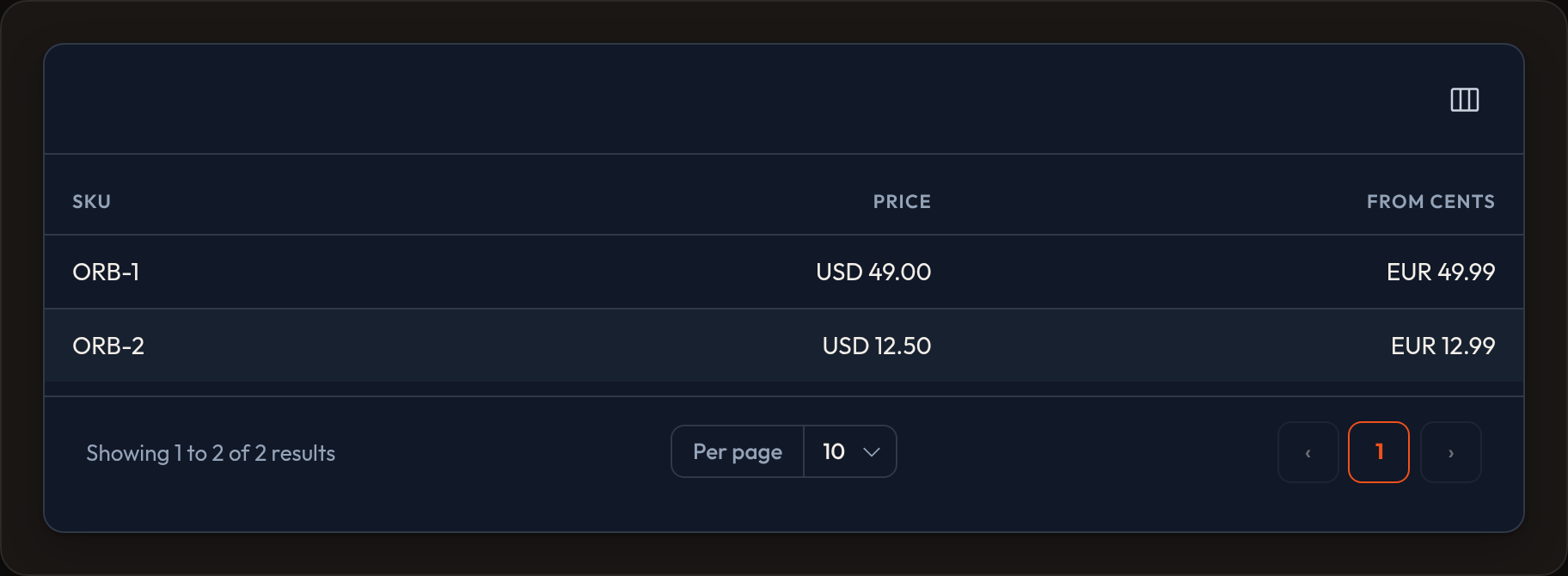
TextColumn.make("amount").money("USD")TextColumn.make("cents").money("USD", divide_by=100).align_end()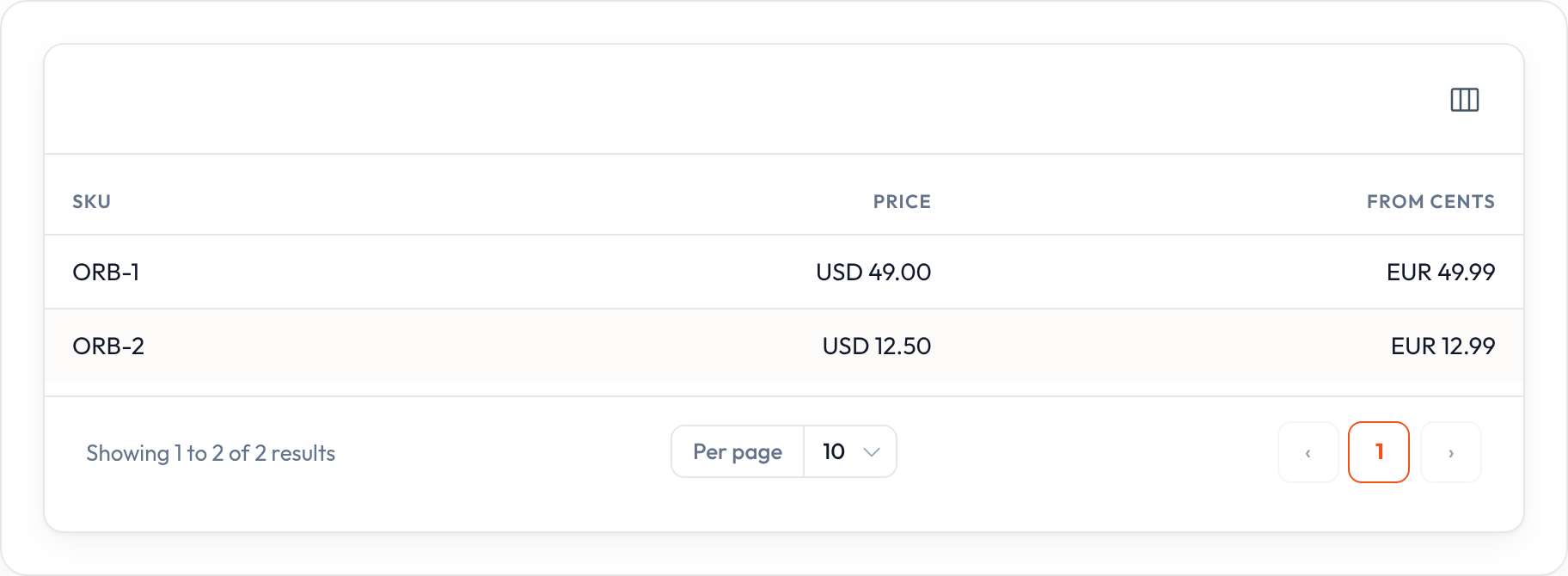
Editable cells
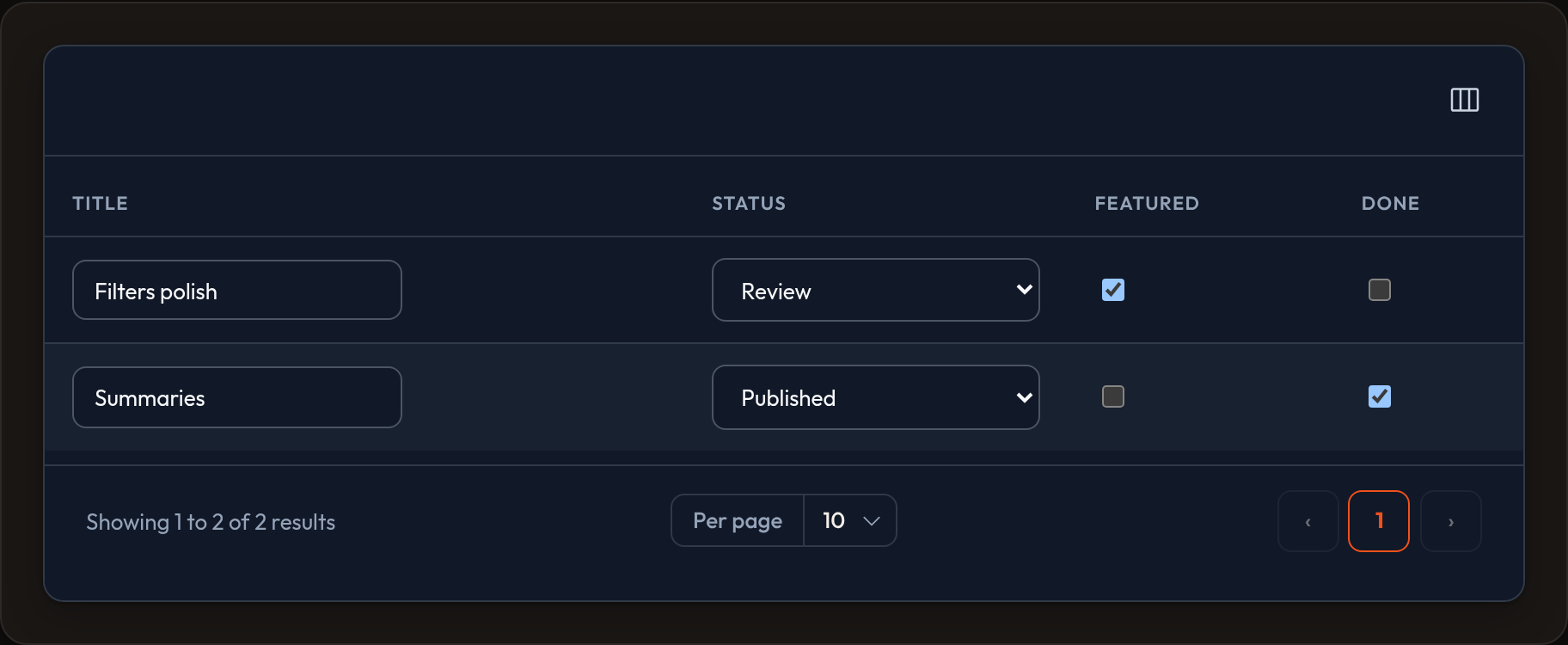
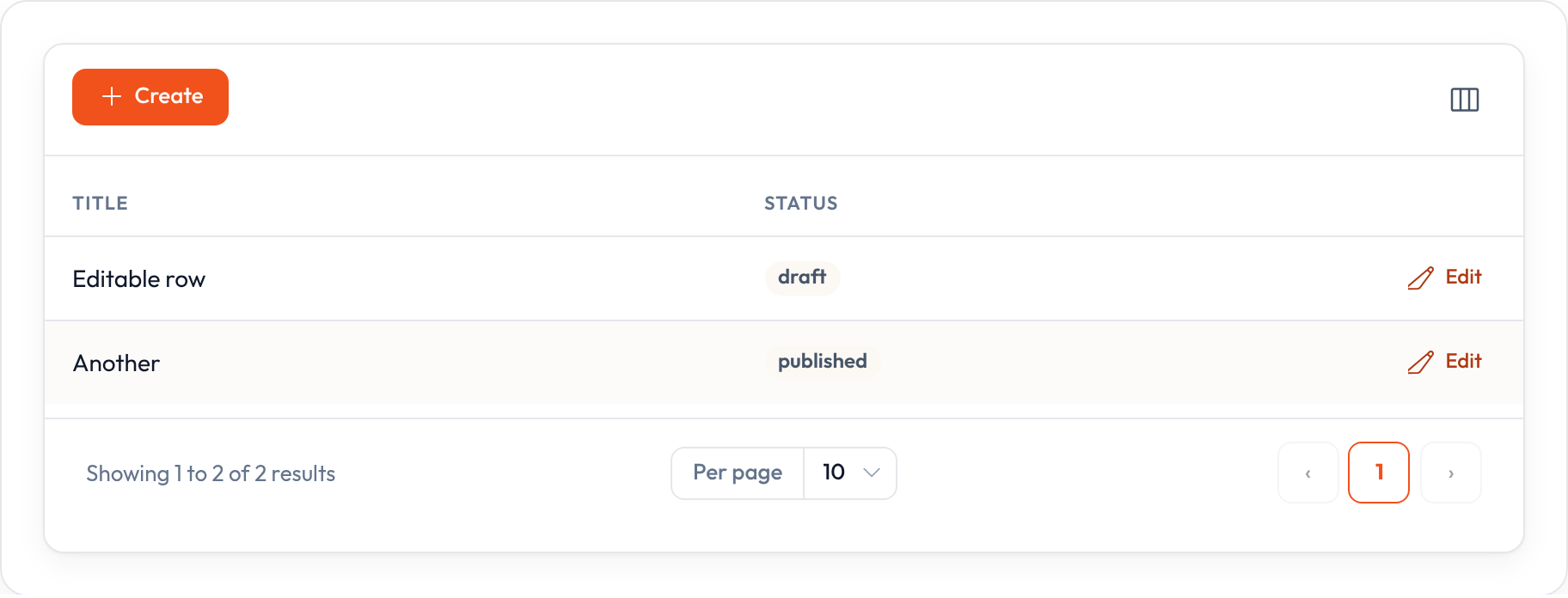
Section titled “Editable cells”SelectColumn, TextInputColumn, ToggleColumn, and CheckboxColumn render controls with data-orbit-column-edit. On list hosts, orbit.js posts changes through ListRecordsHost.update_column_state.
from almasix.orbit.tables import SelectColumn, TextInputColumn, ToggleColumn, CheckboxColumn
# Persist via ListRecordsHost.update_column_state / orbit.jsSelectColumn.make("status").options({"draft": "Draft", "published": "Published"})TextInputColumn.make("sku")ToggleColumn.make("featured")CheckboxColumn.make("approved")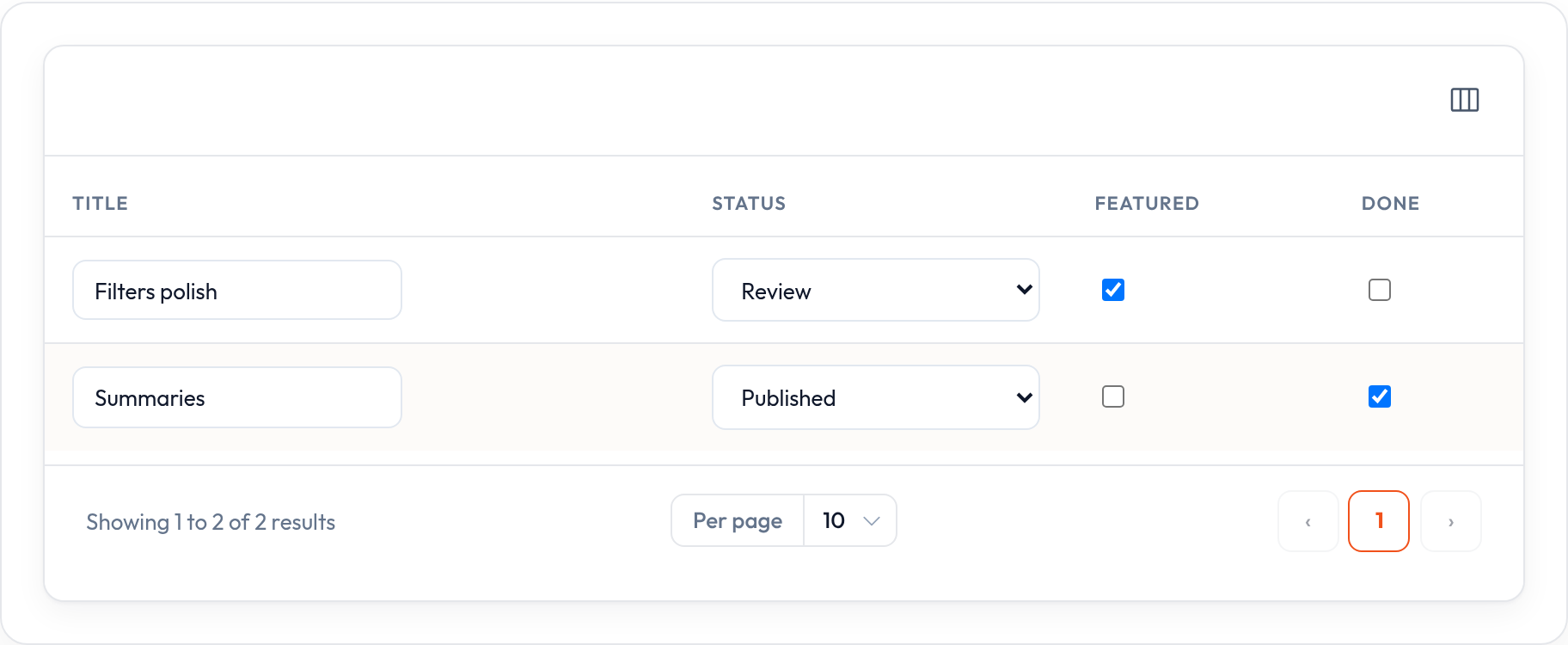
Filters
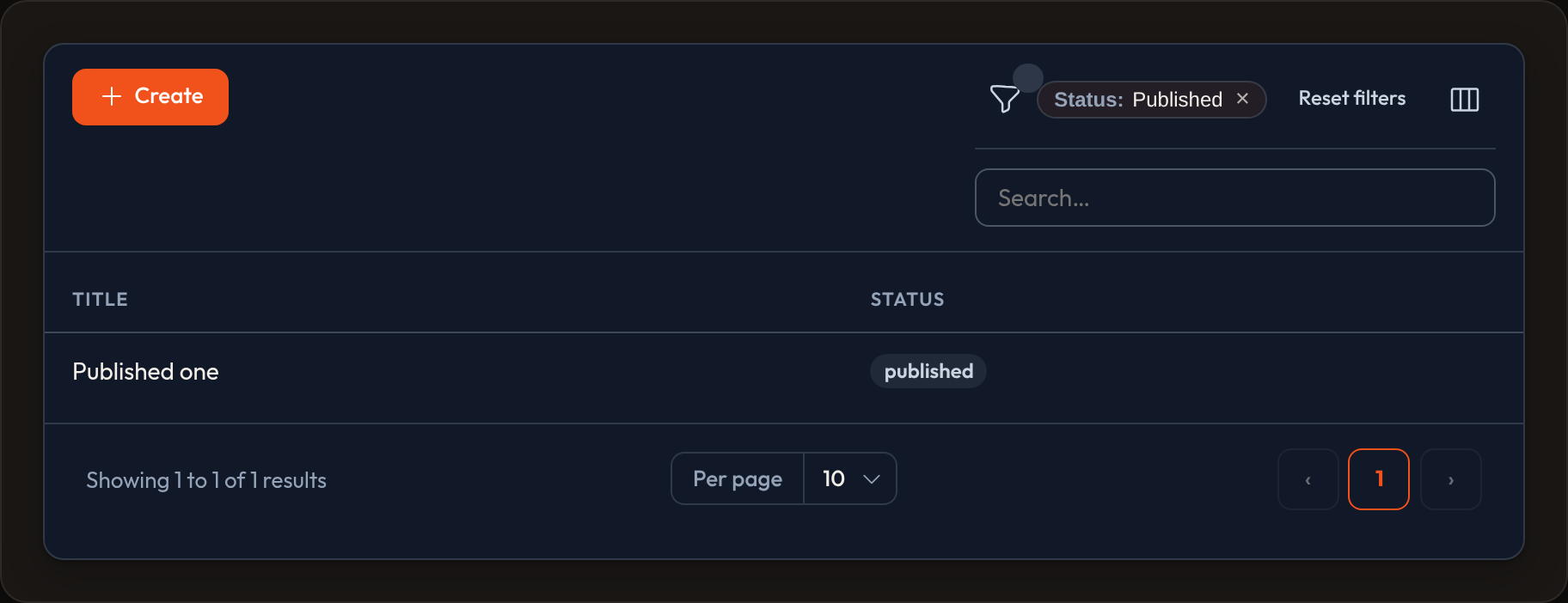
Section titled “Filters”Narrow the list without rewriting your query by hand. See Filters for SelectFilter, TernaryFilter, Filter, TrashedFilter, and FilterGroup.
from almasix.orbit.tables import SelectFilter, TernaryFilter
table.filters([    SelectFilter.make("status").options({"draft": "Draft", "published": "Published"}),    TernaryFilter.make("featured").label("Featured"),]).defer_filters()  # Apply button instead of live updates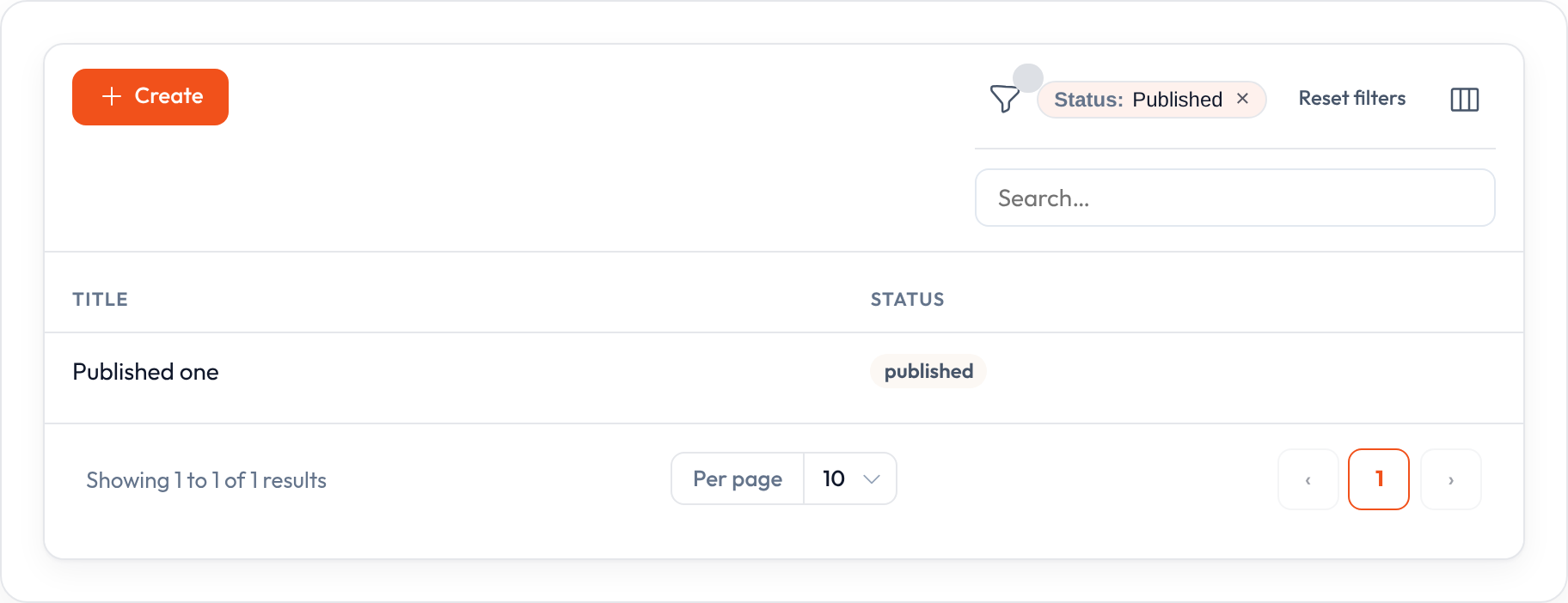
Actions
Section titled “Actions”Three slots:
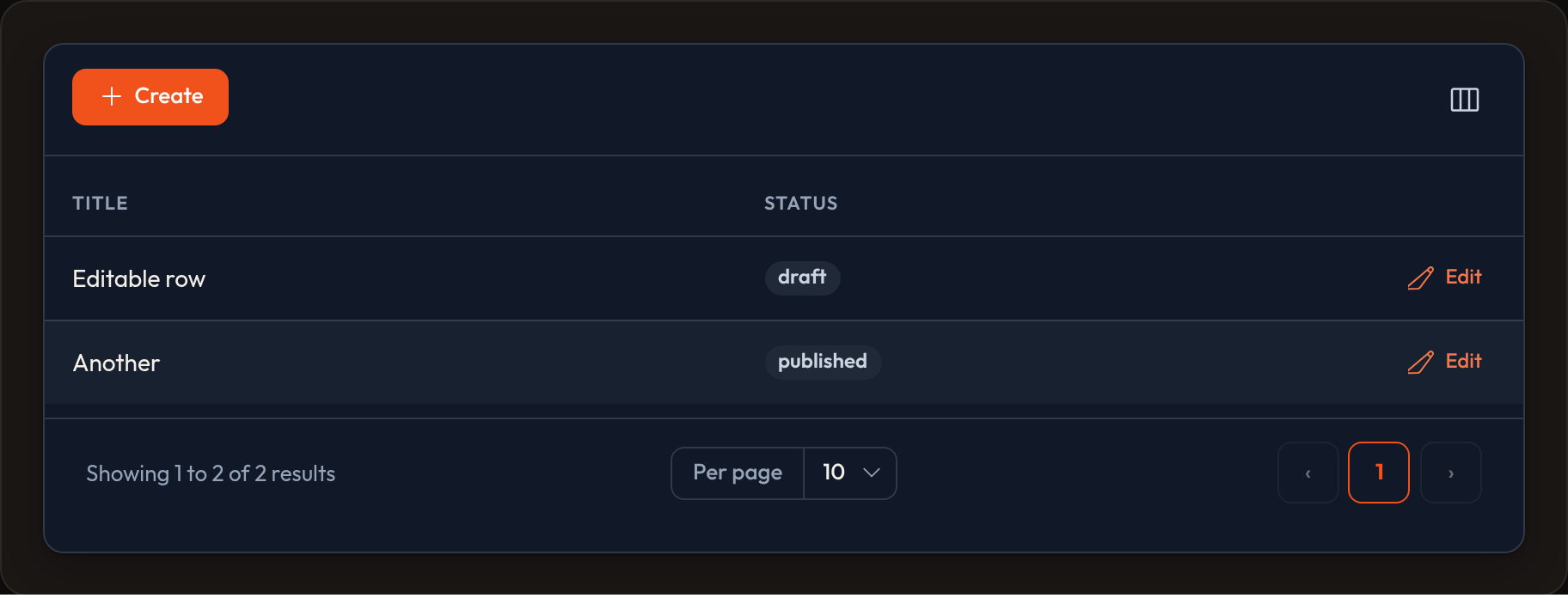
table.actions([...]) # per row (⋮ dropdown when crowded)table.bulk_actions([...]) # selected rowstable.header_actions([...]) # top of the tableDanger-colored actions confirm by default. Details live on table actions and panel actions.
Grouping & summaries
Section titled “Grouping & summaries”Partition rows with default_group; roll up numbers with .summarize(...).
from almasix.orbit.tables import Group, Sum, Average
table.default_group(Group.make("status").label("Status").collapsible())table.columns([    TextColumn.make("amount").money("USD").summarize(        Sum.make().money("USD"),        Average.make().money("USD"),    ),]).summaries(page=True, all=True)
Cell layout
Section titled “Cell layout”Nest columns inside one cell with Split / Stack / Panel / Grid / View.
Empty state
Section titled “Empty state”When there are no rows:
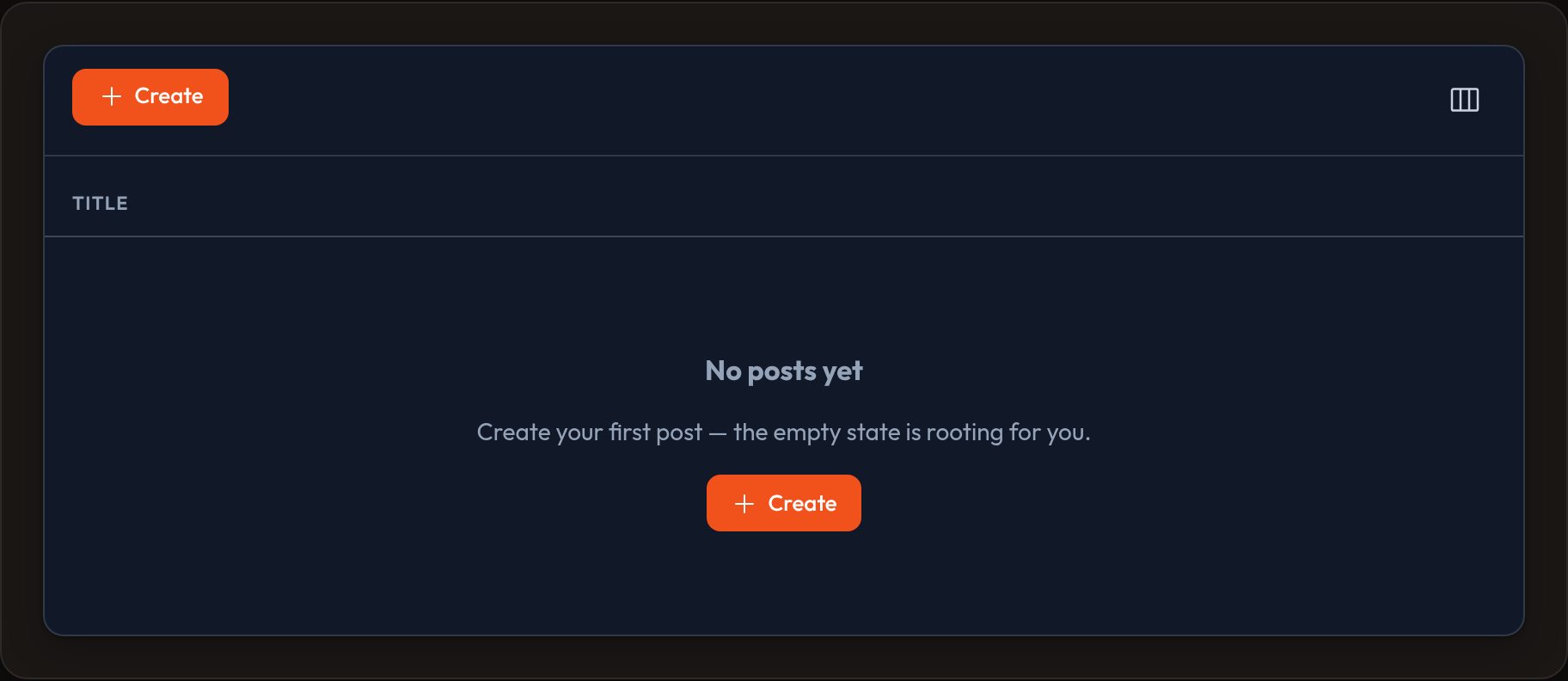
table.empty_state_heading("Nothing here")table.empty_state_description("Try clearing filters, or create a record.")table.empty_state_actions([CreateAction.make()])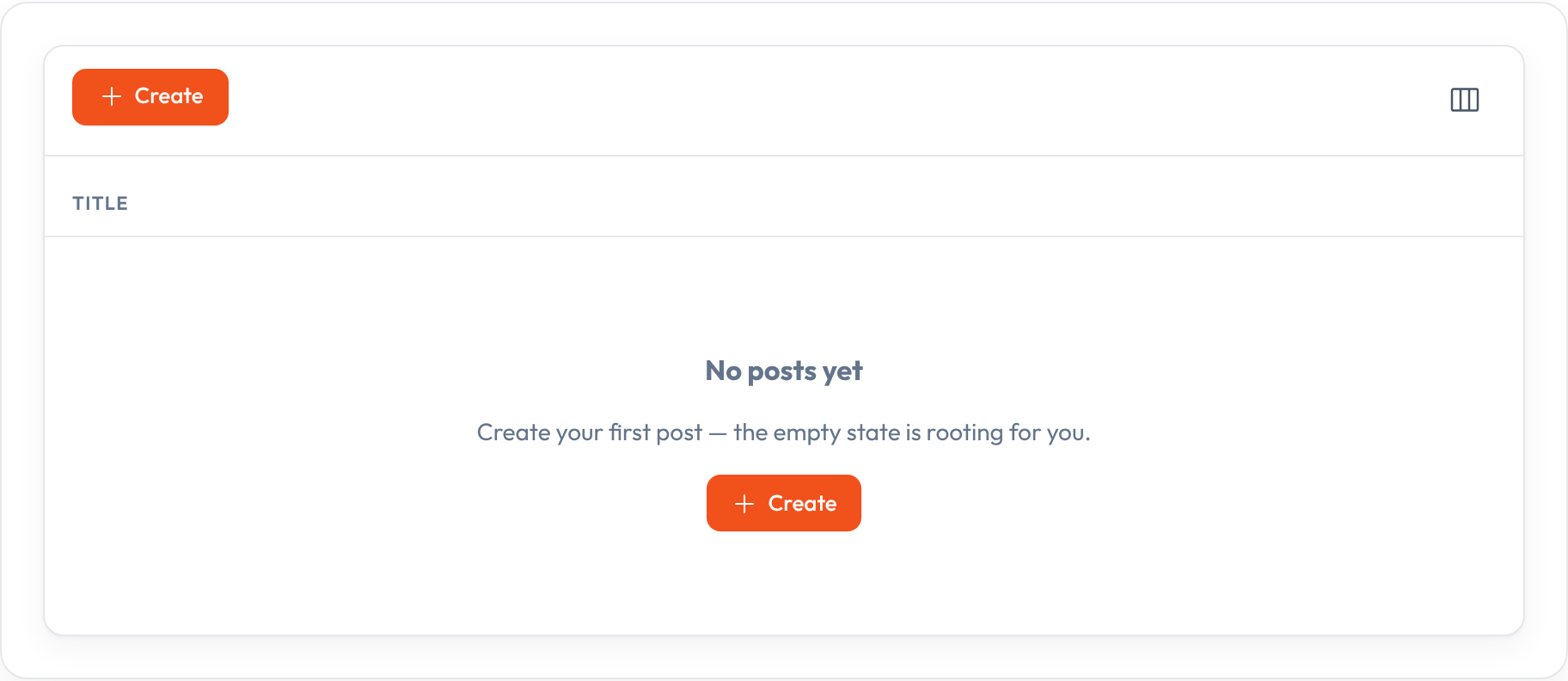
Render
Section titled “Render”html = table.render()data = table.to_dict()Markup uses .or-* classes so published Orbit CSS can style it. Prefer a Resource for CRUD wiring; use a standalone table when embedding a list in a custom page or Conduit host.