

Table layout
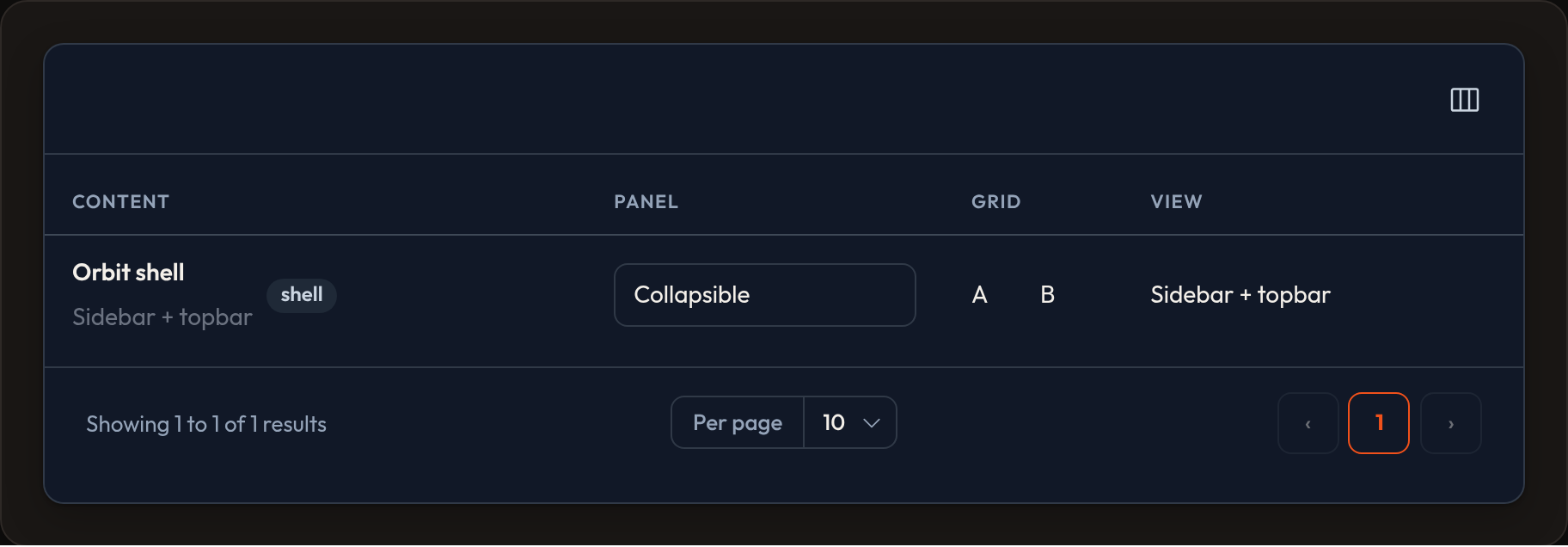
Layout helpers nest columns inside one <td> so related fields can share a cell — for example a name stacked under an avatar, notes in a panel, or a two-column grid.
from almasix.orbit.tables import (    Table, TextColumn, ImageColumn, Split, Stack, Panel, Grid, View,)
Table.make("people").columns([    Split.make([        ImageColumn.make("avatar").circular().size(40),        Stack.make([            TextColumn.make("name").weight("bold"),            TextColumn.make("email").copyable(),        ]),        TextColumn.make("status").badge().color("success"),    ]).from_breakpoint("md"),    Panel.make([        TextColumn.make("notes").wrap().limit(120),    ]).collapsible(),    Grid.make([        TextColumn.make("city"),        TextColumn.make("country"),    ]).columns(2),    View.make([TextColumn.make("email")]).content(        '<div class="custom-wrap">{children}</div>'    ),])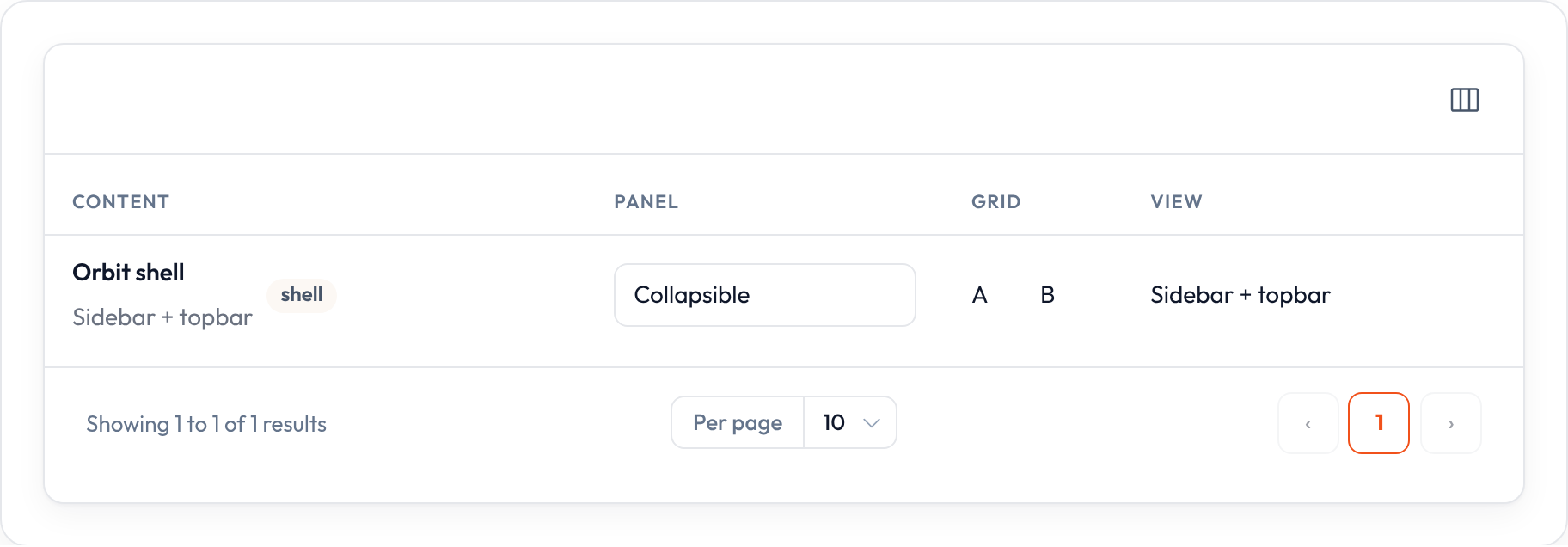
Components
Section titled “Components”| Class | Role |
|---|---|
Split |
Horizontal arrangement; optional .from_breakpoint("md") |
Stack |
Vertical stack of children |
Panel |
Bordered / collapsible panel around children |
Grid |
CSS grid via .columns(n) |
View |
Custom HTML wrapper — distinct from ViewColumn |
Demo: Columns → Layout columns in examples/orbit-admin.
Standalone example
Section titled “Standalone example”from almasix.orbit.tables import Table, TextColumn, Split, Stack
records = [ {"id": 1, "name": "Ada Lovelace", "email": "ada@orbit.dev", "role": "Admin"}, {"id": 2, "name": "Grace Hopper", "email": "grace@orbit.dev", "role": "Editor"},]
table = ( Table.make("directory") .columns([ Split.make([ Stack.make([ TextColumn.make("name").weight("bold").searchable(), TextColumn.make("email"), ]), TextColumn.make("role").badge().color("primary"), ]), ]) .records(records))In a Resource example
Section titled “In a Resource example”from almasix.orbit import Resourcefrom almasix.orbit.tables import ( Table, TextColumn, ImageColumn, Split, Stack, Panel,)
class PersonResource(Resource): @classmethod def table(cls, table: Table) -> Table: return table.columns([ Split.make([ ImageColumn.make("avatar").circular().size(36), Stack.make([ TextColumn.make("name").searchable().sortable(), TextColumn.make("title").description("Role"), ]), ]), Panel.make([ TextColumn.make("bio").wrap().markdown(), ]).label("About"), ])Searchable and sortable children still register with the table via flat_columns() — nesting does not hide them from the toolbar.
Key methods
Section titled “Key methods”Shared on layout components:
.schema([...])/.components([...])— children.grow(bool)/.space(n)/.alignment(...).visible_from(...)/.hidden_from(...).collapsible()/.collapsed()— Panel (and components that support it)
Component-specific:
Split.from_breakpoint("md")— stack below, split from breakpoint upGrid.columns(n)— column countView.content(html)— wrapper with{children}placeholder
Preview
Section titled “Preview”