
Select column
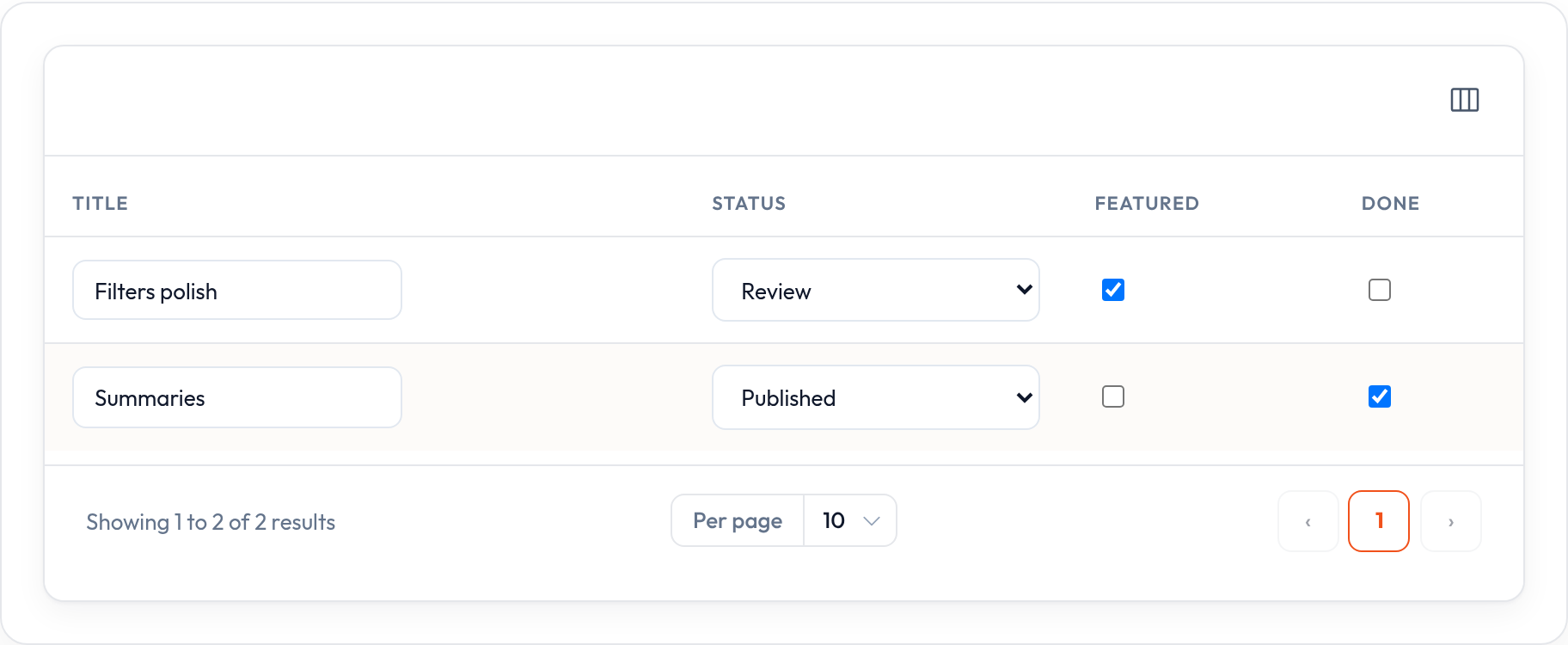
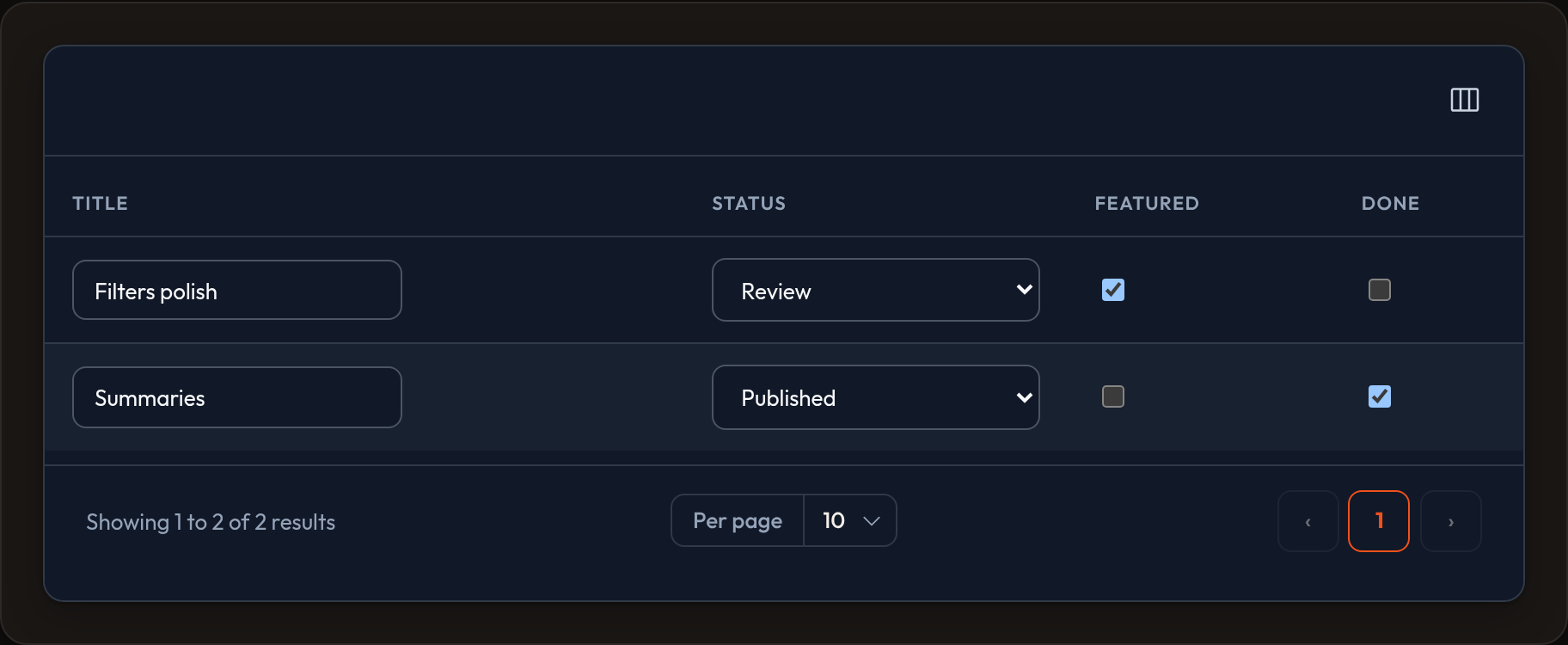
SelectColumn puts a <select> in the cell so operators can change the value without opening a form.
Editable columns (SelectColumn, TextInputColumn, ToggleColumn, CheckboxColumn) emit data-orbit-column-edit. On resource list hosts, orbit.js calls ListRecordsHost.update_column_state(record_id, column, value) to persist the change.
SelectColumn, TextInputColumn, ToggleColumn, CheckboxColumn# persist via ListRecordsHost.update_column_state / orbit.jsStandalone example
Section titled “Standalone example”from almasix.orbit.tables import Table, TextColumn, SelectColumn
table = ( Table.make("posts") .columns([ TextColumn.make("title").searchable(), SelectColumn.make("status").options({ "draft": "Draft", "review": "Review", "published": "Published", }), ]) .records(records))Rendered markup includes the hooks Orbit needs:
<select class="or-select or-select-inline" data-orbit-column-edit="select" data-record-id="1" data-column="status"> …</select>In a Resource example
Section titled “In a Resource example”from almasix.orbit import Resourcefrom almasix.orbit.tables import Table, SelectColumn, TextColumn
class PostResource(Resource): @classmethod def table(cls, table: Table) -> Table: return table.columns([ TextColumn.make("title").searchable().sortable(), SelectColumn.make("status") .label("Status") .options(lambda record=None, **_: { "draft": "Draft", "review": "Review", "published": "Published", }), ])Options can be a dict or a callable that receives record / state — useful when choices depend on the row.
Persistence
Section titled “Persistence”On ListRecordsHost, override or rely on update_column_state to write the attribute back to your store. Client-side, orbit.js listens for change events on [data-orbit-column-edit] and posts through Conduit when a live wire is present.
Key methods
Section titled “Key methods”.options(dict | callable)— value → label map.disabled(bool | callable)— lock specific rows.label(...)/.sortable()/.align_start()- Markup:
data-orbit-column-edit="select",data-record-id,data-column
Preview
Section titled “Preview”