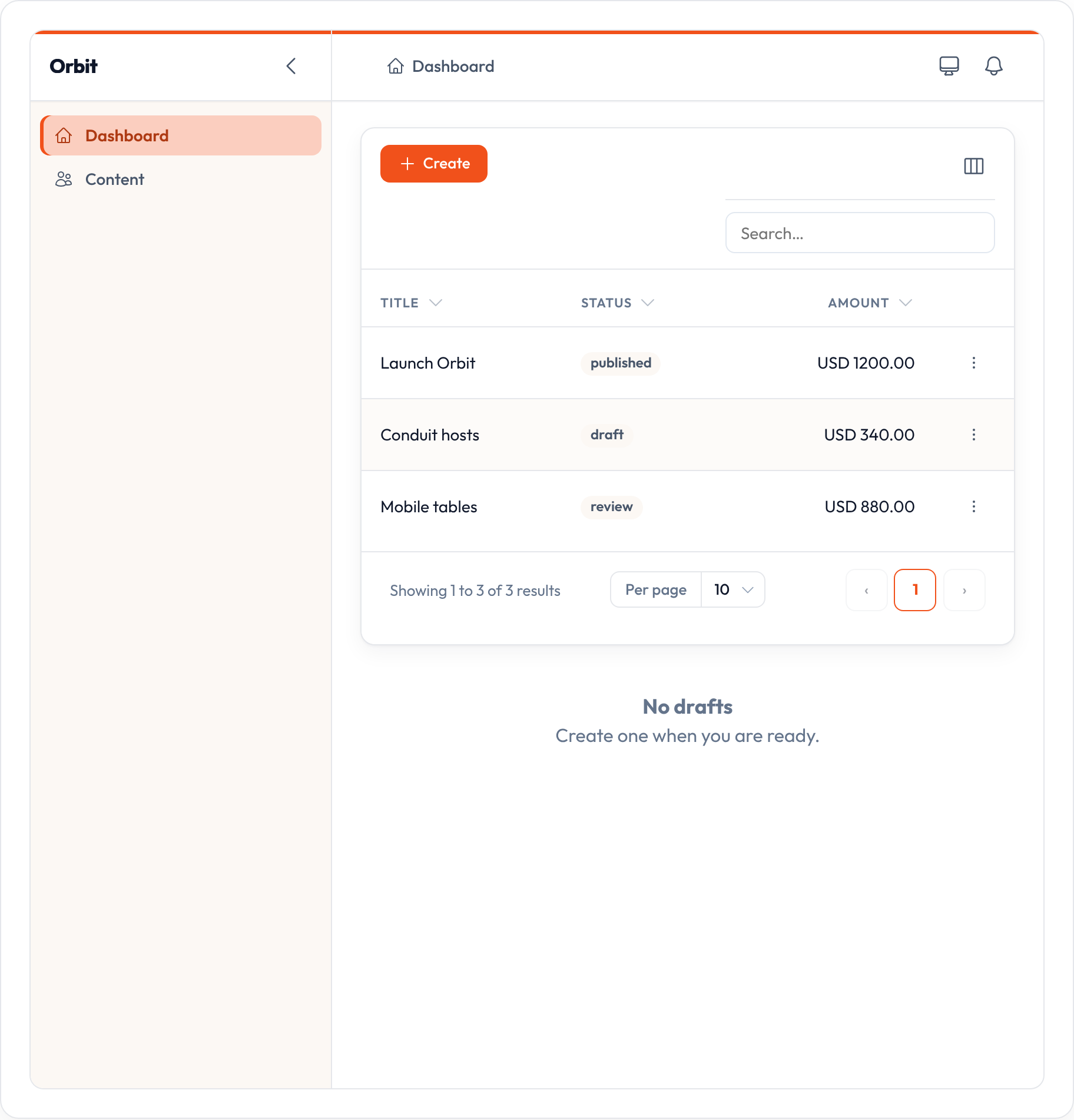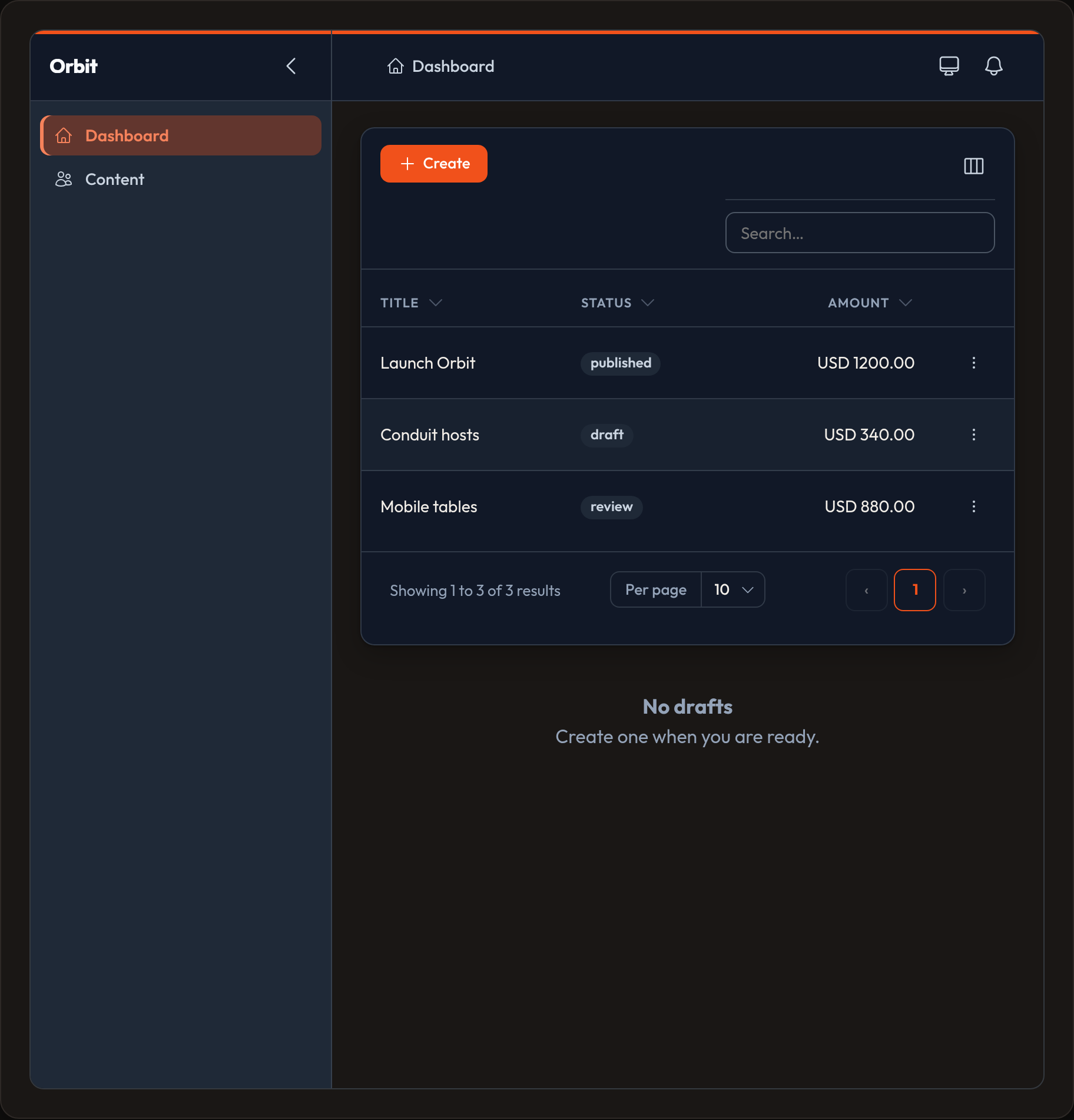

Panel configuration
A panel is the admin shell: brand, path, navigation, middleware, and the list of resources / pages / widgets it owns.
from almasix.orbit import Panel, PanelRegistry
panel = (    Panel.make("admin")    .path("orbit")    .brand_name("Acme Admin")    .brand_logo("/images/logo.svg")  # or asset("images/logo.svg") / "https://…"    .brand_logo_dark("/images/logo-dark.svg")  # optional; falls back to light    # .brand_logo_only()  # logo without the name next to it    # .brand_name_font_size("1.25rem")    .font("Outfit")    .primary("#f1511b")  # or .primary("info") / .colors(primary="#…", danger="#…")    .resources([PostResource, UserResource])    .widgets([StatsOverview])    # .middleware(["auth"])  # appends after default ["web"]    .login()                 # or .login(False) / .login(MyLogin)    # .signup()              # opt-in registration (+ link on the login page)    # .dashboard()           # on by default; .dashboard(False) or .dashboard(MyDashboard)    .auth_guard("web")    .dark_mode()    .sidebar_collapsible())
app.make(PanelRegistry).register(panel)
Identity
Section titled “Identity”| Method | Default | Notes |
|---|---|---|
Panel.make(id) |
"admin" |
Registry key via panel.id |
.path(...) |
/{id} |
Leading / is added if missing |
.brand_name(...) |
"Orbit" |
Document title; shown next to the logo unless logo-only |
.brand_logo(...) |
None |
Light logo. Accepts asset(...), absolute URLs, or bare relatives (resolved with url()). Optional dark= kwarg. |
.brand_logo_dark(...) |
light logo | Dark-mode logo; falls back to the light logo when unset |
.brand_logo_only() |
False |
Hide the brand name when a logo is set |
.brand_name_font_size(...) |
"1.05rem" |
Font size for the visible brand name (shell + login). Any CSS length |
.font(...) |
"Outfit" |
Shell typography |
.primary(...) |
"#f1511b" |
Brand primary (hex or semantic token like "info"). Soft/deep accents derive automatically |
.colors(**tokens) |
primary="#f1511b" |
Merge semantic colors (primary, danger, success, warning, info, gray). Values may be hex or tokens |
.content_max_width(...) |
"screen-2xl" |
Cap centered page content (screen-2xl → 96rem) |
Toggle-style methods take condition: bool = True (e.g. .dark_mode(), .sidebar_collapsible()).
Auth and home pages accept Filament-style True | False | Page subclasses:
from almasix.orbit import Login, Register, Dashboard
class MyLogin(Login):    title = "Welcome back"
panel.login(MyLogin).signup().dashboard()
Contents
Section titled “Contents”| Method | What it stores |
|---|---|
.resources([...]) |
Resource classes (replaces the list) |
.pages([...]) |
Custom page classes |
.widgets([...]) |
Dashboard widgets |
.middleware([...]) |
Appends after default ["web"] (deduped). Use replace=True to set the stack explicitly |
.login(...) |
Default True → built-in Login. Pass False or a custom page class |
.signup(...) |
Default False. Pass True/() for Register, or a custom page. Adds login↔signup links |
.dashboard(...) |
Default True → built-in Dashboard as panel home (/). Pass False to use the first resource instead |
.auth_guard("web") |
Guard name |
.dark_mode() |
Shell light/dark/system toggle |
.sidebar_collapsible() |
Off by default. Pass True (or call with no args) to show the collapse control |
.plugin(callback) |
Stores a callback for later |
Discovery paths
Section titled “Discovery paths”Auto-import Resource / Page / Widget subclasses from a directory or package.
mount_panel calls load_discovered() for you; call it yourself only when you need the classes before mount.
from almasix import app_path# or: from almasix.support import app_path
panel = (    Panel.make("admin")    .discover_resources(app_path("orbit", "resources"))    .discover_pages(app_path("orbit", "pages"))    .discover_widgets(app_path("orbit", "widgets")))
Paths may be:
| Form | Example |
|---|---|
Absolute FS dir (preferred with app_path) |
app_path("orbit", "resources") → …/app/orbit/resources |
| Dotted package | "app.orbit.resources" |
| Relative dir (only if it exists vs process cwd) | "app/orbit/resources" |
Discovered classes are merged with any you still register via .resources([...]).
Registry
Section titled “Registry”registry = app.make(PanelRegistry)registry.register(panel)registry.get("admin") # Panel | Noneregistry.all() # list[Panel]OrbitServiceProvider binds PanelRegistry as a singleton.
Navigation
Section titled “Navigation”items = panel.navigation_items()# [{label, icon, group, subgroup, url, sort}, ...]Items come from each resource and page’s navigation class vars, plus custom NavigationItems, sorted by navigation_sort. Layouts: sidebar, top, sidebar_topbar. Full guide: Navigation.
Actions on the shell (modal vs URL, mountAction): Panel actions.
The shell
Section titled “The shell”html = panel.render_shell(content_html, user=request.user)You get a full HTML document: sidebar, brand, and links to /vendor/orbit/orbit.css + orbit.js. Pass the authenticated user so permission-aware nav can filter itself.
Multiple panels
Section titled “Multiple panels”Need a public “docs” panel and a private “admin” panel? Make two IDs, register both, and route to the one you want:
Panel.make("admin").path("admin").resources([PostResource])Panel.make("docs").path("docs").resources([ArticleResource]).login(False)Next: Resources.
Preview
Section titled “Preview”