
Image column
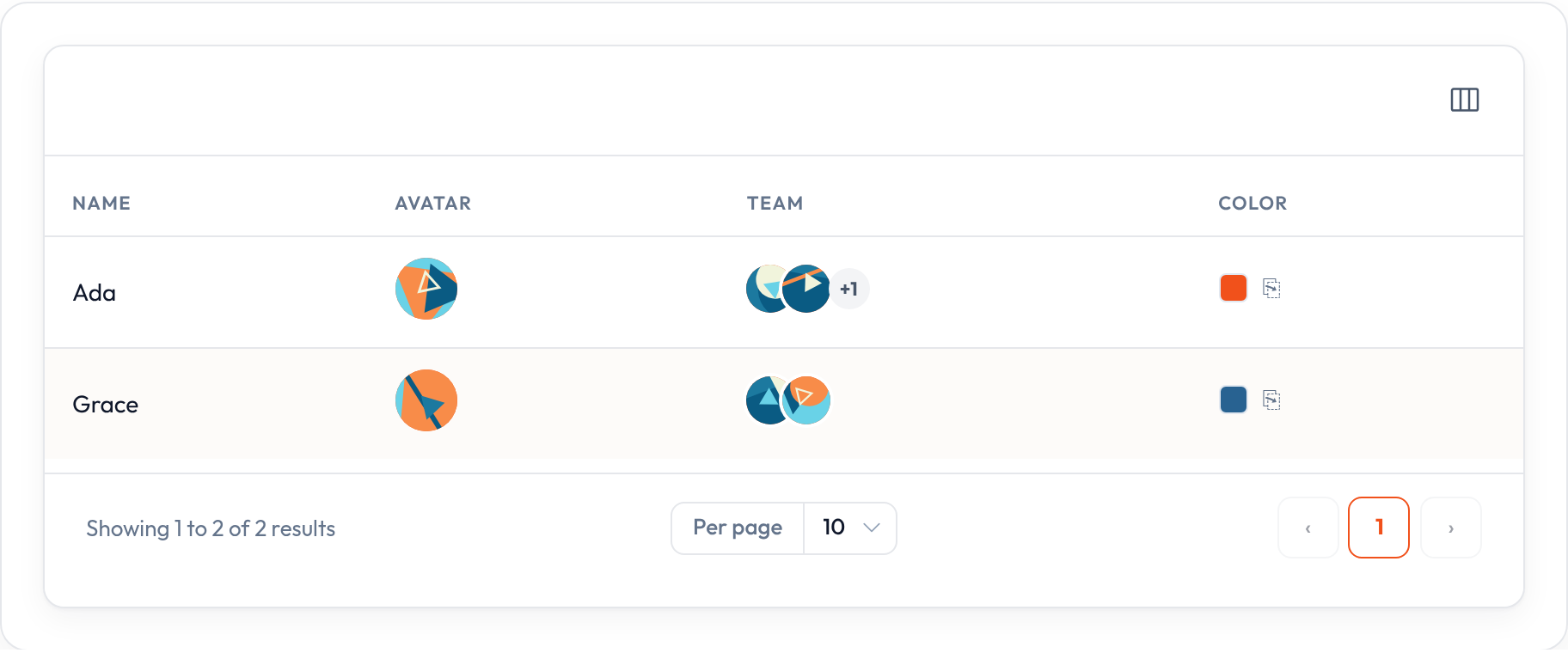
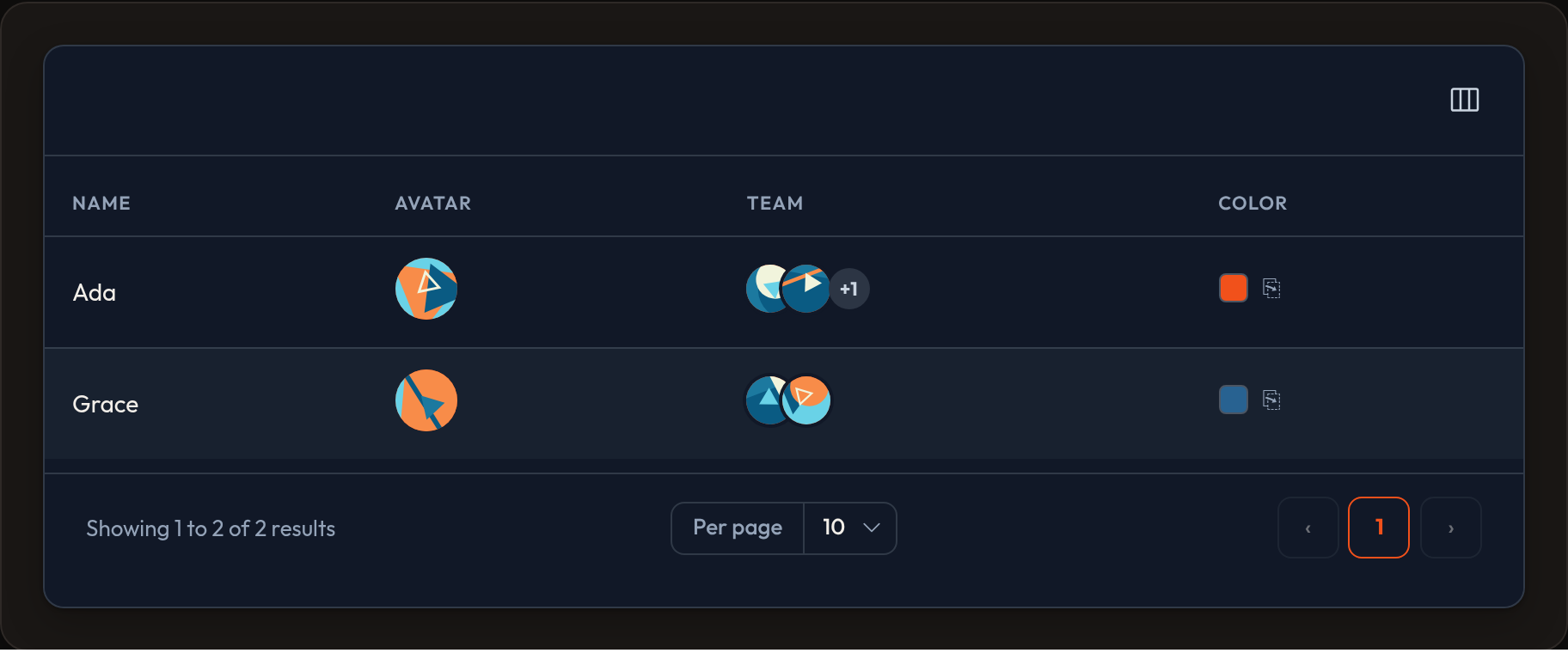
ImageColumn renders a URL (or list of URLs) as an image or avatar. Use .circular() for round masks, .stacked() for multiple images, and .default_image_url() when the value is missing.
Standalone example
Section titled “Standalone example”from almasix.orbit.tables import Table, TextColumn, ImageColumn
table = ( Table.make("people") .columns([ ImageColumn.make("avatar_url") .circular() .size(40) .default_image_url("/images/avatar-fallback.png"), TextColumn.make("name").searchable().sortable(), ImageColumn.make("gallery_urls").stacked().limit(3).circular().size(28), ]) .records([ { "id": 1, "name": "Ada", "avatar_url": "/avatars/ada.png", "gallery_urls": ["/a.png", "/b.png", "/c.png", "/d.png"], }, {"id": 2, "name": "No Photo", "avatar_url": None, "gallery_urls": []}, ]))A list state with .stacked() overlaps images; .limit(n) caps how many show before a +N chip.
In a Resource example
Section titled “In a Resource example”from almasix.orbit import Resourcefrom almasix.orbit.tables import Table, ImageColumn, TextColumn
class UserResource(Resource): @classmethod def table(cls, table: Table) -> Table: return table.columns([ ImageColumn.make("avatar") .label("") .circular() .size("md") .default_image_url("/vendor/orbit/avatar.svg"), TextColumn.make("name").searchable().sortable().weight("bold"), TextColumn.make("email").copyable(), ])Size notes
Section titled “Size notes”- Integer (or digit string) → inline
width/heightin px - Named token (
sm,md,lg) →or-avatar-*CSS class
ImageColumn.make("photo").size(48) # 48×48 pxImageColumn.make("photo").size("lg") # class-basedImageColumn.make("photo").circular() # round maskKey methods
Section titled “Key methods”.circular(condition=True)— round avatar.size(str | int)— pixels or size token.default_image_url(url)— fallback when state is empty.stacked(condition=True)— overlap multiple URLs.limit(count)— max faces in a stack (then+N).align_center()/.toggleable(...)
Preview
Section titled “Preview”